Password Reset Emails: The Security Risk Hiding in Plain Sight
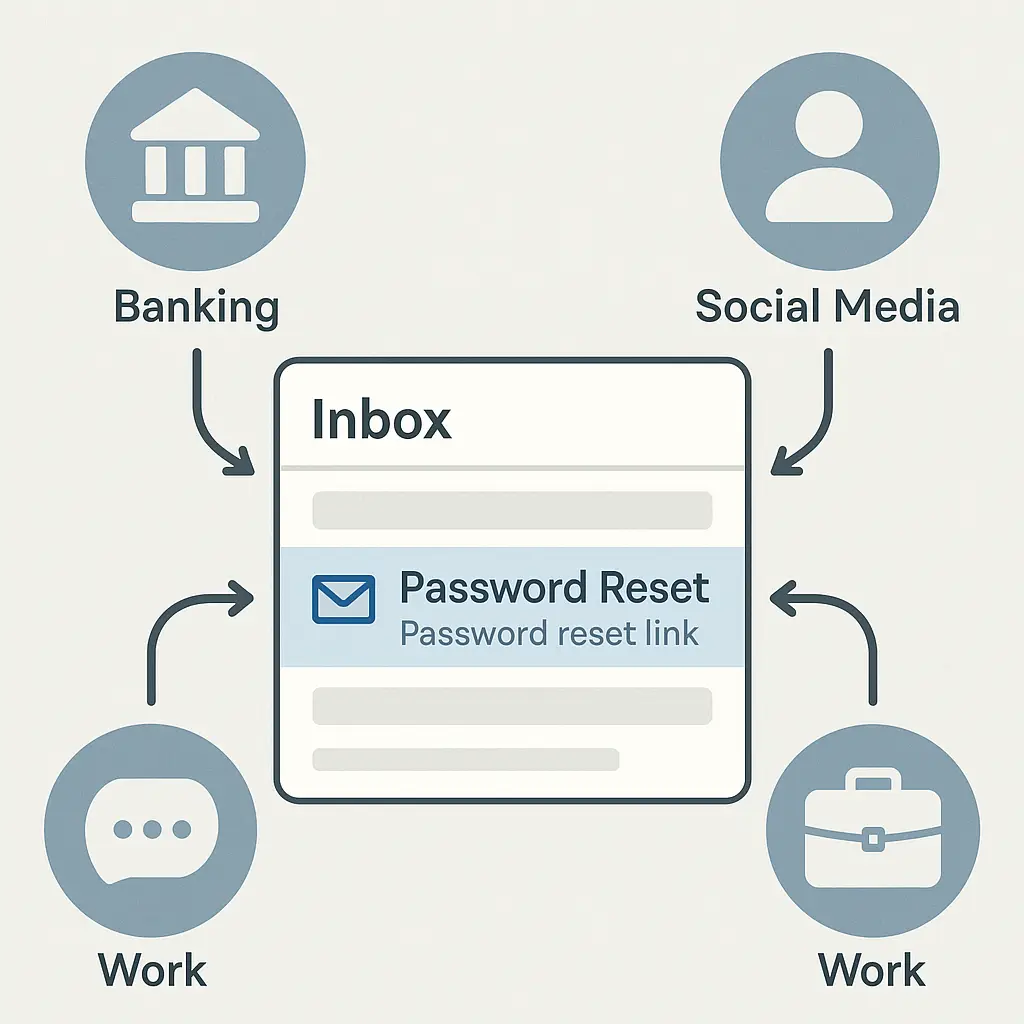
You set a strong password. You enabled two-factor authentication. You followed the rules. Then someone resets your password through email, and none of that matters.
Password reset emails are the mechanism that undoes security. They're designed as a convenience feature, but they function as a bypass. Here's how the system works, what makes it vulnerable, and what you can actually do about it.
The Reset Mechanism: How It Actually Works
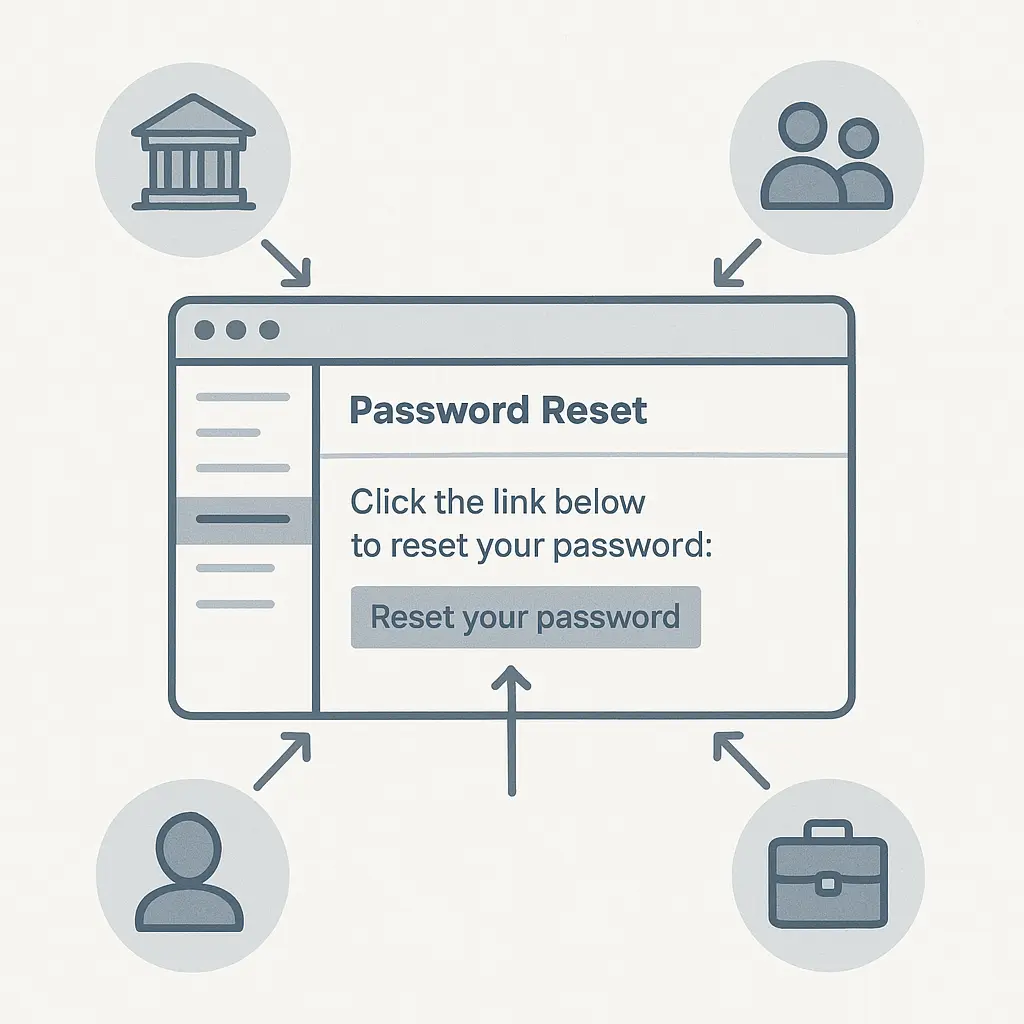
When you click "Forgot Password," the service generates a unique token, embeds it in a URL, and emails that link to the address on file. The token typically expires in 15 to 60 minutes. Click the link, set a new password, and you're back in.
The mechanism assumes email access proves identity. If you can read the email, you must be the account owner. That assumption breaks down when someone else controls your inbox.
The reset link contains everything needed to authenticate. No security questions. No verification beyond clicking. The token itself is the credential. Whoever holds the link holds the keys.
NIST's authentication guidelines describe this as "out-of-band" authentication. The theory is sound: proof of access to a separate channel demonstrates identity. The practice is weaker. Email wasn't designed as a secure authentication channel. It evolved into one because it's universal.
Most services send the reset link to the registered email address without additional checks. A few require you to answer security questions or provide the last four digits of a credit card. Most don't. The email is the verification.
This creates a single point of failure. Your email account becomes the master key to every service connected to it. Banking, social media, work accounts, subscriptions, shopping, healthcare , all accessible through one inbox.
Why Email Is the Weakest Link
Email predates modern security architecture. SMTP, the protocol that routes messages, was designed in 1982 for a network of trusted researchers. Authentication was an afterthought. Encryption wasn't part of the original specification.
Today's email infrastructure layers security on top of that foundation. TLS encrypts messages in transit. SPF, DKIM, and DMARC verify sender identity. Two-factor authentication protects account access. But the underlying protocol still treats messages as postcards, not sealed envelopes.
When you send a password reset email, it passes through multiple servers. Your email provider, the recipient's provider, and potentially intermediate relays. Each hop is a potential interception point. Most modern providers encrypt these connections, but "most" isn't "all."
Email accounts are also the most targeted. Attackers know that compromising email unlocks everything else. Credential stuffing attacks test stolen username-password pairs across services. If you reused your email password anywhere, and that site got breached, your email is vulnerable.
Phishing targets email constantly. A convincing fake login page for Gmail, Outlook, or Yahoo can harvest credentials in minutes. Once an attacker has your email password, they don't need to crack anything else. They just trigger resets.
SIM swapping is another vector. Attackers convince your mobile carrier to transfer your phone number to a SIM card they control. If your email account uses SMS-based two-factor authentication as a backup, they receive the codes. They reset your email password, then reset everything else.
The reset email itself is often indistinguishable from phishing. Legitimate password reset messages and phishing attempts look identical: a link, some urgency, a call to action. Users trained to avoid suspicious links face a genuine dilemma when they actually need to reset a password.
The Attack Sequence: What Happens After Email Compromise
An attacker gains access to your email. The method doesn't matter , phishing, credential stuffing, SIM swap, or something else. They're inside your inbox. Here's what happens next.
First, they search for accounts. Keywords like "welcome," "verify," "confirm," "account," and "subscription" surface registration emails. Each one reveals a service tied to your email address. Banking, shopping, social media, work tools, subscriptions.
They trigger password resets. For each discovered account, they click "Forgot Password" and enter your email address. The reset links arrive in your inbox. They see them. You don't, because they've already set up a filter to hide or delete incoming messages.
They change your email password. This locks you out. You can't see the reset emails. You can't trigger your own resets. You're cut off from the recovery mechanism.
They work through high-value targets first. Banking and financial accounts. Payment services like PayPal, Venmo, or Zelle. Cryptocurrency exchanges. Work email and collaboration tools. Anything with direct monetary value or access to sensitive data.
They change recovery settings. Email addresses, phone numbers, security questions. They replace your information with theirs. Even if you regain access to your email, you can't recover the other accounts without contacting support.
Some attackers move quickly. They drain accounts, make purchases, or transfer funds within hours. Others move slowly. They monitor email for weeks, gathering information, waiting for tax documents or financial statements. They build a profile before acting.
The entire sequence hinges on email access. That's the fulcrum. Everything else is leverage.
The Industry Perspective: Why Services Rely on Email Resets
Services use email-based password resets because the alternatives are worse.
Security questions are easily guessed or researched. Your mother's maiden name, your first pet, the street you grew up on , all of this is often public or semi-public information. Attackers scrape social media, public records, and data breaches to answer these questions.
SMS-based verification is vulnerable to SIM swapping. An attacker who controls your phone number receives the codes. CISA explicitly warns against SMS for authentication in high-security contexts.
Account recovery through customer support is slow, expensive, and inconsistent. It requires human judgment, which introduces error and social engineering risk. Attackers impersonate users convincingly. Support staff, under pressure to help, sometimes bypass verification steps.
Email resets scale. They're automated, instant, and require no human intervention. For a service with millions of users, that efficiency is essential. The security tradeoff is real, but the operational tradeoff is also real.
Some services layer additional verification on top of email resets. They send a code to your phone. They require you to verify from a known device or location. They ask for the last transaction amount or a recent login date. These steps add friction, but they also add security.
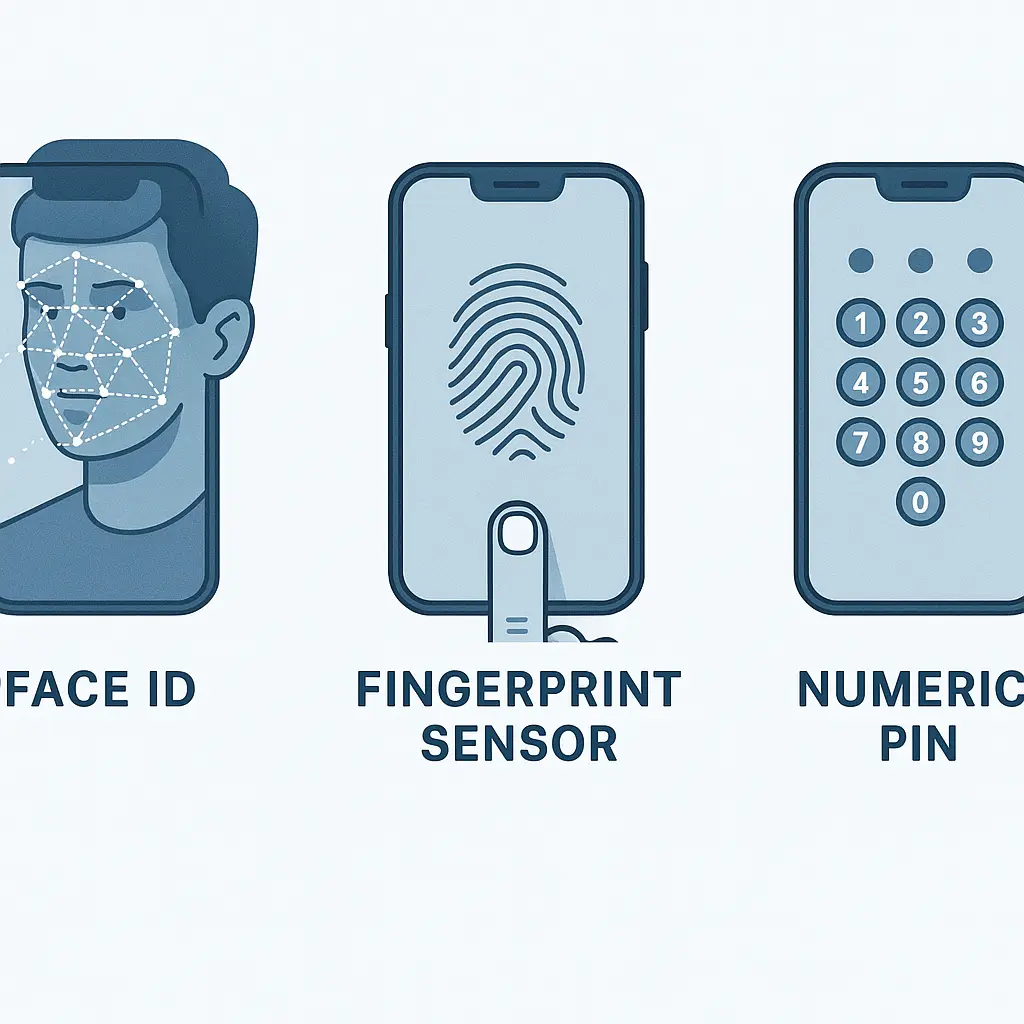
Two-factor authentication mitigates some of the risk. If your email account requires a second factor , an authenticator app, a hardware key, or a biometric , an attacker needs more than just your password. But many users don't enable 2FA. And some forms of 2FA, like SMS, are themselves vulnerable.
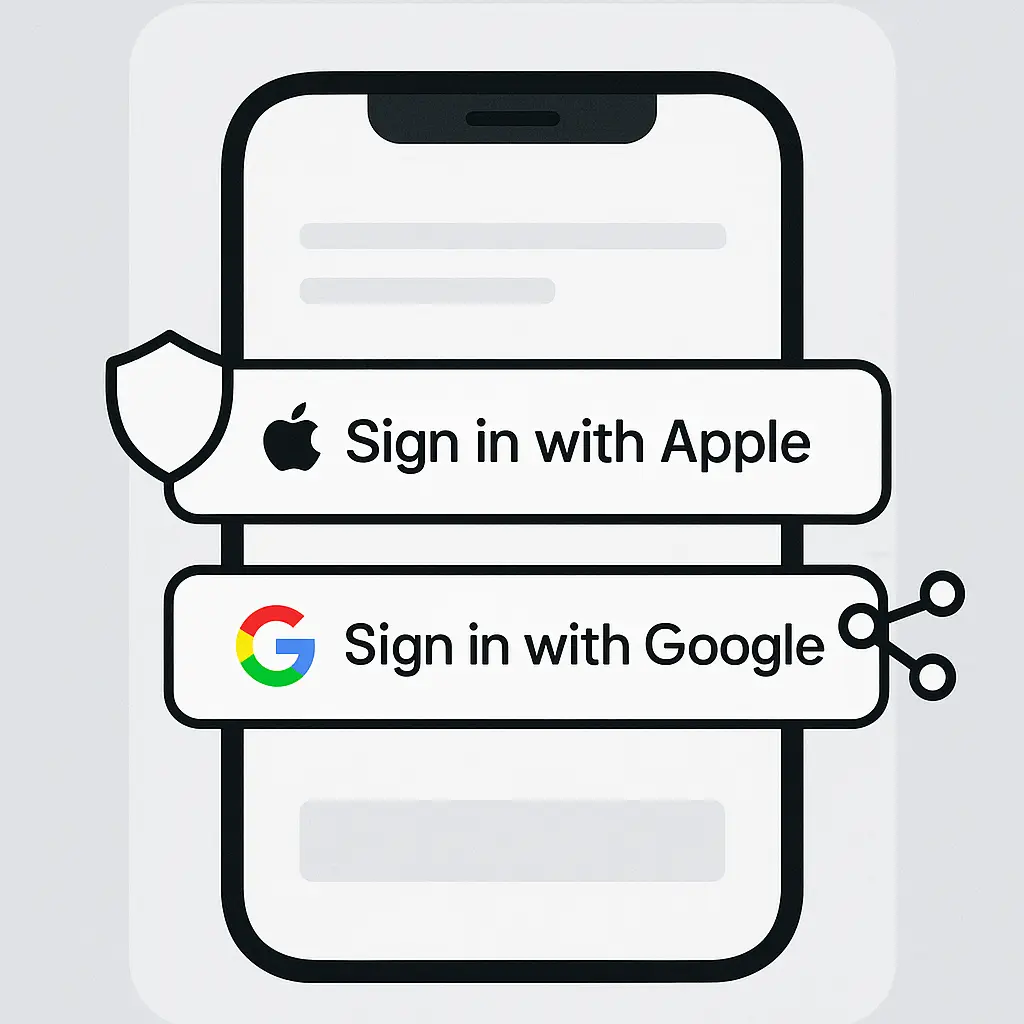
The industry is moving toward passkeys and other phishing-resistant authentication methods. These eliminate passwords entirely, replacing them with cryptographic keys tied to your device. Email-based resets become less relevant when there's no password to reset. But adoption is slow. Most services still rely on passwords, and most password systems still rely on email for recovery.
What You Can Actually Control
You can't eliminate email-based password resets. Services offer them, and you'll eventually need them. But you can reduce the risk.
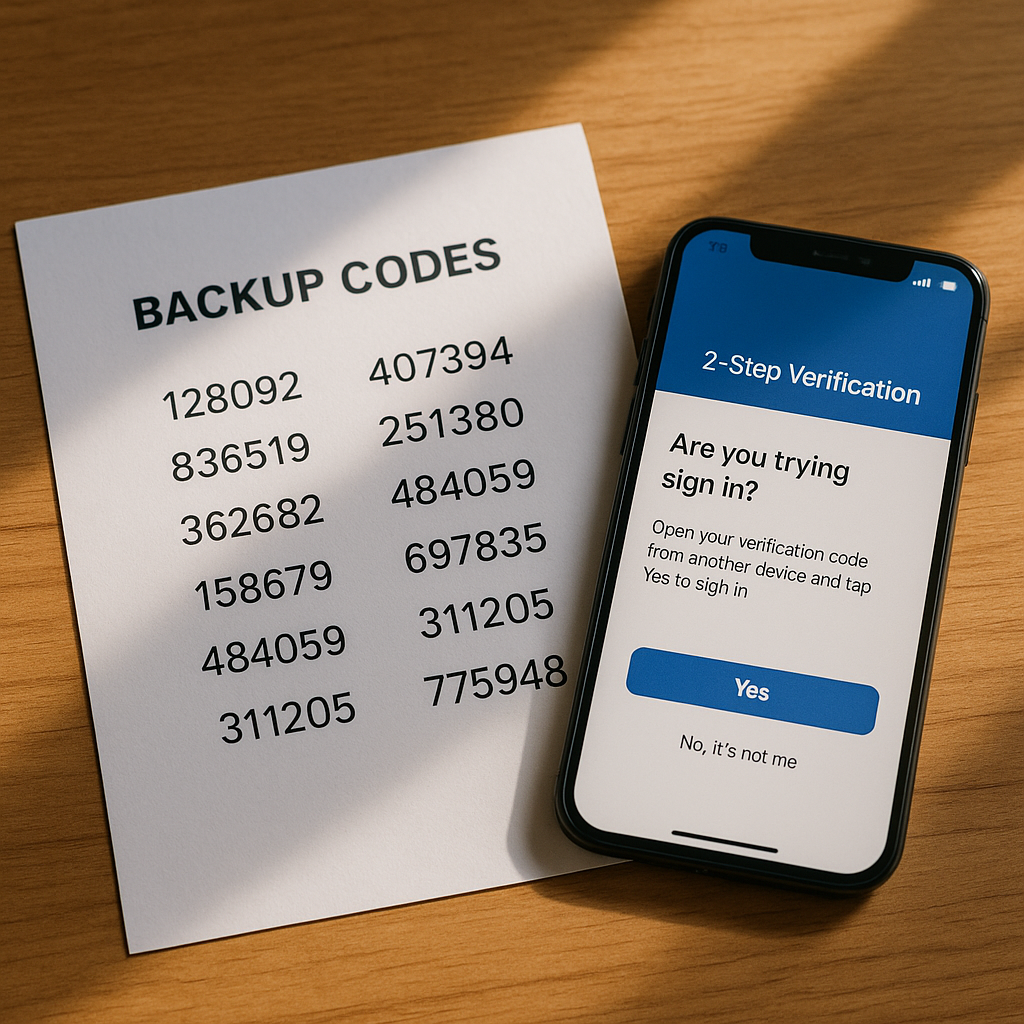
Secure your email account first. This is the foundation. Enable two-factor authentication. Use an authenticator app, not SMS. Google, Microsoft, and Yahoo all support app-based 2FA. Configure it.
Use a strong, unique password for your email. If you reuse that password anywhere, change it. A password manager generates and stores unique passwords for every account. Your email password should be one of them.
Monitor login activity. Gmail, Outlook, and Yahoo all show recent logins, including location and device. Check this regularly. If you see an unfamiliar login, act immediately. Change your password, revoke active sessions, and review account settings.
Use account recovery methods beyond email when available. Some services let you add a phone number, a secondary email, or a hardware security key as a recovery option. Configure multiple methods. If one is compromised, you have backups.
Consider a separate email for critical accounts. A dedicated address for banking, taxes, and healthcare reduces exposure. If that email never appears in data breaches or phishing attempts, attackers have a harder time targeting it. Use it only for high-value accounts. Don't use it for shopping, newsletters, or social media.
This approach creates operational friction. You now manage two inboxes. But the security benefit is real. An attacker who compromises your primary email can't access accounts tied to the secondary address.
Review and delete old accounts. Every dormant account tied to your email is a potential entry point. If you don't use a service anymore, delete the account. If deletion isn't possible, remove payment methods, change the password to something random, and disable notifications.
Be cautious with password reset emails. Legitimate resets and phishing attempts look identical. Before clicking, verify that you actually requested the reset. Check the sender address. Hover over the link to see the destination URL. If you didn't request a reset, don't click. Go directly to the service's website and change your password there.
Enable login alerts. Many services notify you by email or app when someone logs in from a new device or location. Enable these alerts. If you receive one unexpectedly, investigate immediately.
Use a password manager's breach monitoring. Tools like NordPass scan data breaches for your email address and alert you when your credentials appear. This gives you advance warning to change passwords before attackers exploit them.
The Cultural Reference: ER and the Single Point of Failure
In ER, the emergency room runs on protocols. Triage, treatment, documentation , every step follows a system designed to handle chaos. But when the system breaks, everything stops.
In one episode, the hospital's computer network goes down. Patient records, test results, medication orders , all inaccessible. The staff reverts to paper charts and phone calls. The workflow slows to a crawl. Critical information gets lost. The system's efficiency becomes its vulnerability.
Email-based password resets are the same dynamic. The mechanism is efficient. It scales. It works most of the time. But when it fails , when someone compromises your email , the entire system collapses. Every account tied to that email becomes accessible. The single point of failure cascades.
The solution in ER is redundancy. Backup systems. Paper charts. Cross-trained staff. When one system fails, another takes over. The same principle applies here. Multiple recovery methods. Separate email addresses for critical accounts. Two-factor authentication that doesn't rely on email alone.
You can't eliminate the single point of failure entirely. But you can build redundancy around it.
The Broader Context: Email as Identity
Email evolved into an identity layer by accident, not design. Services needed a way to identify users. Email was universal, unique, and already in use. It became the default.
This created a dependency. Your email address is your username, your recovery mechanism, and your contact point. It's tied to banking, healthcare, work, social media, shopping, subscriptions, and utilities. Lose control of your email, and you lose control of everything connected to it.
The industry is slowly moving away from this model. Passkeys and decentralized identity systems aim to separate authentication from email. But adoption is slow. Most services still rely on email as the primary identifier.
In the meantime, email remains the weakest link. Password reset emails are a convenience feature that functions as a security bypass. They're not going away. The best you can do is secure the foundation and build redundancy around it.
Your email account is the master key. Treat it like one.