Password Expiration Policies: Outdated Security Theater
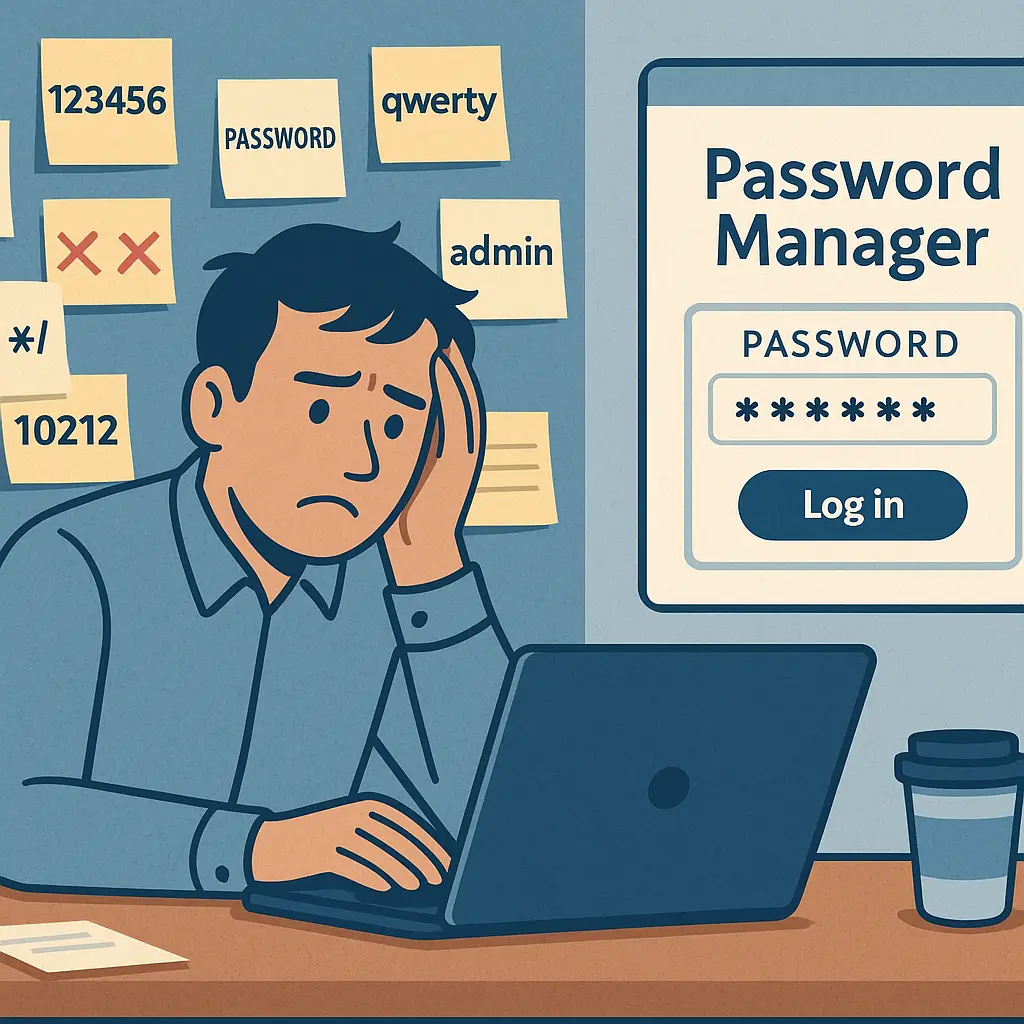
Your IT department sends the email every 90 days: "Your password will expire in 7 days. Please update your password."
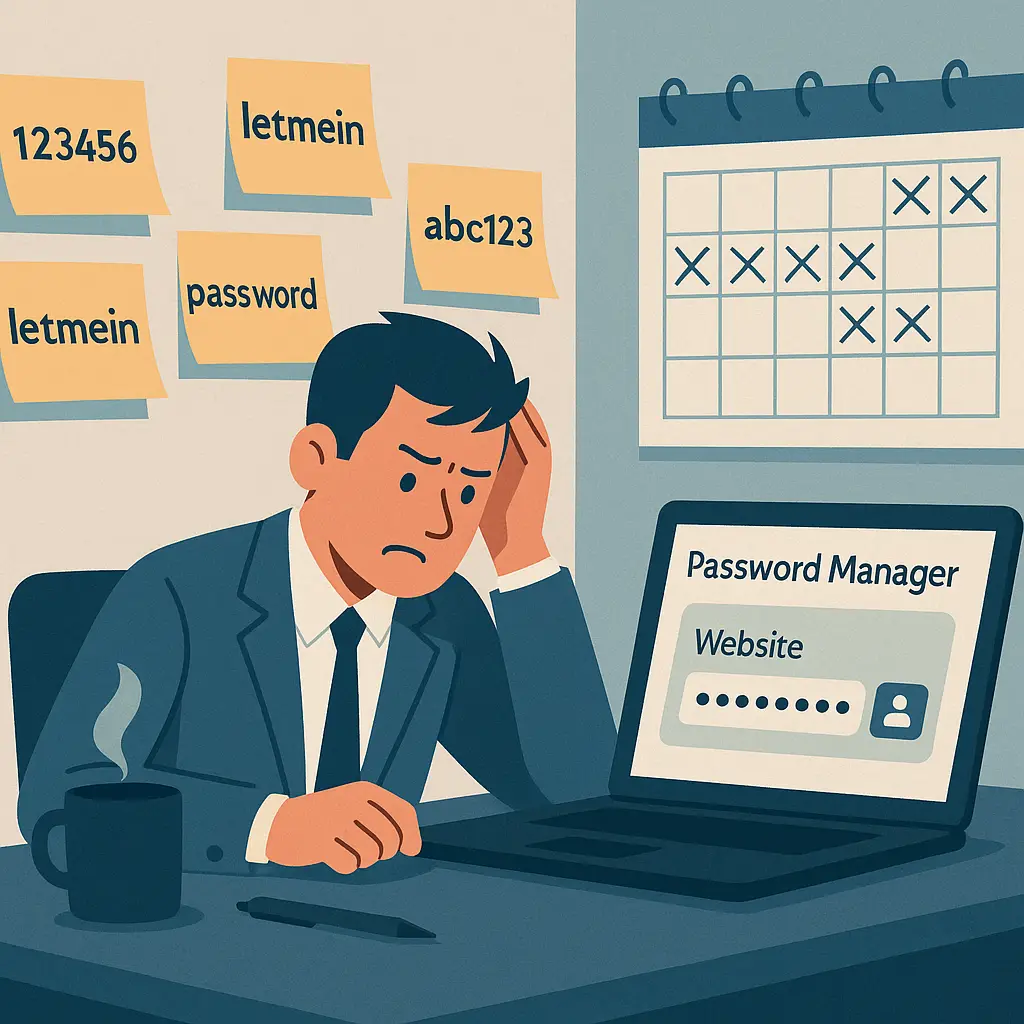
You groan. You open the password change form. You take your current password , Winter2026! , and increment it to Spring2026!. You write it on a sticky note. You stick it under your keyboard.
This is security theater. The policy promises protection but delivers weaker passwords, user frustration, and no meaningful defense against the attacks that actually threaten your accounts.
Here's what the research says, why the policy persists, and what to do instead.
The origin story: why 90 days became gospel
Password expiration policies emerged in the 1980s and 1990s, when the threat model was different. Attackers who compromised a password typically had physical access to a system or intercepted credentials through network sniffing. The theory: if you change your password every 90 days, you limit the window an attacker can exploit stolen credentials.
The logic made sense in that context. If an attacker grabbed your password on day 1, they had 89 days to use it before it stopped working. Forced rotation created a moving target.
But the threat model changed. Modern attacks don't wait 89 days. Credential stuffing tests stolen passwords within hours of a breach. Phishing attacks use credentials immediately. Ransomware operators move fast. The 90-day rotation doesn't stop any of these.
What it does create: predictable patterns. Users don't generate random passwords every 90 days. They increment. Summer2025! becomes Fall2025!. Password1 becomes Password2. Attackers know this. Password-cracking tools account for it. The rotation policy turns strong passwords into weak ones.
What NIST actually says
NIST's Digital Identity Guidelines , the federal standard for authentication , explicitly recommend against mandatory periodic password changes. The 2017 update removed the requirement. The 2024 draft reaffirms it.
From the guidelines: "Verifiers SHOULD NOT require memorized secrets to be changed arbitrarily (e.g., periodically). However, verifiers SHALL force a change if there is evidence of compromise of the authenticator."
Translation: don't make users change passwords on a schedule. Only force a change when you have evidence the password leaked.
Why the shift? Research showed that forced rotation created weaker passwords, increased password reuse across accounts, and drove users to write passwords down in insecure locations. The security cost outweighed the theoretical benefit.
CISA echoes this guidance. Their small business security recommendations focus on password strength, uniqueness, and multi-factor authentication , not rotation schedules.
The policy that once defined password security is now explicitly discouraged by the organizations that set security standards.
The predictable pattern problem
When you force users to change passwords every 90 days, you don't get 90 days of randomness. You get incremental modifications.
Here's what happens in practice. A user starts with July2025!. Three months later, they change it to October2025!. Three months after that: January2026!. The pattern is obvious. The password is predictable. An attacker who cracks one password in the sequence can guess the rest.
Password-cracking tools exploit this. They test common patterns: sequential numbers, season names, month names, year increments. The forced rotation policy trains users to adopt exactly the patterns that cracking software expects.
In Friends, Ross creates the password Chandler for his computer, then changes it to Chanandler Bong when forced to update it. The joke lands because it's true: people modify existing passwords rather than generating new ones. The rotation policy doesn't improve security. It codifies predictability.
Some organizations try to prevent this by blocking passwords that are too similar to previous passwords. The system checks for patterns, rejects Spring2026! if your last password was Winter2026!. This sounds good. In practice, it drives users to more complex incremental patterns that are harder to remember but still predictable to attackers.
The fundamental problem: humans are bad at generating randomness on demand every 90 days. Forced rotation asks for behavior that doesn't match how memory works.
The real threats don't wait 90 days
Modern credential theft operates on a different timeline. When a database breach exposes passwords, attackers test them immediately. Credential stuffing bots try stolen passwords across thousands of sites within hours. The 90-day rotation window is irrelevant.
Phishing attacks use credentials the moment they're entered. You type your password into a fake login page. The attacker logs into your real account seconds later. Whether you were planning to change your password in 30 days or 60 days doesn't matter. The damage happens now.
Keyloggers capture passwords as you type them. Malware exfiltrates password manager databases. Social engineering tricks you into revealing credentials over the phone. None of these attacks are stopped by a password that expires in three months.
The threat model that justified 90-day rotation , an attacker with a stolen password waiting patiently to exploit it , doesn't describe how attacks happen in 2026. Attackers move fast. Rotation schedules move slow.
What does stop these attacks: unique passwords for every account, so a breach at one site doesn't compromise others. Two-factor authentication, so a stolen password alone isn't enough. Breach monitoring, so you know when credentials leak. These defenses work regardless of when you last changed your password.
The compliance inertia problem
If the research says rotation doesn't work, and NIST says don't do it, why do so many organizations still require 90-day password changes?
Compliance frameworks. Many industry regulations , PCI-DSS for payment card data, HIPAA for healthcare, older versions of SOC 2 , included password expiration requirements. Organizations built policies to meet those standards. The policies became entrenched.
Even as the standards evolved, the policies stayed. Updating a security policy requires committee approval, executive sign-off, and communication across the organization. It's easier to leave the 90-day rule in place than to justify removing it, even when the justification is "NIST says it's counterproductive."
Some compliance auditors still expect to see password expiration policies. They're checking a box from an outdated framework. Organizations comply to pass the audit, not because the policy improves security.
This creates a gap between what security professionals know works and what organizations actually implement. The research is clear. The standards have changed. The policies haven't caught up.
What actually works: the alternative framework
If you're not changing passwords every 90 days, what do you do instead?
Use unique passwords for every account. This is the single most important password practice. When your password for Site A is different from your password for Site B, a breach at Site A doesn't compromise Site B. Password reuse turns one breach into a skeleton key. Uniqueness contains the damage.
You cannot remember unique passwords for 50+ accounts. Use a password manager. NordPass generates random passwords, stores them encrypted, and fills them automatically. You remember one strong master password. The manager handles the rest.
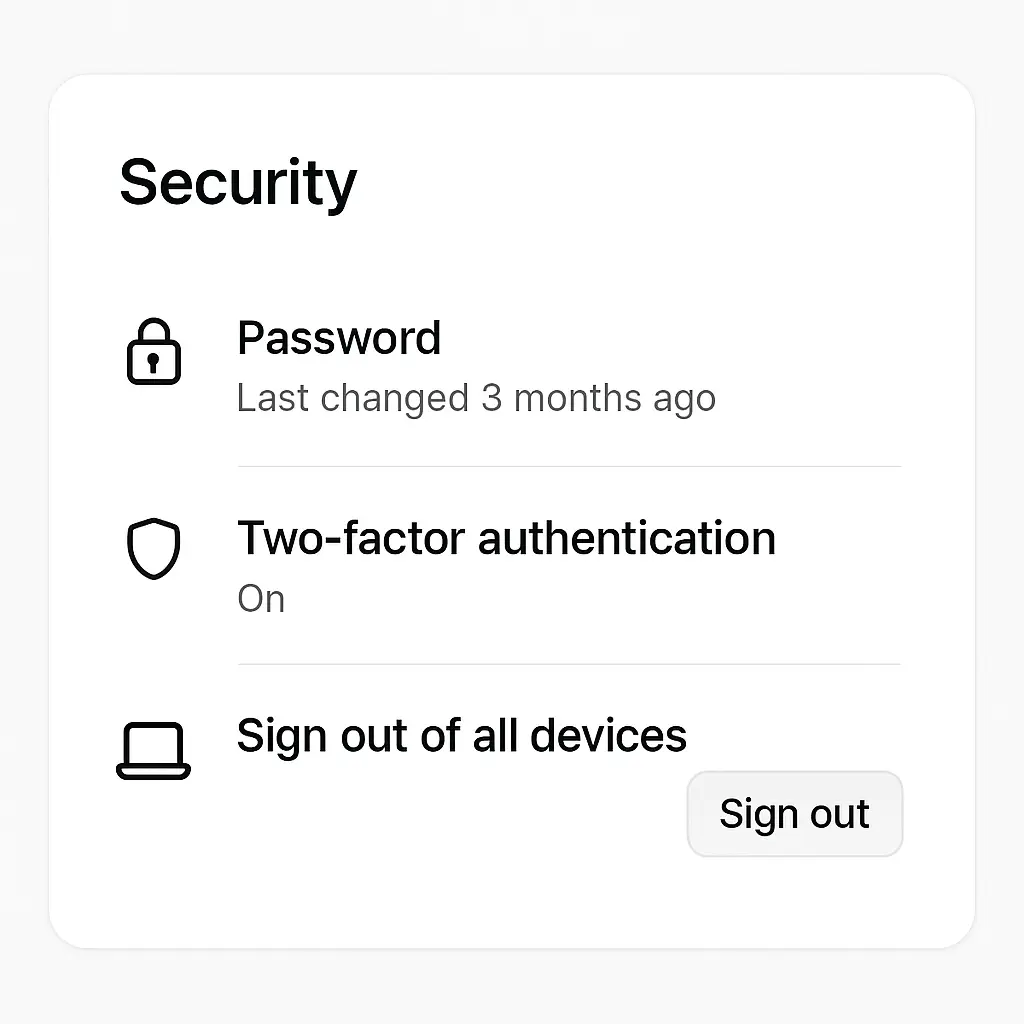
Enable two-factor authentication on every account that offers it. 2FA requires a second factor beyond your password , a code from an app, a hardware key, a biometric scan. Even if your password leaks, the attacker can't log in without the second factor. CISA explicitly recommends this as a core security control.
Change your password when there's evidence of compromise. If a service notifies you of a breach, change your password immediately. If you've shared your password with someone you shouldn't have, change it. If you see account activity you didn't authorize, change it. React to evidence, not to a calendar.
Monitor for breaches. Use a service like Have I Been Pwned to check if your email or passwords appeared in known breaches. When you find exposure, you know which passwords to change. This is targeted response, not blanket rotation.
Make your passwords long. Length beats complexity. A 16-character passphrase of random words is stronger than an 8-character password with symbols. NIST recommends at least 8 characters, but longer is better. Password managers make length free , you're not typing it manually.
This framework addresses the actual threats. Unique passwords stop credential stuffing. Two-factor authentication stops phishing. Breach monitoring tells you when to act. Length makes brute-force attacks impractical.
None of this requires changing passwords every 90 days.
The organizational shift: moving away from expiration
If you're responsible for password policy at your organization, here's how to move away from forced expiration without creating chaos.
Start with the research. Point to NIST's guidelines. Quote the recommendation against periodic changes. Show that the standard-setting body explicitly advises against the policy you're currently enforcing. This isn't a radical idea. It's mainstream security guidance.
Emphasize what you're adding, not what you're removing. Don't frame this as "we're making security weaker by removing password expiration." Frame it as "we're replacing an outdated control with stronger ones." Require unique passwords. Mandate two-factor authentication. Deploy a password manager. These are positive changes that measurably improve security.
Pilot the change with a small group. Remove the expiration requirement for one team. Track password strength, account compromises, helpdesk tickets. Compare the pilot group to the rest of the organization. When the pilot group shows no increase in compromises and a decrease in helpdesk calls, you have data to support broader rollout.
Communicate the reasoning. Users have been trained to expect 90-day password changes. When you remove the requirement, explain why. Send an email. Hold a meeting. Make it clear this isn't laziness , it's alignment with current security standards. Give users permission to stop incrementing Spring2026!.
Update compliance documentation. If your auditors expect password expiration, show them the NIST guidelines. Show them that modern compliance frameworks (PCI-DSS 4.0, for example) have moved away from mandatory rotation. Update your security policy to reflect current standards.
This isn't a quick change. Security policy moves slowly. But the direction is clear: forced password expiration is outdated. Organizations that still enforce it are following inertia, not evidence.
The personal decision: what to do right now
You probably don't control your organization's password policy. You're stuck with the 90-day expiration email. Here's what you can do within those constraints.
Don't increment predictably. If you must change your password every 90 days, don't go from Winter2026! to Spring2026!. Generate a new random password each time. Use your password manager to create it. This defeats the pattern-matching that makes rotation policies weak.
Use a password manager. If you're not already using one, start now. NordPass, Bitwarden, 1Password, and others all generate strong passwords and store them securely. The manager remembers your rotated passwords. You don't have to.
Enable 2FA everywhere you can. Your workplace might not support it, but your personal accounts do. Two-factor authentication adds a layer that password rotation can't match.
Don't reuse passwords across accounts. This is non-negotiable. If your work password is CompanyName2026!, your personal email password should be completely different. A breach at work shouldn't compromise your personal life.
Push back when you can. If you're in a position to influence policy, point your security team to the NIST guidelines. Share this article. Ask why the organization still enforces a control that the federal government explicitly recommends against. Change happens when people ask questions.
You can't fix outdated policies overnight. But you can protect yourself within them.
The future: where password policy is headed
Password expiration policies are dying, but the death is slow. Organizations move at institutional speed. Compliance frameworks lag behind research. Inertia is powerful.
But the direction is clear. NIST removed the expiration requirement in 2017. CISA's guidance doesn't mention it. The EFF's password advice focuses on managers and uniqueness, not rotation. Security professionals broadly agree: forced expiration creates more problems than it solves.
The next frontier: passwordless authentication. Passkeys use cryptographic keys instead of memorized secrets. You authenticate with a fingerprint, a face scan, a hardware token. There's nothing to rotate because there's no password to change. This eliminates the expiration debate entirely.
Passkeys aren't universal yet. Most sites still require passwords. But adoption is growing. Microsoft, Google, Apple, and others are building passkey support into their platforms. When passkeys become the default, password policies , expiration and otherwise , become obsolete.
Until then, we're stuck in the transition. Some organizations still enforce 90-day changes. Others have moved to evidence-based rotation. A few have adopted passkeys. The inconsistency is frustrating, but it's the reality of security in 2026.
The good news: you don't have to wait for your organization to catch up. Use a password manager. Enable 2FA. Make your passwords unique. These practices work regardless of what policy your IT department enforces.
The bottom line
Password expiration policies promise security but deliver weaker passwords, user frustration, and no defense against modern attacks. The research is clear. The standards have changed. The policy persists because of inertia, not evidence.
You should change your password when there's evidence of compromise , a breach notification, suspicious activity, a shared credential you regret. You should not change your password because 90 days passed.
Use unique passwords for every account. Enable two-factor authentication. Use a password manager to track it all. These practices stop credential stuffing, phishing, and account takeovers. Rotating Spring2026! to Summer2026! stops nothing.
If you control password policy, align with NIST. Remove the expiration requirement. Replace it with controls that address actual threats. If you don't control policy, protect yourself within the constraints. Generate random passwords when forced to rotate. Use a manager to remember them. Enable 2FA everywhere you can.
The 90-day password change is outdated security theater. The sooner we move past it, the better.