What Metadata Reveals About You: The Hidden Data Trail
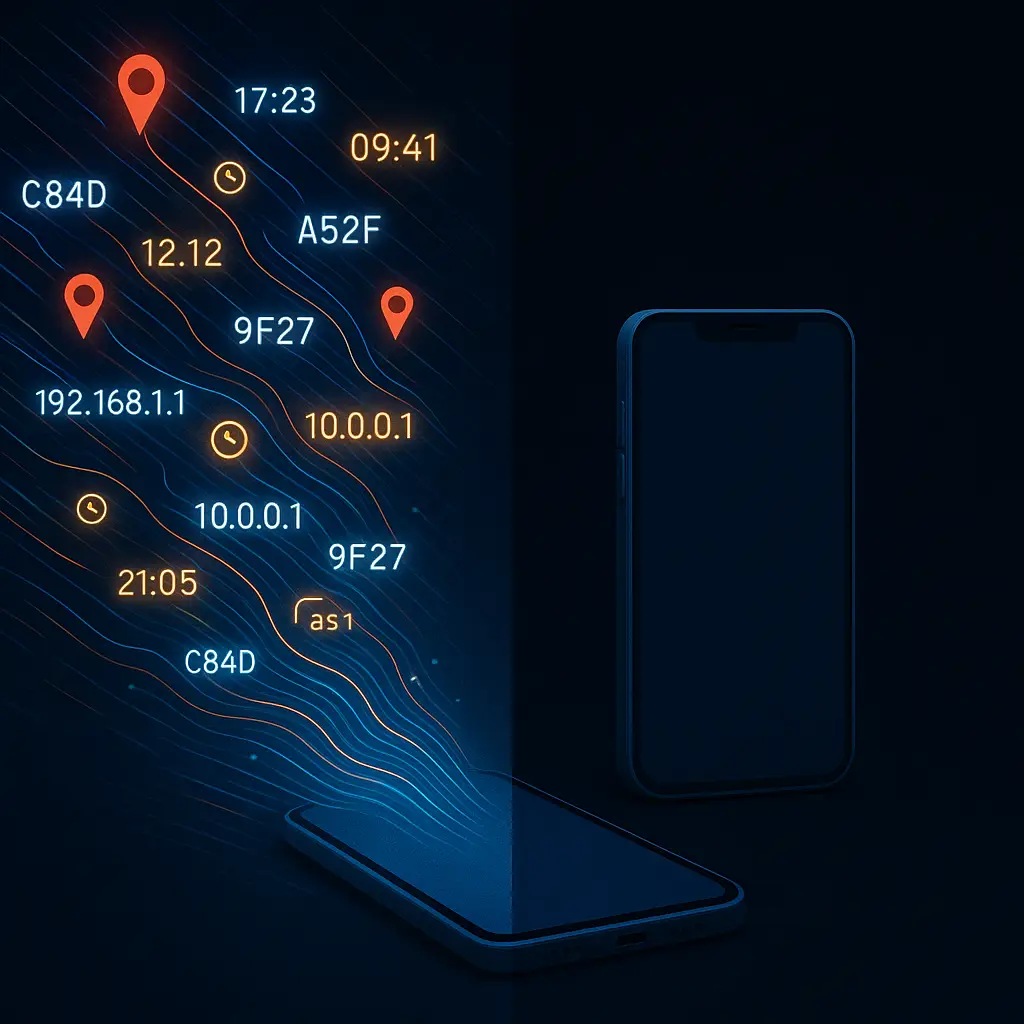
You send a text. The message itself says "running late." That's the content. The metadata is everything else: the timestamp showing you sent it at 8:47 AM, the cell tower ID placing you three miles from work, the device identifier proving it came from your phone, the recipient's number, the message length, and the protocol used to deliver it.
The content is what you said. The metadata is the context that surrounds it. And in 2026, that context often reveals more than the words themselves.
What metadata actually includes
Metadata isn't a single thing. It's dozens of data points generated every time you use a device, send a message, take a photo, or connect to a network.
Communication metadata includes sender and recipient identifiers (phone numbers, email addresses, usernames), timestamps for when messages were sent and received, message size, delivery status, IP addresses for both parties, and the type of connection used (cellular, WiFi, VPN).
Location metadata includes GPS coordinates embedded in photos, WiFi network names and MAC addresses your phone detects, cell tower IDs your phone connects to, Bluetooth beacon identifiers from nearby devices, and the sequence of locations over time that creates a movement pattern.
Device metadata includes your phone's unique identifier (IMEI), operating system version, installed app list, screen resolution, battery level, available storage, device model, and language settings. Websites collect this through browser fingerprinting. Apps collect it through permissions.
File metadata includes creation date, modification date, author name, camera model and settings for photos, GPS coordinates for photos taken with location enabled, edit history for documents, and software version used to create the file.
Every digital action generates metadata. The question isn't whether it exists, it's who collects it, what they do with it, and what you can control.
Why metadata matters more than content
In 2013, NSA General Michael Hayden said, "We kill people based on metadata." He wasn't being metaphorical. The statement referred to drone targeting decisions made using phone metadata, call patterns, location history, contact networks, without ever listening to the actual conversations.
Metadata reveals patterns. Content reveals moments. Patterns are often more valuable.
If I read your text messages, I know what you said today. If I read your metadata, I know who you talk to regularly, when you're awake, where you go, who you meet, and how your behavior changes over time. I can infer relationships, predict movements, and identify anomalies without reading a single word.
Researchers have demonstrated that metadata alone can identify your closest friends, your work schedule, your political leanings, your health conditions, and your financial stress. One Stanford study showed that phone metadata could reveal when someone was job hunting, dealing with a medical issue, or planning to buy a gun, all without accessing call content.
The Supreme Court recognized this in Carpenter v. United States (2018), ruling that accessing cell tower location records constitutes a search under the Fourth Amendment. The court acknowledged that this metadata creates "a detailed chronicle of a person's physical presence compiled every day, every moment, over several years."
But that ruling applies narrowly to law enforcement obtaining historical cell tower data. It doesn't protect you from the dozens of companies collecting similar metadata through apps, websites, and services you use voluntarily.
The legal gap between content and metadata
In the United States, the legal protection for message content is stronger than the protection for metadata. This distinction matters.
The Electronic Communications Privacy Act (ECPA) requires law enforcement to obtain a warrant before intercepting the content of your communications. That's a Fourth Amendment search. Courts have generally upheld this standard for email content, text messages, and phone call audio.
But metadata receives weaker protection. Under the Stored Communications Act (part of ECPA), law enforcement can obtain many types of metadata with a subpoena or court order, a lower standard than a warrant. They don't need probable cause. They need relevance to an investigation.
The third-party doctrine complicates this further. Information you voluntarily share with a third party, like your phone company, email provider, or app developer, loses some Fourth Amendment protection. Courts have historically ruled that you have no reasonable expectation of privacy in information you've already disclosed to someone else.
That doctrine was established in the 1970s, before smartphones, before the internet, before every app on your phone collected metadata as a condition of use. Carpenter narrowed the doctrine slightly for cell tower records, but it didn't eliminate it. Most metadata you generate through apps, websites, and services falls outside Carpenter's scope.
Europe's General Data Protection Regulation (GDPR) treats metadata as personal data, giving it the same protections as content. The European Data Protection Board has issued guidance clarifying that metadata about communications, who, when, where, how long, qualifies as personal data subject to GDPR's consent and transparency requirements.
American companies operating in Europe must comply with GDPR when processing European users' metadata. American companies operating in the United States face no equivalent federal requirement. Some state laws, California's CCPA, Virginia's CDPA, create limited metadata protections, but the patchwork is incomplete.
What end-to-end encryption protects (and what it doesn't)
End-to-end encryption protects message content. It does not protect metadata.
When you send a Signal message, the content is encrypted on your device and decrypted only on the recipient's device. Signal's servers relay the encrypted message but cannot read it. That's end-to-end encryption working as designed.
But Signal's servers still see that you sent a message to a specific recipient at a specific time. They see message size. They see your IP address when you connect. They see how often you use the app. That's metadata, and encryption doesn't hide it.
Signal minimizes metadata collection more aggressively than most platforms. They don't store message timestamps on their servers. They use sealed sender to hide the sender's identity from their own infrastructure when possible. They've published detailed explanations of what they can and cannot see.
But they still see some metadata. And anyone monitoring the network, your ISP, a government agency, someone operating a compromised router, sees additional metadata: when you connect to Signal's servers, how much data you transfer, and the pattern of your connections.
WhatsApp uses the same Signal Protocol for encryption, but Meta (WhatsApp's owner) collects far more metadata. They store who you message, when, how often, and for how long. They link that metadata to your Facebook account if you have one. They use it for advertising and analytics. The message content stays encrypted, but the metadata feeds Meta's surveillance infrastructure.
iMessage encrypts content end-to-end, but Apple stores metadata about who you message and when. They've provided that metadata to law enforcement in response to subpoenas. The content stays private. The context does not.
Telegram markets itself as secure, but most chats aren't end-to-end encrypted by default. Even in Secret Chats (which are encrypted), Telegram's centralized architecture means the company controls the servers and sees metadata for all connections.
The pattern holds across encrypted platforms: content is protected, metadata is not. If you want privacy, you need to care about both.
Metadata in photos: more than you think
Every photo you take with a smartphone contains EXIF data, metadata embedded in the image file. This includes the date and time the photo was taken, the camera model, lens settings (aperture, shutter speed, ISO), and often GPS coordinates showing exactly where you were standing when you pressed the shutter.
Social media platforms strip some EXIF data when you upload photos, but not all platforms do this, and not all data gets removed. Even when GPS coordinates are stripped, other metadata remains: the camera model can reveal what phone you own, timestamps can confirm your location through other means, and patterns across multiple photos can reveal routines.
In 2012, John McAfee (the antivirus software founder turned fugitive) posted a photo to a blog while hiding from authorities in Belize. The photo's EXIF data contained GPS coordinates. Journalists found him within hours. McAfee later claimed the metadata was intentionally planted, but the episode demonstrated how easily location metadata in photos exposes people who think they're hidden.
Protesters, journalists, and activists face specific risks from photo metadata. A photo taken at a protest can reveal not just that you were there, but exactly where you stood, what time you arrived, and what device you used. That metadata can be subpoenaed, leaked, or scraped by anyone who obtains the original file.
You can strip EXIF data before sharing photos. Tools exist for every platform, desktop apps, mobile apps, web services. But the default is to preserve metadata, and most people don't think to remove it.
The metadata trail your phone leaves constantly
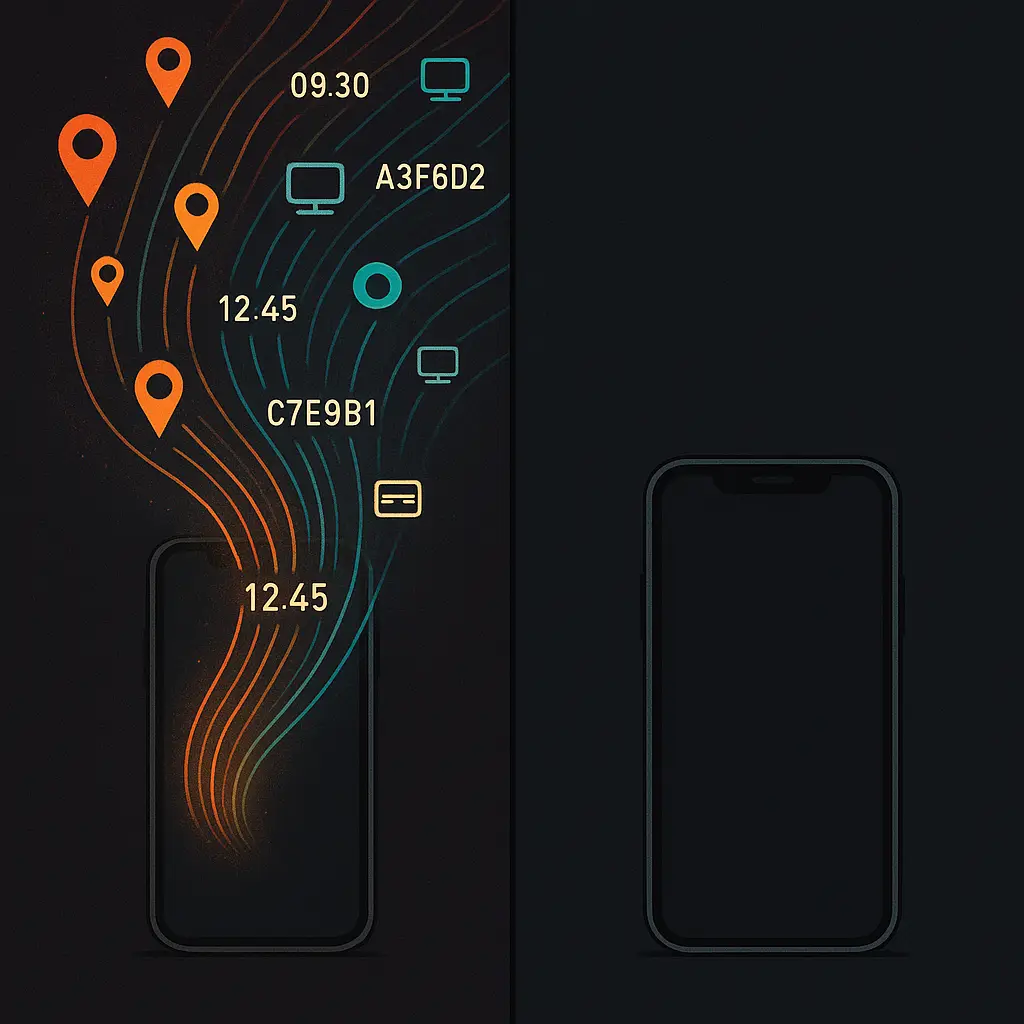
Your phone generates metadata even when you're not actively using it. The device constantly scans for WiFi networks, checks in with cell towers, broadcasts Bluetooth signals, and pings app servers for updates. Each action creates a record.
WiFi scanning happens automatically unless you disable it in settings. Your phone broadcasts probe requests looking for networks it's connected to before. Those requests contain your device's MAC address, a unique identifier. Anyone operating a WiFi access point can log those requests and track your movements.
Retailers use this for foot traffic analysis. They place sensors that detect WiFi probe requests from passing phones, log the MAC addresses, and build profiles of how often you visit, how long you stay, and what path you take through the store. You don't need to connect to their network. Your phone's background WiFi scanning does the work.
Cell tower connections create location records held by your carrier. Every time your phone connects to a tower, the carrier logs the tower ID, the timestamp, and your device identifier. This data is routinely provided to law enforcement, sold to data brokers, and used for targeted advertising.
Bluetooth beacons are small transmitters placed in stores, airports, and public spaces. They broadcast unique identifiers. When your phone's Bluetooth is enabled, it detects these beacons and apps with Bluetooth permissions can use them to determine your precise location indoors, where GPS often fails.
App background activity generates metadata even when apps aren't open. Apps check for notifications, sync data, report analytics, and refresh content. Each connection reveals your IP address, device ID, and activity pattern. Some apps report location. Some report battery level. Some report what other apps you have installed.
The cumulative effect is a detailed, continuous record of where you are, what you're doing, and who you're near, all generated as metadata, all collected by multiple parties, all outside the protection that applies to message content.
What companies do with metadata
Companies collect metadata for analytics, advertising, fraud detection, product improvement, and because they can. The data has value. They sell it, trade it, or use it to build profiles.
Advertising platforms use metadata to target ads. They don't need to know what you said in a message. They need to know who you talk to, what apps you use, where you go, and how your behavior correlates with purchasing decisions. Metadata provides all of that.
Data brokers aggregate metadata from dozens of sources, apps, websites, public records, purchase histories, and sell access to anyone willing to pay. They build profiles linking your device IDs, email addresses, phone numbers, and physical addresses into a unified identity. The profiles include location history, app usage, browsing behavior, and inferred demographics.
Retailers use metadata to optimize pricing, inventory, and store layouts. They track how long you spend in each aisle, what time of day you shop, and whether you're a repeat visitor. They correlate that with purchase data to predict what you'll buy next.
Service providers use metadata for fraud detection and network optimization. Your bank analyzes transaction metadata, time, location, device, to flag unusual activity. Your phone carrier analyzes connection metadata to manage network load. These uses are often legitimate, but they require collecting and retaining metadata about your behavior.
The Federal Trade Commission has brought enforcement actions against companies that misuse metadata, but enforcement is reactive and limited. The FTC can penalize deceptive practices and unfair data handling, but it cannot prohibit metadata collection outright. Most metadata collection is legal, disclosed in privacy policies, and beyond the FTC's reach.
The metadata you can control (and the metadata you can't)
You cannot eliminate metadata. You can reduce how much you generate and limit who collects it.
Disable WiFi and Bluetooth scanning when you're not using them. On iPhone: Settings → Privacy & Security → Location Services → System Services → turn off WiFi Networking and Bluetooth. On Android: Settings → Location → WiFi and Bluetooth scanning → disable both. This stops your phone from broadcasting probe requests and detecting beacons when the radios are off.
Turn off location access for apps that don't need it. On iPhone: Settings → Privacy & Security → Location Services → review each app. On Android: Settings → Location → App location permissions → review each app. Set most apps to "Never" or "Ask every time." The fewer apps with location access, the less location metadata you generate.
Use a VPN to hide your IP address from websites and apps. A VPN routes your traffic through an encrypted tunnel to a server operated by the VPN provider. Websites see the VPN server's IP address, not yours. But the VPN provider sees all your connection metadata, what sites you visit, when, and how much data you transfer. Choose a provider with a verified no-logs policy. Mozilla's privacy principles emphasize transparency and user control, which are useful criteria when evaluating any privacy tool.
Strip EXIF data from photos before sharing. On iPhone, the Photos app removes location data when you share via certain methods, but not all. On Android, behavior varies by app. Use a dedicated EXIF removal tool if you need certainty. Scrambled Exif (Android) and Metapho (iPhone) both work.
Minimize app permissions. Every app with access to your contacts, location, camera, or microphone generates metadata about your behavior. Review permissions regularly. Revoke access for apps that don't need it. The fewer permissions you grant, the less metadata you leak.
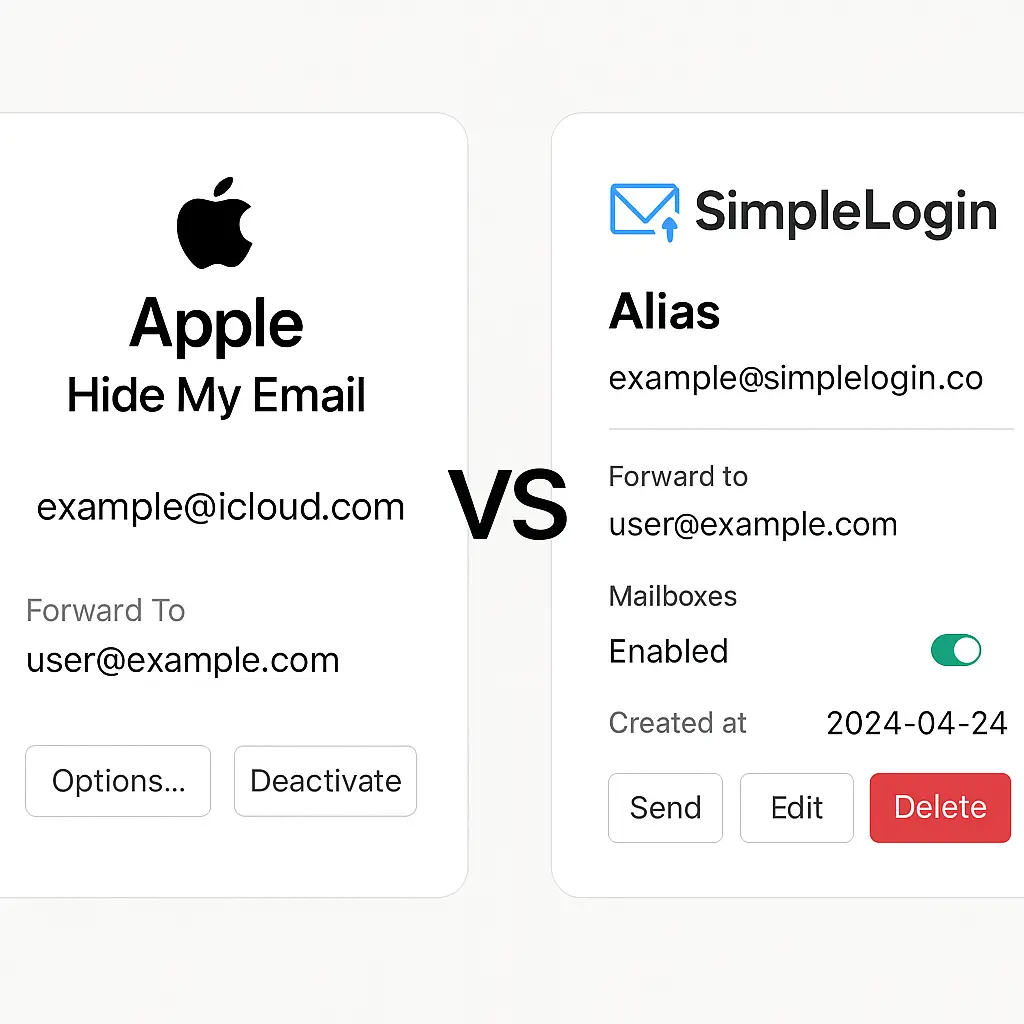
Use burner accounts for services you don't trust. Create email addresses and phone numbers specifically for signups, newsletters, and one-time uses. This isolates metadata from those services and prevents it from being linked to your primary identity. Email aliases and disposable phone numbers both work for this.
Disable background app refresh. On iPhone: Settings → General → Background App Refresh → turn off for apps that don't need it. On Android: Settings → Apps → select app → Mobile data & WiFi → disable background data. This reduces how often apps connect to servers and generate metadata when you're not using them.
Turn off ad personalization. On iPhone: Settings → Privacy & Security → Apple Advertising → turn off Personalized Ads. On Android: Settings → Privacy → Ads → turn on Opt out of Ads Personalization. This doesn't stop metadata collection, but it limits how companies use it for targeting.
Review connected devices on your accounts. Google, Microsoft, Apple, and social media platforms all let you see what devices are logged in. Remove devices you don't recognize or no longer use. Each connected device generates metadata every time it syncs or checks for updates.
What you cannot control: metadata generated by the infrastructure itself. Cell towers log your connections. WiFi routers log your traffic. Websites log your visits. Email servers log your messages. Even if you use a VPN, strip EXIF data, and disable every permission, some metadata persists because the systems you connect to require it to function.
The goal isn't perfection. The goal is reducing your exposure to a level you can tolerate.
The cultural reference: Seinfeld and the parking garage
In the Seinfeld episode "The Parking Garage," Jerry, Elaine, George, and Kramer lose their car in a massive New Jersey parking structure. They wander for an hour, growing increasingly frustrated, unable to remember where they parked or even what level they're on. The episode ends with them finally finding the car, only to discover the battery is dead.
The comedy works because we've all been there. You park, you shop, you forget. The parking garage is a maze. There are no landmarks. Every section looks identical. You rely on memory, and memory fails.
Now imagine that parking garage had a camera at every entrance, every exit, and every row. Imagine it logged your license plate when you entered, tracked your car's location through the structure, and recorded when you left. You'd never lose your car again. The system would know exactly where it is at every moment.
That's metadata. You're not losing your car anymore. But the garage now has a complete record of when you arrived, how long you stayed, and where you went afterward if it shares data with other garages. You traded the inconvenience of forgetting for the permanence of being tracked.
The same tradeoff plays out across digital life. Your phone remembers where you've been so you don't have to. Apps remember who you talk to so you don't have to search. Services remember your preferences so you don't have to reconfigure them. The metadata that enables that convenience also creates a permanent record of your behavior, held by companies you've never heard of, used for purposes you didn't anticipate.
You can't go back to the old parking garage. The infrastructure has changed. But you can decide how much tracking you accept in exchange for convenience, and you can push back when the tradeoff stops making sense.
What to do right now
Start with location. Open your phone's location settings and review which apps have access. Revoke it for anything that doesn't need it. Social media apps don't need constant location access. Games don't need it at all. Weather apps need it once to set your location, then you can disable it.
Next, disable WiFi and Bluetooth scanning. These settings are buried in system menus because platforms don't want you to turn them off, but they generate metadata constantly when enabled. Turn them off unless you specifically need them for a feature you use.
Then review app permissions. Contacts, camera, microphone, and calendar access all generate metadata. Most apps don't need them. Revoke access and see what breaks. Most apps will function fine. The ones that don't will ask for permission again when they need it.
Finally, strip EXIF data from photos before sharing them publicly. This is especially important if you're posting to forums, blogs, or any platform where the original file might be downloadable. Metadata in photos has exposed people who thought they were anonymous.
Metadata isn't going away. But you can reduce how much you generate, limit who collects it, and understand what it reveals. That's not perfect privacy. It's informed control.