Master Password Best Practices: How to Create One You Won't Forget
Your master password is the single point of failure for every account you own. Get it wrong and you're either locked out of your own vault or you've handed attackers a skeleton key to your entire digital life.
Most advice tells you to make it long, random, and memorable, three goals that feel mutually exclusive. The result is predictable: people create passwords that are either too weak to survive a targeted attack or too complex to remember without writing them down. Then they feel guilty about writing them down.
Here's the practical method to create a master password that survives both brute-force attacks and real-world use. No false promises about perfect memorability. No security theater. Just the step-by-step process that works.
Why Your Master Password Is Different
A master password isn't like the password you use for your grocery store account. It protects your password manager's vault, which contains every other password you own. If someone cracks your master password, they get your email, your banking, your work accounts, everything.
This creates two requirements that don't apply to regular passwords:
-
It must resist automated guessing. Attackers can try billions of password combinations per second against a stolen password database. Your master password needs enough entropy, randomness, measured in bits, to make brute-force attacks computationally infeasible.
-
It must resist targeted attacks. If an attacker knows who you are, they'll try passwords based on your life: your kids' names, your address, your favorite band, the year you graduated. Personal information makes passwords weaker, not stronger.
NIST's digital identity guidelines recommend passwords that are at least 8 characters for regular accounts, but that's the floor for low-stakes logins. For a master password, you need more. Much more.
The math is straightforward. An 8-character password chosen from lowercase letters, uppercase letters, numbers, and symbols has around 52 bits of entropy. That sounds like a lot until you realize that modern GPUs can test billions of combinations per second. A laptop with a decent graphics card can crack a 52-bit password in hours. A dedicated attacker with more hardware can do it faster.
Length is what saves you. A 16-character random password has around 104 bits of entropy, exponentially harder to crack. But random character strings are impossible to remember. That's where the method diverges from conventional advice.
The Diceware Method: Random Words You Can Actually Remember
The technique that balances strength and memorability is called Diceware. It's not new, security researchers have recommended it for decades, but it's still the most practical method for creating master passwords.
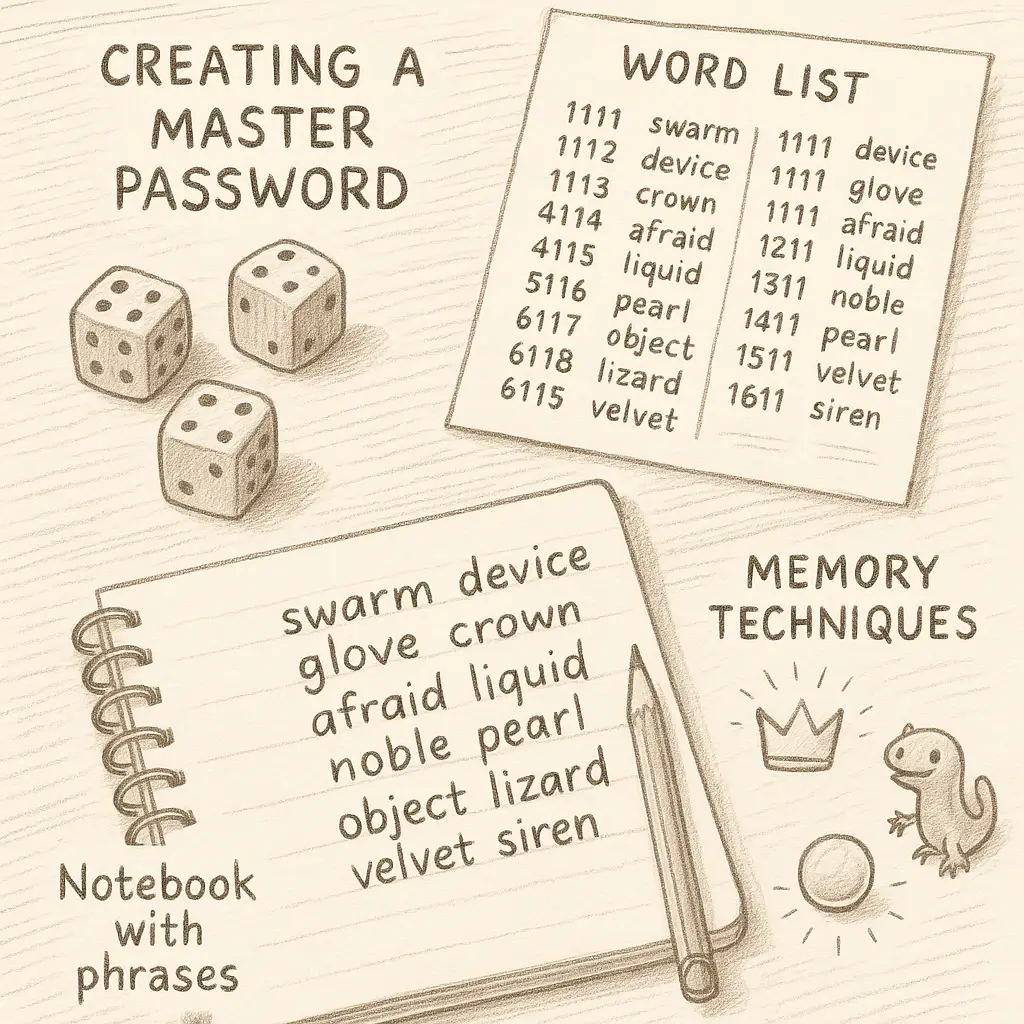
Here's how it works: you roll dice to randomly select words from a curated list. The randomness comes from the dice, not from your brain. The memorability comes from the fact that words are easier to remember than character strings.
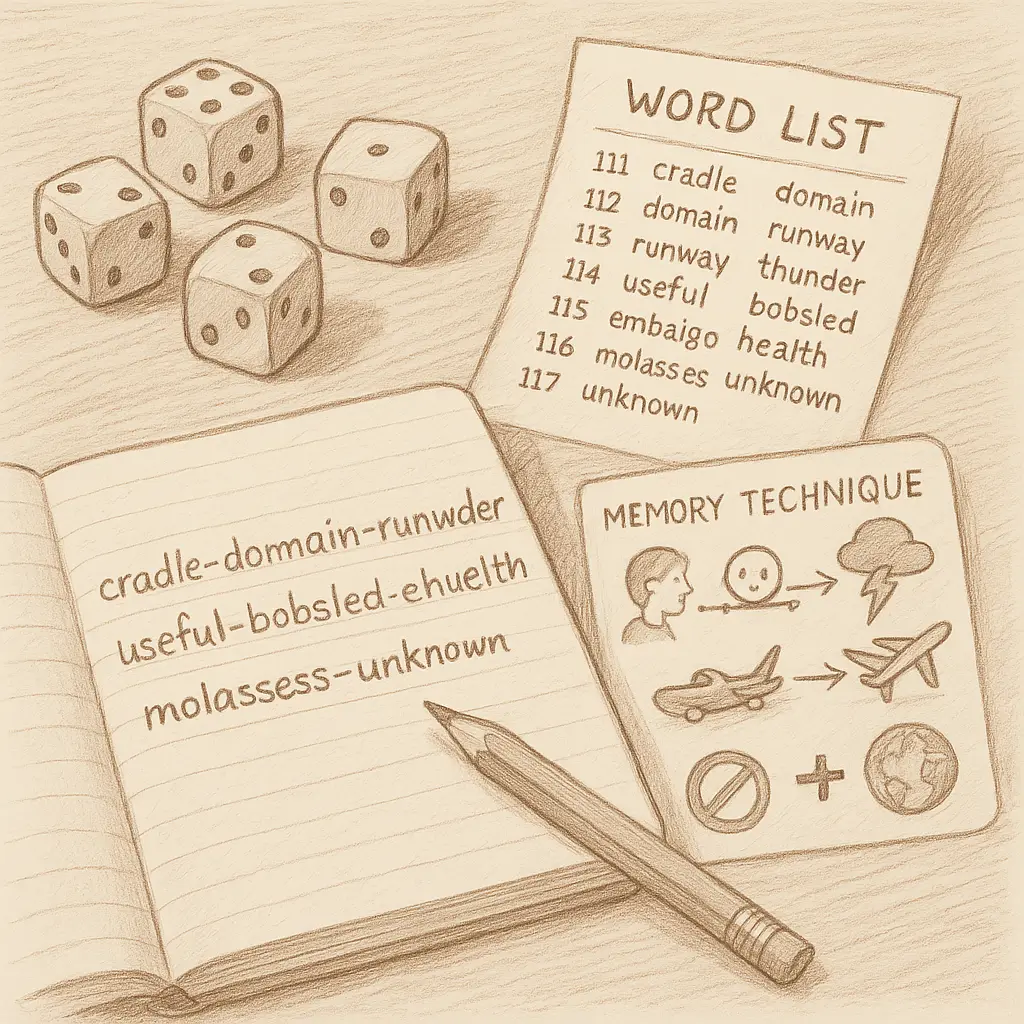
The EFF's Diceware word list contains 7,776 words. Each word corresponds to a five-digit number you generate by rolling a six-sided die five times. Roll the dice, write down the number, look up the word. Repeat until you have enough words.
Six random words from this list gives you around 77 bits of entropy. That's enough to resist brute-force attacks for decades, even assuming attackers know you're using Diceware. The security comes from the size of the word list and the randomness of the selection, not from obscurity.
Here's the step-by-step process:
-
Get a six-sided die. A physical die. Not a random number generator app. Not a mental coin flip. The randomness needs to be genuinely random, and human brains are terrible at generating randomness. We pick patterns without realizing it.
-
Download the EFF's long word list. Print it. You'll need it in front of you. The list is designed to avoid similar-sounding words, offensive terms, and words that are hard to type. It's not perfect, but it's better than making up your own list.
-
Roll the die five times for each word. Write down each number as you go. If you roll 4, 3, 6, 2, 1, you get 43621. Look up 43621 on the word list. That's your first word. Repeat this process until you have six words.
-
Write down the six words in order. Don't rearrange them. Don't substitute words you think are easier to remember. The randomness is what protects you. If you start making choices, you're introducing patterns attackers can exploit.
-
Test yourself. Say the passphrase out loud. Write it down from memory. Wait an hour and try again. If you can't remember it after a few attempts, you might need to start over. But give it time, memory improves with repetition.
Six words is the baseline. If you want more security, add more words. Each additional word adds around 12.9 bits of entropy. Seven words gets you to 90 bits. Eight words gets you to 103 bits. The tradeoff is memorability, longer passphrases take more effort to learn.
What Makes a Master Password Strong Enough
Entropy is the measure that matters. It's not about how the password looks. It's about how many guesses an attacker needs to crack it.
A password like Tr0ub4dor&3 looks complex. It has uppercase, lowercase, numbers, and a symbol. But it's based on a common word with predictable substitutions. Attackers know the patterns: replace o with 0, replace a with 4, add a symbol and a number. This password has around 28 bits of entropy. A modern GPU can crack it in minutes.
A passphrase like correct horse battery staple looks simple. It's just four lowercase words separated by spaces. But if those words were chosen randomly from a large word list, it has around 44 bits of entropy, still not enough for a master password, but stronger than the complex-looking alternative. Six random words gets you to 77 bits, which is the threshold where brute-force attacks become impractical with current technology.
The difference is the selection process. Humans are bad at randomness. We pick words we like, words that tell a story, words that feel clever. Attackers know this. They build dictionaries of common passphrases, song lyrics, movie quotes, and predictable word combinations. If you chose your words because they felt right, you've probably chosen words that are easier to guess than you think.
Dice don't have preferences. That's why they work.
Memorizing Your Master Password Without Losing Your Mind
Creating a strong master password is one thing. Remembering it is another.
The good news: repetition works. The bad news: it takes time. You're not going to memorize a six-word passphrase in ten minutes. You need to use it repeatedly over several days until it becomes automatic.
Here's the process that works for most people:
-
Write it down immediately. Use paper, not a digital note. Store the paper somewhere secure, a desk drawer, a safe, a locked filing cabinet. The threat model for most people isn't a burglar searching your house. It's remote attackers who can't access your physical space. Security experts have been saying this for years: writing down passwords is often safer than trying to memorize weak ones.
-
Type it ten times in a row. Open a text editor. Type your master password. Delete it. Type it again. Repeat until you can do it without looking at the paper. Muscle memory is real. Your fingers will learn the pattern faster than your brain will learn the words.
-
Test yourself the next day. Close the text editor. Don't look at the paper. Try to type the passphrase from memory. If you get it wrong, check the paper and try again. Repeat this process daily for a week.
-
Use it in real contexts. Log into your password manager multiple times a day. Don't use biometric unlock yet, that defeats the memorization process. Force yourself to type the master password every time. The repetition in real use is what makes it stick.
-
Create a memory anchor. Some people find it helpful to turn the words into a mental image or a story. If your passphrase is
clipper-nutshell-fizzy-pasta-reboot-glove, you might imagine a ship's clipper cutting through a nutshell filled with fizzy pasta, then rebooting while wearing a glove. The story doesn't need to make sense. It just needs to be vivid enough to trigger recall.
This process takes around two weeks. That's longer than most people expect, but it's realistic. If you try to rush it, you'll either forget the passphrase or you'll panic and change it to something weaker.
Common Mistakes That Weaken Master Passwords
Even people who understand the theory make predictable mistakes. Here are the patterns I see most often:
Mistake 1: Choosing words instead of rolling dice. You think you're being random, but you're not. You pick words that sound good together. You pick words from your life. You pick words you've seen in other contexts. Attackers know this. They build dictionaries of common word combinations. If you didn't use dice, you probably created a password that's easier to crack than you think.
Mistake 2: Adding personal information to make it memorable. You take a random passphrase and add your birth year or your kid's name at the end. You think this makes it easier to remember. It does, but it also makes it easier to crack. Personal information reduces entropy. If an attacker knows who you are, they'll try common personal details. Don't give them that opening.
Mistake 3: Reusing a password you've used before. Your master password must be unique. It can't be a variation of a password you've used elsewhere. It can't be similar to a password you've used elsewhere. If you've ever typed it into any other service, it's compromised. Start over.
Mistake 4: Changing it too often. NIST's guidelines explicitly recommend against forced password rotation. Changing your master password every 90 days doesn't make you safer, it makes you weaker, because you'll create predictable variations or write it down in insecure places. Change it only if you suspect compromise.
Mistake 5: Testing it on a compromised device. If you're creating a new master password because you think your computer has malware, don't type the new password on that computer. Use a clean device. Otherwise, you're just handing the new password to the same attacker who got the old one.
What Happens If You Forget It
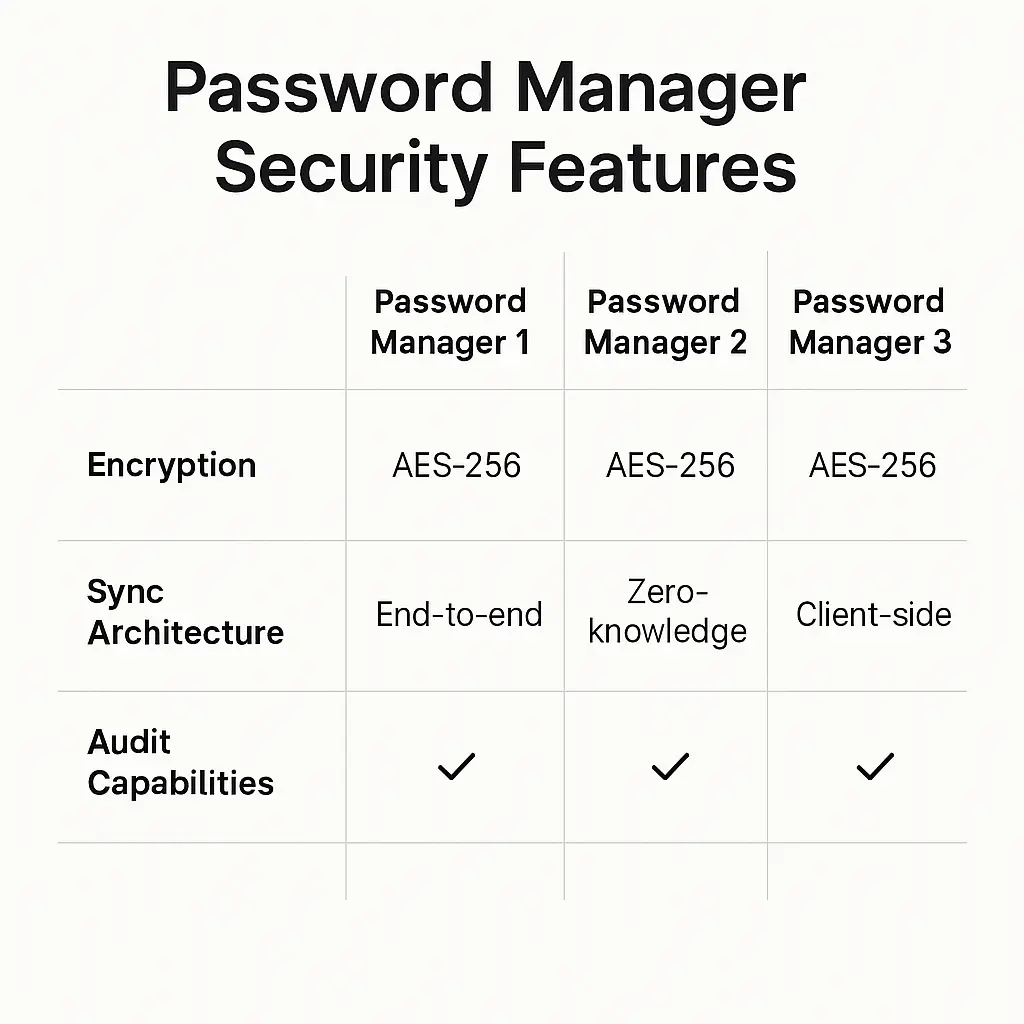
Most password managers use zero-knowledge encryption. That means the company doesn't have a copy of your master password. They can't reset it for you. If you forget it, you're locked out of your vault permanently.
This is a feature, not a bug. Zero-knowledge architecture protects you from data breaches. If the company's servers get hacked, attackers can't decrypt your vault because the company never had the decryption key. But it also means you carry the risk of lockout.
Some password managers offer emergency access or recovery kits. 1Password has emergency kits you can print and store securely. Bitwarden lets you designate a trusted contact who can request access after a waiting period. These features reduce the risk of permanent lockout, but they also create new attack surfaces. You need to weigh the tradeoffs.
The safest approach: create a backup. Write down your master password and store it in a secure physical location. A safe. A locked drawer. A sealed envelope in a trusted person's home. The threat model isn't a burglar, it's forgetting the password yourself.
When to Change Your Master Password
You don't need to change your master password on a schedule. You need to change it when something goes wrong.
Change it if:
- You typed it into a phishing site
- You suspect someone watched you type it (shoulder surfing, camera, keylogger)
- You shared it with someone and now regret it
- Your password manager company discloses a breach that affects master passwords (rare, but it happens)
- You used a weak method to create it and now realize it's not strong enough
Don't change it if:
- It's been 90 days (arbitrary rotation is security theater)
- You're worried it might be compromised but have no evidence (paranoia creates weaker passwords)
- Someone told you to change all your passwords after a breach that didn't affect your password manager
When you do change it, follow the same process: roll dice, generate new random words, memorize it through repetition. Don't create a variation of the old password. Start fresh.
The Reality of Master Password Security
No password is unbreakable. Given enough time and computing power, any password can be cracked. The goal isn't perfect security, it's to make the attack so expensive that it's not worth attempting.
A six-word Diceware passphrase has around 77 bits of entropy. At current computing speeds, brute-forcing that would take thousands of years. But computing gets faster. Quantum computers might change the math entirely. The security landscape shifts.
What doesn't change: randomness beats cleverness. Length beats complexity. Dice beat human intuition.
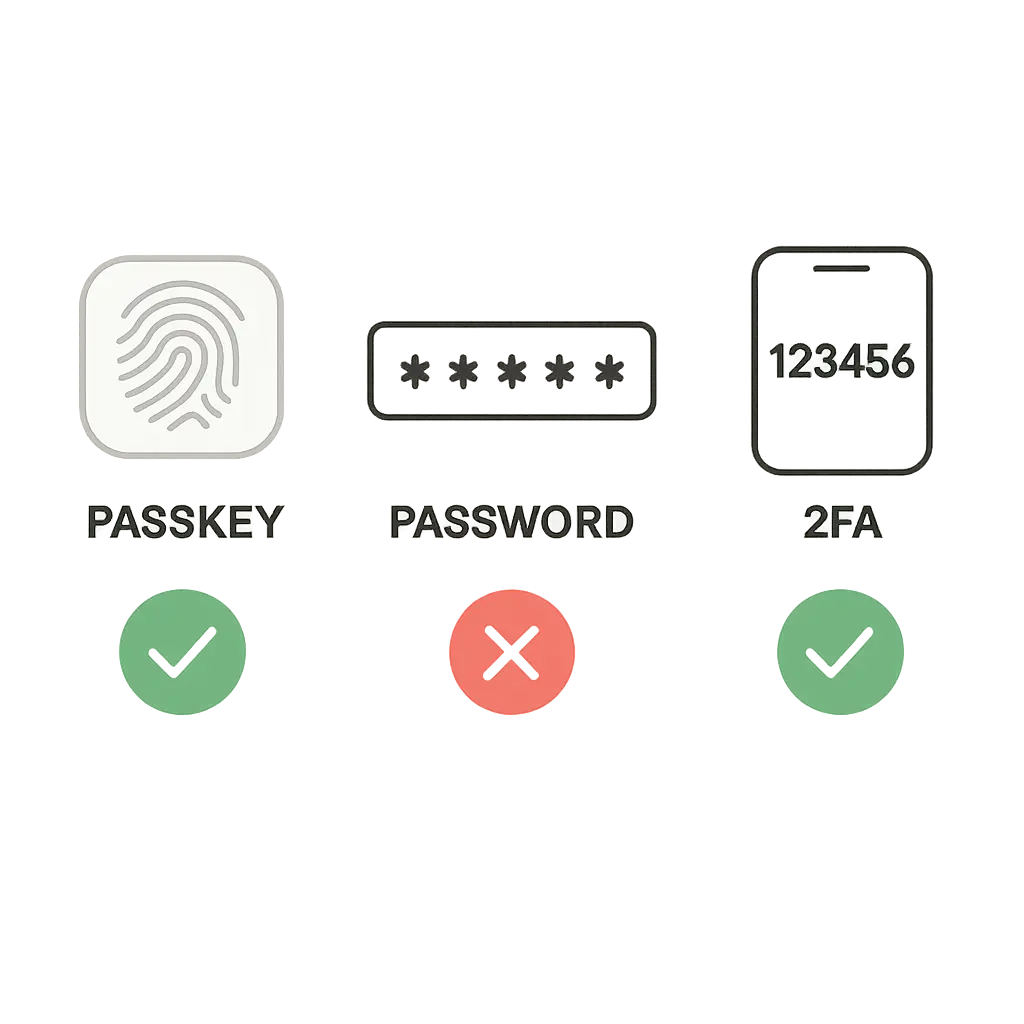
Your master password is the foundation of your password manager. If you get it right, everything else becomes easier. You can generate random 20-character passwords for every site because you only need to remember one phrase. You can enable two-factor authentication everywhere because you're not worried about forgetting passwords. You can stop reusing passwords because the vault handles the complexity.
But if you get it wrong, if you choose a password that's too weak or too hard to remember, the whole system collapses. You'll either get locked out or you'll fall back to weak passwords because the vault is too annoying to use.
That's why this process matters. Roll the dice. Write down the words. Practice until it sticks. Store a backup somewhere safe. Then move on with your life knowing that the foundation is solid.
Your master password isn't the most exciting part of security. But it's the part that makes everything else possible.