Hotel WiFi: Separating Real Risk from Security Theater
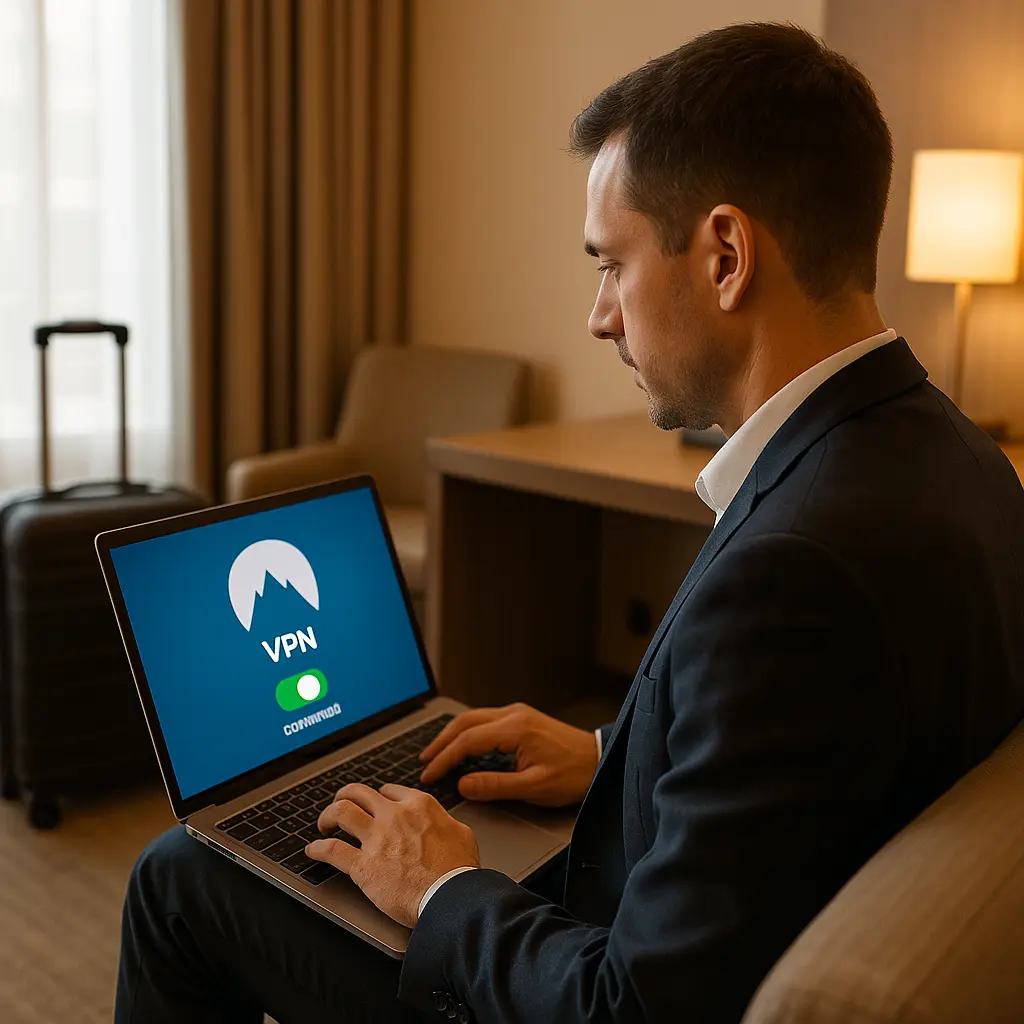
You check into a hotel. You open your laptop. You see "Hilton_Guest" in the WiFi list. You've read the warnings. Hotel WiFi is dangerous. Hackers are everywhere. Don't check your bank account. Don't log into anything important. Maybe don't even connect at all.
That advice was reasonable in 2012. In 2026, it's mostly outdated. The landscape changed. The threats evolved. Some risks disappeared. Others remain, but they're specific and manageable. The blanket "never use hotel WiFi" guidance no longer matches reality.
Here's what actually matters when you connect at a hotel in 2026.
The Threat That Disappeared
A decade ago, the primary hotel WiFi risk was passive eavesdropping. An attacker on the same network could intercept unencrypted traffic and read it. Passwords, emails, session cookies, credit card numbers transmitted over HTTP , all visible to anyone running the right software.
That threat required two conditions: unencrypted WiFi and unencrypted websites. Both were common in 2012. Hotels ran open networks with no password. Most sites used HTTP, not HTTPS. The combination made passive interception trivial.
Both conditions are now rare. HTTPS is the default for most sites, enforced by browsers and search engines. Hotel networks increasingly use WPA2 or WPA3 encryption, even on guest networks. The passive eavesdropping scenario that dominated early hotel WiFi warnings no longer applies to most connections.
HTTPS encrypts the content of your web traffic between your device and the site you're visiting. An attacker on the same WiFi network sees that you connected to a server, but not what you sent or received. They can't read your passwords, your emails, or your credit card numbers as long as the site uses HTTPS and your browser verifies the certificate correctly.
WPA2 and WPA3 encrypt traffic between your device and the router. This stops other guests on the same network from intercepting your packets, even before HTTPS encryption kicks in. The combination of encrypted WiFi and encrypted websites closes the passive eavesdropping window that made hotel WiFi dangerous in the early 2010s.
Does that mean hotel WiFi is safe? No. It means the threat model shifted. The risks that remain are different, and they require different defenses.
The Risks That Remain
Hotel WiFi in 2026 presents three specific risks: fake networks, targeted attacks, and traffic logging. Each is real. None is universal. Understanding the difference matters.
Fake Networks
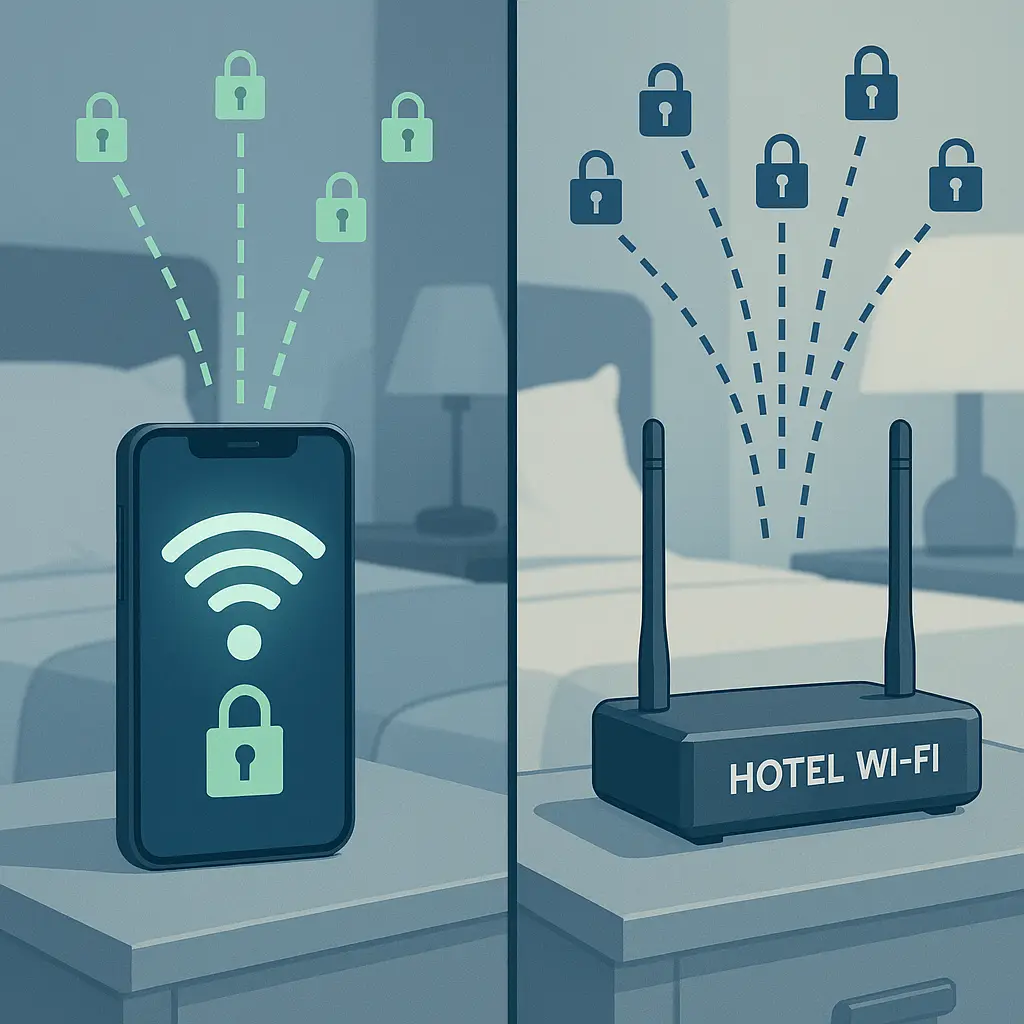
An attacker sets up a WiFi network with a name that mimics the hotel's legitimate network. You see "Marriott_Guest" and "Marriott-Guest" in the list. One is real. One is controlled by an attacker in the lobby. You connect to the wrong one.
Once you're on the fake network, the attacker controls your DNS, can redirect you to phishing sites, and can attempt man-in-the-middle attacks against your HTTPS connections. HTTPS still protects you if your browser correctly validates certificates, but many users click through certificate warnings without reading them.
This attack requires the attacker to be physically present, to set up the fake network, and to wait for victims. It's not passive. It's not automated. It's targeted effort. That doesn't make it rare , it happens , but it's not the universal background threat that passive eavesdropping was.
The defense is verification. Ask the front desk for the exact network name. Ask whether a password is required. Legitimate hotel networks increasingly use passwords or captive portals that require a room number or confirmation code. If you see multiple networks with similar names and no authentication, one is likely fake.
Targeted Attacks
An attacker on the same hotel network can attempt active attacks against your device: port scans, exploit attempts, malware delivery. These attacks target vulnerabilities in your operating system, your applications, or your network configuration.
The risk here depends on your device's security posture. An up-to-date operating system with a firewall enabled and no unnecessary services running is a hard target. An outdated laptop with file sharing enabled and unpatched software is easier.
This threat is real but not unique to hotels. The same attacks work on coffee shop WiFi, airport WiFi, conference WiFi, and any other shared network. The hotel context doesn't increase the risk. The shared network does.
The defense is device hardening. Keep your operating system updated. Enable your firewall. Disable file sharing when you're on public networks. Don't run unnecessary services. These are baseline security practices that apply everywhere, not hotel-specific advice.
Traffic Logging
The hotel's network infrastructure logs your traffic. They see which sites you visit, when you visit them, and how much data you transfer. They don't see the content of HTTPS connections, but they see the metadata: domain names, timestamps, data volume.
Some hotels sell this data to advertisers. Some use it for internal analytics. Some retain it for legal compliance. The logging happens whether you're aware of it or not, and you have limited control over how the data is used.
This isn't an attack. It's a privacy concern. The hotel isn't trying to steal your credentials. They're collecting data that has commercial value. The risk is exposure of your browsing patterns, not your passwords.
The defense is a VPN. A VPN encrypts your traffic between your device and the VPN server, hiding your activity from the hotel's logging. The hotel sees that you connected to the VPN, but not what you did after that. If metadata privacy matters to you, a VPN is the tool that addresses it.
What HTTPS Actually Protects
HTTPS is the reason hotel WiFi became less dangerous. Understanding what it does and what it doesn't do clarifies which risks remain.
HTTPS encrypts the content of your web traffic. When you visit https://example.com/login, an attacker on the same network can see that you connected to example.com, but not the /login path, not the username you entered, not the password you submitted. The content is encrypted.
HTTPS also authenticates the server. Your browser verifies that the server presenting the certificate is actually example.com and not an imposter. If the certificate doesn't match or is signed by an untrusted authority, your browser warns you. This stops most man-in-the-middle attacks.
HTTPS does not hide which sites you visit. The domain name appears in the DNS query and in the Server Name Indication (SNI) field of the TLS handshake. An attacker or the hotel's network can see that you visited example.com, just not what you did there.
HTTPS does not protect against phishing. If you type your password into a fake site that looks like the real one, HTTPS encrypts your submission to the fake site. The encryption protects the transmission, not the destination. You still gave your password to an attacker.
HTTPS does not protect against malware on your device. If your laptop is infected, the malware can log your keystrokes, steal your session cookies, or exfiltrate your data regardless of whether the network is encrypted.
The takeaway: HTTPS eliminates passive eavesdropping and makes man-in-the-middle attacks harder, but it doesn't address fake networks, device-level attacks, or traffic metadata. The defenses for those risks are different.
When a VPN Actually Helps
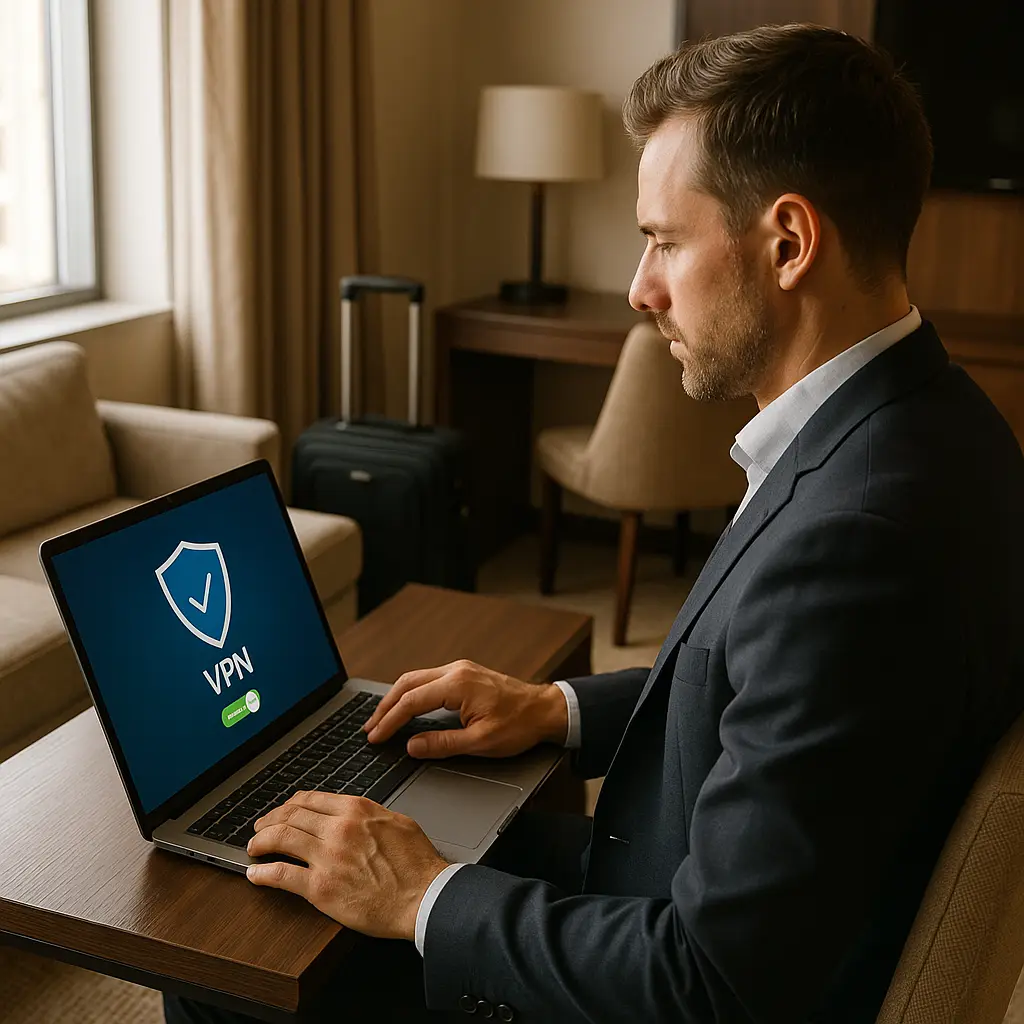
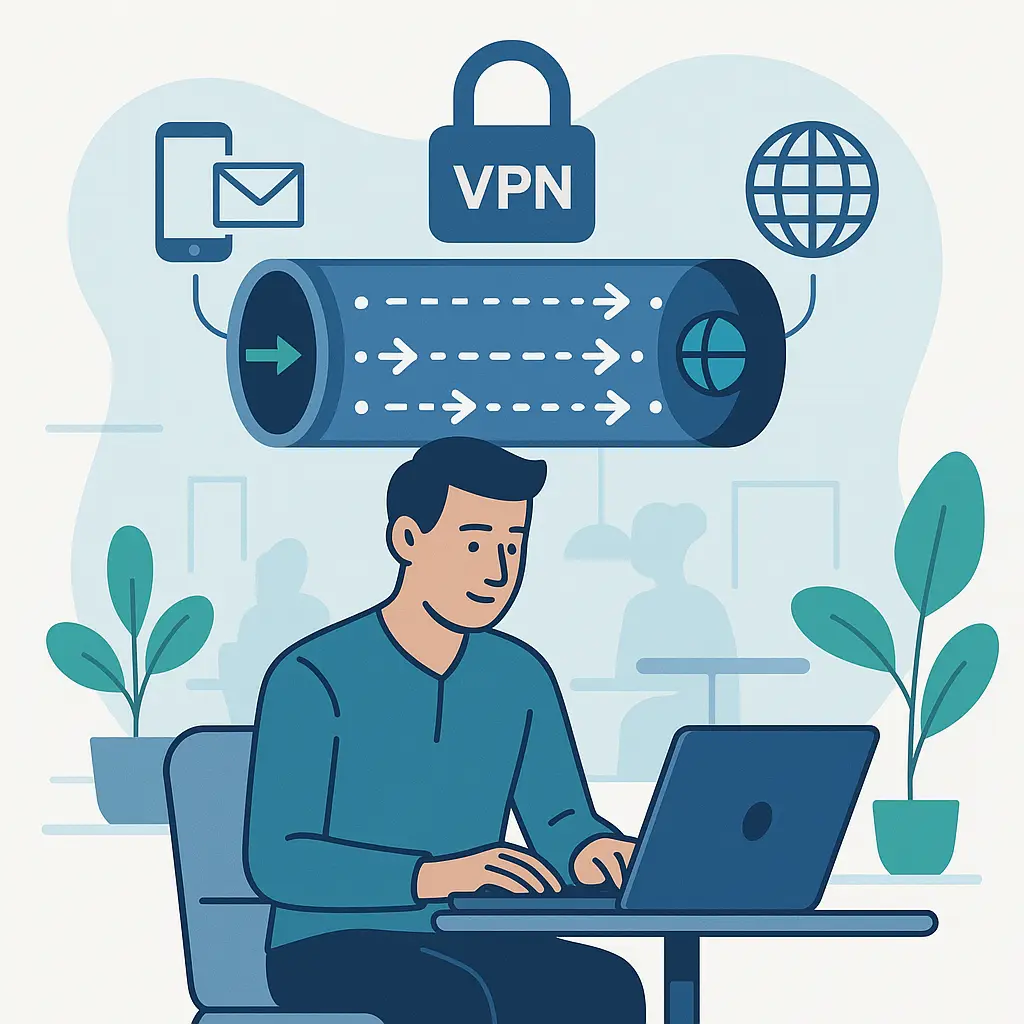
A VPN routes your traffic through an encrypted tunnel to a server you control (or trust), then out to the internet. The hotel's network sees encrypted traffic to the VPN server. They don't see which sites you visit or what you do.
A VPN addresses two of the three remaining hotel WiFi risks: traffic logging and some forms of targeted attacks. It does not address fake networks. If you connect to a fake network and then start your VPN, the VPN still works , your traffic is encrypted end-to-end , but the fake network operator can still attempt DNS hijacking or redirect attacks before the VPN connects.
A VPN is useful if:
- You want to hide your browsing activity from the hotel's logging
- You're connecting to sites that don't use HTTPS (rare in 2026, but it happens)
- You want an additional layer of encryption beyond HTTPS
- You're accessing region-restricted content
A VPN is not useful if:
- You're only visiting HTTPS sites and don't care about metadata privacy
- You trust the hotel's network more than you trust the VPN provider (unlikely, but possible)
- You need maximum speed and latency matters (VPNs add overhead)
The VPN provider sees everything the hotel would have seen. You're shifting trust from the hotel to the VPN. If the VPN provider logs your traffic and sells it, you've gained nothing. Choose a provider with a clear no-logs policy and a jurisdiction that aligns with your threat model.
NordVPN is one option with a strong reputation, a large server network, and auto-connect features that activate when you join untrusted networks. I'm not saying it's the only option or the best option for everyone, but it's a reasonable choice if you want a VPN that works without constant configuration.
The Cultural Reference That Fits
In Dune, the Bene Gesserit have a saying: "Fear is the mind-killer." Fear prevents accurate threat assessment. It turns specific risks into generalized paranoia. It makes you avoid all hotel WiFi because some hotel WiFi, under some conditions, in some contexts, presents some risks.
The same dynamic applies here. The early hotel WiFi warnings were accurate for their time. Passive eavesdropping was real. Unencrypted networks and unencrypted sites created genuine risk. The advice to avoid hotel WiFi made sense.
But the warnings persisted after the conditions changed. HTTPS became default. Hotel networks added encryption. The passive eavesdropping threat disappeared, but the fear remained. The result is travelers who refuse to check email on hotel WiFi in 2026 because they read an article from 2012.
Fear is useful when it drives accurate threat assessment and proportional response. Fear is harmful when it persists after the threat evolves. The Bene Gesserit trained to see clearly. You can too. Hotel WiFi in 2026 is not the universal threat it was. The risks that remain are specific, and the defenses are specific. Treat them accordingly.
What to Actually Do
Here's the practical sequence for connecting to hotel WiFi in 2026:
Before you connect:
- Ask the front desk for the exact network name and password
- Verify your device is updated and your firewall is enabled
- Disable file sharing and unnecessary network services
When you connect:
- Connect to the network the front desk confirmed
- If you see multiple similar network names, ask which is correct
- If the network requires a captive portal, verify the URL matches the hotel's domain
After you connect:
- Check that your VPN auto-connects if you use one
- Verify that sites you visit show the padlock icon (HTTPS)
- Don't click through certificate warnings unless you understand why they appeared
What you can safely do on hotel WiFi:
- Browse HTTPS sites
- Check email through webmail or encrypted email clients
- Access work systems through VPN
- Use banking sites (they're HTTPS and have fraud monitoring)
- Stream video
- Make voice or video calls through encrypted apps
What requires extra caution:
- Entering passwords on sites without HTTPS (don't do this)
- Downloading software or updates (verify checksums or signatures)
- Accessing sensitive work systems without VPN (depends on your organization's policy)
- Connecting to networks with no authentication (verify first)
The goal is not zero risk. The goal is proportional response. Hotel WiFi presents specific, manageable risks. The defenses are straightforward. The fear is outdated.
What This Means for You
You don't need to avoid hotel WiFi. You need to understand what changed and what didn't.
HTTPS eliminated the passive eavesdropping threat that made hotel WiFi dangerous a decade ago. Encrypted hotel networks reduced the risk further. The threats that remain , fake networks, targeted attacks, traffic logging , are real but specific. Each has a defense.
Verify the network name with the front desk. Keep your device updated and hardened. Use a VPN if metadata privacy matters to you or if you're accessing non-HTTPS sites. Don't click through certificate warnings. These steps address the actual risks.
The blanket "never use hotel WiFi" advice is security theater. It's a response to a threat model that no longer applies. It makes you feel safer without making you safer. Worse, it prevents you from understanding the risks that remain.
Hotel WiFi in 2026 is not safe in the sense that your home network is safe. It's a shared, semi-trusted network with specific risks. But it's also not the universal threat it was in 2012. The middle ground is accurate threat assessment and proportional response.
Check your email. Log into your bank. Connect to work through VPN. The risks are manageable. The fear is not.