Geofenced Ads: When You Walk Near a Store, Your Phone Knows
You walk past a coffee shop. Your phone buzzes. It's a coupon for that exact coffee shop, expiring in 30 minutes.
You didn't search for coffee. You didn't open the app. You just walked by.
That's geofenced advertising. Retailers and ad networks draw invisible boundaries around physical locations, then serve you ads the moment your phone crosses the line. The technology is precise, pervasive, and operates without most people noticing it's happening.
Here's how the mechanism works, what data gets collected, and what you can actually control.
The technical mechanism behind geofencing
Geofencing uses GPS coordinates to define a virtual perimeter around a physical location. When your phone enters that perimeter, the geofence triggers an action, usually serving an ad, but sometimes sending a push notification, recording your visit, or logging the event for later targeting.
The process starts with location data. Your phone constantly calculates its position using GPS satellites, WiFi networks, and cell towers. Apps that have location permission receive this data in real time. When an app reports your coordinates to an ad network, the network checks whether you've entered any active geofences.
A geofence is just a set of coordinates and a radius. A retailer might define a geofence as "everyone within 500 feet of this store entrance" or "everyone within two blocks of our competitor's flagship location." The ad network maintains a database of these boundaries and matches incoming location signals against them.
When your coordinates fall inside a geofence, the ad network triggers a campaign. You see a banner ad in a free app, a sponsored post in your social feed, or a push notification if the retailer's own app is installed. The entire process, from crossing the boundary to seeing the ad, takes seconds.
The precision varies. GPS alone is accurate to around 15 feet under ideal conditions, but urban environments with tall buildings degrade that to 30 or 50 feet. Ad networks compensate by widening geofences or using multiple signals to confirm location. If your phone reports the same coordinates for several seconds, the confidence increases.
Bluetooth beacons add another layer. Retailers place small transmitters near entrances, aisles, or checkout counters. These beacons broadcast a unique ID that your phone detects when Bluetooth is enabled. The app matches the beacon ID to a location, then reports your presence to the ad network. Beacons work indoors where GPS struggles, and they're accurate to within a few feet.
The data flow is continuous. Your phone doesn't just report location when you open an app, it reports location as long as the app has background permission. Ad networks build a history of where you've been, how long you stayed, and how often you return. That history feeds targeting algorithms that predict where you'll go next.
What data gets collected during geofenced campaigns
Geofencing collects more than just your current location. Ad networks log timestamps, dwell time, movement patterns, and visit frequency. They know when you entered the geofence, how long you stayed inside, and whether you visited a competitor afterward.
The data includes device identifiers. Your phone's advertising ID (a unique string assigned by iOS or Android) links location events to your other activity across apps. Ad networks merge geofence data with browsing history, purchase records, and demographic profiles to build a detailed picture of your behavior.
Some campaigns track foot traffic attribution. If you see a geofenced ad, then visit the store within a week, the ad network credits the campaign with driving that visit. Attribution relies on matching your device ID to in-store WiFi logs, payment terminal data, or loyalty card scans. Retailers pay more for ads that demonstrably drive store visits, so ad networks have strong incentive to close the loop.
Competitor geofencing is common. A retailer draws a geofence around a rival's store, then serves ads to people who visit that location. The message is usually a comparison ("Better prices just two blocks away") or a time-sensitive offer. The data shows the ad network which customers shop at competitors, how often, and whether they're open to switching.
Event geofencing targets concerts, conferences, sports games, and festivals. Ad networks define geofences around venues, then serve ads to everyone who attended. The assumption is that people at a specific event share interests or demographics worth targeting. A beer brand might geofence a music festival; a software company might geofence a tech conference.
The data persists. Ad networks store location histories for months or years, depending on their retention policies. Even if you revoke location permission today, the network still has the data it collected before you changed the setting. Some networks anonymize data after a period; others keep it indefinitely tied to your device ID.
How retailers and ad networks use geofence data
Retailers use geofencing to drive immediate visits. A coffee shop wants to fill seats during the afternoon slump, so it geofences a three-block radius and serves discount offers to anyone nearby between 2 PM and 4 PM. The goal is to convert proximity into foot traffic within the next hour.
Competitive conquest campaigns target people shopping at rivals. A grocery chain geofences competitors' parking lots, then serves ads highlighting lower prices or exclusive products. If you visit the competitor, you see the ad. If you visit the competitor repeatedly, you see the ad repeatedly. The strategy assumes proximity signals intent, people at a competitor's store are actively shopping for the category.
Retargeting combines geofencing with browsing history. You search for running shoes online, then walk past a sporting goods store. The ad network merges the search intent with the location signal, then serves an ad for running shoes available at that specific store. The combination of online interest and physical proximity creates a high-value targeting opportunity.
Loyalty programs integrate geofencing with purchase history. A retailer's app tracks your location, recognizes when you enter a geofence, then surfaces personalized offers based on what you bought before. If you frequently buy coffee, the app might offer a discount on pastries when you're near the store. The data loop is closed: location triggers the offer, the offer drives a purchase, the purchase updates your profile.
Foot traffic analytics measure campaign effectiveness. Ad networks compare how many people saw a geofenced ad versus how many visited the store afterward. They calculate conversion rates, dwell times, and repeat visit frequency. Retailers use this data to optimize geofence size, ad creative, and offer timing.
Some campaigns use geofencing for brand awareness rather than immediate conversion. A new restaurant geofences a neighborhood for weeks, serving ads to everyone who lives or works nearby. The goal isn't to drive a visit today, it's to build familiarity so people think of the restaurant when they're deciding where to eat.
Geofencing also powers offline attribution for online ads. You see a social media ad at home, then visit the advertised store later that week. The ad network matches your device ID to in-store location data, then credits the online ad with driving the offline visit. This closes the loop between digital spend and physical behavior.
The privacy tradeoffs most people don't realize they're making
Geofencing operates on continuous location tracking. Apps don't just check your location when you open them, they monitor your position constantly if you've granted "Always" permission. That creates a detailed movement history: where you go, when you go, how long you stay, and how often you return.
The data reveals patterns. Ad networks know your home address (where your phone is overnight), your workplace (where it is during business hours), your gym (regular visits on specific days), your doctor's office (infrequent visits to medical buildings), your place of worship (Sunday morning patterns), and your kids' school (drop-off and pickup times).
Those patterns enable targeting you didn't consent to. A fertility clinic geofences its location, then serves ads to people who visited. A casino geofences its property, then sells that audience to debt consolidation services. A political campaign geofences a protest, then targets attendees with opposition messaging. The location signal becomes a proxy for sensitive inferences.
Cross-app tracking links geofence data to your broader digital profile. The advertising ID on your phone connects location events to your browsing history, app usage, and purchase records. Ad networks merge these data streams to build a unified profile. Your location at a gym combines with your search for protein powder, your age, and your income to create a high-value health and wellness audience segment.
Third-party data sharing spreads geofence data beyond the app you installed. Many apps don't run their own ad campaigns, they sell location data to brokers who resell it to anyone willing to pay. Your position inside a geofence might get sold to dozens of companies you've never heard of, each using it for their own targeting or analysis.
In Star Wars, the Death Star's tractor beam pulls the Millennium Falcon out of hyperspace without the crew realizing they've been caught until it's too late. Geofencing works the same way: you cross an invisible boundary, and the pull starts before you know you're inside the perimeter. The difference is you can see the tractor beam. Geofences are silent.
Consent is technically obtained through app permissions, but the disclosure is vague. When you install a shopping app and grant location access, the privacy policy might mention "personalized experiences" or "relevant offers" without explaining that the app will track your visits to competitors, log how long you stay, and sell that data to third parties. You consented to the words, but not to the mechanism.
Opt-out mechanisms exist but require active management. You can revoke location permissions, but you have to do it app by app. You can reset your advertising ID, but that doesn't delete data already collected. You can disable location services entirely, but that breaks navigation, weather, and other useful features. The privacy-preserving choice is always the inconvenient one.
What you can actually control
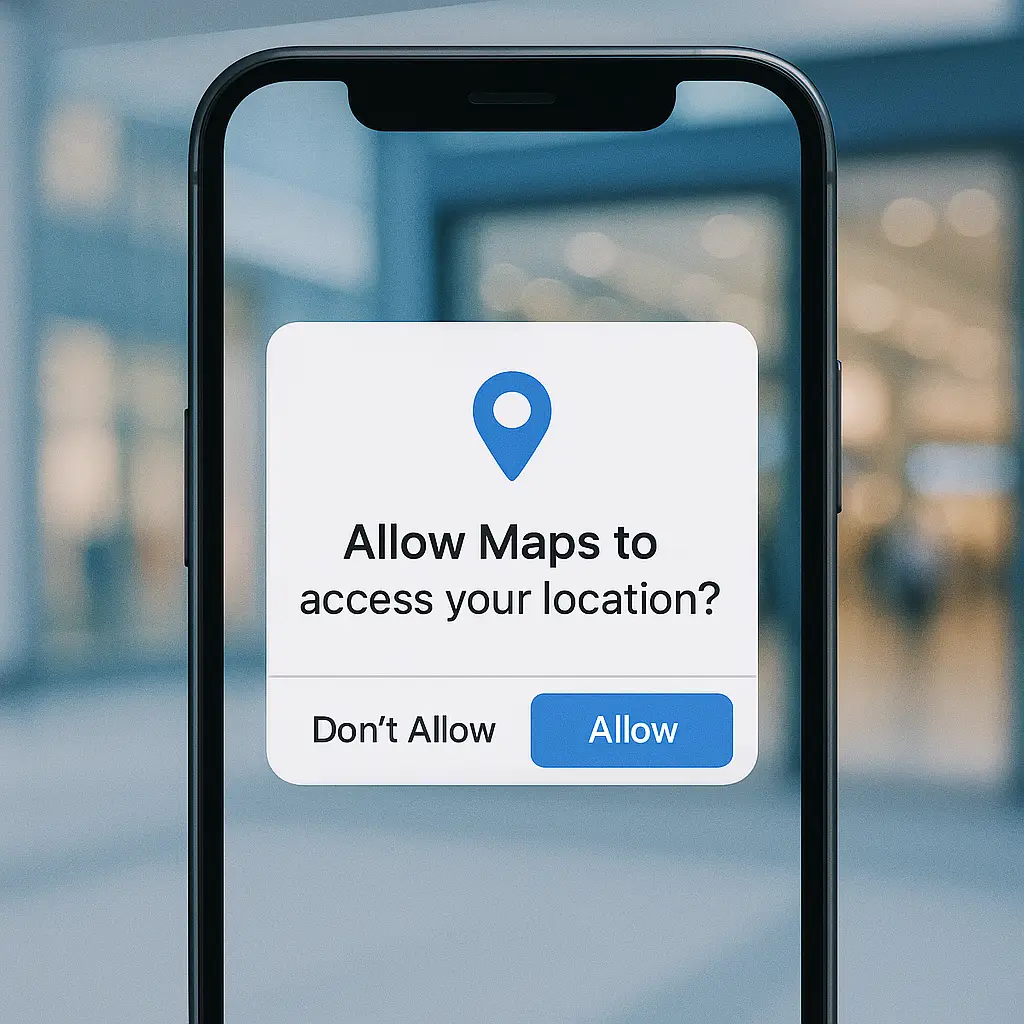
Start with app permissions. On iPhone, go to Settings > Privacy & Security > Location Services. On Android, go to Settings > Location > App permissions. Review every app that has location access. Ask yourself: does this app need my location to function, or is it just harvesting data for ads?
Revoke location access for apps that don't need it. A shopping app doesn't need to know where you are unless you're using in-store pickup or checking local inventory. A news app doesn't need location unless you want local headlines. A game doesn't need location at all. If the app still works after you revoke permission, you didn't need to grant it in the first place.
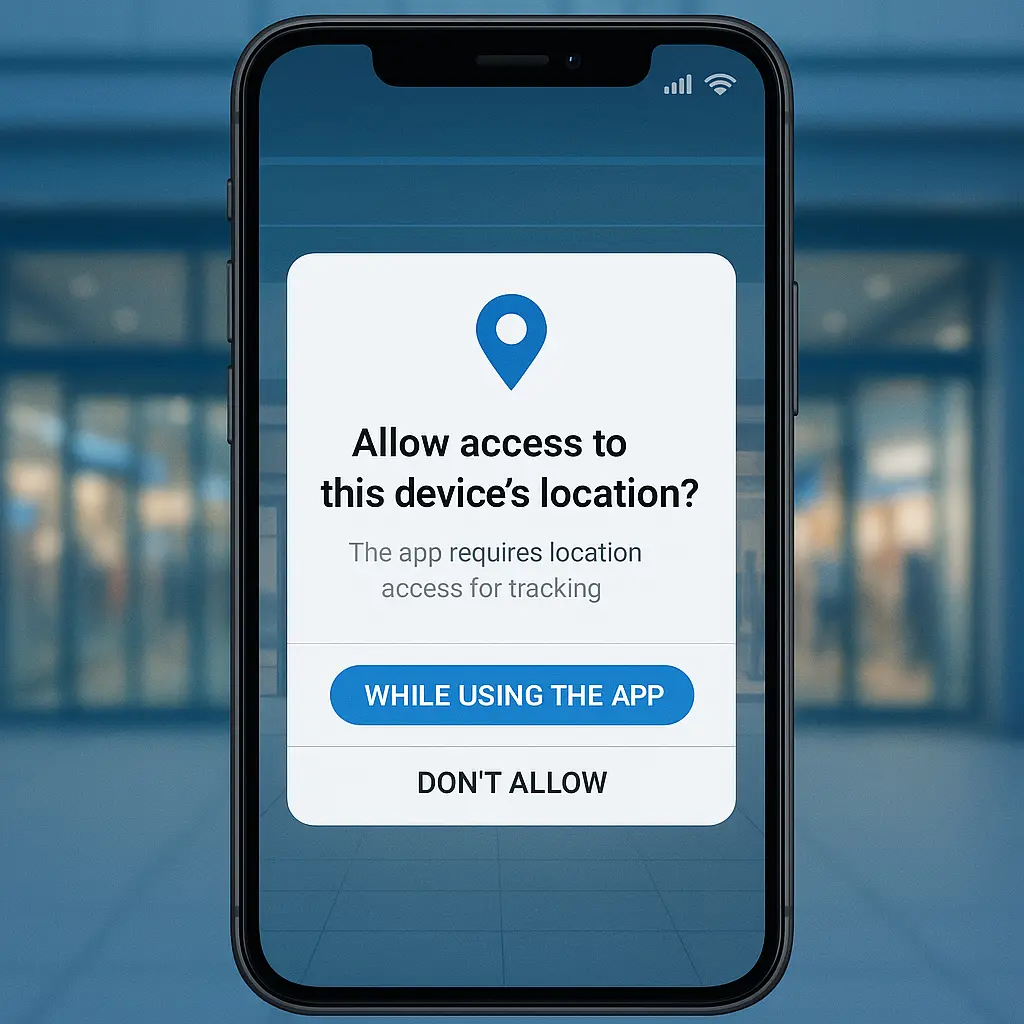
Use "While Using" instead of "Always" for apps you trust. "While Using" limits location access to when the app is open and active. The app can't track you in the background, which prevents continuous monitoring. This works for maps, ride-sharing, and food delivery, services that need your location during use but not 24/7.
Disable precise location where approximate is sufficient. iOS and Android both offer an approximate location option that reports your position within a few miles rather than a few feet. Geofencing depends on precision, if the ad network only knows you're somewhere in a three-mile radius, it can't tell whether you're inside a specific store's geofence. Weather apps, news apps, and search engines work fine with approximate location.
Turn off Bluetooth when you're not using it. Bluetooth beacons can't detect your phone if Bluetooth is disabled. This breaks indoor geofencing in malls, airports, and large retailers. The tradeoff is you lose wireless headphones, car connectivity, and smartwatch sync until you turn it back on.
Reset your advertising ID periodically. On iPhone, go to Settings > Privacy & Security > Tracking > Reset Advertising Identifier. On Android, go to Settings > Privacy > Ads > Reset advertising ID. This breaks the link between your past location history and future tracking, forcing ad networks to start over. It doesn't delete old data, but it prevents new data from connecting to the old profile.
Review which apps have background location access. This is the highest-risk permission. Apps with background access track you continuously, even when you're not using them. On iPhone, look for apps with "Always" permission. On Android, check for apps with "Allow all the time." If an app has background access and you don't remember granting it, revoke it.
Use privacy-focused browsers and ad blockers. EFF's Privacy Badger blocks trackers that follow you across sites, including ad networks that correlate web activity with location data. Blocking trackers in your browser reduces the data available to merge with geofence signals.
Understand that disabling location services entirely is the only complete solution. If your phone doesn't report location, ad networks can't geofence you. But this breaks navigation, location-based reminders, Find My Phone, and emergency services. It's the nuclear option, effective but impractical for most people.
Read privacy policies for apps that request location. The FTC requires disclosure of data collection practices, but enforcement is inconsistent and policies are often vague. Look for language about "third-party partners," "advertising networks," or "data sharing." If the policy doesn't explain who gets your location data and what they do with it, assume the worst.
Why geofencing persists despite growing privacy concerns
Geofencing works. Retailers see measurable increases in foot traffic when they run geofenced campaigns. Ad networks can prove attribution by matching device IDs to in-store visits. The return on investment is clear, which keeps demand high.
The technology is cheap and accessible. Setting up a geofence takes minutes. Ad platforms like Google and Facebook offer geofencing as a standard feature. Small businesses can run geofenced campaigns with the same tools available to national chains. Low barriers to entry mean widespread adoption.
Consumer awareness remains low. Most people don't know geofencing exists, let alone how precise it is. They see an ad for a nearby store and assume it's coincidence or generic local targeting. They don't realize the ad triggered because their phone reported their exact coordinates to an ad network seconds earlier.
Regulation lags behind the technology. The FTC has issued guidance on privacy and data security, but enforcement actions against geofencing are rare. State laws like California's CCPA and Europe's GDPR impose disclosure requirements, but they don't ban the practice. As long as companies obtain consent through permission prompts and privacy policies, geofencing remains legal.
The business model depends on surveillance. Free apps generate revenue through ads. Ads are more valuable when they're targeted. Targeting requires data. Location data is among the most valuable because it reveals real-world behavior. Eliminating geofencing would require rebuilding the economics of mobile apps, and no one with power wants to do that.
Users accept the tradeoff implicitly. People want free apps, accurate maps, personalized recommendations, and local search results. All of those features rely on location data. Most people would rather grant permission and see relevant ads than pay subscription fees or lose functionality. The friction of managing privacy settings is higher than the discomfort of being tracked.
What's changing and what's not
Apple and Google have added privacy features that limit geofencing. iOS now shows a banner when an app uses your location in the background. Android requires apps to explain why they need location access. Both platforms let you grant approximate location instead of precise. These changes add transparency, but they don't stop geofencing, they just make it slightly harder.
Some jurisdictions are tightening rules. The European Data Protection Board has issued guidelines on location data processing, requiring explicit consent and limiting retention periods. But enforcement is uneven, and ad networks often comply by updating privacy policies rather than changing practices.
Ad networks are shifting to probabilistic targeting. When precise location isn't available, they use WiFi network names, IP addresses, and movement patterns to infer location. The precision drops, but the targeting continues. If your phone connects to a WiFi network named "StarbucksGuest," the ad network assumes you're at Starbucks even without GPS coordinates.
Retailers are investing in first-party data. Instead of relying on third-party ad networks, they're building their own apps with loyalty programs that incentivize location sharing. You grant location access to get rewards, and the retailer keeps the data instead of sharing it with brokers. This consolidates tracking under fewer entities but doesn't reduce the total amount of surveillance.
The core mechanism isn't going anywhere. As long as phones have GPS and apps have permission to access it, geofencing will persist. The technology is too effective, too cheap, and too embedded in the mobile advertising ecosystem to disappear. Privacy protections will improve around the edges, but the fundamental practice of tracking your location to serve you ads will continue.
The reality behind "personalized experiences"
When an app asks for location access to provide "personalized experiences," what it means is: we want to serve you ads based on where you are, track your movements to build a profile, and sell that data to third parties.
The euphemism obscures the mechanism. Personalization sounds like a service, recommendations tailored to your preferences. The reality is surveillance, continuous monitoring of your physical location to enable targeting you didn't ask for.
You cross an invisible boundary. Your phone reports your coordinates. An ad network checks its database, finds a match, and serves you an ad within seconds. You didn't search for anything. You didn't open an app. You just walked past a store, and the system responded.
That's geofenced advertising. It's precise, pervasive, and profitable. It operates on continuous location tracking, cross-app data sharing, and vague consent obtained through permission prompts most people don't fully understand.
You can reduce your exposure by revoking permissions, using approximate location, and disabling Bluetooth. But the only way to eliminate geofencing entirely is to stop granting location access to apps that don't strictly need it, and to accept the loss of convenience that comes with that choice.
The invisible boundaries are everywhere. Your phone knows when you cross them. The question is whether you're okay with that.