Disappearing messages: real privacy or theater?
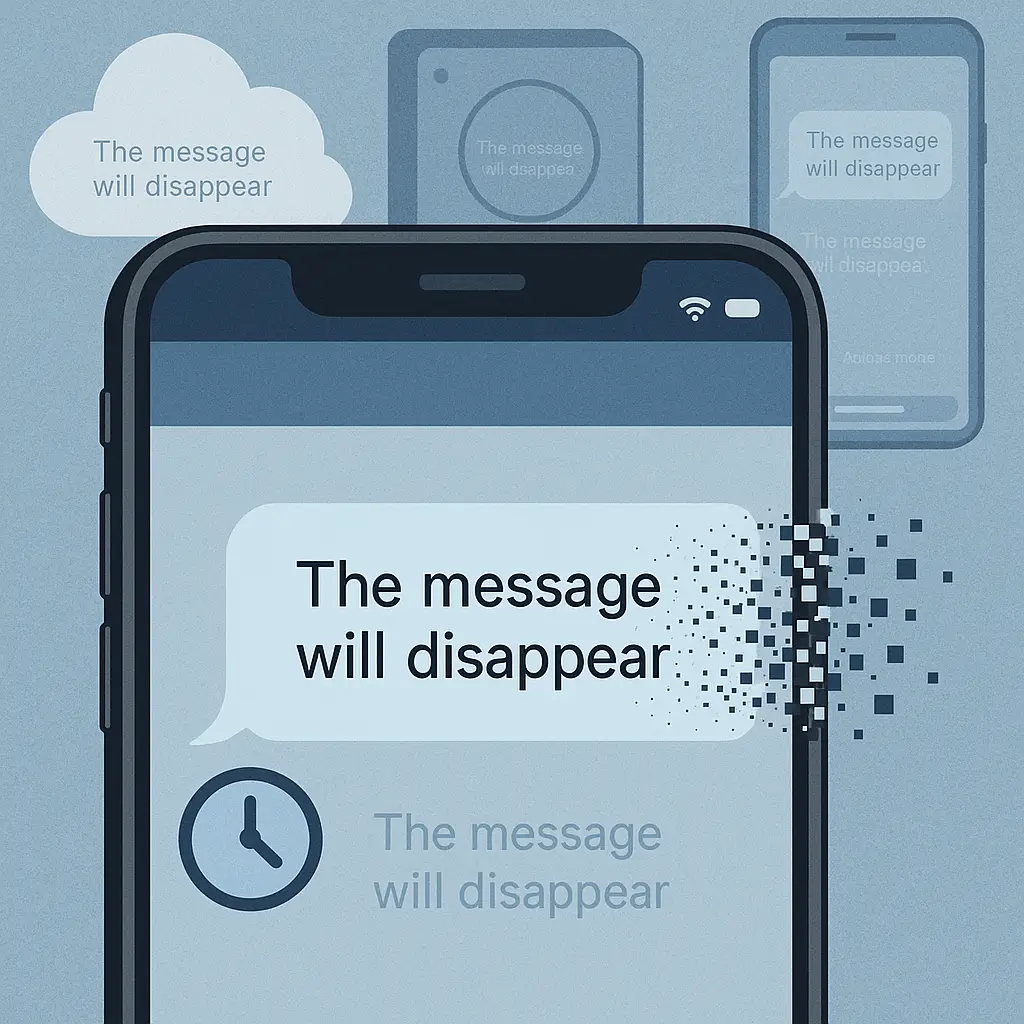
You send a message. It sits there for 24 hours. Then it vanishes.
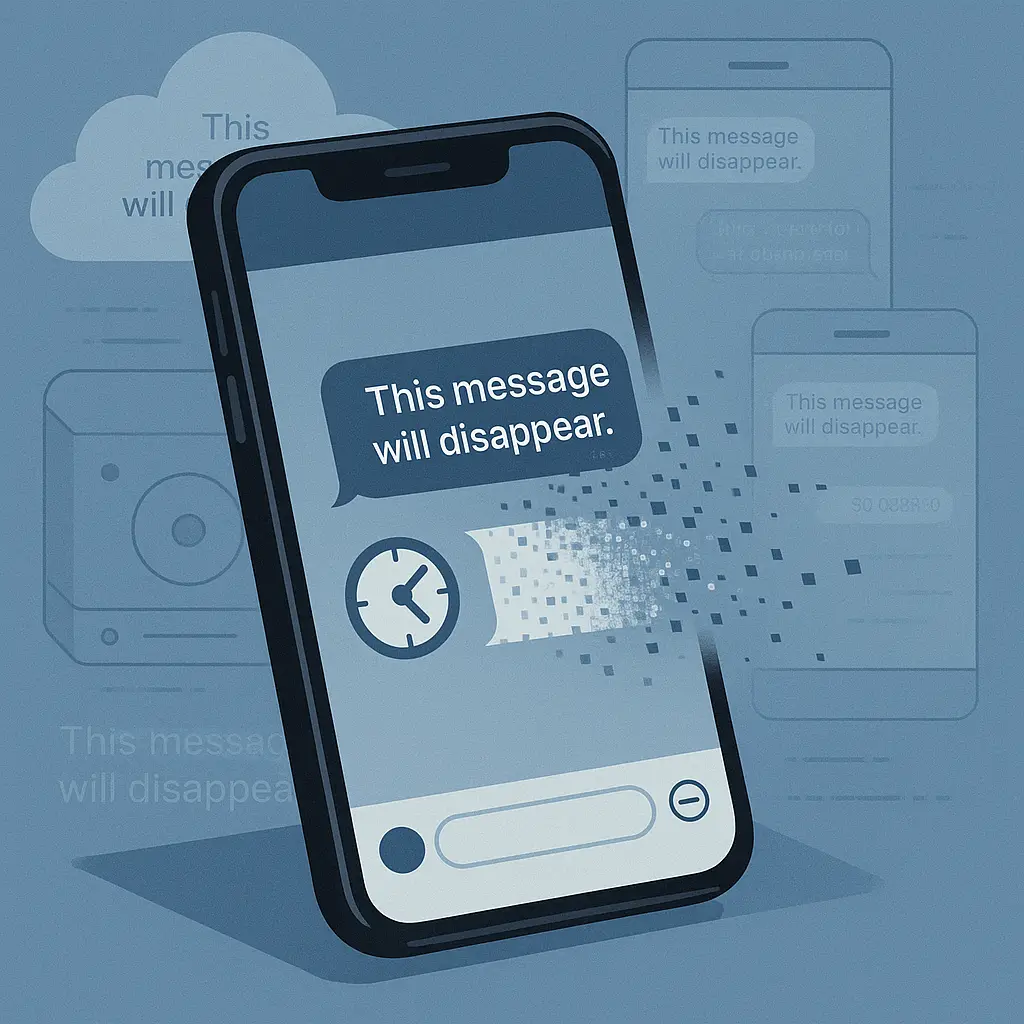
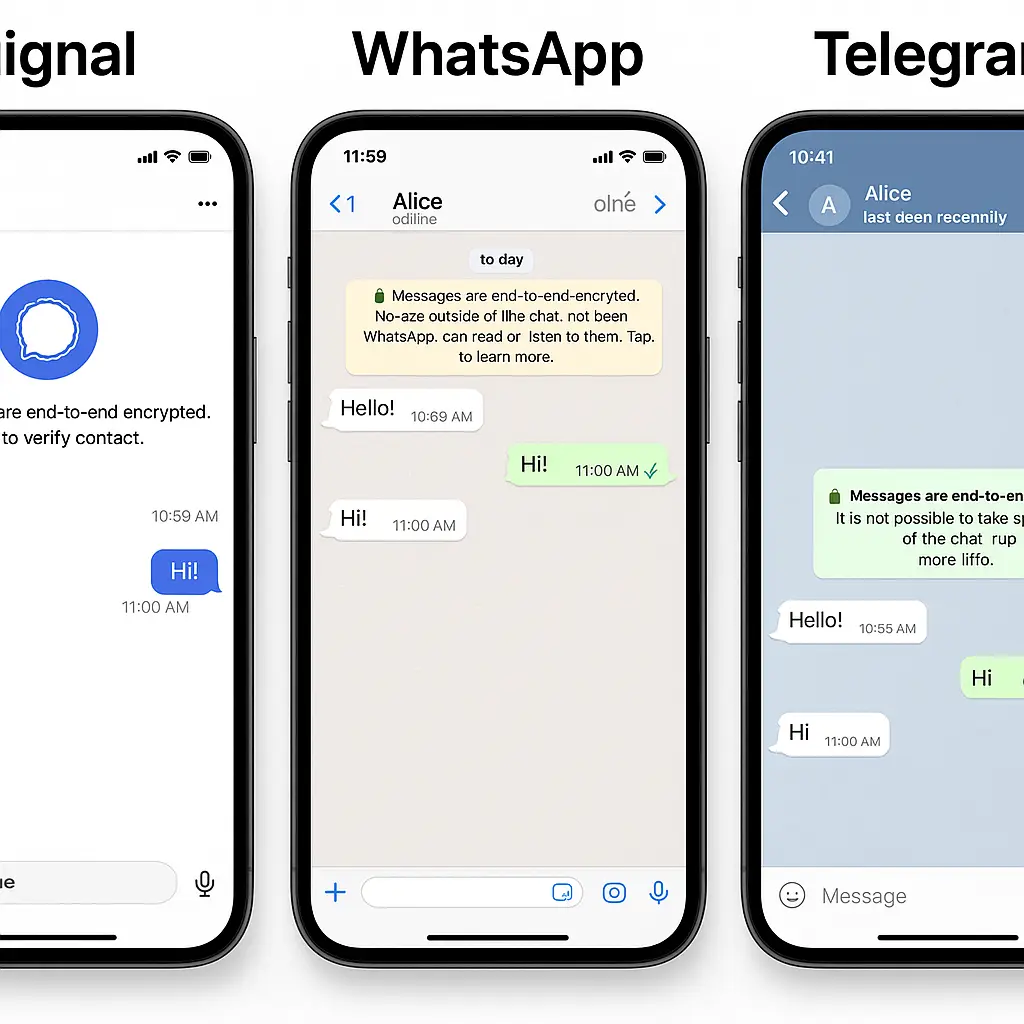
That's the promise behind disappearing messages in Signal, WhatsApp, Telegram, Instagram, and a dozen other apps. The interface makes deletion feel absolute. The timer counts down. The message grays out. It's gone.
Except it's not always gone. Not completely. Not everywhere.
Disappearing messages delete from the visible chat interface, but copies persist in places most people don't think about: backups, screenshots, server logs, metadata databases, forensic recovery tools, and the recipient's notification history. The feature works as advertised within the narrow boundaries of what the app controls. Outside those boundaries, the guarantees evaporate.
Here's what actually happens when you set a message to disappear, where copies survive, and what you can realistically expect from a feature that promises more than it delivers.
What disappearing messages actually do
Disappearing messages work through a timer mechanism. You compose a message, set an expiration window (ranging from a few seconds to weeks, depending on the app), and send it. The recipient sees the message with a countdown indicator. When the timer expires, the app deletes the message from local storage on both devices.
The deletion is real within the app's database. The message text, attachments, and associated media files get removed from the conversation thread. If you open the chat after expiration, the message is gone. The app's search function won't find it. The conversation history shows a gap where the message used to be.
This is useful for reducing clutter, limiting how long casual conversations sit on your device, and preventing someone who picks up your unlocked phone from scrolling back through months of chat history. The feature does what it claims to do inside the app's ecosystem.
But the app's ecosystem is not the only place the message exists.
Backups capture messages before they disappear
Phone backups run on schedules you don't always control. iCloud backups happen overnight when your phone is plugged in and connected to WiFi. Google Drive backups trigger based on similar conditions. If a backup runs while a disappearing message is still visible in your chat, that message gets captured in the backup file.
The backup stores a snapshot of the app's database at that moment. The message exists in that snapshot. When the timer expires and the app deletes the message from your phone, the backup doesn't update retroactively. The message stays in the backup until the next backup cycle overwrites it or you manually delete the backup file.
This matters if you restore your phone from a backup. Messages that disappeared weeks ago can reappear in your chat history because they existed in the backup snapshot. The app can't enforce deletion rules on data it doesn't control.
Some apps handle this better than others. Signal excludes disappearing messages from backups entirely when you enable its built-in backup feature. WhatsApp's Google Drive and iCloud backups include disappearing messages if they existed when the backup ran. Instagram and Telegram follow similar patterns.
If you rely on disappearing messages for privacy, you need to know whether your app excludes them from backups and whether you're using the app's native backup system or the phone's default backup mechanism. The distinction determines whether deleted messages persist outside the app.
Screenshots bypass deletion entirely
The most obvious gap in disappearing message privacy is the screenshot. Any recipient can capture a disappearing message before it expires. The app can't prevent this. Operating systems give users full control over screenshots.
Some apps notify you when someone screenshots a disappearing message. Snapchat pioneered this feature. Instagram, Signal, and others adopted variations of it. The notification tells you a screenshot happened, but it doesn't undo the screenshot. The message persists in the recipient's photo library, outside the app's control.
The notification itself creates a different problem: it assumes the recipient is using the app on a device where screenshot detection works. If they're viewing the message on a desktop client, using screen recording software, or photographing the screen with another device, the app won't detect it. The notification only covers the most straightforward screenshot method on supported platforms.
Once a screenshot exists, the message is no longer disappearing. It's a permanent image file that can be shared, backed up, synced to cloud storage, and recovered through standard photo recovery tools. The app's deletion timer becomes irrelevant.
Server-side storage varies by platform
End-to-end encrypted messaging apps like Signal don't store message content on their servers. The message travels from sender to recipient through Signal's servers, but the servers only see encrypted data they can't decrypt. When the message expires on both devices, no readable copy exists anywhere.
Apps without end-to-end encryption work differently. The message content passes through the company's servers in a readable form. Whether the company stores that content depends on their architecture, retention policies, and legal obligations.
WhatsApp uses end-to-end encryption, so disappearing messages don't persist on Meta's servers in readable form. Telegram's default chats are not end-to-end encrypted. Messages pass through Telegram's servers, and the company's privacy policy doesn't guarantee immediate deletion of expired content from server logs.
Instagram Direct uses encryption in transit but not end-to-end encryption for most conversations. Meta's servers process message content. Disappearing messages in Instagram may be deleted from the visible chat, but Meta's data retention policies for server logs, metadata, and compliance archives aren't transparent about how long copies persist internally.
Even when a company doesn't intentionally store expired messages, server logs capture metadata: who sent a message to whom, when, from what IP address, and how large the message was. Metadata persists longer than content in most systems. Law enforcement can subpoena metadata even when the message content is gone.
Metadata survives message deletion
Disappearing messages delete the content, but metadata about the conversation persists. The app knows you sent a message to a specific contact at a specific time. It knows the message size, the device you sent it from, and whether the recipient read it.
This metadata sits in the app's database, the company's server logs, and potentially in analytics systems that track user behavior. Some apps anonymize metadata. Others retain it for fraud detection, service improvement, or legal compliance.
If you're trying to hide the fact that a conversation happened, disappearing messages don't help. They hide what you said, not that you said something. The difference matters in contexts where the existence of communication is itself sensitive.
Notification history keeps message previews
When a disappearing message arrives, your phone generates a notification. That notification often includes a preview of the message text. The preview appears in your notification history, which persists separately from the app's database.
Android and iOS both maintain notification logs that survive after you dismiss the notification. The message might disappear from the chat, but the preview text sits in your notification history until you clear it manually or the operating system purges old notifications.
This is a small detail, but it's the kind of gap that undermines the privacy promise. Someone with access to your unlocked phone can view recent notification history and see previews of messages that are supposed to be gone.
Forensic recovery tools can retrieve deleted data
When an app deletes a message, it removes the database entry that points to the message content. The underlying data often remains on the device's storage until the operating system overwrites it with new data. Forensic recovery tools can sometimes retrieve this data.
The success rate depends on how the app implements deletion, how much time has passed since deletion, and how much new data has been written to the device. Secure deletion (overwriting the data with random information) is more reliable than standard deletion (removing the database pointer), but most messaging apps use standard deletion for performance reasons.
If your threat model includes someone using forensic tools on your device, disappearing messages provide limited protection. The feature reduces the window during which deleted content is easily recoverable, but it doesn't guarantee that recovery is impossible.
The Severance problem
In the Apple TV series Severance, employees undergo a procedure that splits their consciousness between work and personal life. Their work selves have no memory of their personal lives, and vice versa. The separation feels absolute until cracks appear. Small details leak across the boundary. The system isn't as airtight as it promises.
Disappearing messages create a similar illusion. The feature appears to enforce a clean separation between what persists and what vanishes. But the boundary is porous. Backups leak across it. Screenshots leak across it. Server logs, metadata, notification history, and forensic recovery all create gaps where the disappeared message persists in some form.
The system works within its defined scope, but the scope is narrower than the interface suggests. The message disappears from the chat. That's real. Everything else requires assumptions about backups, screenshots, server architecture, and recipient behavior that the app can't enforce.
What disappearing messages are actually good for
Disappearing messages reduce local storage of casual conversations. If you're exchanging logistics, making plans, or sending ephemeral thoughts that don't need to sit in your chat history forever, the feature works. It keeps your conversation threads manageable. It limits how far back someone can scroll if they pick up your unlocked phone.
The feature also reduces the risk of accidental oversharing. If you send a message you regret, disappearing messages ensure it won't haunt you in the chat history months later. This is useful for everyday privacy, not high-stakes confidentiality.
For sensitive information, disappearing messages are a starting point, not a complete solution. They work best when combined with end-to-end encryption (to prevent server-side storage), disabled backups (to prevent snapshot persistence), and mutual understanding that screenshots defeat the purpose.
If your threat model includes law enforcement, forensic analysis, or determined adversaries with access to backups and server logs, disappearing messages provide minimal protection. The feature is designed for convenience and casual privacy, not for making information truly unrecoverable.
How to use disappearing messages effectively
If you decide to use disappearing messages, here's what actually improves privacy:
Choose an app with end-to-end encryption. Signal, WhatsApp, and iMessage (when both parties use Apple devices) encrypt messages so the company can't read them. This prevents server-side storage of readable content.
Disable cloud backups for the messaging app, or use the app's native backup system if it excludes disappearing messages. Check your phone's backup settings. On iPhone, go to Settings > [Your Name] > iCloud > Manage Storage > Backups > [Your Device] and review which apps are included. On Android, check Settings > Google > Backup and look for the messaging app in the backup list.
Understand that screenshots bypass deletion. If you're sending something you don't want captured, say so. Mutual understanding matters more than app features.
Clear notification history manually if message previews appear in notifications. On iPhone, this means swiping away notifications as they arrive. On Android, you can clear notification history in Settings > Notifications > Notification history.
Set realistic expectations. Disappearing messages reduce the persistence of casual conversations. They don't make information vanish from every location where it might exist.
When not to rely on disappearing messages
Don't use disappearing messages for information you need to reference later. The feature deletes indiscriminately. If you're exchanging addresses, confirmation numbers, or instructions you'll need again, the convenience of deletion becomes a liability.
Don't assume disappearing messages protect you in legal contexts. Courts can subpoena backups, server logs, and metadata. If the conversation is subject to legal discovery, disappearing messages complicate retrieval but don't prevent it.
Don't use disappearing messages as a substitute for not sending sensitive information in the first place. If the content is genuinely confidential, consider whether it should be in a text message at all. Phone calls leave less persistent data. In-person conversations leave none.
The reality check
Disappearing messages work within the boundaries the app controls. They delete messages from the visible chat interface. They reduce local storage. They make casual conversations less permanent.
But the boundaries are narrow. Backups, screenshots, server logs, metadata, notification history, and forensic recovery all create gaps where the disappeared message persists in some form. The feature is useful for everyday privacy. It's not a reliable tool for making sensitive information vanish completely.
If you use disappearing messages, use them with clear expectations. They're a convenience feature with privacy benefits, not a guarantee of deletion. The message disappears from the chat. That's real. Everything else depends on factors the app can't control.