Family Accounts: What to Share and What to Keep Separate

You share a Netflix account with your parents. Your spouse knows your Amazon password. Your teenager uses your Spotify login. None of this feels risky until you realize how many accounts you've shared, how many people have your credentials, and how little control you have over what happens next.
Family account sharing is normal. It's also the security equivalent of handing out keys to your house and hoping everyone locks the door behind them. Some sharing is fine. Some is a disaster waiting to happen. The difference comes down to what the account controls, how you share access, and what breaks if someone makes a mistake.
This is the practical guide to sharing family accounts safely. You'll learn which accounts you can share, which you absolutely cannot, and the exact method to set up sharing that doesn't compromise security. No paranoia. No lectures about trust. Just the technical reality of what happens when credentials move between people, and what you can do about it.
The Fundamental Problem with Sharing Passwords
When you share a password, you lose control. That's not a metaphor. It's the technical reality of how authentication works.
A password is a secret that proves you are you. When two people know the same secret, the system can't tell them apart. If your spouse logs into your email, the email provider sees your credentials and assumes it's you. If your teenager uses your Amazon account, Amazon processes their purchases as if you made them. The account doesn't distinguish between authorized use and unauthorized use because it can't. It only sees the password.
This creates three specific problems. First, you can't revoke access without changing the password, which means everyone who knows the old password loses access simultaneously. You can't remove just one person. It's all or nothing.
Second, you can't audit who did what. If someone makes a purchase, changes a setting, or deletes data, the account logs show your credentials. You can't prove it wasn't you. This matters for fraud disputes, account recovery, and basic accountability within the family.
Third, the password becomes a shared secret that moves through text messages, notes apps, and verbal conversations. Each transmission is a potential leak. Each person who knows it becomes a point of failure. If one person's phone gets compromised, every shared account becomes vulnerable.
CISA's guidance on multifactor authentication addresses this by recommending that each person maintain their own credentials, even within families. The principle is simple: authentication should identify the individual, not the household.
What You Can Share Safely
Some accounts are designed for sharing. Others tolerate it. A few actively encourage it. The distinction comes down to what the account controls and how the service handles multiple users.
Streaming services like Netflix, Disney+, Hulu, and Spotify fall into the safe category. These accounts hold no payment method you can't monitor, no personal data beyond viewing history, and no access to other services. If someone logs into your Netflix account, they can watch shows. That's the extent of the risk. The account doesn't unlock password resets, doesn't store sensitive documents, and doesn't connect to your email or bank.
The same logic applies to shared subscriptions like Amazon Prime when used through Amazon Household, Apple Family Sharing, or Google Family Link. These services offer official family sharing features that give each person their own login credentials. You maintain control over purchasing permissions, payment methods, and account settings while family members get access to shared benefits.
Shared photo storage through Google Photos, iCloud Shared Albums, or similar services also works when configured correctly. The key is using the service's built-in sharing features rather than sharing your primary account credentials. You create a shared album or library, invite family members with their own accounts, and control what gets shared.
The pattern here is clear: safe sharing happens when the service provides a mechanism for it. If the platform offers family accounts, household sharing, or collaborative features, use those. If it doesn't, sharing credentials is almost certainly the wrong approach.
What You Should Never Share
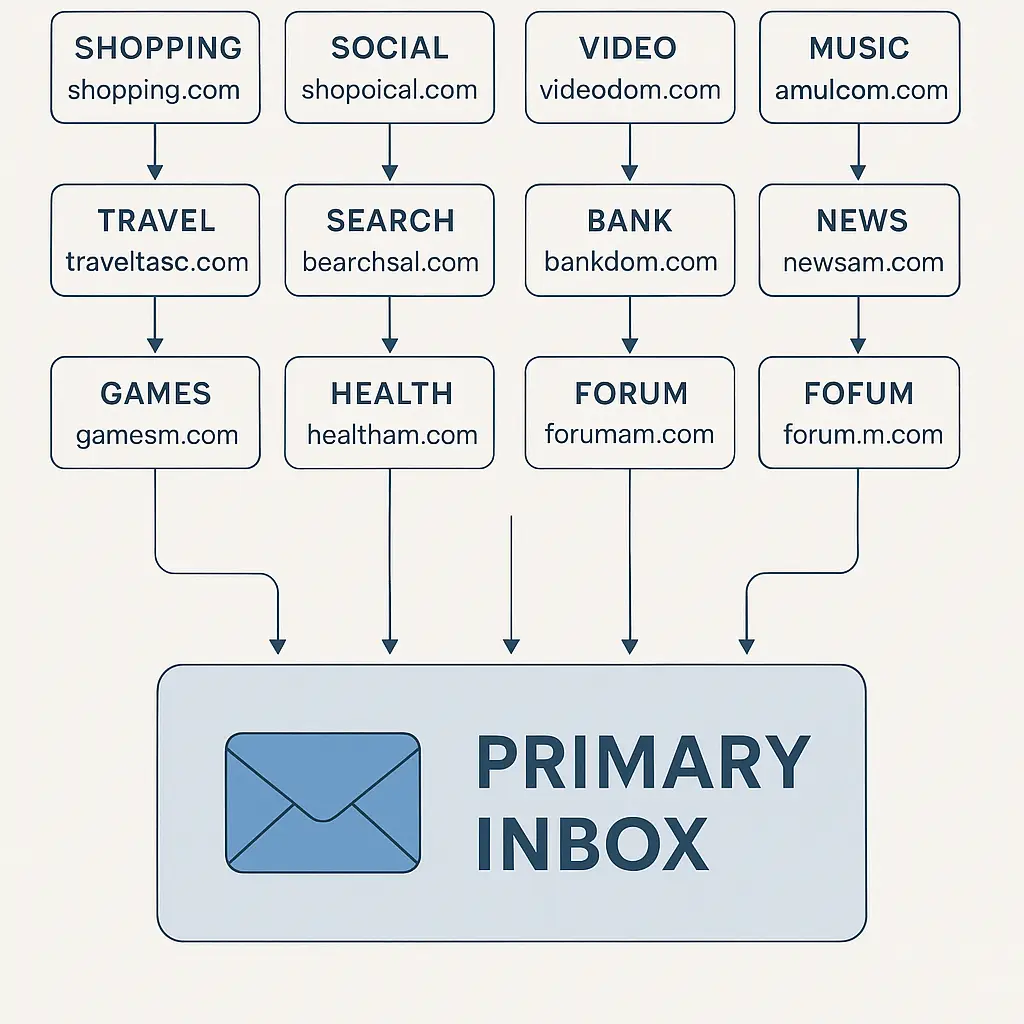
Your email password is the master key to everything else. It unlocks password resets, recovery codes, and account access across every service you use. If someone has your email credentials, they can reset your bank password, access your medical records, and impersonate you to customer support. Sharing email credentials with anyone, including family, creates a single point of failure that compromises everything connected to that address.
The FTC's guidance on protecting personal information is explicit: email accounts should remain individual and secured with strong, unique passwords and two-factor authentication.
Banking and financial accounts fall into the same category. Your bank account credentials should never be shared, even with a spouse. If you need to give someone access to your finances, use the bank's official joint account features, authorized user designations, or power of attorney arrangements. These mechanisms create an audit trail, maintain individual authentication, and preserve legal protections that password sharing destroys.
Work accounts are off-limits for a different reason. Your employer owns the account, controls the access, and monitors the activity. Sharing work credentials with family members violates acceptable use policies, creates liability for both you and your employer, and exposes confidential business data to people outside the organization. If your family needs access to something work-related, the answer is to separate work and personal data, not to share credentials.
Social media accounts should remain individual. Your Facebook, Instagram, Twitter, or LinkedIn credentials authenticate you as a specific person. Sharing those credentials means someone else can post as you, message your contacts, and access private conversations. The reputational risk alone makes this a non-starter, but the security implications are worse. Social media accounts increasingly serve as identity verification for other services, and sharing access undermines that entire chain of trust.
Medical and health accounts hold protected health information subject to HIPAA and similar regulations. Sharing credentials to your patient portal, prescription service, or health insurance account exposes medical records, treatment history, and insurance details. If you need to give a family member access to your medical information, use the provider's authorized representative process or healthcare proxy designation.
The Right Way to Share What You Need to Share
Password managers solve the sharing problem by creating a controlled environment where credentials can be accessed without being exposed. Services like NordPass, 1Password, Bitwarden, and Dashlane offer family plans with shared vaults. Here's how it works.
You create a shared vault within the password manager. This vault holds credentials that multiple family members need to access: the streaming service login, the shared Amazon account, the family cloud storage. Each person in the family has their own password manager account, secured with their own master password and two-factor authentication.
When someone needs to log into the shared Netflix account, they open their password manager, navigate to the shared vault, and the manager fills the credentials automatically. They never see the actual password. They can't copy it, text it, or write it down. They can only use it within the password manager's controlled environment.
You maintain administrative control over the shared vault. You can add credentials, remove credentials, and revoke access for specific family members without changing the underlying passwords. If your teenager moves out, you remove their access to the shared vault. The passwords stay the same. Everyone else's access continues uninterrupted.
This approach works because it separates authentication from access. Each person proves their identity with their own master password. Once authenticated, they gain access to the shared credentials through the vault. The password manager logs who accessed what and when, creating an audit trail that shared passwords can't provide.
Setting this up takes around thirty minutes. You install the password manager on each family member's devices, create individual accounts, enable two-factor authentication for each account, create the shared vault, add the credentials that need to be shared, and invite family members to the vault. The initial setup is tedious. The long-term security benefit is substantial.
Platform-Specific Family Sharing Features
Amazon Household lets you add one other adult and up to four children to your Amazon account. Each person gets their own login credentials. Adults can share Prime benefits, payment methods, and digital content. Children get access to age-appropriate content with parental controls.
The setup process requires both adults to verify their accounts and agree to share payment methods. This creates a legally binding arrangement where both adults can make purchases using shared payment methods. You control purchasing permissions for child accounts through parental controls.
The security advantage here is clear: each person has their own credentials, Amazon can distinguish between users, and you can revoke access without changing your password. If your teenager's account gets compromised, you remove that account from the household. Your account stays secure.
Apple Family Sharing works similarly. You designate one person as the family organizer, invite up to five other people, and share purchases, subscriptions, iCloud storage, and location. Each person keeps their own Apple ID. The organizer approves purchases for children under 18, manages screen time settings, and controls access to shared content.
Google Family Link offers comparable features for Android users. You create a family group, invite members, and share Google One storage, Play Store purchases, and YouTube Premium. Children under 13 require a supervised account that you manage through the Family Link app.
These platform-specific features are almost always better than sharing credentials. They provide the access your family needs while maintaining individual authentication, audit trails, and granular control. Use them.
Teaching Family Members to Recognize Phishing
Sharing accounts creates a shared attack surface. If one person falls for a phishing email targeting your Netflix account, everyone loses access when you're forced to change the password. If someone clicks a malicious link in an email that appears to come from Amazon, the attacker gains access to shared payment methods and purchase history.
The defense is education, not paranoia. Your family members need to recognize the patterns that give phishing away. The FTC's guidance on online security offers a starting point, but the practical advice comes down to a few specific behaviors.
Teach your family to verify sender addresses before clicking links in emails. Legitimate companies don't send password reset requests unless you initiated them. If you didn't ask to reset your password, the email is suspect. If the sender address doesn't match the company's official domain, it's almost certainly phishing.
Explain that urgency is a red flag. Phishing emails create artificial pressure: "Your account will be closed in 24 hours," "Suspicious activity detected," "Verify your information immediately." Legitimate companies don't operate this way. They send notifications, not ultimatums.
Show them how to hover over links without clicking to see the actual destination URL. If the link text says "amazon.com" but the URL points to "amaz0n-security-check.net," it's phishing. If the domain looks strange, includes extra words, or uses a different top-level domain than expected, don't click.
Make it clear that no legitimate company will ever ask for passwords, Social Security numbers, or credit card details via email. If an email requests sensitive information, it's phishing. The correct response is to close the email, open a browser, type the company's URL manually, and log in directly.
These aren't theoretical risks. According to research on phishing patterns, around 1 in 4 people who receive a phishing email will click the link. Within families sharing accounts, that means one person's mistake can compromise everyone's access.
When Someone Leaves the Family
Divorce, estrangement, or a child moving out creates an immediate security problem: someone who had access to shared accounts no longer should. The technical response is straightforward. The emotional dynamics are not.
Start with the accounts that matter most. Email, banking, and work accounts should never have been shared in the first place, but if they were, change those passwords immediately. Enable two-factor authentication if it wasn't already active. Review connected devices and active sessions, and log out any sessions you don't recognize.
For shared accounts managed through a password manager's family vault, remove the person's access to the vault. This is why using a password manager matters: you can revoke access without changing passwords. The person loses the ability to view credentials, but everyone else's access continues normally.
For platform-specific family sharing features like Amazon Household, Apple Family Sharing, or Google Family Link, remove the person from the family group through the platform's settings. This immediately revokes their access to shared benefits, subscriptions, and content.
For accounts where you shared credentials directly without using a password manager or family sharing feature, you'll need to change the password and distribute the new password to everyone who should retain access. This is tedious, error-prone, and exactly why direct password sharing is a bad idea.
Review payment methods attached to shared accounts. If the departing person had access to shared credit cards, debit cards, or bank accounts through the account, remove those payment methods or replace them with new ones. This prevents future unauthorized purchases and creates a clean break.
Check for authorized devices. Many services let you view and manage devices that have logged into an account. Remove any devices that belong to the departing person. This prevents them from accessing the account even if they remember the old password.
The timeline matters. If the separation is contentious, do this immediately. If it's amicable, you have more flexibility, but don't delay indefinitely. Shared access that lingers creates risk that compounds over time.
The Special Case of Elderly Parents
Helping elderly parents manage their accounts creates a different sharing dynamic. They may need help with technology, password resets, or account recovery, but they also deserve privacy and autonomy. The balance is tricky.
The wrong approach is to take over their accounts by learning their passwords and managing everything yourself. This strips them of control, creates confusion about who did what, and makes it harder for them to maintain independence.
The right approach depends on their comfort level with technology. If they're capable of managing their own accounts but occasionally need help, set up a password manager for them and become their emergency contact. Most password managers offer emergency access features where a designated person can request access to the vault. After a waiting period (typically 24-48 hours), they gain temporary access unless the account owner denies the request.
If they need more active help, use the platform's official sharing features rather than taking over their accounts. Add yourself to their Amazon Household so you can help with purchases. Set up Apple Family Sharing or Google Family Link so you can assist with device management. Use your bank's authorized user or power of attorney features for financial accounts.
For medical and legal accounts, work with their providers to establish proper authorization. Most patient portals offer proxy access for family members. Most financial institutions offer power of attorney designations. These mechanisms create legal authority without requiring you to know their passwords.
Document everything. Keep a list of which accounts exist, which services they use, and where important information is stored. This isn't about surveillance. It's about being able to help effectively if something goes wrong.
Have the conversation about account recovery before it becomes urgent. If they become incapacitated, you'll need access to email, banking, and medical accounts. The time to establish that access is now, through proper legal and technical channels, not during a crisis when you're guessing passwords and hoping for the best.
What Breaks When Sharing Goes Wrong
In The Fellowship of the Ring, Gandalf warns that the Ring's power grows more dangerous the more it's shared, not less. The same principle applies to passwords, though the mechanism is less mystical and more mundane.
When multiple people share the same credentials, accountability disappears. You can't tell who made a purchase, who changed a setting, or who deleted data. The account logs show your credentials, and that's all the service knows. If fraud occurs, you can't prove it wasn't you. If a dispute arises, you have no evidence of who did what.
This creates real problems with financial institutions. If someone makes an unauthorized purchase on a shared Amazon account, Amazon's fraud investigation will ask whether you shared your password. If you did, the purchase is considered authorized, even if you didn't make it. The same logic applies to bank accounts, credit cards, and payment services. Sharing credentials voids many fraud protections.
It also complicates account recovery. If you need to reset a password because someone else changed it, you'll need to prove your identity through recovery questions, backup codes, or customer support. If the other person set those recovery options, you might not be able to answer them. If they changed the recovery email, you might not receive the reset link.
Shared credentials spread through insecure channels. People text passwords, write them in notes apps, and say them out loud. Each transmission is a potential leak. Each copy is a point of failure. If one person's phone gets compromised, every shared account becomes vulnerable.
The problem compounds over time. You share your Netflix password with your parents. They share it with your sibling. Your sibling shares it with their partner. Your partner's ex still has it from two years ago. Now you have no idea who has access, no way to audit who's using the account, and no clean path to revoke access without disrupting everyone.
This is why security professionals recommend individual credentials even within families. It's not about trust. It's about maintaining the technical properties that make authentication work: uniqueness, revocability, and accountability.
Setting Up Shared Access the Right Way
Here's the step-by-step process to transition from insecure password sharing to proper family account management.
First, choose a password manager that offers family plans. NordPass supports up to six users with unlimited shared items. 1Password offers similar features with slightly different pricing. Bitwarden's family plan supports six users with shared collections. Pick one based on your platform preferences and budget.
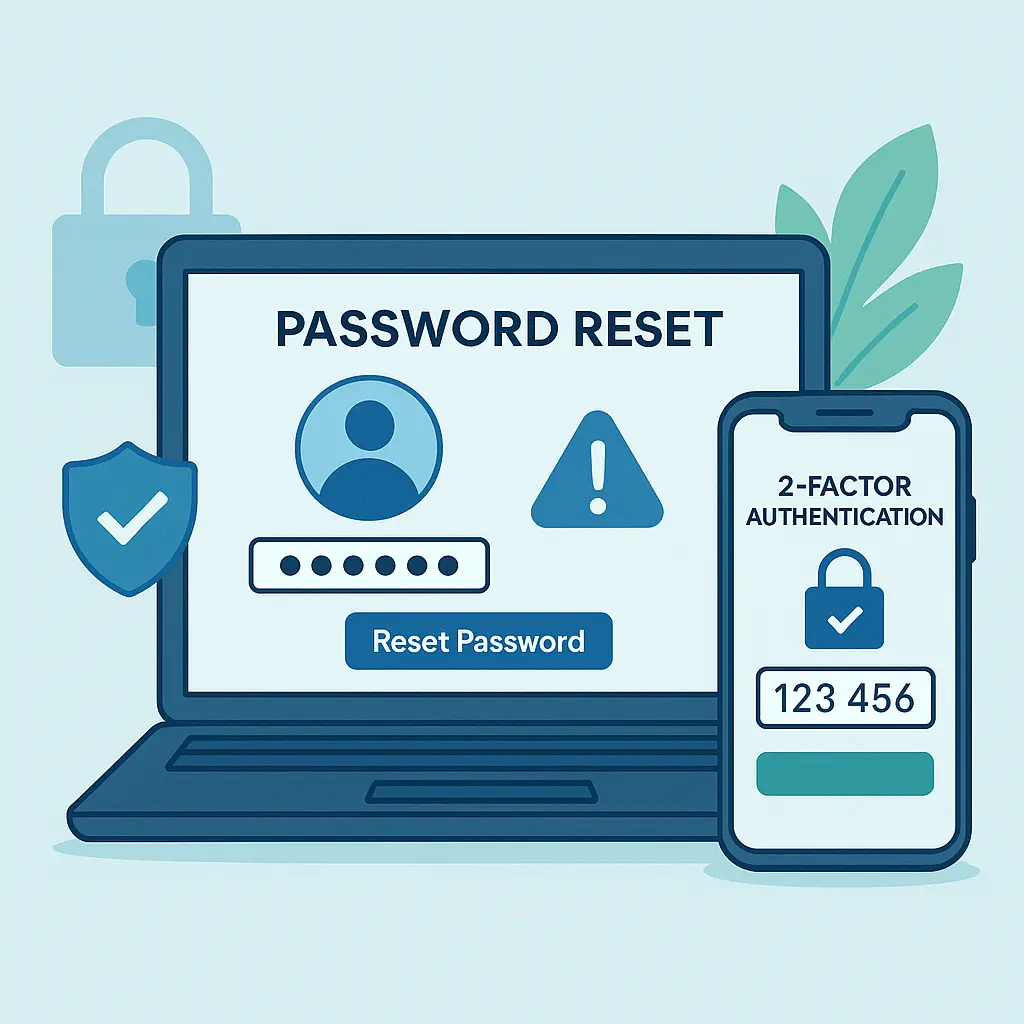
Second, create accounts for each family member. Each person needs their own master password, which they should never share with anyone, including you. Enable two-factor authentication on each account using an authenticator app, not SMS. This creates individual authentication that the password manager can verify.
Third, create a shared vault or collection within the password manager. The exact terminology varies by service, but the concept is the same: a container for credentials that multiple people can access. Name it something obvious like "Family Shared" or "Household Accounts."
Fourth, add the credentials that actually need to be shared. This is where you make decisions about what belongs in the shared vault. Streaming services go in. Email passwords don't. Shared subscriptions go in. Bank account credentials don't. Use the guidelines from earlier in this article to decide what qualifies.
Fifth, invite family members to the shared vault. Each password manager handles this differently, but the process generally involves sending an invitation email that the recipient accepts. Once accepted, they can access the shared credentials through their own password manager account.
Sixth, change passwords on the shared accounts to new, strong, unique passwords generated by the password manager. This accomplishes two things: it ensures the passwords are strong, and it invalidates any old passwords that might still be floating around in text messages or notes apps.
Seventh, remove the old passwords from insecure storage. Delete the text messages, clear the notes apps, and shred the sticky notes. If the password only exists in the password manager's shared vault, it can only be accessed by people you've explicitly granted access to.
Eighth, set up platform-specific family sharing features where available. Add family members to Amazon Household, Apple Family Sharing, Google Family Link, and similar services. This reduces the number of credentials that need to be shared through the password manager.
Ninth, document what you've done. Keep a list of which accounts are shared, which family members have access, and how to revoke access if needed. This doesn't need to be elaborate. A simple note file stored in the shared vault works fine.
Tenth, schedule a review. Set a calendar reminder for six months from now to audit the shared vault, remove credentials that no longer need to be shared, and verify that everyone still has appropriate access. Account sharing isn't a set-it-and-forget-it process. It requires ongoing maintenance.
This setup takes around an hour for a family of four with a dozen shared accounts. The time investment is real. The security benefit is substantial. You go from a chaotic mess of texted passwords and shared secrets to a controlled environment where access is managed, auditable, and revocable.
When Platform Features Aren't Enough
Some services don't offer family sharing features. Some offer features that don't fit your needs. Some are designed for individual use and actively resist sharing. In these cases, you have three options.
Option one is to maintain separate accounts. If the service doesn't support sharing and the account holds sensitive data, each person should have their own account. This applies to email, banking, work tools, and anything else where individual authentication matters more than convenience.
Option two is to use a password manager's shared vault for credentials that genuinely need to be shared. This works for services where sharing is necessary but the platform doesn't provide a mechanism for it. The shared vault provides controlled access without exposing the actual password.
Option three is to find an alternative service that does support family sharing. If you're using a service that makes sharing difficult, consider whether a competitor offers better family features. This isn't always possible, but it's worth evaluating.
The key is to avoid the fourth option: sharing credentials directly without any technical controls. That's where the security breaks down. That's where accountability disappears. That's where one person's mistake becomes everyone's problem.
The Conversation You Need to Have
Setting up secure family account sharing isn't just a technical problem. It's a social one. You need buy-in from family members who might not understand why this matters, who might find the new process inconvenient, or who might resist change.
Start with the why. Explain that sharing passwords directly creates risk for everyone. If one person's phone gets compromised, every shared account becomes vulnerable. If someone makes a mistake, everyone loses access. If fraud occurs, no one can prove who did what.
Acknowledge the inconvenience. Using a password manager adds a step. Setting up family sharing features takes time. Learning new tools requires effort. These are real costs, and pretending they don't exist won't help.
Emphasize the benefits. With proper sharing, you can revoke access without changing passwords. You can audit who accessed what. You can add new family members without redistributing credentials. You can recover accounts without depending on someone else's memory.
Make it collaborative. Ask family members which accounts they need access to. Discuss which sharing methods make sense for which services. Let people participate in the decision-making process rather than imposing a solution from above.
Provide training. Show people how to use the password manager, how to access shared credentials, and how to recognize phishing. Don't assume technical literacy. Don't skip the basics. Walk through the process step by step until everyone feels comfortable.
Set expectations. Make it clear that shared accounts require shared responsibility. If someone clicks a phishing link, everyone's access is at risk. If someone shares a password outside the family, the security breaks down. If someone loses their device, they need to report it immediately.
Be patient. Changing established habits takes time. People will forget to use the password manager. They'll text passwords out of habit. They'll resist the new process because the old way felt easier. Expect backsliding. Correct it gently. Reinforce the new behaviors until they stick.
This conversation isn't optional. The technical setup only works if everyone understands it, agrees to it, and follows through. Without that social foundation, the security measures become obstacles that people work around rather than tools that people use.
Maintaining Shared Access Over Time
Family account sharing isn't a one-time setup. It's an ongoing process that requires periodic maintenance, regular audits, and occasional adjustments.
Every six months, review the shared vault. Remove credentials for services you no longer use. Update passwords that haven't been changed in a while. Verify that everyone who should have access still does, and that no one who shouldn't have access has somehow gained it.
When someone joins the family through marriage, partnership, or adoption, add them to the appropriate shared vaults and family sharing platforms. When someone leaves through divorce, separation, or estrangement, remove their access immediately.
When a service adds family sharing features that didn't exist before, migrate from password sharing to the official feature. When a service removes or degrades family sharing features, adjust your approach accordingly.
When someone reports suspicious activity on a shared account, treat it as a security incident. Change the password, review recent activity, enable two-factor authentication if it wasn't already active, and investigate what happened. Don't assume it's nothing. Don't wait to see if it happens again.
When someone loses a device that had access to shared accounts, revoke access for that device immediately. Most services let you view and manage active sessions. Use that feature. Don't assume the device will turn up. Don't hope the finder won't try to access anything.
When someone forgets their password manager master password, use the emergency access feature to help them regain access. Don't share your master password with them. Don't bypass the security measures. Use the tools the password manager provides for exactly this situation.
When new family members reach the age where they need their own accounts, create individual accounts for them rather than continuing to share yours. Teenagers don't need access to your Amazon account. They need their own account with appropriate restrictions and monitoring.
This ongoing maintenance is part of the cost of secure sharing. It's not glamorous. It's not exciting. It's the mundane work of keeping a system running correctly over time. Skip it, and the security degrades. Do it consistently, and the system stays secure.
The goal isn't perfection. It's resilience. You're building a system that can survive mistakes, adapt to changes, and maintain security even when individual family members make poor decisions. That system requires attention, but it doesn't require paranoia. It requires structure, but it doesn't require surveillance. It requires everyone to participate, but it doesn't require everyone to become security experts.
You're not trying to eliminate all risk. You're trying to reduce risk to a level you can live with while maintaining the convenience and access your family needs. That's a reasonable goal. It's also an achievable one, if you're willing to put in the work.