Why everyone needs a second email address, and how to set one up
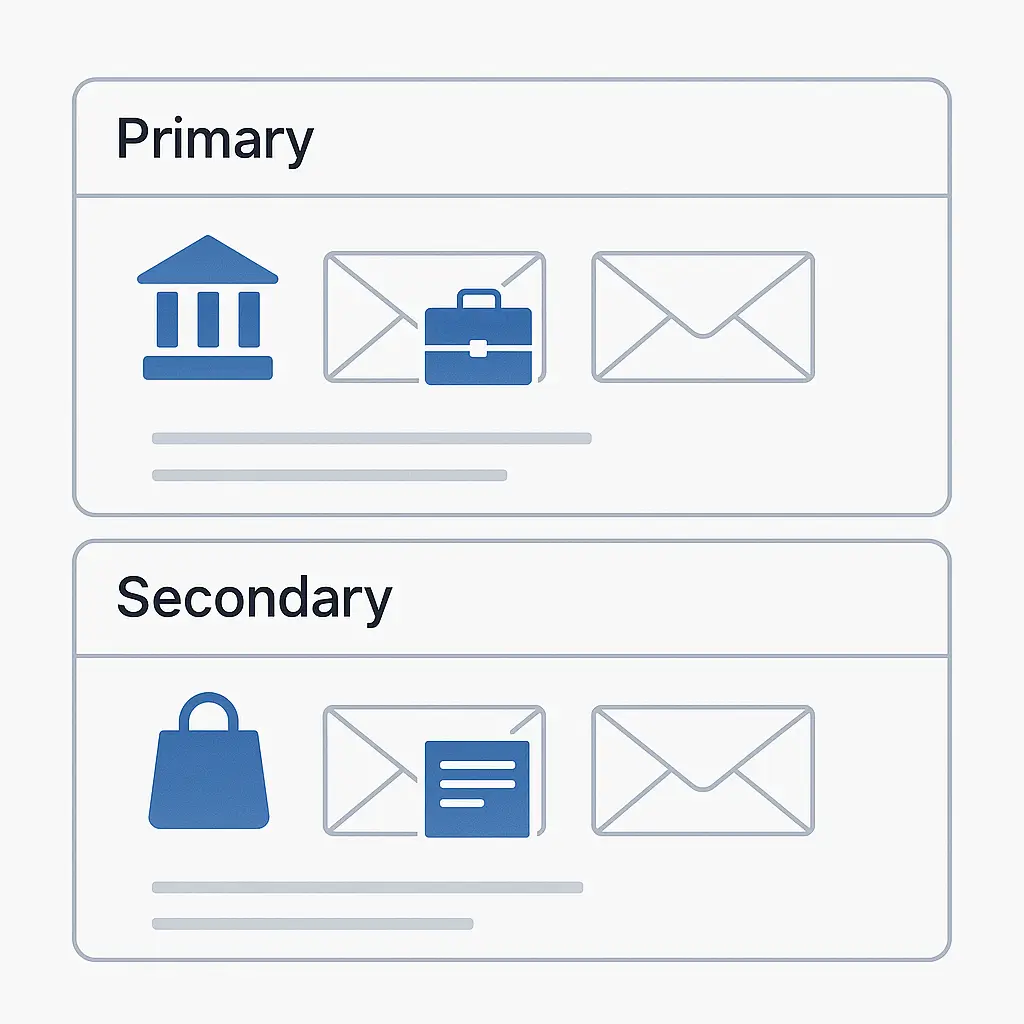
You hand out your email address constantly. Retailers ask for it at checkout. Newsletters require it. Every account you create needs one. That single address becomes the key to your entire digital life, and once it's out there, you can't take it back.
Using one email for everything creates a single point of failure. When that address appears in a breach, every account tied to it becomes vulnerable. When spam floods in, you lose legitimate messages in the noise. When you want to walk away from a service, you can't without abandoning the address entirely.
A second email address solves this. It isolates risk, protects your primary inbox, and gives you control over who gets access to what. Here's how to set one up, what to use it for, and why the separation matters more than most people realize.
What a second email actually protects
Your email address is more than a contact method. It's an identifier that links your accounts, tracks your behavior, and serves as the recovery mechanism for everything you do online. When you use the same address everywhere, you're building a map of your digital life that's visible to anyone who gets access to that inbox.
A second email creates compartmentalization. Your primary address stays private, known only to services you trust with sensitive data. Your secondary address becomes your public-facing identity, the one you hand out freely without worrying about consequences.
This separation protects you in three specific ways.
Breach containment. When a retailer gets breached and your email appears in the dump, attackers test it against other services through credential stuffing. If you've used that address for banking, email, or work accounts, they'll try it there. A secondary email limits the damage. The breach hits your shopping accounts, not your bank.
Spam isolation. Mailing lists sell your address to other lists. Retailers share it with partners. Free trials hand it to data brokers. Once your address enters the marketing ecosystem, you can't extract it. A secondary email absorbs this traffic. Your primary inbox stays clean, and you see the messages that actually matter.
Identity separation. Your email address is a tracking identifier. Websites use it to link your behavior across platforms, build profiles, and serve targeted ads. When you use different addresses for different contexts, you break that linkage. Retailers can't connect your shopping habits to your health searches. Forums can't tie your posts to your real identity. The separation isn't perfect, but it's better than handing everyone the same key.
In How I Met Your Mother, Barney keeps a second phone for dating, a burner that protects his real number from the chaos of his romantic life. A second email works the same way. It's not about deception. It's about keeping your primary identity separate from the parts of your life that don't need access to it.
Setting up your second email: step-by-step
Creating a second email takes around 10 minutes. The process is straightforward, but the details matter. Here's how to do it correctly.
Step 1: Choose a provider. Gmail, Outlook, Proton Mail, and Yahoo all work. The provider matters less than how you use the address. Pick one you're comfortable with and that offers two-factor authentication. If privacy is a priority, Proton Mail encrypts your inbox by default. If convenience matters more, Gmail integrates with Android and Chrome.
Don't use your work email as a secondary. Work accounts belong to your employer, and they can revoke access at any time. Don't use a disposable email service like Guerrilla Mail or 10 Minute Mail. Those addresses expire, and you'll lose access to any accounts tied to them.
Step 2: Pick a username that's not your real name. Your secondary email is a public identity. Don't use your full name, birth year, or anything that identifies you personally. A random combination of words works better than a variation of your primary address. blueocean47@gmail.com is harder to connect to you than john.smith.shopping@gmail.com.
Avoid usernames that suggest the address is disposable. junkmail123@outlook.com signals to services that you're not a serious user, and some will reject it outright. Pick something neutral that doesn't scream "throwaway account."
Step 3: Secure the account immediately. Before you use the address for anything, lock it down. Enable two-factor authentication using an authenticator app, not SMS. SMS codes can be intercepted through SIM swaps. Authenticator apps generate codes locally and don't rely on your phone number.
Set a strong, unique password. If you're using a password manager, generate a random 16-character password and store it there. If you're not using a password manager yet, this is the moment to start. Managing two email accounts without one is asking for trouble.
Add a recovery email and phone number. Use your primary email as the recovery address for your secondary. If you lose access to the secondary, you can recover it through the primary. Don't use the secondary as the recovery for the primary. That creates a circular dependency that locks you out of both if something goes wrong.
Step 4: Set up email forwarding (optional). Some people forward their secondary inbox to their primary so they don't have to check two accounts. This works if you're disciplined about filtering. Set up rules that tag incoming mail from the secondary with a label so you can distinguish it from primary messages. If you're not comfortable with filtering, skip forwarding and check the secondary inbox manually once a day.
Forwarding reduces compartmentalization. If your primary inbox gets compromised, the attacker sees everything from both accounts. Weigh convenience against isolation and choose what fits your threat model.
Step 5: Store the credentials in your password manager. Save the secondary email's password, recovery email, and 2FA backup codes in your password manager. Treat it like any other critical account. If you lose access to the secondary, you lose access to every account tied to it.
What to use your primary email for
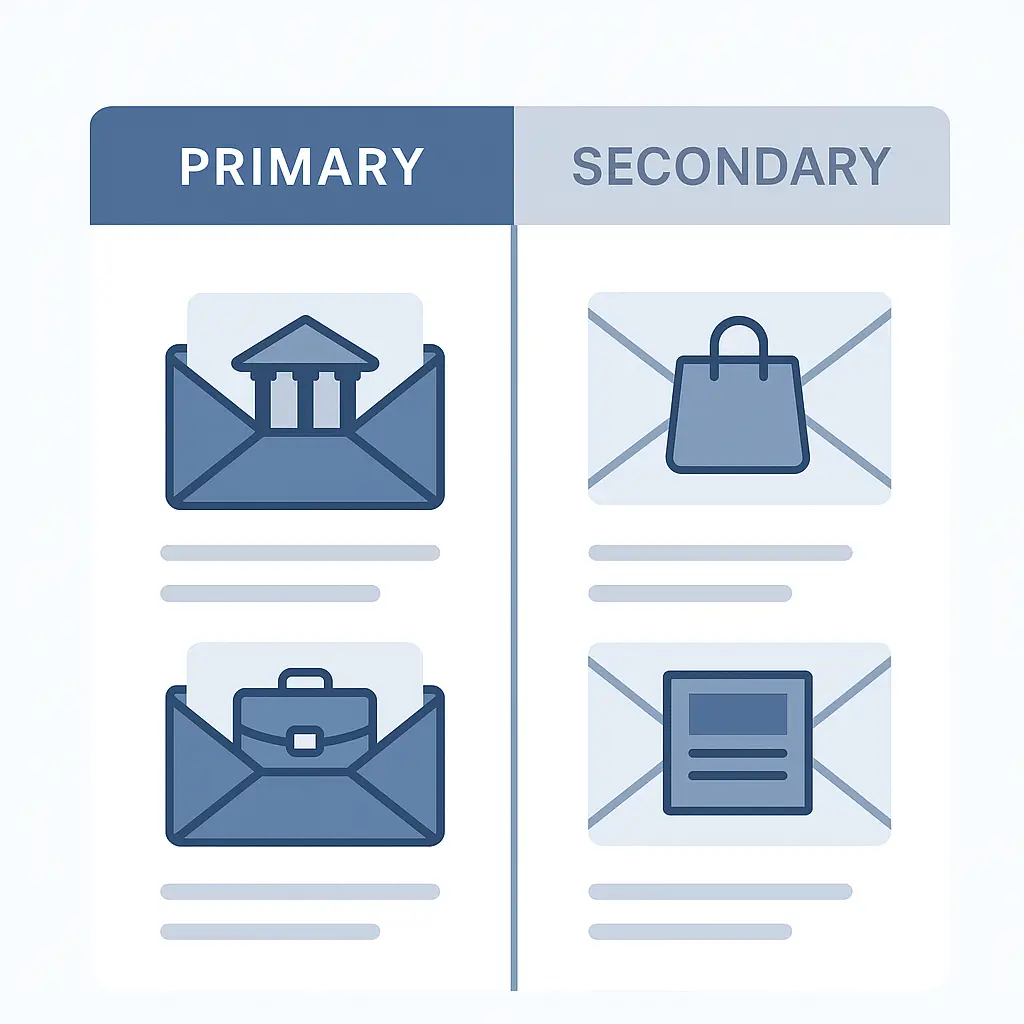
Your primary email is your high-value identity. It's the address you use for accounts that matter, where a breach or lockout creates real consequences. Keep it private. Don't hand it out casually. Don't put it on mailing lists.
Use your primary email for:
- Banking and financial accounts. Your bank, credit cards, investment accounts, and payment platforms. These accounts control your money. Protect the email that controls them.
- Work and professional accounts. LinkedIn, professional organizations, work-related SaaS tools. If it's tied to your career, it uses the primary.
- Government and health services. IRS, Social Security, healthcare portals, insurance. These accounts hold sensitive personal data and legal records.
- Password manager and email recovery. Your password manager's account and the recovery email for your secondary address. These are the keys to everything else.
- Trusted services with sensitive data. Cloud storage (Google Drive, Dropbox), domain registrars, hosting providers. If losing access would cause real harm, use the primary.
That's it. Everything else goes to the secondary. If you're unsure whether an account qualifies for the primary, it doesn't. When in doubt, use the secondary.
The primary email should receive almost no promotional mail. If you start seeing newsletters or marketing messages in that inbox, something's wrong. Either you've handed out the address too freely, or a service you trusted has sold it to someone else.
What to use your secondary email for
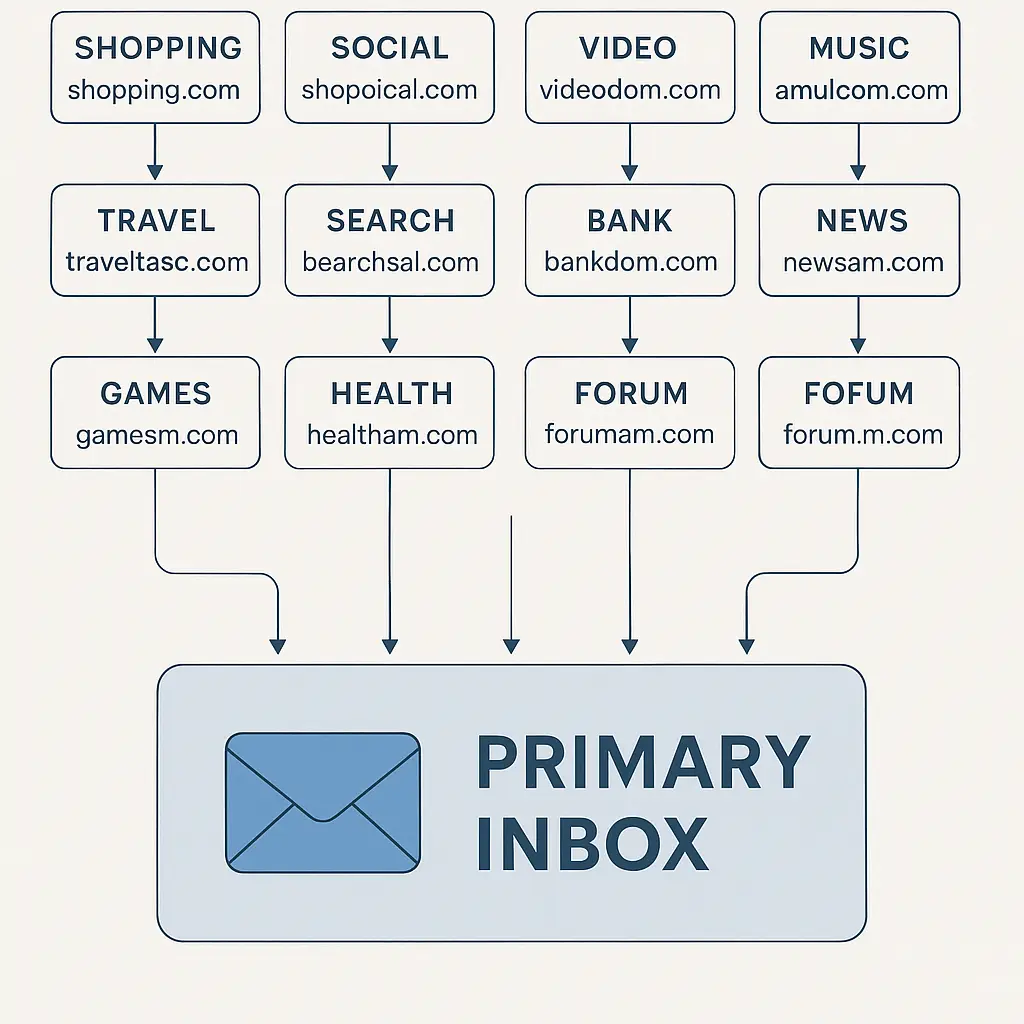
Your secondary email is your public identity. It's the address you give to retailers, newsletters, forums, and any service where you're unsure about data practices. If the account gets breached, spammed, or sold to data brokers, it doesn't touch your primary inbox.
Use your secondary email for:
- Online shopping. Amazon, eBay, retailers, subscription boxes. These companies share your address with partners and send constant promotional mail.
- Newsletters and mailing lists. News sites, blogs, industry updates. Even legitimate newsletters clutter your inbox over time.
- Social media. Facebook, Instagram, Twitter, TikTok. These platforms harvest data aggressively and leak it regularly.
- Free trials and new services. Streaming platforms, productivity tools, anything you're testing before committing. If you decide the service isn't worth it, you can walk away without the address following you.
- Forums and community accounts. Reddit, Discord, gaming platforms. These accounts are semi-public, and your email is often visible to other users or moderators.
- Loyalty programs and rewards accounts. Grocery stores, airlines, coffee shops. These programs exist to track your behavior and sell your data.
The secondary email will get spammed. That's expected. The point isn't to keep it clean. The point is to keep the spam away from your primary inbox.
When you sign up for something with your secondary email, note it in your password manager. Save the login with a note like "uses secondary email" so you don't waste time guessing during password resets.
How to manage two inboxes without going insane
Checking two email accounts sounds tedious, but it's less work than most people expect. The secondary inbox is low-priority by design. You're not managing critical correspondence there. You're monitoring for receipts, shipping updates, and the occasional password reset.
Here's the routine that works.
Check your primary inbox multiple times a day. This is where time-sensitive messages land. Treat it like you treat your current inbox. Respond promptly, file what matters, delete the rest.
Check your secondary inbox once a day. Morning or evening, pick a time and stick to it. Scan for receipts, account notifications, and anything that needs action. Archive or delete everything else. Don't let it accumulate. A cluttered secondary inbox defeats the purpose.
Use filters aggressively. Set up rules that automatically label, archive, or delete predictable messages. Shipping confirmations go to one label. Newsletters go to another. Promotional mail gets archived on arrival. Filters reduce the manual work and keep the inbox manageable.
Unsubscribe ruthlessly. If a newsletter isn't valuable, unsubscribe immediately. Don't let guilt or FOMO keep you on lists you don't read. The secondary email is a tool for isolation, not a dumping ground for content you'll never consume.
Don't forward everything to your primary. Some people set up forwarding and then regret it when their primary inbox fills with secondary noise. If you forward, use filters to tag and sort incoming mail so you can distinguish it at a glance. Better yet, keep the inboxes separate and check the secondary on a schedule.
Audit your accounts annually. Once a year, review which accounts are tied to which email. Close accounts you no longer use. Update recovery emails if you've changed providers. This prevents orphaned accounts from becoming security liabilities.
When to create a third email (and when to stop)
Some people take compartmentalization further and create a third email for specific contexts. A dedicated address for job hunting. A separate one for family coordination. Another for side projects.
This works if you have a clear use case and the discipline to maintain it. A third email makes sense when:
- You're job hunting and don't want recruiters flooding your primary. Create a professional address that's just your name, use it for applications and networking, and retire it once you've landed the role.
- You're managing a side business or freelance work. A dedicated business email keeps client communication separate from personal accounts and looks more professional than a Gmail address with your birth year in it.
- You're coordinating a group project or event. A shared email for a volunteer organization, family reunion, or community group keeps logistics separate from your personal inbox.
Beyond three addresses, you're creating more work than the separation is worth. Managing multiple inboxes, remembering which account you used where, and keeping passwords straight becomes a full-time job. Most people don't need more than two. If you think you need a fourth, you probably need better filtering instead.
What happens when your secondary email gets breached
Your secondary email will eventually appear in a breach. Retailers get hacked. Forums leak databases. Social media platforms expose user data. When it happens, you'll get a notification from Have I Been Pwned or your password manager's breach monitoring tool.
Here's what to do.
Change the secondary email's password immediately. Even if the breach didn't expose passwords, assume it did. Generate a new random password and update it everywhere. If you reused that password anywhere else, change those too. This is why reusing passwords is the single worst security habit.
Check which accounts used that email. Open your password manager and filter by the secondary email address. Review the list of accounts. Change passwords on any account that holds sensitive data or payment information. For low-value accounts like forum logins or newsletter subscriptions, changing the password is optional.
Watch for phishing. After a breach, attackers send targeted phishing emails to the exposed addresses. They'll impersonate the breached company, claim your account needs verification, and link to a fake login page. Don't click links in emails. Go directly to the site by typing the URL yourself.
Don't panic. A breach of your secondary email is exactly what the secondary is designed to contain. Your primary inbox is clean. Your banking and work accounts are untouched. The damage is limited to shopping accounts and newsletters. That's the whole point.
If the secondary email becomes so compromised that it's unusable, retire it. Create a new secondary, update your important accounts to the new address, and let the old one die. This is easier than trying to clean up an inbox that's been sold to every spam operation on the internet.
Why this matters more than it used to
Email was never designed to be a universal identifier, but that's what it became. Every account you create, every transaction you complete, every newsletter you sign up for requires an email address. Companies use it to track you, market to you, and recover your account when you forget your password.
The more places your email appears, the more exposure you have. A single breach turns into dozens of compromised accounts. A single mailing list turns into hundreds of spam messages. A single data broker turns your address into a commodity sold to anyone willing to pay.
A second email doesn't eliminate these risks, but it contains them. It gives you control over who gets access to your primary identity and who gets the disposable one. It's not a perfect solution. Nothing is. But it's a practical step that costs nothing and reduces your attack surface significantly.
Set it up today. It takes 10 minutes. You'll use it for the rest of your digital life.