eSIM vs. Public WiFi: Which Actually Protects Your Data When You Travel
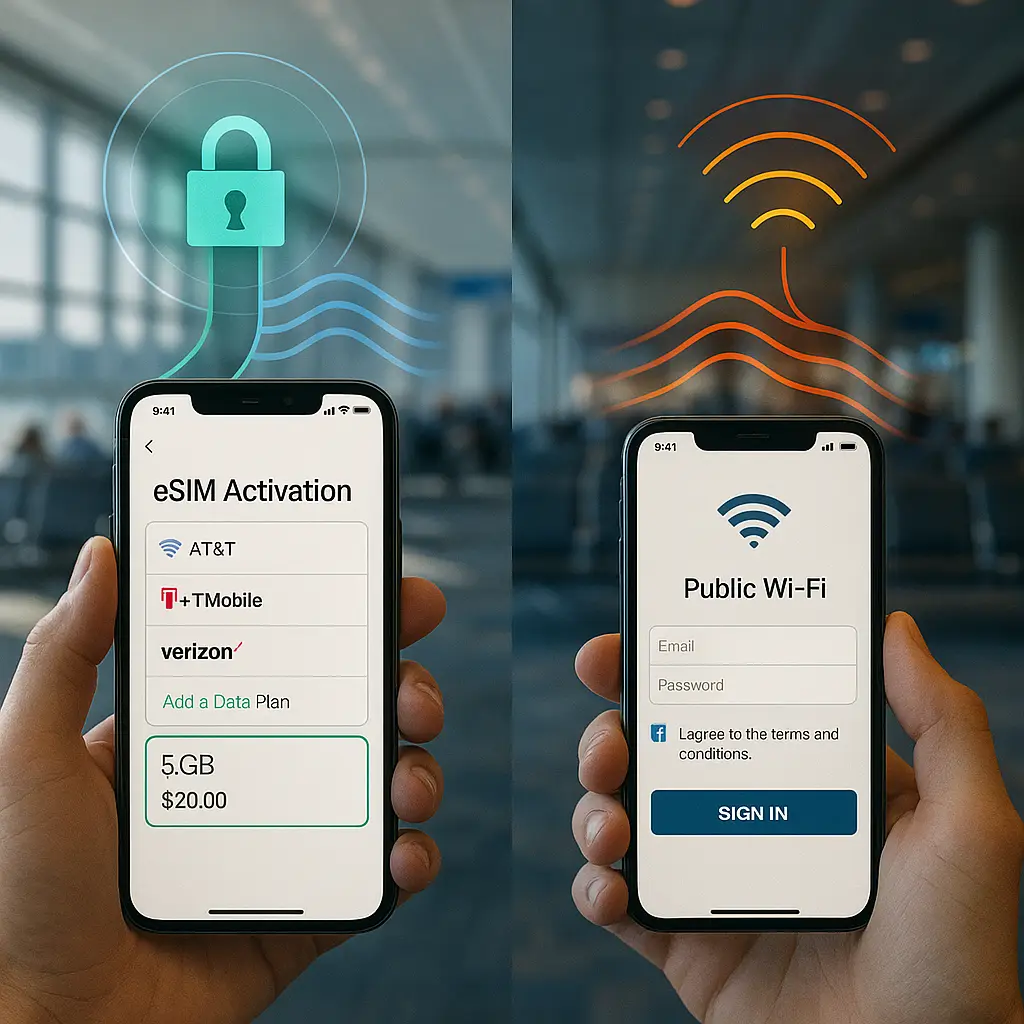
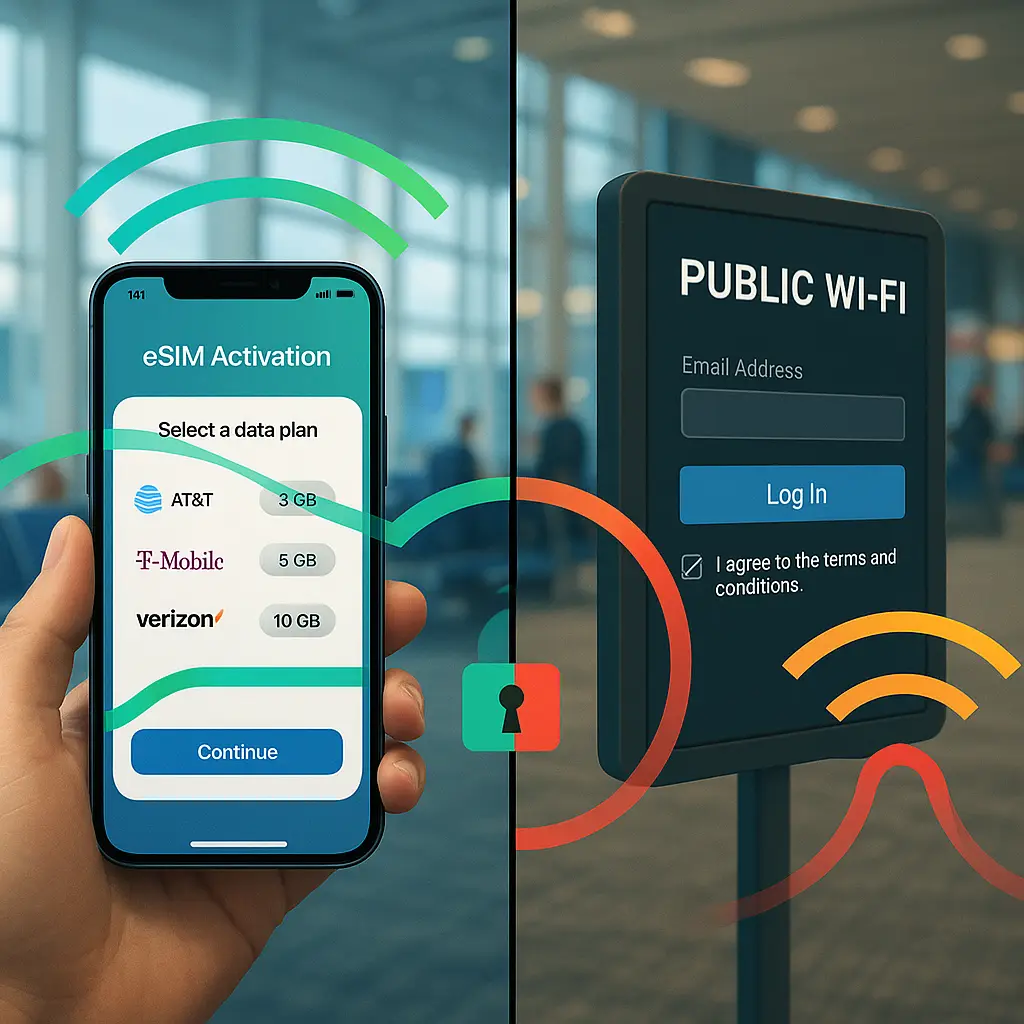
You land in a foreign airport. Your phone displays two options: connect to "Airport_Free_WiFi" or activate the eSIM plan you bought before departure. Both promise connectivity. One protects your data. The other exposes it to anyone with basic packet-sniffing tools.
This article compares eSIM data to public WiFi on the criteria that matter when you travel: encryption strength, tracking exposure, cost structure, and real-world usability. By the end, you'll know which connection type to use for banking, which for streaming, and when the convenience of free WiFi creates risk you can't afford.
The Encryption Gap Between Cellular and WiFi
eSIM data routes through your carrier's network using the same encryption protocols as a physical SIM card. The connection between your device and the cell tower uses CISA-recommended security practices including AES encryption and mutual authentication. Your carrier sees your traffic, but other users on the network cannot intercept it.
Public WiFi operates differently. Most airport, hotel, and coffee shop networks run without encryption or use outdated WPA2 with shared passwords. When you connect to "Hotel_Guest_WiFi" using the password printed on a lobby card, every other guest uses that same password. Anyone on the network can potentially capture your traffic using freely available tools.
Some public networks use WPA3, the current WiFi security standard, but deployment remains inconsistent. Even WPA3 networks still expose you to the captive portal problem: the login page that appears before you can browse. These portals collect email addresses, phone numbers, and browsing data. The network operator sees every unencrypted site you visit.
eSIM data bypasses captive portals entirely. You activate the plan before you travel, and your phone connects automatically when you land. No login page. No terms acceptance. No email harvesting. The carrier bills you for data usage, but you never interact with a secondary authentication layer.
The encryption advantage matters most for sensitive activities. When you check your bank balance on cellular data, the connection from your phone to the tower is encrypted. When you check it on hotel WiFi, the connection might be encrypted between you and the bank (HTTPS), but the WiFi network itself exposes metadata: which sites you visit, when, and how often. Someone monitoring the network can't read your password, but they know you logged into Chase at 3:47 PM.
Tracking and Metadata Exposure
Both eSIM and public WiFi create tracking exposure, but the mechanisms differ.
Your eSIM carrier tracks your location through cell tower triangulation, knows which sites you visit (unless you use a VPN), and stores this data for billing and legal compliance. Carriers typically retain metadata for months or years. Law enforcement can subpoena this data. Your carrier sees everything your ISP would see at home.
Public WiFi operators track differently. The captive portal collects your email or phone number when you log in. The network operator can link that identifier to your device's MAC address, building a profile of your behavior across multiple sessions. If you use the same email to log into airport WiFi in three cities, the operator knows you traveled to all three.
WiFi networks also expose you to other users on the same network. Someone running Wireshark can see every device connected to "Cafe_Public" and monitor unencrypted traffic. They can't decrypt your HTTPS banking session, but they can see you visited chase.com, stayed for four minutes, then visited amazon.com. That metadata reveals behavior patterns.
eSIM data isolates you from other users. Your cellular connection is point-to-point: your device to the tower. No one else on the carrier's network can intercept your traffic. The carrier itself sees everything, but that's one entity with legal obligations, not dozens of strangers in a hotel lobby.
Location tracking through eSIM is more precise than through WiFi. Cell towers triangulate your position to within a few hundred meters in urban areas. WiFi positioning uses known network locations but is less accurate. If location privacy matters more than connection security, WiFi has a slight advantage. If connection security matters more, eSIM wins.
Cost Structure and Data Limits
Public WiFi is free. Hotel WiFi, airport WiFi, and coffee shop WiFi cost nothing beyond the expectation that you're a customer or guest. This makes it attractive for bandwidth-heavy tasks like video calls, streaming, or large file downloads.
eSIM data plans charge by the gigabyte. A typical international eSIM plan costs around $10 for 3GB valid for seven days, or $20 for 10GB valid for 30 days. Prices vary by destination. Data in Japan costs less than data in rural Africa. Some providers like Saily offer regional plans covering multiple countries at a discount.
The cost difference creates a practical decision framework. Use eSIM for activities where security matters: banking, email, password resets, two-factor authentication, and work communications. Use public WiFi for activities where bandwidth matters more than security: streaming Netflix, downloading podcasts, or video calls with family.
You can run both simultaneously. Your phone maintains the eSIM connection while connected to WiFi. Configure your banking app to use cellular data only, and let your streaming apps use WiFi. iOS and Android both support per-app network preferences.
Data limits on eSIM plans require more management than unlimited public WiFi. A 3GB plan sounds generous until you accidentally stream an hour of video. Background app updates, cloud photo sync, and automatic software downloads consume data faster than you expect. Disable automatic updates and cloud sync before activating your eSIM plan.
Some eSIM providers sell unlimited plans, but "unlimited" usually means throttled speeds after 5-10GB. Read the fine print. Throttled speeds work fine for email and messaging but make video calls painful.
VPN Interaction and Double Encryption
A VPN encrypts your traffic before it reaches your carrier or WiFi network. When you use a VPN on eSIM data, your carrier sees encrypted packets but can't read the contents. When you use a VPN on public WiFi, the network operator sees encrypted packets but can't read the contents.
The VPN doesn't replace eSIM's encryption advantage. eSIM data is encrypted from your device to the cell tower, then travels through your carrier's network. A VPN encrypts it again, creating a tunnel through the carrier's infrastructure. Public WiFi has no encryption (or weak encryption) from your device to the access point. A VPN encrypts that first hop, but you're still trusting the WiFi network operator not to interfere with your connection.
Some public networks block VPN traffic. Airports, hotels, and countries with restrictive internet policies detect VPN protocols and drop the connection. eSIM data rarely blocks VPNs. Your carrier might throttle VPN traffic or log that you're using one, but they typically don't prevent the connection.
If you're using a VPN on both eSIM and public WiFi, the security difference narrows. The VPN protects your traffic from both the carrier and the WiFi operator. But the VPN can't protect you from other users on the WiFi network who might attempt device-level attacks. eSIM isolates you from those users by design.
NordVPN and similar services work on both connection types. The VPN encrypts your traffic regardless of whether it's traveling over cellular or WiFi. But the underlying network security still matters. A VPN on eSIM data gives you two layers of encryption. A VPN on public WiFi gives you one layer of encryption plus exposure to network-level attacks.
Real-World Usability When You Travel
eSIM activation happens before you board the plane. You buy a plan, scan a QR code, and the profile installs on your phone. When you land, your phone connects automatically. No hunting for WiFi passwords. No accepting terms of service. No waiting for the captive portal to load.
Public WiFi requires finding the network, entering a password (if there is one), waiting for the captive portal, entering your email, accepting terms, and hoping the connection actually works. Hotel WiFi often requires your room number. Airport WiFi sometimes requires watching an ad. Coffee shop WiFi might require a purchase receipt code.
The friction difference matters when you're tired, jet-lagged, or in a hurry. eSIM connectivity is instant. Public WiFi is a multi-step process that fails more often than it succeeds.
Signal strength varies by location. eSIM data depends on carrier coverage. If you're in a major city, coverage is usually excellent. If you're in a rural area or a country with limited carrier agreements, eSIM might not work at all. Check your eSIM provider's coverage map before you travel.
Public WiFi depends on access point placement. Hotels often have weak WiFi in certain rooms. Airports have dead zones. Coffee shops have one router for fifty customers. Even when WiFi is available, it's often slow or unstable.
Battery drain differs between the two connection types. Cellular data uses more power than WiFi when the signal is weak. Your phone works harder to maintain a connection to a distant cell tower than to a nearby WiFi access point. In areas with strong cellular coverage, the difference is minimal. In areas with weak coverage, eSIM drains your battery faster.
Device Compatibility and Setup Process
eSIM requires a phone manufactured in the last few years. iPhone XS and newer support eSIM. Most Android phones from 2020 onward support it. Older devices require a physical SIM card, which means buying a local SIM at your destination or using international roaming through your home carrier.
Public WiFi works on any device with WiFi capability. Your 10-year-old laptop connects to hotel WiFi the same way your new phone does. This makes WiFi more accessible for travelers carrying multiple devices.
eSIM setup varies by provider. Some services like Saily let you install the profile immediately after purchase. Others require you to wait until you arrive at your destination to activate. Read the activation instructions before you buy. Some plans activate the moment you install them, starting your seven-day countdown before you've even left home.
Public WiFi setup is usually straightforward but occasionally frustrating. Some networks require you to re-authenticate every 24 hours. Some log you out when your device sleeps. Some block certain websites or services. Some inject ads into your browsing session.
When to Use Which Connection Type
Use eSIM data for:
- Banking and financial transactions
- Password resets and account recovery
- Two-factor authentication codes
- Work email and sensitive communications
- Any activity where security matters more than bandwidth
Use public WiFi for:
- Streaming video or music
- Large file downloads
- Video calls with family
- Social media browsing
- Any activity where bandwidth matters more than security
Use both simultaneously for maximum flexibility. Configure security-sensitive apps to use cellular data only, and let bandwidth-heavy apps use WiFi. iOS lets you set per-app network preferences under Settings > Cellular. Android offers similar controls under Settings > Network & Internet > Data usage.
The decision framework depends on your threat model. If you're traveling for vacation and mostly checking email, eSIM data is overkill. If you're traveling for work and handling client data, eSIM data is essential. If you're traveling to a country with aggressive surveillance, both eSIM and public WiFi expose you to monitoring, but eSIM at least isolates you from other users on the network.
The Hotel WiFi vs. Mobile Hotspot Comparison
Some travelers use their home carrier's international roaming instead of buying an eSIM plan. Roaming costs vary wildly. AT&T charges $10 per day for international roaming. T-Mobile includes free (but slow) international data on some plans. Verizon charges $12 per day. Check your carrier's international rates before you travel.
eSIM plans typically cost less than daily roaming fees for trips longer than three days. A $20 eSIM plan with 10GB valid for 30 days beats $10-per-day roaming after two days. But roaming keeps your regular phone number, which matters if you need to receive calls or texts.
Mobile hotspots using eSIM data let you share your connection with other devices. Your laptop, tablet, and travel companion's phone can all use your eSIM data through your phone's hotspot feature. This turns one eSIM plan into connectivity for multiple devices, though it drains your battery faster.
Public WiFi doesn't require a hotspot because every device connects directly to the network. But that means every device exposes itself to the network's security weaknesses. Sharing an eSIM hotspot gives all your devices the same encryption protection.
The Future of Travel Connectivity
eSIM adoption is accelerating. Apple removed the physical SIM slot from iPhone 14 models sold in the United States. Other manufacturers are following. Within a few years, physical SIM cards will be rare in new devices.
Public WiFi isn't disappearing, but its security is improving slowly. WiFi 6E and WiFi 7 include stronger encryption by default, but deployment takes years. Most public networks still run WiFi 5 (802.11ac) or older standards with weak or no encryption.
CISA guidance on network security recommends encrypted connections for all sensitive activities. eSIM data meets that standard by default. Public WiFi requires a VPN to meet it.
The cost of eSIM data is dropping as competition increases. Five years ago, international data cost $50 for 1GB. Today, you can get 10GB for $20. As more travelers adopt eSIM, prices will continue falling.
The convenience gap is widening in eSIM's favor. Activation is getting simpler. Coverage is expanding. Plans are becoming more flexible. Public WiFi remains as inconsistent and frustrating as ever.
Practical Recommendations for Your Next Trip
Buy an eSIM plan before you leave. Install it at home while you're connected to your own WiFi. Test it to make sure it installs correctly. Some providers let you install the profile without activating it, so you can prepare everything before your departure date.
Configure your phone to prefer cellular data for sensitive apps. Go through your banking, email, and password manager apps and set them to use cellular data only. This prevents accidental exposure when you connect to hotel WiFi.
Disable automatic app updates, cloud photo sync, and background refresh for apps you don't need while traveling. These features consume data faster than you expect. Re-enable them when you return home.
Use public WiFi for streaming and downloads, but never for banking or password entry. If you must use public WiFi for something sensitive, use a VPN like NordVPN. The VPN encrypts your traffic before it reaches the WiFi network.
Check your eSIM provider's coverage map for your destination. If coverage is spotty, buy a larger data plan than you think you need. Running out of data in a foreign country is more frustrating than overpaying by $10.
Keep your physical SIM card as a backup if your phone still has a SIM slot. eSIM is reliable, but technology fails. Having a fallback option matters when you're far from home.
Monitor your data usage daily. Both iOS and Android show per-app data consumption. If you're burning through your plan faster than expected, identify which apps are responsible and adjust their settings.
The choice between eSIM and public WiFi isn't binary. Use both. Use eSIM for security. Use WiFi for bandwidth. Use your judgment for everything in between.