Encryption Fundamentals: How Your Messages Stay Private Online
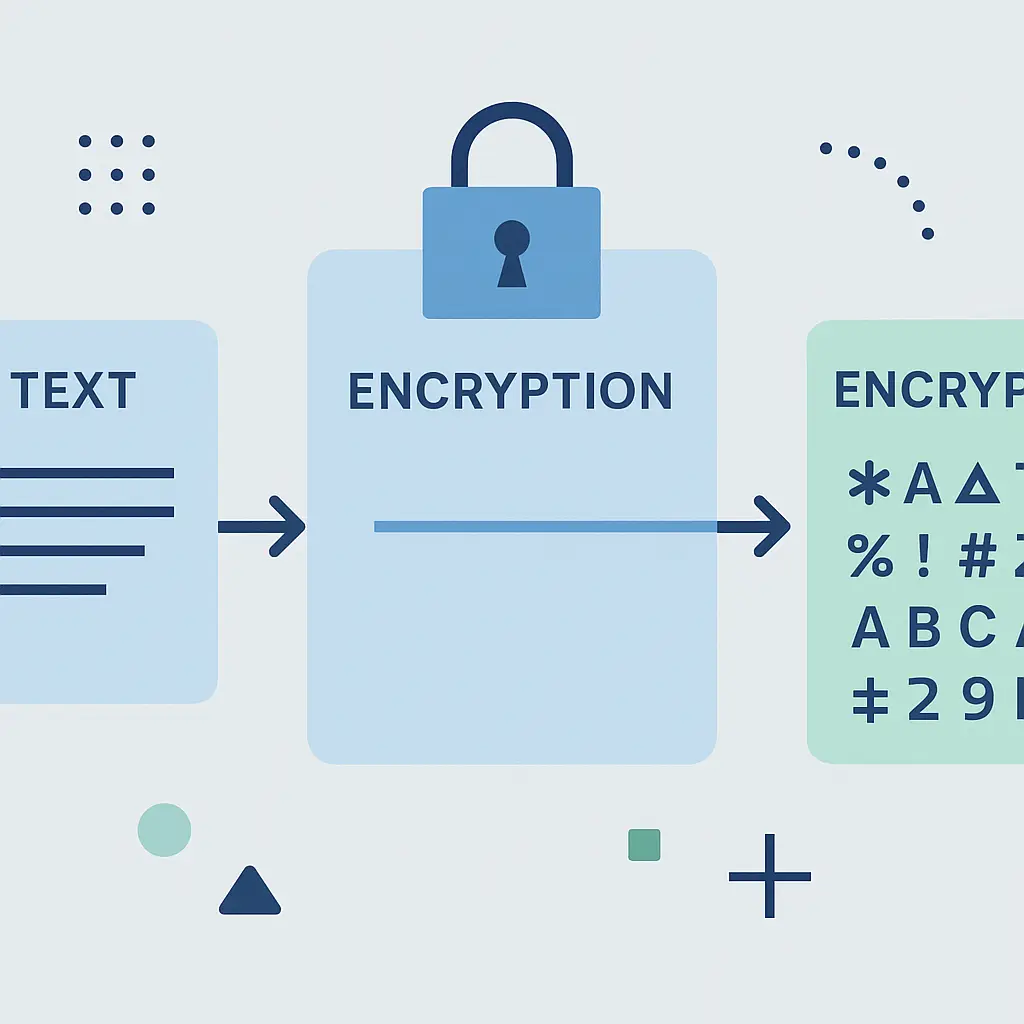
You send a text message. It travels through cell towers, servers, and networks before reaching the recipient. At any point along that path, someone could intercept it and read every word.
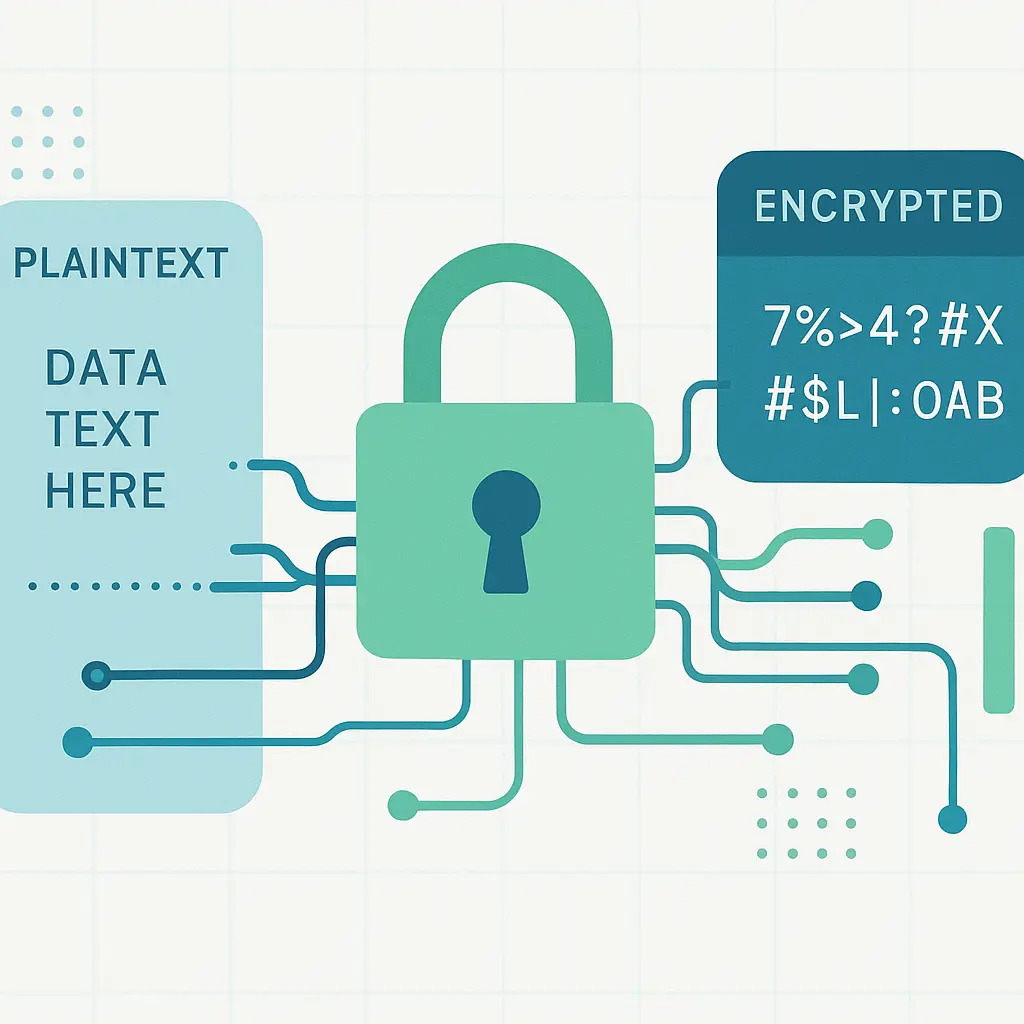
Encryption prevents that. It scrambles your message into unreadable noise. Only the person with the correct key can unscramble it back into readable text.
That's the promise. Here's how the mechanism actually works, what encryption protects, and what it doesn't.
The Core Mechanism: Keys and Ciphers
Encryption uses mathematical algorithms called ciphers to transform plaintext into ciphertext. Plaintext is your original message. Ciphertext is the scrambled output that looks like random characters.
The cipher requires a key. The key is a string of data that controls how the algorithm scrambles and unscrambles the message. Without the correct key, the ciphertext stays unreadable.
Think of it like this: you write a message, lock it in a box, and send the box through the mail. Only someone with the matching key can open the box and read what's inside. Everyone else just sees a locked box.
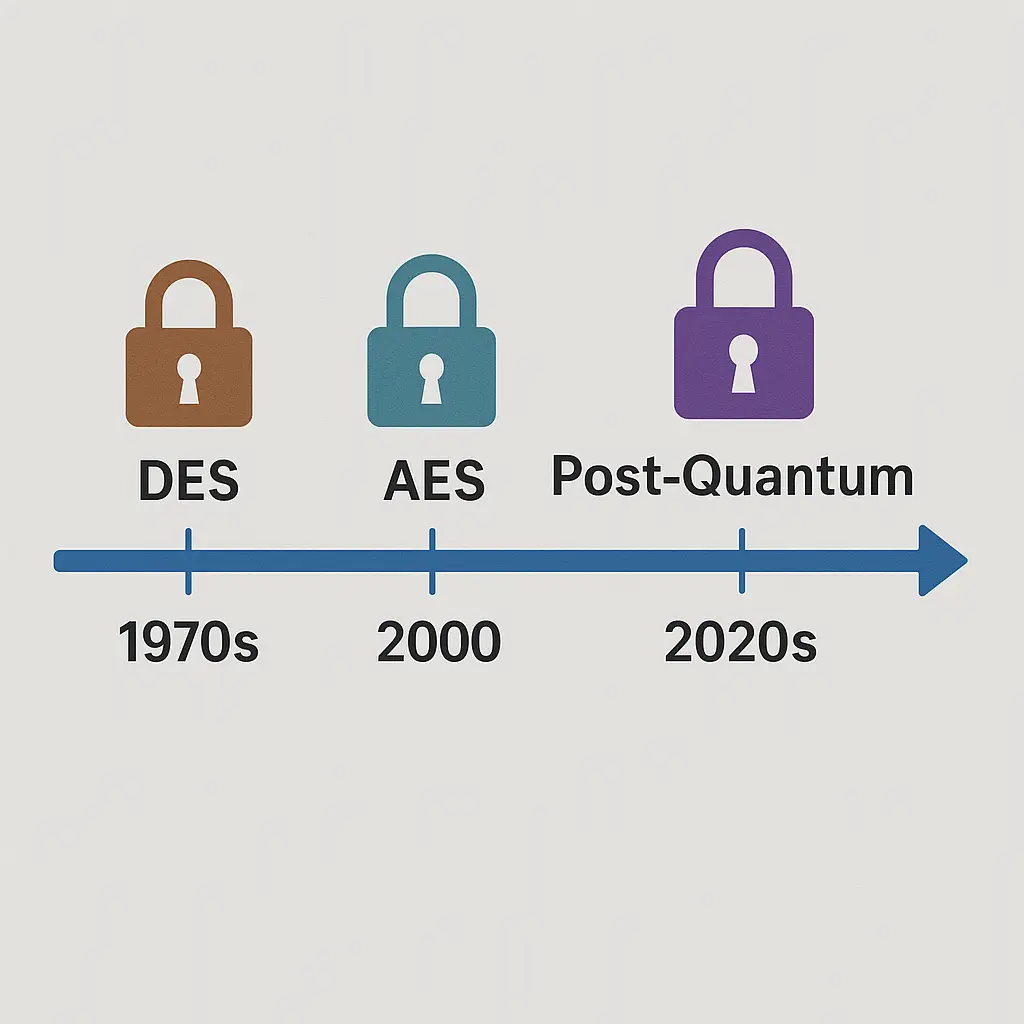
The strength of encryption depends on two factors: the algorithm and the key length. Modern algorithms like AES (Advanced Encryption Standard) are public knowledge. Security doesn't come from keeping the algorithm secret. It comes from the size and randomness of the key.
A 256-bit AES key has around 10^77 possible combinations. That's more combinations than there are atoms in the observable universe. Brute-forcing that key is mathematically infeasible with current computing power.
Symmetric vs. Asymmetric Encryption
Encryption splits into two categories: symmetric and asymmetric.
Symmetric encryption uses the same key to encrypt and decrypt. You and the recipient both have the same key. This is fast and efficient, but it creates a problem: how do you securely share the key in the first place? If someone intercepts the key, they can decrypt everything.
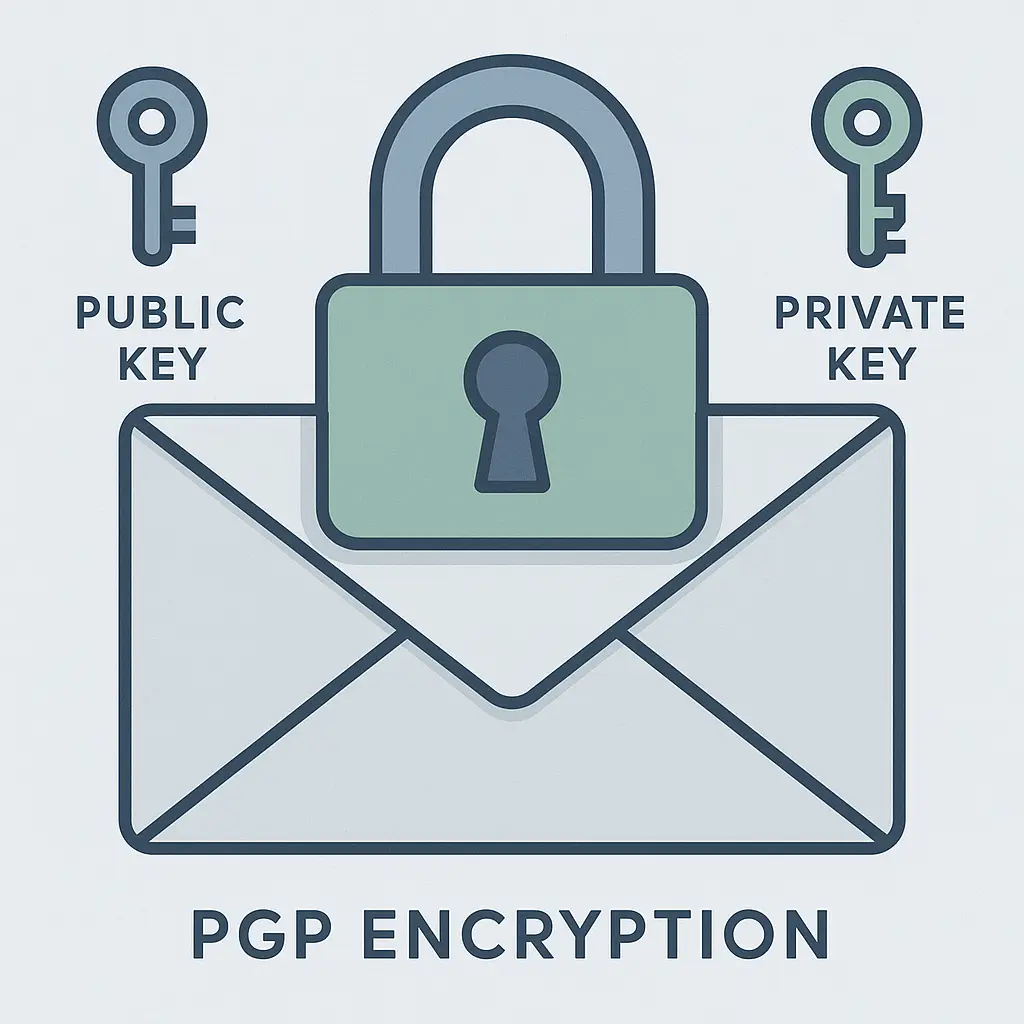
Asymmetric encryption solves the key-sharing problem by using two keys: a public key and a private key. The public key encrypts the message. The private key decrypts it. You can share your public key openly. Anyone can use it to send you encrypted messages. Only you have the private key needed to decrypt them.
The math behind asymmetric encryption is more complex and slower than symmetric encryption. In practice, most systems use a hybrid approach: asymmetric encryption to securely exchange a symmetric key, then symmetric encryption for the actual message. This combines the security of asymmetric encryption with the speed of symmetric encryption.
What Encryption Actually Protects
Encryption protects data in two states: in transit and at rest.
In transit means data moving between two points. When you visit an HTTPS website, your browser and the server use encryption to protect the data traveling between them. An attacker watching your network traffic sees encrypted gibberish, not your passwords or credit card numbers.
At rest means data stored on a device or server. Full-disk encryption on your laptop scrambles everything on the hard drive. If someone steals your laptop, they can't read the files without your password or encryption key.
Both matter. Encryption in transit stops eavesdropping. Encryption at rest stops theft.
End-to-End Encryption: The Gold Standard
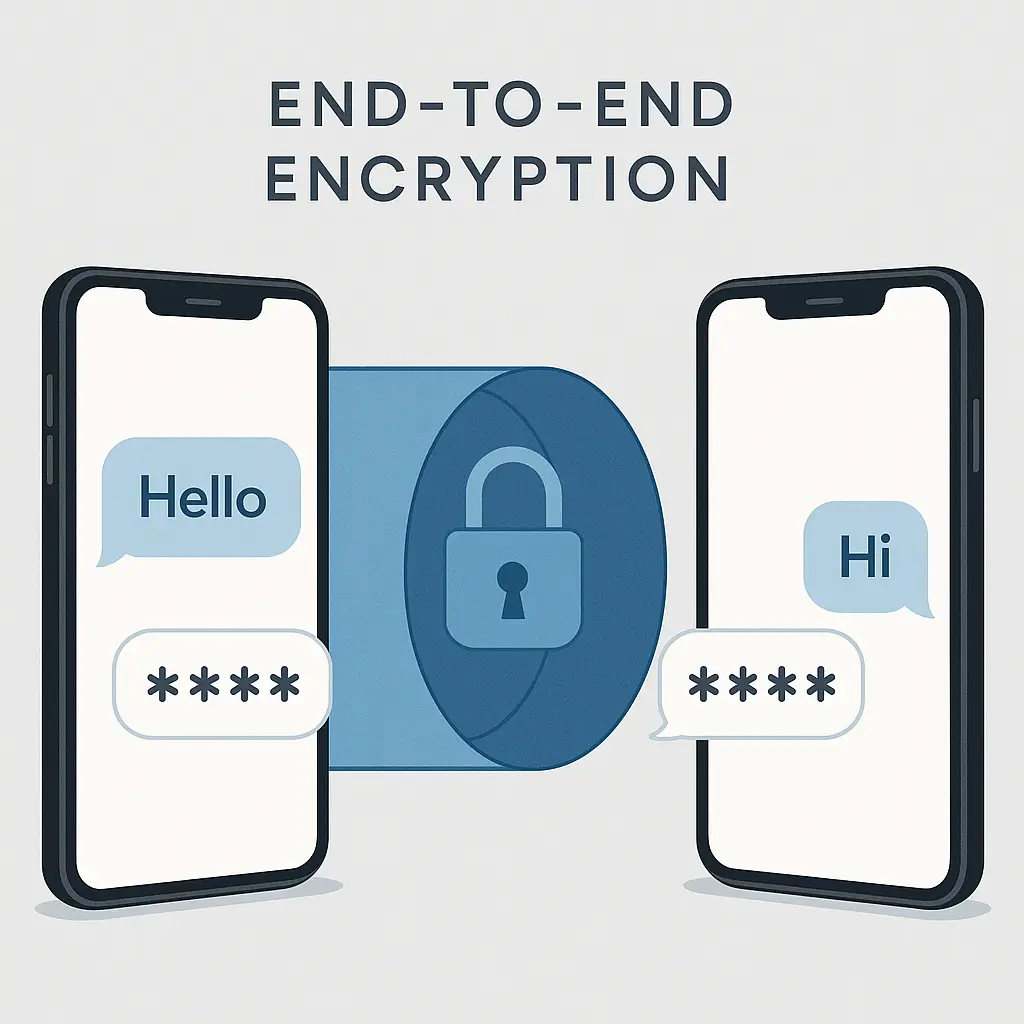
End-to-end encryption means only the sender and recipient can read the message. The service provider, the network operator, and anyone else in the middle sees only ciphertext.
Signal uses end-to-end encryption. When you send a message, it's encrypted on your device. It stays encrypted as it travels through Signal's servers. The recipient's device decrypts it. Signal never has access to the plaintext.
This contrasts with encryption in transit alone. Gmail encrypts your email between your browser and Google's servers, but Google can read the plaintext once it arrives. That's not end-to-end encryption. Google has the keys.
End-to-end encryption protects against a broader set of threats. It protects against rogue employees, government requests, and server breaches. If the service provider doesn't have the keys, they can't hand over readable data even if compelled.
What Encryption Doesn't Protect
Encryption is powerful, but it has clear boundaries.
It doesn't protect against phishing. If you give your password to an attacker, encryption won't stop them from logging into your account. The attacker doesn't need to break the encryption. They have your credentials.
It doesn't protect against malware. If your device is infected, malware can capture your messages before they're encrypted or after they're decrypted. Encryption protects data in transit, not data on a compromised device.
It doesn't hide metadata. Metadata is information about the communication: who sent it, who received it, when it was sent, how large it was. Even with end-to-end encryption, this metadata often remains visible to the service provider. Metadata reveals patterns, relationships, and behavior even when the content stays private.
It doesn't protect poorly chosen passwords. If you encrypt a file with a weak password, an attacker can guess the password and decrypt the file. The encryption is only as strong as the key protecting it.
HTTPS: Encryption You Use Every Day
HTTPS is encryption in transit for websites. The S stands for Secure. It uses TLS (Transport Layer Security) to encrypt data between your browser and the website's server.
When you visit an HTTPS site, your browser and the server perform a handshake. They agree on an encryption algorithm and exchange keys. Everything that follows is encrypted: your passwords, form data, cookies, and the pages you view.
An attacker watching your network traffic sees that you're connected to a specific website, but they can't see what you're doing on that site. They can't steal your login credentials or intercept your credit card number.
HTTPS is now the default for most websites. Browsers display a padlock icon in the address bar when HTTPS is active. If you don't see that padlock, the connection is unencrypted. Don't enter sensitive data on non-HTTPS sites.
Device Encryption: Protecting Data at Rest
Your phone and laptop can encrypt everything stored on them. This is called full-disk encryption or device encryption.
On iPhones, encryption is enabled by default when you set a passcode. On Android, it's enabled by default on most modern devices. On Windows, BitLocker provides full-disk encryption. On macOS, FileVault does the same.
When device encryption is active, everything on the disk is scrambled. The encryption key is derived from your password or passcode. Without that password, the data stays unreadable.
This protects you if your device is stolen. A thief can't access your files, photos, or accounts without your password. They can wipe the device and resell it, but they can't extract your data.
Device encryption doesn't protect you while the device is unlocked and running. Once you enter your password and boot up, the data is decrypted and accessible. Encryption at rest protects against theft, not against attacks while you're using the device.
The Weakest Link: Key Management
Encryption is only as secure as the keys protecting it. If someone steals your encryption key, they can decrypt everything.
This is why key management matters. Where are the keys stored? Who has access to them? How are they protected?
For end-to-end encrypted messaging, the keys are stored on your device. If you lose your phone, you lose access to your messages. Some apps offer encrypted backups, but that introduces a new key that needs protection.
For cloud storage with encryption, the provider often holds the keys. That means they can decrypt your data. Services like Dropbox and Google Drive encrypt data at rest, but they have the keys. True zero-knowledge encryption means the provider never has access to your keys. ProtonMail and Tresorit use this model.
Password managers face the same tradeoff. Your vault is encrypted, but the master password is the key. If you forget it, there's no recovery. If someone steals it, they have access to everything.
Encryption and the Law
Encryption creates tension between privacy and law enforcement. Strong encryption protects your data from criminals. It also protects your data from government surveillance.
In the United States, the FTC advocates for strong encryption as a consumer protection measure. EPIC supports encryption as a privacy right. Law enforcement agencies sometimes argue that encryption hinders investigations.
There's no technical backdoor that works only for the good guys. A backdoor that allows law enforcement access also creates a vulnerability that criminals and foreign governments can exploit. Security researchers widely agree that weakening encryption to enable lawful access weakens security for everyone.
Some countries ban or restrict encryption. China blocks encrypted messaging apps. Russia requires encryption providers to hand over decryption keys. The legal landscape varies by jurisdiction.
In practice, law enforcement typically targets endpoints rather than trying to break encryption. They seize devices, compel passwords, or exploit vulnerabilities in software. Breaking strong encryption is rarely the path of least resistance.
Common Misconceptions About Encryption
"Encryption is only for criminals and paranoid people." Encryption protects everyone. It secures your banking app, your medical records, your private conversations. It's a basic security measure, not a red flag.
"If you have nothing to hide, you don't need encryption." Privacy isn't about hiding wrongdoing. It's about control. You lock your front door not because you're hiding criminal activity, but because your home is private space.
"Encryption makes you anonymous." Encryption protects content, not identity. Your encrypted message is unreadable, but the fact that you sent a message to a specific person at a specific time is often still visible.
"Encryption is unbreakable." Strong encryption using modern algorithms is effectively unbreakable with current technology. But implementation matters. Weak passwords, poor key management, and software vulnerabilities can all undermine encryption.
"VPNs encrypt everything." VPNs encrypt your traffic between your device and the VPN server. After that, your traffic exits onto the regular internet. If you visit an HTTP site through a VPN, that final connection is unencrypted.
Verifying Encryption Is Active
You can't see encryption happening, but you can verify it's enabled.
For websites, check for HTTPS in the URL and the padlock icon in your browser. Click the padlock to see certificate details. If the connection is encrypted, the browser will confirm it.
For messaging apps, look for end-to-end encryption indicators. Signal displays "Your safety number with [contact] has changed" when keys change. WhatsApp shows "Messages and calls are end-to-end encrypted" in chat windows.
For device encryption, check your settings. On iPhone, go to Settings > Face ID & Passcode (or Touch ID & Passcode). If Data Protection is enabled, encryption is active. On Android, go to Settings > Security > Encryption. On Windows, search for BitLocker. On macOS, check System Preferences > Security & Privacy > FileVault.
If encryption isn't enabled, enable it. The performance impact on modern devices is negligible. The protection is significant.
When Encryption Isn't Enough
Encryption protects data, but it doesn't protect behavior.
If you use encrypted messaging to plan illegal activity, the encryption protects the content of your messages. It doesn't protect you from an informant in the group chat. It doesn't protect you from metadata analysis showing who you communicate with and when.
If you encrypt your laptop, the encryption protects your files if the laptop is stolen. It doesn't protect you if you leave the laptop unlocked in a coffee shop and someone walks up and uses it.
Encryption is one layer of security. It works best alongside other layers: strong passwords, two-factor authentication, software updates, and awareness of social engineering.
The Cultural Reference That Fits
In You've Got Mail, Kathleen Kelly and Joe Fox exchange emails without knowing each other's real identities. They share personal thoughts, vulnerabilities, and eventually fall in love through written words. The anonymity creates safety. The distance creates intimacy.
Encryption works the same way. It creates a protected space where your words travel safely from sender to recipient, shielded from everyone in between. The mechanism is mathematical rather than geographical, but the principle holds: privacy enables honesty, and honesty requires protection.
The film ends when the identities are revealed and the distance collapses. Encryption ends when the message is decrypted and read. Both serve their purpose by creating a temporary, protected space. Both require trust that the other person is who they claim to be.
What You Can Actually Do
Encryption is mostly invisible. Most of the time, you don't need to think about it. But you can verify it's working and make choices that strengthen it.
Use HTTPS websites. Your browser defaults to HTTPS for most sites, but check the address bar. If you see HTTP without the S, don't enter sensitive data.
Enable device encryption. On most modern phones and computers, it's on by default. Check your settings to confirm.
Use encrypted messaging apps for sensitive conversations. Signal, WhatsApp, and iMessage all offer end-to-end encryption. Regular SMS does not.
Use a password manager. Your password manager encrypts your vault. You only need to remember one strong master password. Everything else stays encrypted.
Understand what encryption doesn't protect. It doesn't stop phishing, malware, or weak passwords. It protects data in transit and at rest, but you still need to protect your accounts and devices.
Encryption is a tool, not a solution. It's a powerful tool. It protects billions of people every day. But it works best when you understand what it does, what it doesn't do, and how to verify it's active.
The math is complex. The concept is simple. Encryption scrambles your data so only the intended recipient can read it. That's the mechanism. That's what you need to know.