Why Apps Ask for Permissions They Don't Need
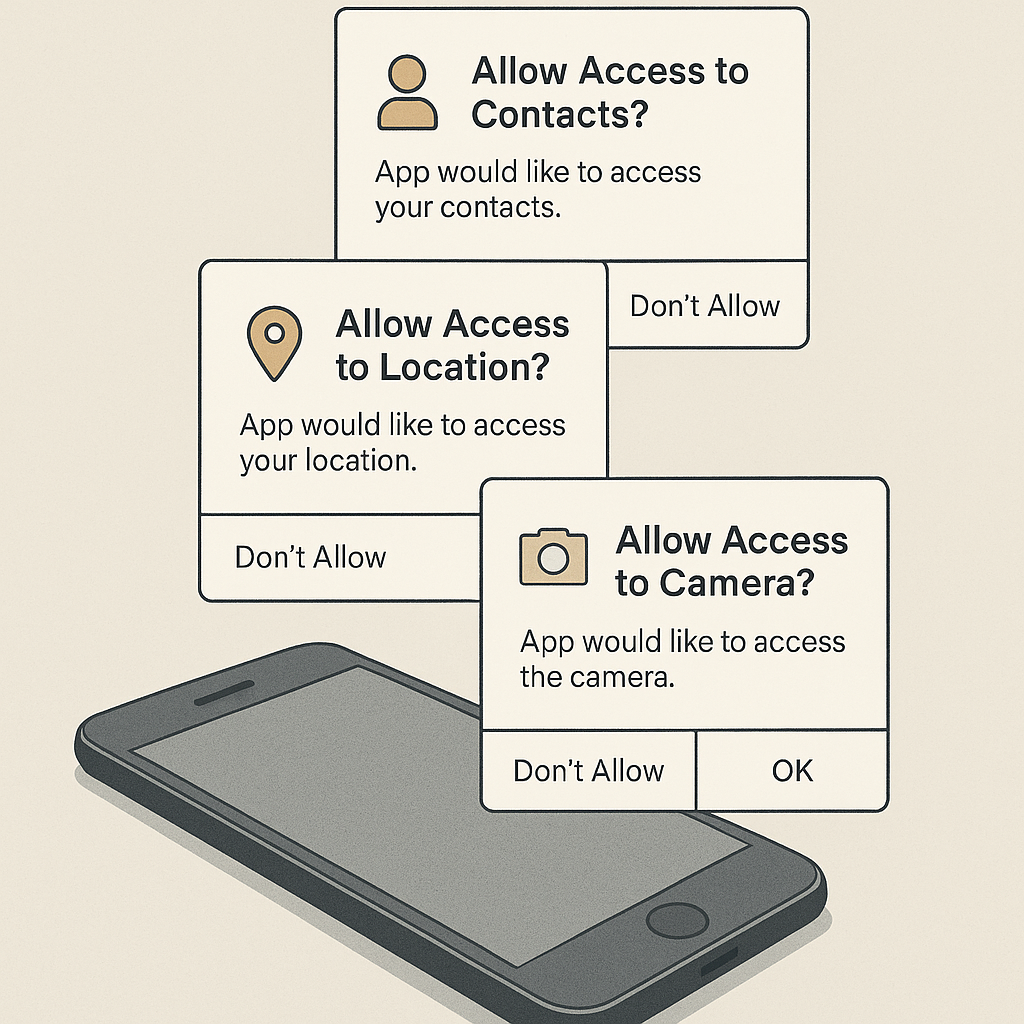
You install a weather app. Before you see a single forecast, it asks for your location, contacts, camera, and microphone. You need the weather. You tap "Allow." Then you wonder: why does a weather app need my contacts?
The short answer: it doesn't. The longer answer reveals how mobile app permissions work, why developers request more than they need, and what you can actually do about it.
How Permission Systems Work
When you install an app, it declares a list of permissions in its configuration file. These permissions define what system resources the app can access: contacts, location, camera, microphone, storage, sensors, network state, and more.
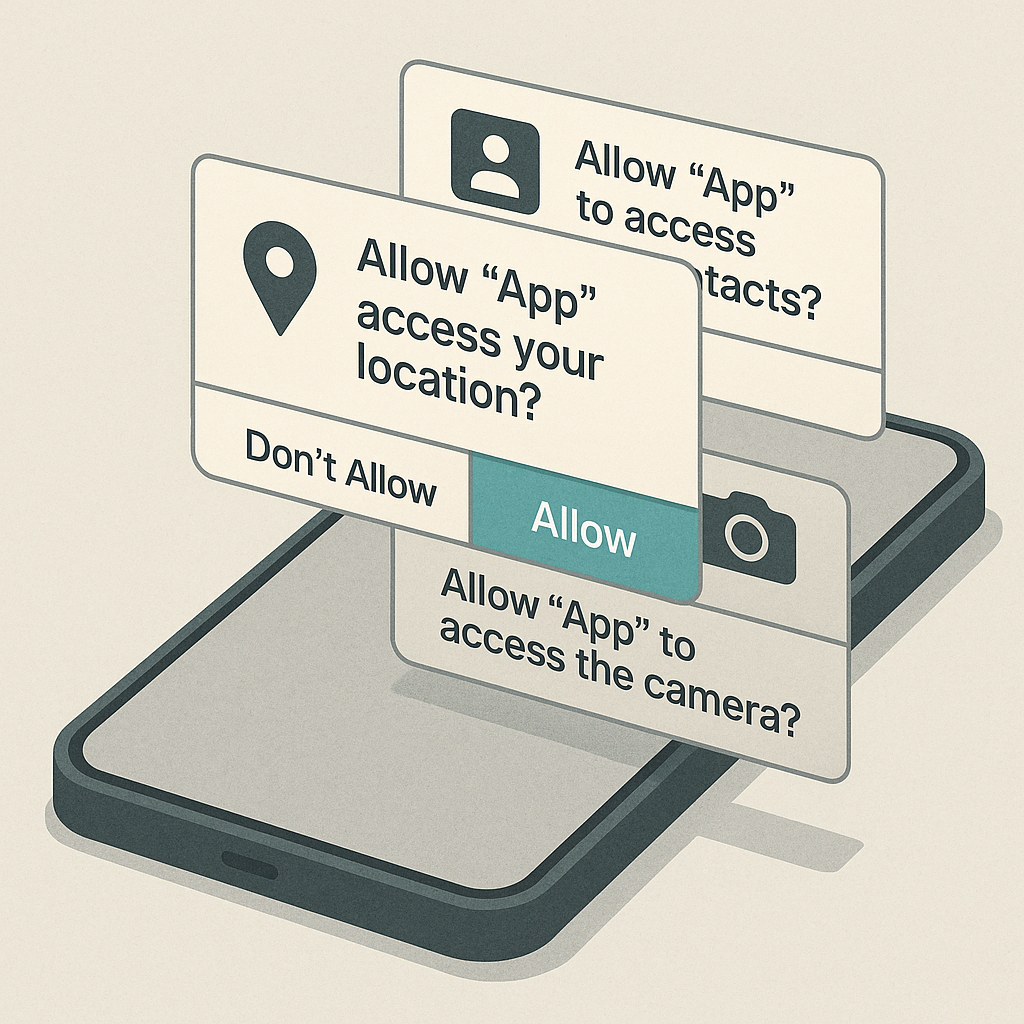
On iOS, apps must request permission at runtime before accessing protected resources. You see a dialog explaining why the app needs access. You tap "Allow" or "Don't Allow." The operating system enforces that decision. If you deny camera access, the app cannot activate the camera, period.
Android historically worked differently. Through Android 5, apps requested permissions at install time. You saw a list during installation. If you proceeded, you granted everything. The app gained access immediately. Android 6 introduced runtime permissions, moving toward the iOS model. Modern Android versions require explicit prompts for sensitive permissions like location and camera, though some permissions still grant automatically at install.
The permission model assumes apps will request only what they need. That assumption breaks down when developers have incentives to collect data beyond their app's core function.
Why Apps Request Unnecessary Permissions
Apps request extra permissions for several reasons, none of which serve you.
Data collection for advertising. Free apps monetize through ads. Ad networks pay more for targeted ads. Targeted ads require data about you. Your contacts reveal your social graph. Your location reveals where you live, work, and shop. Your camera roll reveals your interests and demographics. The app doesn't need this data to function. The ad network wants it to serve better ads.
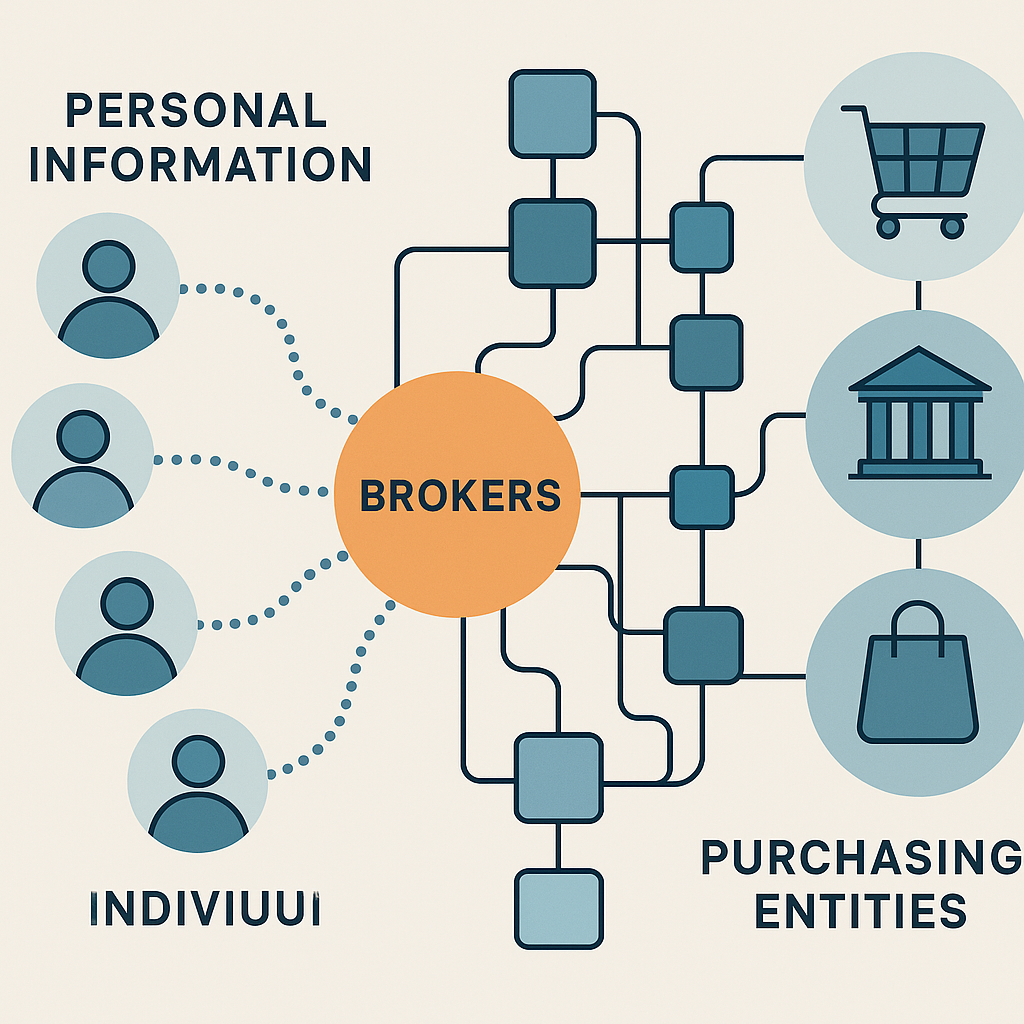
Analytics and user profiling. Developers want to understand how you use their app. Some analytics are reasonable: which features you use, how often you open the app, where you encounter errors. But analytics often expand into surveillance. Apps track your location to infer behavior patterns. They read your contacts to map social networks. They access your microphone to detect what you're watching on TV. This data feeds user profiles that developers sell or share with partners.
Future features. Some developers request permissions for features they plan to add later. The app doesn't use your camera today, but version 2.0 will include a barcode scanner, so they request camera access now. This is lazy development. Apps should request permissions when features launch, not in anticipation of features that may never ship.
Broad permission requests as default. Many developers use boilerplate code or templates that request a standard set of permissions. The template includes contacts, location, and camera because other apps in that category use them. The developer never removes the unnecessary requests. The app ships with permissions it never activates.
Third-party SDKs. Apps integrate third-party libraries for analytics, ads, crash reporting, and social features. Each SDK may require its own permissions. The developer adds the SDK without auditing what permissions it requests. The app ends up requesting permissions the developer doesn't even know about.
The Contacts Permission Example
Contacts access is the most common unnecessary permission. Here's why apps request it and what they actually do with it.
A ride-sharing app requests contacts to let you invite friends. That's a legitimate use case. You open the app, tap "Invite Friends," and it shows your contact list. You select a friend. The app sends an invitation. Contacts access enables that feature.
But many apps request contacts without offering any feature that requires them. A flashlight app has no reason to access your contacts. Neither does a calculator, a wallpaper app, or a game. Yet they request it anyway.
When you grant contacts access, the app can read every name, phone number, email address, and note in your contact list. It can upload that data to its servers. It can cross-reference your contacts against other users to build a social graph. It can sell the data to third parties. The permission grants access to the entire contact database, not just the contacts you explicitly choose to share.
CISA's mobile device guidance recommends reviewing app permissions regularly and revoking access that doesn't align with the app's stated purpose. That's good advice, but it puts the burden on you to audit every app. Most people don't.
Location Tracking Beyond Navigation
Location permissions come in two flavors: "while using the app" and "always." The difference matters.
"While using" means the app can access your location only when it's open and active on your screen. A mapping app needs this to show your position on the map. A weather app needs it to deliver local forecasts. This is reasonable.
"Always" means the app can access your location in the background, even when you're not using it. Very few apps need this. Fitness trackers that log runs need it. Find My Phone needs it. Almost nothing else does.
Yet many apps request "always" location access. They claim it improves the user experience. What it actually does is build a detailed movement history. The app knows where you live, where you work, where you shop, where you eat, where you exercise, and where you sleep. That data feeds into user profiles, targeted ads, and analytics products sold to third parties.
Apple's guidance on location permissions explains that apps must display a blue bar at the top of the screen when accessing location in the background. This gives you visibility into when tracking occurs. Android shows a persistent notification. Both are partial solutions. The real solution is denying "always" access unless the app's core function requires it.
Camera and Microphone Access
Camera and microphone permissions are sensitive because they enable surveillance. An app with camera access can take photos and record video. An app with microphone access can record audio. Both can operate without visible indicators if the app is poorly designed or malicious.
Legitimate uses exist. Video calling apps need camera and microphone access. QR code scanners need the camera. Voice note apps need the microphone. Social media apps need both for posting photos and videos.
But some apps request these permissions without clear use cases. A file manager doesn't need your camera. A calculator doesn't need your microphone. A weather app doesn't need either.
The risk isn't just active recording. Apps with camera access can analyze photos you take to infer interests, demographics, and location. Apps with microphone access can listen for ultrasonic beacons that track you across physical spaces. These techniques are documented in research on mobile device security, though their prevalence in consumer apps is unclear.
Storage and Photo Access
Storage permissions let apps read and write files on your device. On older Android versions, storage access was broad: an app could read any file in shared storage. Modern Android restricts this with scoped storage, limiting apps to their own directories unless you explicitly grant access to specific files.
iOS separates storage into photo library access and general file access. Apps must request photo access separately. When you grant it, you can choose "All Photos" or "Selected Photos." The latter limits the app to photos you explicitly choose.
Apps request storage access for legitimate reasons: saving files, loading documents, accessing photos for editing. But storage access also enables data harvesting. An app with full storage access can read documents, photos, downloads, and any file on your device. It can scan for sensitive information and upload it.
The pattern repeats: legitimate use cases exist, but the permission grants far more access than the use case requires.
What the Permission Actually Grants
When you tap "Allow," you're not granting access to a single contact or a single photo. You're granting access to the entire resource. Contacts permission grants access to every contact. Location permission grants access to your precise location, updated continuously. Camera permission grants access to take photos and videos at will. Storage permission grants access to read and write files across your device.
The permission model is binary: all or nothing. There's no middle ground where the app can access one contact or one photo without accessing them all. iOS introduced "Selected Photos" access, which is a step toward granularity, but it's the exception.
This binary model creates a trust problem. You must trust the app to use only what it needs, even though the permission grants access to everything.
The Seinfeld Principle
In Seinfeld, George Costanza performs an elaborate charade to convince his boss he's working hard. He furrows his brow, sighs heavily, and shuffles papers. He's not accomplishing anything. He's performing the appearance of work.
Apps do the same with permissions. They request broad access to signal legitimacy. A sophisticated app should request many permissions, the thinking goes. It looks professional. It looks feature-rich. It looks like the app does more than it actually does.
The performance works because most users don't understand what permissions mean. They see a long list and assume the app needs all of it. They tap "Allow" because denying feels like breaking the app.
This dynamic inverts the security model. Instead of apps requesting only what they need, they request everything they can justify. Instead of users granting access cautiously, they grant it reflexively.
What You Can Control
You can't stop apps from requesting unnecessary permissions, but you can control what you grant.
Deny permissions by default. When an app requests access, tap "Don't Allow" unless you understand why the app needs it. If the app breaks, you'll know immediately. Most apps work fine with reduced permissions.
Review permissions after installation. iOS: Settings > Privacy & Security. Android: Settings > Apps > Permissions. Both platforms show which apps have which permissions. Revoke anything that doesn't make sense.
Use "While Using" for location. Very few apps need "Always" location access. Default to "While Using" and see if the app complains. If it does, evaluate whether the feature it's complaining about is worth the tracking.
Choose "Selected Photos" on iOS. When an app requests photo access, choose "Selected Photos" instead of "All Photos." You can add photos individually as needed. This limits the app's view into your photo library.
Check permissions before updating. App updates sometimes add new permission requests. iOS and Android notify you when this happens. Review the new permissions before proceeding. If a flashlight app suddenly wants your contacts, that's a red flag.
Delete apps that request too much. If an app requests permissions it clearly doesn't need and refuses to work without them, delete it. Find an alternative. The app is prioritizing data collection over your privacy.
Platform Differences That Matter
iOS and Android handle permissions differently in ways that affect your control.
iOS requires runtime prompts for all sensitive permissions. You see a dialog before the app gains access. The dialog includes a developer-written explanation of why the app needs the permission. You can deny without breaking the app in most cases.
Android's permission model evolved over time. Older apps may still use the install-time permission model. Newer apps use runtime prompts. The inconsistency creates confusion. Check your Android version and update if possible. Newer versions give you more control.
iOS shows indicators when apps access camera or microphone. A green dot appears when the camera is active. An orange dot appears when the microphone is active. These indicators work even when the app is in the background. Android added similar indicators in Android 12.
iOS lets you grant approximate location instead of precise location. When an app requests location access, you can choose "Precise" or "Approximate." Approximate location gives the app your general area without revealing your exact coordinates. This is useful for weather apps and other services that don't need precision.
Android lets you grant permissions temporarily. You can choose "Only this time" when granting location, camera, or microphone access. The app loses access when you close it. This is useful for one-off tasks where you don't want persistent access.
The Developer Perspective
Developers face pressure to request broad permissions. Ad networks require certain permissions to deliver targeted ads. Analytics SDKs require others to track user behavior. App store algorithms may favor apps with more features, and features often require permissions.
Some developers request permissions they don't currently use because they plan to add features later. Requesting permissions upfront avoids asking users for new access in future updates, which can trigger negative reviews.
Other developers simply don't audit their permission requests. They use templates, integrate SDKs, and ship without reviewing what access they're actually requesting.
The result is permission creep: apps request more over time, not because they need it, but because the incentives push toward more data collection.
What Actually Protects You
Reviewing and revoking permissions helps, but it's a manual process. You're auditing dozens of apps, each with multiple permissions, and the configuration changes with every update. That's not sustainable.
What actually protects you is installing fewer apps. Every app you install is a potential privacy leak. The fewer apps you have, the smaller your attack surface.
Before installing an app, ask whether you actually need it. Can you use the mobile website instead? Can you accomplish the task on your computer? Can you do without the feature entirely?
If you do install the app, audit its permissions immediately. Deny everything by default. See what breaks. Grant only what's necessary for the features you actually use.
And delete apps you no longer use. Dormant apps still have the permissions you granted. They still update in the background. They still collect data. Closing old accounts and removing unused apps reduces your exposure.
The Bigger Picture
App permissions are a symptom of a larger problem: the business model of free apps depends on data collection. Developers don't charge for the app, so they monetize through ads and analytics. Ads and analytics require data. Data requires permissions.
You can't fix the business model by managing permissions. You can only reduce your exposure by being selective about what you install and what you grant.
The permission system was designed to give you control. In practice, it gives you the illusion of control. You can tap "Don't Allow," but the app may refuse to work. You can revoke permissions, but the app may have already uploaded your data. You can audit your settings, but the next update may request new permissions.
The real control comes from saying no at the installation screen. If an app requests permissions it doesn't need, don't install it. If an app you already have starts requesting new permissions, delete it. Your phone works fine without a dozen weather apps, three flashlights, and a suite of games that want your contacts.
The weather app doesn't need your contacts. The flashlight doesn't need your location. The calculator doesn't need your camera. When apps ask for more than they need, the answer is simple: no.