What happens when a password manager gets breached, and are they still safe after LastPass
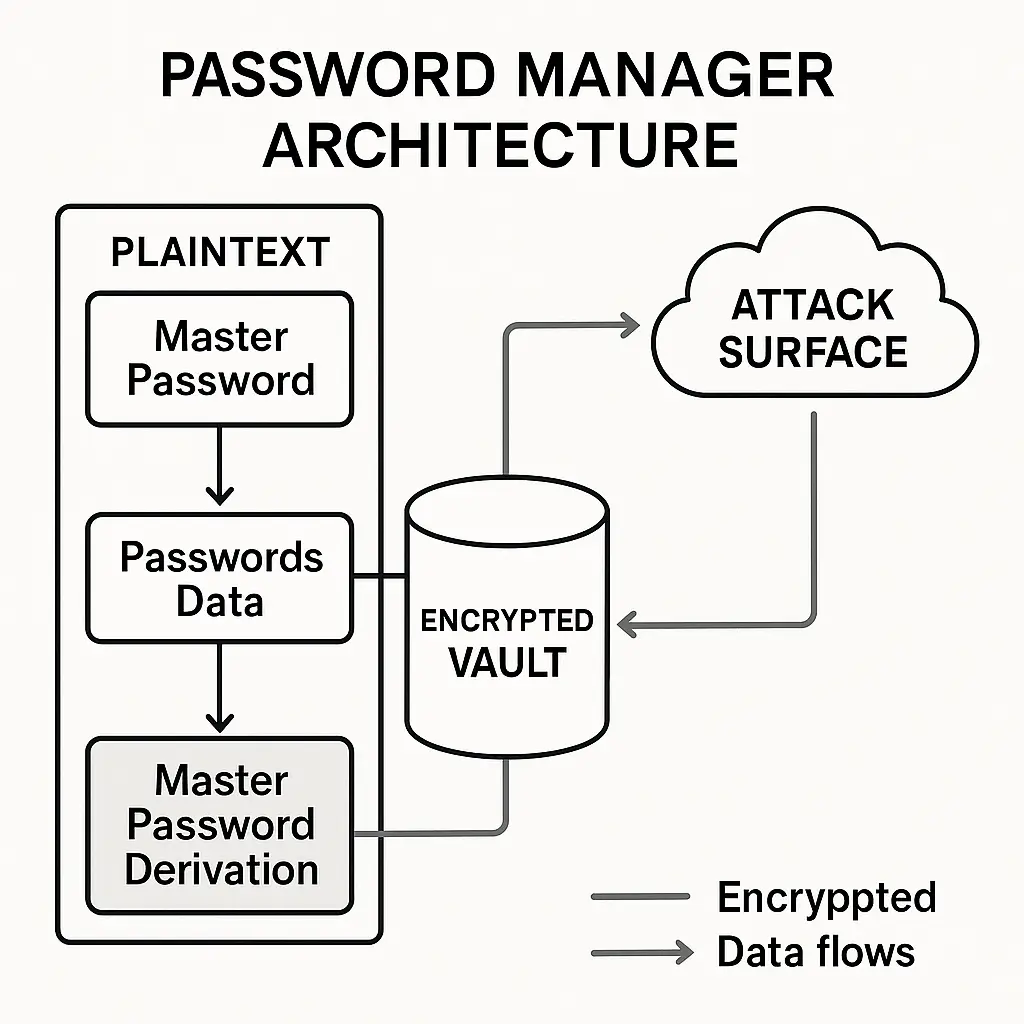
A password manager breach sounds like the worst-case scenario. You stored every credential in one place, encrypted under one master password, and now attackers have the vault. The question is whether they can open it.
The answer depends on what the breach exposed, how the encryption works, and whether your master password can withstand offline cracking. Here's the mechanism.
What attackers actually get in a password manager breach
When a password manager company gets breached, the attackers are after vault files. A vault file is an encrypted container holding all your passwords, notes, and metadata. The file sits on the company's servers (cloud-synced managers) or only on your devices (local-only managers).
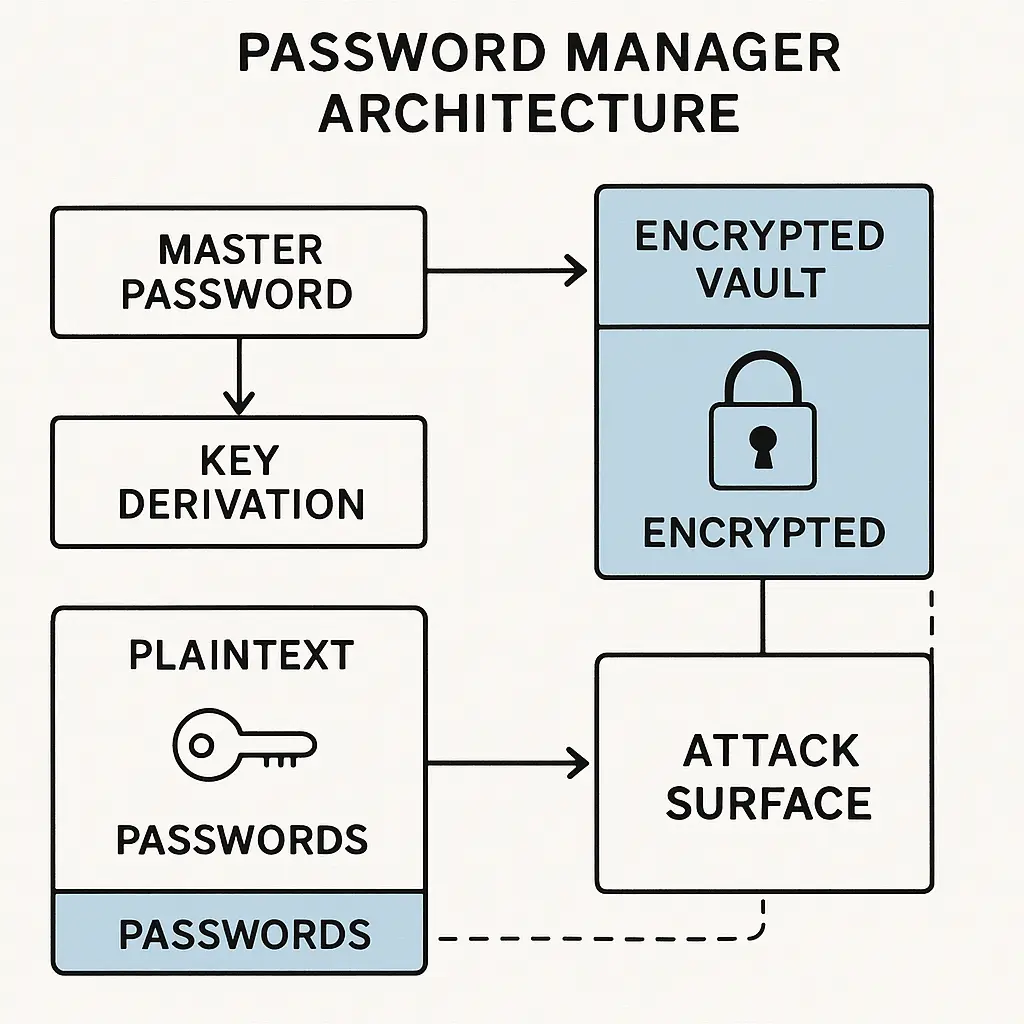
In a breach, attackers typically get encrypted vault files, not plaintext passwords. The vault is encrypted with a key derived from your master password. Without the master password, the vault is ciphertext. Useless data, in theory.
The problem is that ciphertext becomes plaintext if you can crack the master password. And offline cracking is the threat model that matters here.
Offline cracking means the attacker has the encrypted vault file on their own hardware. They can guess master passwords as fast as their machines allow, with no rate limiting, no lockouts, no detection. If your master password is weak, they will crack it. If it's strong, they probably won't.
This is the Helm's Deep problem from The Lord of the Rings films. The fortress is well-built, but if the wall has a structural weakness (a drainage grate, in the film), the attackers will find it and exploit it. Your master password is the wall. The encryption algorithm is the stone. The attackers have unlimited time to test the wall for weaknesses.
The mechanism breaks down into three parts: what the breach exposed, how the encryption resists cracking, and whether your master password holds.
How password manager encryption works
Password managers use a process called key derivation to turn your master password into an encryption key. You type a human-memorable password. The software runs that password through a key derivation function (KDF) thousands or millions of times, producing a key that encrypts the vault.
The NIST Digital Identity Guidelines describe the standard approach: a password-based KDF like PBKDF2, bcrypt, scrypt, or Argon2. Each iteration of the KDF makes cracking slower. More iterations mean attackers need more computing power and more time to test each password guess.
A well-configured password manager runs the KDF at least 100,000 iterations on the client side (your device), then encrypts the vault with AES-256 or a similar algorithm. The encrypted vault is what gets stored on the server or synced to the cloud.
When you unlock the vault, you type your master password. The software runs it through the same KDF with the same iteration count, derives the key, and decrypts the vault. If the password is wrong, the key is wrong, and the vault stays encrypted.
In a breach, attackers get the encrypted vault and the iteration count (usually stored in the vault metadata). They know the algorithm. They just need your master password.
They start guessing. Each guess runs through the KDF, produces a candidate key, and attempts to decrypt the vault. If the decryption produces valid data, the guess was correct. If it produces garbage, they try the next guess.
The iteration count determines how expensive each guess is. If the KDF runs 100,000 iterations, and the attacker can test 1 billion guesses per second on a high-end GPU, they can test around 10,000 passwords per second after accounting for the KDF overhead. If your master password is in the top 10,000 most common passwords, it will crack in about one second.
If your master password is a random 16-character mix of letters, numbers, and symbols, the attacker needs to test around 10^28 possibilities. At 10,000 guesses per second, that takes longer than the age of the universe.
The encryption itself is not the weak point. AES-256 is not getting brute-forced. The weak point is whether your master password is strong enough to survive offline cracking.
What happened in the LastPass breaches
LastPass disclosed breaches in 2015 and 2022. The 2022 incident is the one that raised the "are password managers still safe" question, because attackers got encrypted vault backups for a portion of users.
In 2022, attackers compromised a LastPass engineer's home computer, stole credentials, and used them to access cloud storage containing encrypted vault backups. The vaults were encrypted with user master passwords, run through PBKDF2 with iteration counts that varied by user. Some users had 100,100 iterations (the default at the time). Some had 5,000 or fewer, from older accounts that had not updated settings.
The attackers got encrypted vaults. They did not get master passwords. But they could start guessing offline.
Krebs on Security reported in 2023 that security professionals believed attackers were successfully cracking vaults from users with weak master passwords or low iteration counts. In 2025, federal investigators linked a $150 million cryptocurrency theft to the 2022 LastPass breach, suggesting that some vaults had been cracked and the credentials used in subsequent attacks.
The breach did not break the encryption. It exposed the fact that many users had master passwords that could not withstand offline cracking. A password like "Summer2022!" might resist online attacks (where you get three tries before lockout), but it will crack in minutes offline.
This is the Friends episode where Ross writes down the pros and cons of dating Rachel versus Julie. The list itself is fine. The problem is that Rachel finds the list. The information was never meant to be exposed, and once it is, the context changes. Your master password was designed to resist online attacks. In a breach, it faces offline attacks, and the threat model is different.
What breaks and what holds
In a password manager breach, three things determine whether your vault stays secure:
-
The iteration count. Higher is better. 100,000 iterations is the minimum for PBKDF2. 600,000 is better. Some password managers now use Argon2, which is more resistant to GPU-based cracking. If your password manager allows you to increase the iteration count, do it. The performance cost on your device is negligible. The cost to attackers is substantial.
-
Your master password strength. If your master password is a common word, a name, a date, or a simple pattern, it will crack. If it's a random 16+ character mix or a 5+ word passphrase with no dictionary words, it probably won't. The math is in the entropy calculation article. Length matters more than complexity. Randomness matters more than both.
-
Whether the breach exposed vault backups or live vaults. Some breaches expose backups from months or years ago. If you changed your master password after the backup was created, the stolen vault is encrypted with the old password. If you did not change it, the vault is current.
If all three factors align in your favor (high iteration count, strong master password, no exposure of current vault), your encrypted vault is likely safe even if attackers have it. If any factor is weak, you have a problem.
The threat model you actually face
The realistic threat is not that attackers will crack every vault they steal. The realistic threat is that they will crack the weakest vaults first, using those credentials for fraud, account takeover, or further attacks, and then move on.
Attackers optimize for return on effort. Cracking a vault with "password123" as the master password takes seconds. Cracking a vault with a strong master password takes years or is computationally infeasible. Attackers will crack the easy ones, use the credentials, and ignore the hard ones.
This is the dynamic from Sex and the City where Carrie's apartment gets broken into and the thief takes the laptop but leaves the TV. The thief is optimizing for portability and resale value. The TV is too heavy. The laptop is easy. In a password manager breach, weak master passwords are the laptops. Strong master passwords are the TVs. Attackers take the laptops and leave.
Your goal is to make your vault too expensive to crack. You do that with a strong master password and a high iteration count.
What to do if your password manager discloses a breach
If your password manager discloses a breach and says encrypted vaults may have been exposed, you need to act quickly.
Step 1: Change your master password immediately. Use a new, strong password. If the breach exposed vault backups, changing the master password re-encrypts the vault with the new password. Future backups will use the new encryption. Old backups remain encrypted with the old password, but attackers cannot use the old vault to access accounts you have since changed.
Step 2: Change passwords for high-value accounts. Start with financial accounts, email, and any account with access to sensitive data. Use unique passwords for each. If attackers crack your vault and find an old password for your bank, but you changed the bank password after the breach, the old password is useless.
Step 3: Enable MFA on every account that supports it. Multi-factor authentication means that even if attackers crack your vault and get your password, they still need the second factor. CISA recommends phishing-resistant MFA like hardware tokens or passkeys. SMS-based MFA is better than nothing but can be bypassed.
Step 4: Check your password manager's iteration count setting. If it's below 100,000 for PBKDF2, increase it. Some managers default to higher values now. Verify yours.
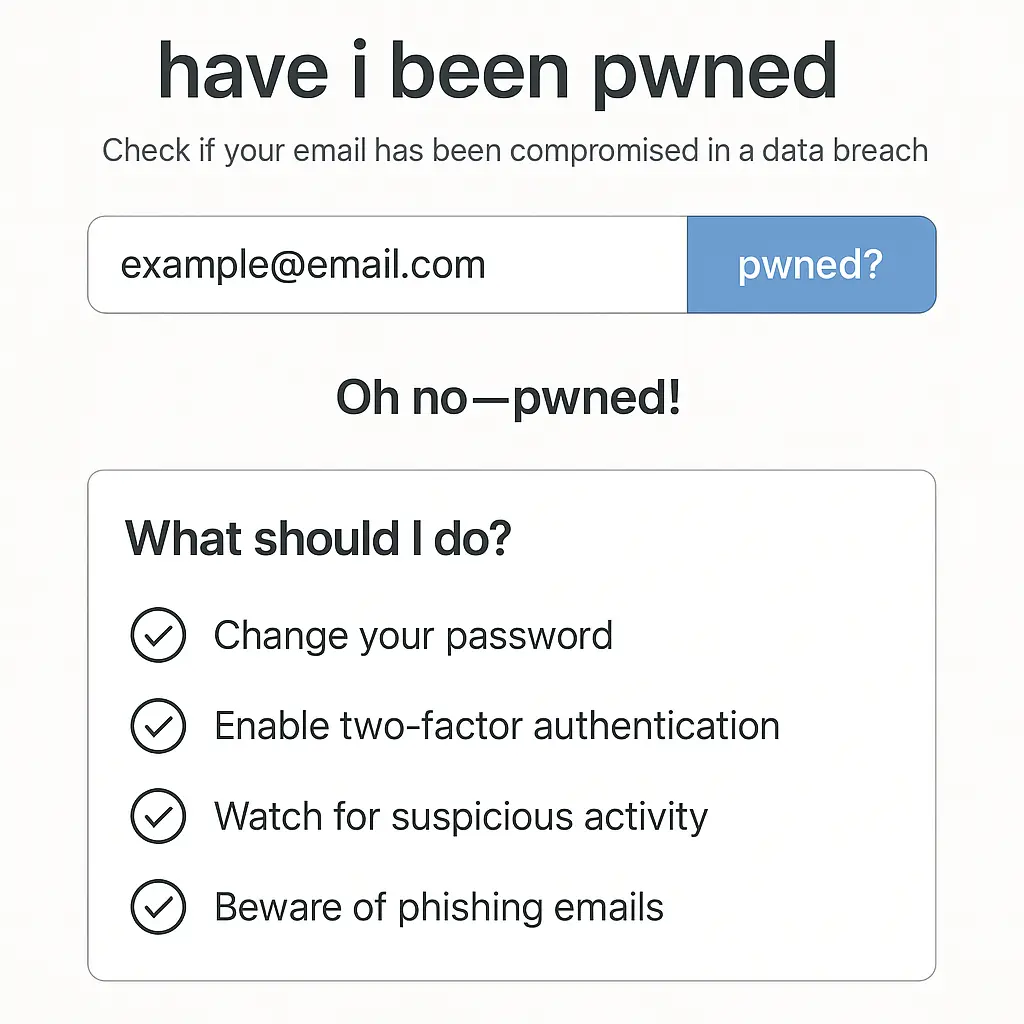
Step 5: Monitor accounts for unusual activity. If attackers cracked your vault, they may try to access accounts. Watch for login alerts, password reset emails, or transactions you did not authorize.
The breach does not mean your passwords are compromised. It means your encrypted vault might be in attacker hands, and you need to make sure the encryption holds.
Whether password managers are still safe
The question "are password managers still safe" conflates two different risks. The first risk is whether the password manager company can protect its servers from breaches. The second risk is whether the encryption can protect your vault if a breach happens.
No company can guarantee it will never be breached. Security professionals generally assume that breaches will happen and design systems to limit the damage when they do. A password manager designed with zero-knowledge architecture (where the company never has access to your master password or decrypted vault) limits the damage. Even if attackers breach the servers, they get encrypted vaults, not plaintext passwords.
The encryption holds if your master password is strong. If your master password is weak, the encryption is a locked door with a weak lock. The door is solid, but the lock will pick.
From my reading of the SANS Institute's analysis of password manager security, the consensus is that password managers remain the best option for most people. The alternative is password reuse, which is worse. A password manager with a strong master password and high iteration count is far more secure than reusing "Summer2022!" across 50 accounts.
The risk is not the password manager itself. The risk is weak master passwords and low iteration counts. If you fix those, the password manager is still the right tool.
The alternative threat models
Some people respond to password manager breaches by switching to local-only managers (KeePass, KeePassXC) or by avoiding password managers entirely and using a physical notebook.
Local-only managers eliminate the cloud sync risk. If the vault file never leaves your device, attackers cannot steal it from a company server. The trade-off is that you lose cross-device sync and need to manage backups yourself. If your device dies and you have no backup, you lose the vault.
Physical notebooks eliminate digital risk but introduce physical risk. If someone steals the notebook or photographs it, they have your passwords in plaintext. No encryption, no KDF, no iteration count. The notebook also does not generate random passwords for you or fill them automatically, which means you are more likely to reuse passwords or choose weak ones.
I think the local-only approach makes sense for people who understand the trade-offs and are willing to manage backups. For most people, a cloud-synced password manager with a strong master password is the better choice.
How to choose a password manager after LastPass
If you are moving away from LastPass or choosing a password manager for the first time, here are the factors that matter:
Zero-knowledge architecture. The company should never have access to your master password or decrypted vault. This is standard now, but verify it.
High default iteration count. 100,000+ for PBKDF2, or use of Argon2. Some managers let you increase the count manually.
Independent security audits. Look for third-party audits of the encryption implementation and codebase. The EFF's guide to picking a password manager lists audits as a key factor.
Breach response history. How has the company handled past incidents? Did they disclose quickly? Did they explain what was exposed? Did they help users secure their accounts?
MFA support for the vault itself. Some password managers let you require a second factor to unlock the vault, in addition to the master password. This adds a layer of protection if someone gets your master password.
Cross-platform support. If you use multiple devices, you need a manager that syncs securely across all of them.
1Password, Bitwarden, and Dashlane are commonly recommended. All three use zero-knowledge architecture, support high iteration counts, and have been audited. Bitwarden is open-source, which some people prefer for transparency.
NordPass is another option with strong encryption and a clean interface. It is part of the Nord Security family, which also makes NordVPN. NordPass uses XChaCha20 encryption and Argon2 for key derivation, both of which resist GPU-based cracking better than older algorithms. It supports cross-device sync, hardware key MFA, and has been independently audited.
If you are moving from LastPass, NordPass offers an import tool that pulls your existing vault and re-encrypts it with a new master password. The interface is straightforward, and the pricing is in line with other premium managers.
We earn a commission on purchases through this link, at no extra cost to you: NordPass.
The actual lesson from LastPass
The LastPass breaches did not prove that password managers are unsafe. They proved that weak master passwords are unsafe, that low iteration counts are unsafe, and that companies can be breached no matter how careful they are.
The lesson is not to abandon password managers. The lesson is to use a strong master password, verify your iteration count, enable MFA, and understand that encryption only protects you if the key (your master password) is strong enough to resist cracking.
This is the ER problem where the emergency room staff can do everything right, but if the patient arrives too late, the outcome is already determined. The password manager can do everything right with encryption, but if your master password is "password123," the outcome is already determined. The encryption cannot save you from a weak key.
The tool works. The question is whether you configure it correctly.
A password manager with a strong master password and high iteration count remains the best defense against password reuse, credential stuffing, and the constant low-grade risk of online accounts. The breaches do not change that. They just clarify what strong means.
For more on setting up a strong master password, see the article on passphrases versus passwords. For the broader context on why password managers matter, see password managers explained for skeptics. And if you are deciding between cloud and self-hosted, see the comparison in Bitwarden self-hosted versus cloud.