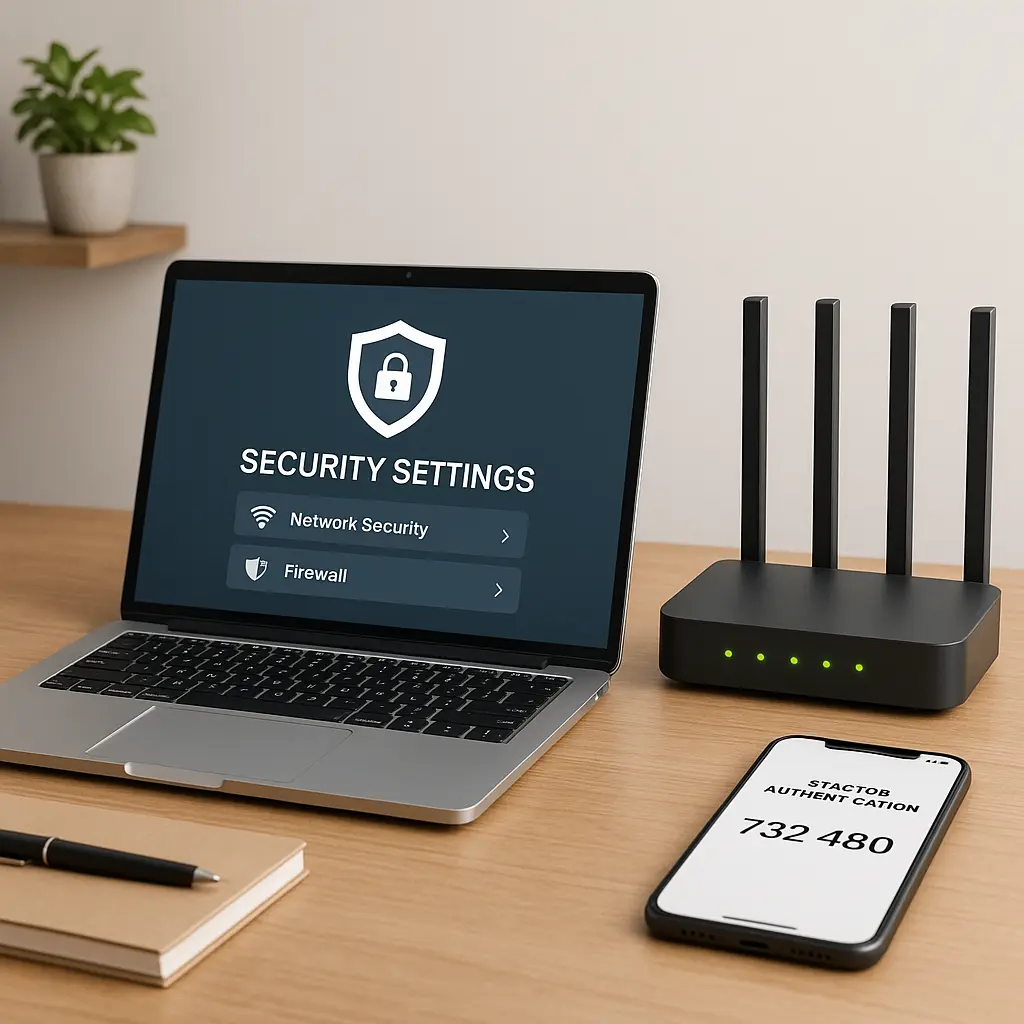
Personal vs Work Device: Should I Use My Computer for Work?
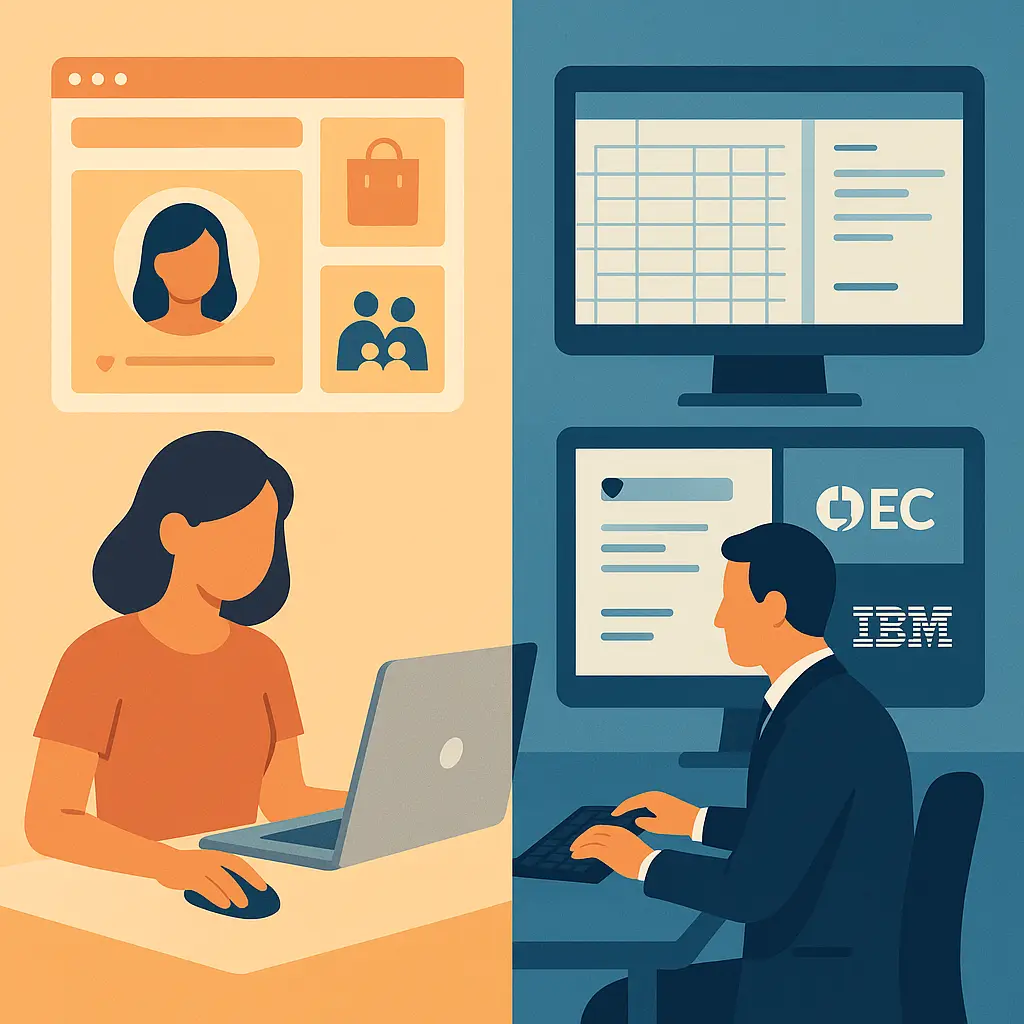
You're working from home. Your work laptop sits on the desk, but it's slow, the keyboard sticks, and you've got a perfectly good personal computer right there. Or maybe you need to check personal email during lunch, and your work machine is already open. The boundary between personal and work devices feels arbitrary, just different computers doing the same tasks.
That boundary isn't arbitrary. It's a firewall protecting three things: your employer's data, your personal privacy, and your legal liability when something goes wrong. When you blur that line, you're not just mixing files. You're creating a security vulnerability that puts both sides at risk.
Here's what actually happens when you use your personal computer for work, what your employer can see, and how to think about device boundaries when remote work makes everything feel like one continuous workspace.
The Security Risk You're Creating
Your personal computer holds years of accumulated risk. That browser extension you installed in 2019. The PDF you downloaded from a sketchy site last month. The software update you've been postponing for three weeks. Your device is configured for convenience, not security, because you're the only stakeholder.
Work systems operate under different threat models. CISA's guidance on data security assumes controlled environments: managed updates, vetted software, monitored access. When you connect your personal device to work resources, you're bypassing every layer of that protection.
The risk flows both directions. Malware on your personal device can steal work credentials, access confidential files, and spread to company networks. A compromised work account can expose your personal data, banking, health records, private communications, to whoever breached the corporate system. You've built a bridge between two worlds that should stay separate.
Industry guidance from organizations like NIST consistently recommends network segmentation and access control as foundational security practices. Mixing personal and work devices on the same hardware defeats both principles. You're not just creating inconvenience. You're creating exposure.
What Your Employer Can Actually See
The monitoring capabilities depend on how you connect. If you're just accessing work email through a browser, your employer sees email content, login times, and IP addresses, nothing about your personal files or browsing. If you install a VPN client, they can monitor all network traffic while the VPN runs. If you install mobile device management software or endpoint protection, you've given them access to nearly everything.
MDM software can inventory installed applications, track location, remotely wipe the device, and access files in work-related folders. Some configurations allow full device monitoring, every app you open, every website you visit, every file you create. The scope depends on your employer's policy and the specific tools they deploy, but the pattern holds: the more work software you install, the more visibility they gain.
Your employer's IT department isn't necessarily watching you personally. They're watching the device. When that device contains both personal and work data, the distinction collapses. A routine security audit pulls logs that include your weekend browsing. An investigation into a data leak images your entire hard drive, personal files included. Consumer protection guidance from the FTC emphasizes controlling who has access to your personal information. Installing employer monitoring software means you no longer control that access.
The legal framework matters here. In most U.S. states, employers can monitor devices they own or software they provide, even on your personal hardware, as long as they've disclosed the monitoring in policy documents. That disclosure is usually buried in the acceptable use policy you clicked through on your first day. You consented. The monitoring is legal. Your expectation of privacy on a device running employer software is close to zero.
The Liability Problem Nobody Explains
Here's the scenario: you're working on a client proposal on your personal laptop. You save the draft to your desktop. Three months later, you leave the company. Six months after that, your former employer gets sued, and that client proposal becomes evidence in discovery. Your personal device, the one with your tax returns, medical records, and private photos, is now subject to legal hold.
You're required to preserve the device and provide access to attorneys. Refusing creates legal complications. Complying means strangers examine your personal files. This isn't theoretical. Electronic discovery routinely sweeps up personal devices used for work, and courts consistently rule that work-related data doesn't gain privacy protection just because you stored it on your own computer.
The liability extends beyond litigation. If you accidentally leak confidential data, a client list, financial projections, employee records, because your personal device wasn't properly secured, you may be personally liable for the breach. Your employer's cyber insurance doesn't cover your personal negligence. Their indemnification policies don't extend to BYOD arrangements unless explicitly stated. You're on your own.
Security professionals generally recommend that individuals understand their potential liability exposure before mixing personal and professional data. The convenience of using one device creates legal risk that most people discover only after something goes wrong.
The Privacy Loss Is Permanent
Once you install work software on your personal device, you can't fully uninstall the surveillance. Even after you remove the VPN client or MDM profile, your employer retains the data they've already collected. Logs of your activity. Inventories of your applications. Backups of files you created. That information persists in their systems indefinitely, subject to their retention policies, not yours.
Your device also becomes subject to your employer's incident response procedures. If they detect a security threat on any device accessing their network, they can remotely wipe it. You'll get a notification, maybe, and then your personal photos, documents, and applications vanish. The policy that authorized this action was in the terms you accepted. The execution is automatic.
This isn't paranoia. It's how enterprise security works. CISA's guidance on multifactor authentication and device management assumes that organizations need rapid response capabilities when threats emerge. Remote wipe is a standard feature in every MDM platform. The fact that your personal data coexists with work data on the same device doesn't change the response protocol.
The privacy loss extends to your household. If your partner uses your laptop to check email, your employer's monitoring software logs that activity. If your kid borrows it for homework, that browsing history enters corporate systems. You've made everyone in your home subject to workplace surveillance without their knowledge or consent.
When Separation Isn't Optional
Some industries and roles make device separation non-negotiable. If you handle regulated data, healthcare records under HIPAA, financial information under GLBA, personal data under GDPR or state privacy laws, your employer's compliance obligations prohibit BYOD entirely. The risk of data exposure on an unmanaged device creates regulatory liability that no organization will accept.
Government contractors and employees with security clearances face similar restrictions. Classified or controlled unclassified information cannot touch personal devices under any circumstances. The penalties for violation include criminal charges, not just job loss.
Even in less regulated environments, your employment contract may explicitly prohibit using personal devices for work. Violating that policy creates grounds for termination and potential liability if a breach occurs. The fact that everyone else does it doesn't matter. You agreed to the terms.
The Practical Middle Ground
If you must use your personal device for work, create boundaries that limit exposure. Use separate user accounts, one for personal use, one for work. This doesn't prevent all monitoring, but it isolates work activity to a specific profile that you can delete cleanly when you leave.
Use virtual machines to run work applications in a contained environment. This adds technical complexity, but it prevents work software from accessing your personal files or monitoring your primary operating system. When you're done with the job, you delete the VM and nothing persists.
Browser-based access is the safest compromise. If you can do your work entirely through a web browser without installing employer software, your exposure drops dramatically. Your employer sees what you do in their web applications but gains no visibility into your device, files, or other activity. Use a separate browser profile for work, and close it when you're done.
Some employers offer stipends for home office equipment. If your company provides this benefit, use it to buy a dedicated work device. A basic laptop costs less than the legal fees you'd pay if your personal device gets caught up in discovery. The separation is worth the expense.
What to Do Before You Mix
Read your employer's BYOD policy completely. Not the summary. The actual policy document. Understand what software they'll install, what data they can access, what monitoring they'll conduct, and what happens when you leave. If the policy doesn't exist or doesn't answer these questions, ask HR in writing and keep the response.
Check your employment contract for device use restrictions. Look for clauses about confidential information, data security, and acceptable use of personal equipment. If the contract prohibits BYOD and you do it anyway, you've created liability regardless of what IT tells you informally.
Back up your personal device before installing any work software. If your employer's remote wipe triggers accidentally, you'll lose everything unless you have a recent backup stored separately. This happens more often than companies admit.
Document what work software you install and when. Keep records of what permissions you granted and what policies you acknowledged. If a dispute arises later about monitoring scope or data access, contemporaneous documentation protects you.
The Calculus Changes When You Leave
When you quit or get terminated, your employer's access to your personal device doesn't automatically end. If you installed MDM software, they retain remote wipe capability until you manually remove their profile. If you signed into work accounts through your browser, those sessions persist until you explicitly log out. If you saved work files locally, those files remain subject to legal hold if litigation is pending or reasonably anticipated.
The clean exit process requires deliberate action. Remove all work software. Delete all work accounts from your browser. Wipe all work files from your storage. Change passwords on any personal accounts you accessed while work monitoring was active, your employer's logs may contain those credentials. Factory reset the device if you want certainty that all employer software is gone.
Some employers require you to certify in writing that you've deleted all work data when you leave. Take this seriously. If they later discover work files on your personal device during litigation, you've committed perjury or fraud, depending on jurisdiction. The criminal exposure outweighs any convenience you gained by keeping the files.
The Underlying Principle
Device boundaries exist because trust boundaries exist. Your employer trusts their managed devices because they control the software, monitor the activity, and enforce security policies. You trust your personal device because you control what runs on it and who has access.
When you mix the two, you're asking both parties to extend trust into territory they can't control. Your employer can't secure a device they don't manage. You can't maintain privacy on a device running employer surveillance. The compromise satisfies neither party's security model.
In How I Met Your Mother, Ted keeps trying to stay friends with his exes, insisting that boundaries don't have to mean separation. It never works. Some relationships require distance to function. Your personal device and your work responsibilities are like that. The boundary isn't hostile. It's protective.
The question isn't whether you can use your personal computer for work. Technically, you can. The question is whether the convenience is worth the security risk, privacy loss, and legal exposure you're accepting. For most people, in most situations, it isn't.
If your employer expects you to work from home, they should provide the tools to do it safely. If they won't, that's information about how they value security and how much risk they're willing to push onto you. A separate work device costs money. A data breach costs more.