What You Should Never Paste Into ChatGPT
You open ChatGPT to draft an email, debug code, or brainstorm ideas. The interface is clean, the responses are helpful, and the conversation feels private. It isn't.
Every prompt you type gets stored. OpenAI keeps your conversations, uses them to train future models, and allows human reviewers to read them for quality control. What you paste into ChatGPT doesn't stay between you and the AI. It becomes part of a system you don't control, stored on servers you can't audit, and potentially visible to people you'll never meet.
This isn't a theoretical risk. It's the documented architecture of how ChatGPT works. Understanding what happens to your data, and what you should never share, matters before you type your next prompt.
What ChatGPT Actually Stores
When you send a prompt to ChatGPT, the text travels from your device to OpenAI's servers, where it's processed, stored, and logged. The company's privacy policy states that conversations are retained to improve the service, train models, and monitor for abuse.
Here's what gets stored by default:
- Every prompt you send, including edits and follow-ups
- Every response ChatGPT generates
- Timestamps for when conversations occur
- Your account information and usage patterns
- Metadata about your session, including device and browser details
OpenAI uses this data to refine GPT models, meaning your prompts can become part of the training corpus that shapes how the AI responds to future users. If you paste a customer support email into ChatGPT to rewrite it, that email, complete with names, account numbers, and complaint details, could theoretically appear in anonymized form as training data.
You can disable chat history through ChatGPT's settings, which prevents conversations from appearing in your sidebar and excludes them from training data. But even with history disabled, OpenAI retains conversations for 30 days to monitor for abuse and policy violations. Deletion isn't immediate, and it isn't guaranteed to be permanent.
The FTC has published guidance on protecting personal information online, emphasizing that once data leaves your device, you lose control over how it's stored, accessed, and used. ChatGPT is no exception.
Who Can See Your Conversations
OpenAI's privacy policy allows human reviewers to read conversations for safety, quality control, and abuse prevention. This isn't hypothetical, it's part of how the system operates. Reviewers analyze flagged prompts, assess model performance, and identify content that violates OpenAI's usage policies.
If you paste confidential work documents, medical records, or financial data into ChatGPT, there's a non-zero chance a human reviewer will read it. The company states that reviewers are trained on privacy and confidentiality, but that training doesn't change the fact that your private information becomes visible to strangers.
Beyond OpenAI employees, your data is also vulnerable to:
- Security breaches: If OpenAI's systems are compromised, attackers could access stored conversations. No company is immune to breaches, and AI providers are high-value targets.
- Legal requests: Law enforcement and government agencies can subpoena user data. OpenAI's transparency reports show the company receives and complies with legal requests for user information.
- Third-party integrations: If you use ChatGPT through plugins, browser extensions, or third-party apps, those services may have their own data retention policies that expand who can access your prompts.
The CISA guide on protecting sensitive information recommends treating any data shared with online services as potentially accessible to unauthorized parties, either through technical vulnerabilities or policy-based access.
Never Paste These Into ChatGPT
Some data types carry irreversible consequences when exposed. Here's what you should never paste into ChatGPT, regardless of convenience or time pressure.
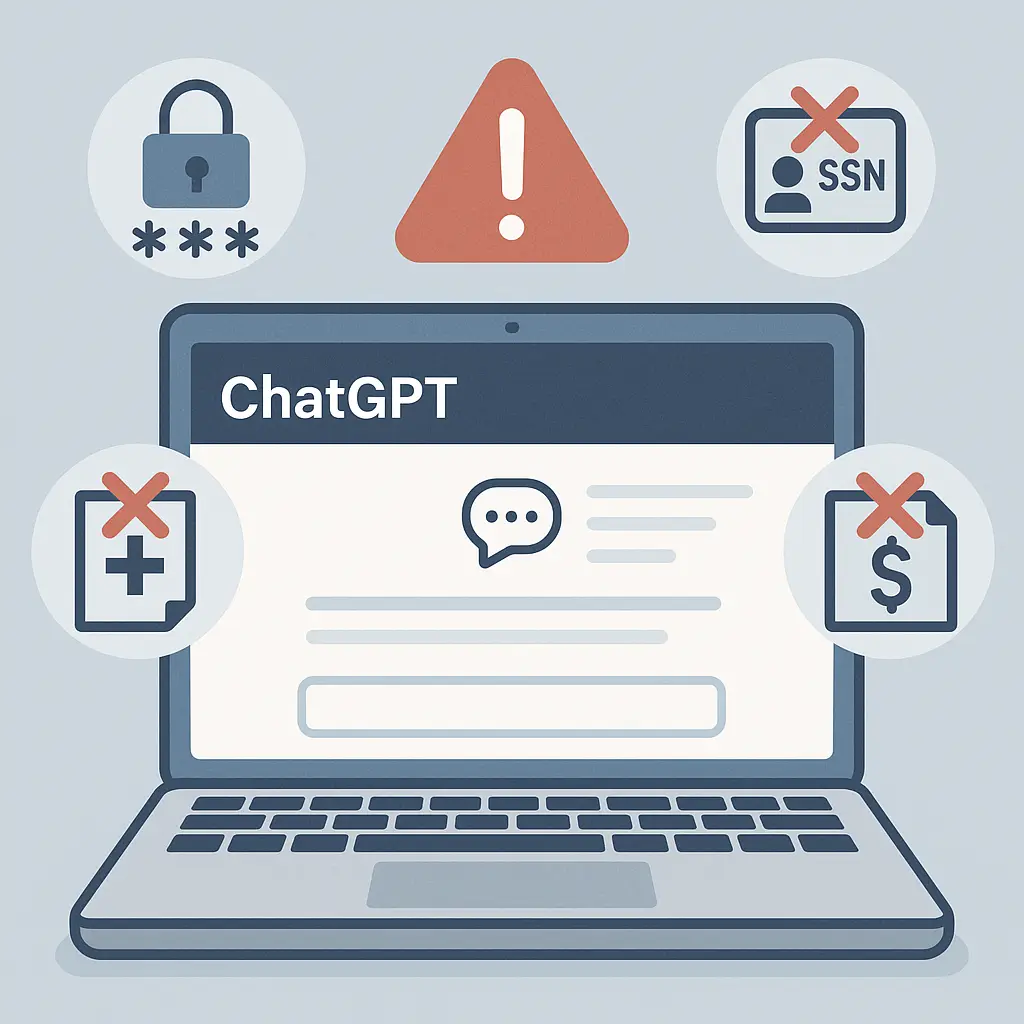
Passwords and credentials: This includes passwords, API keys, database connection strings, SSH keys, OAuth tokens, and any other authentication credential. If you paste code containing a hardcoded password, that password becomes part of your stored conversation. Even if you delete the chat, the credential may persist in backups or training data. Change the password immediately if this happens.
Social Security numbers and government IDs: Your SSN, passport number, driver's license number, or any government-issued identifier should never enter a ChatGPT prompt. These numbers are permanent, can't be changed if exposed, and enable identity theft. The FTC's identity theft guidance emphasizes that SSN exposure creates lifelong fraud risk.
Financial account information: Bank account numbers, credit card numbers, routing numbers, investment account details, and payment credentials all fall into this category. Pasting a screenshot of your bank statement to ask about budgeting advice exposes account numbers that attackers can use for unauthorized transactions.
Medical records and health information: HIPAA protects health data in clinical settings, but that protection doesn't extend to you voluntarily pasting medical records into ChatGPT. Diagnoses, prescriptions, lab results, and treatment plans are sensitive, permanent, and can be used for insurance discrimination or identity theft.
Legal documents with personal details: Contracts, court filings, divorce papers, and legal correspondence often contain SSNs, addresses, financial details, and other sensitive information. Redact identifying information before using ChatGPT to summarize or analyze legal documents.
Proprietary business data: Customer lists, financial projections, product roadmaps, trade secrets, and confidential business strategies should stay out of ChatGPT. If your employer's data ends up in OpenAI's training corpus, you've potentially violated confidentiality agreements and created competitive risk.
Private communications: Emails, text messages, and private conversations with identifiable people should be anonymized before pasting. Real names, email addresses, phone numbers, and personal details can all be redacted. If you're using ChatGPT to draft a response to a sensitive email, strip out the original sender's information first.
Children's personal information: COPPA restricts how companies collect and use data from children under 13, but those protections don't apply when you voluntarily paste your child's information into ChatGPT. Names, ages, schools, photos, and any other identifying details about minors should never appear in prompts.
What Happens When You Delete a Chat
ChatGPT's interface includes a delete button for individual conversations. Clicking it removes the chat from your sidebar and prevents it from appearing in your history. But deletion in the interface doesn't mean deletion from OpenAI's systems.
According to OpenAI's data retention policies, deleted conversations are retained for 30 days before permanent removal. During that window, the data remains accessible for abuse monitoring and policy enforcement. After 30 days, OpenAI states the conversation is permanently deleted, but there's no independent verification of this claim, and no way for you to confirm deletion actually occurred.
If your conversation was used to train a model before deletion, removing it from your account doesn't remove it from the training data. Once incorporated into a model's weights, your prompts influence how the AI responds to future users, even if the original text is deleted.
The EFF's guide on data retention notes that deletion policies are only as reliable as the company enforcing them. You're trusting OpenAI to follow through on permanent deletion, with no technical mechanism to verify compliance.
If you accidentally paste sensitive information into ChatGPT, delete the conversation immediately, then take these steps:
- Change any passwords or credentials that appeared in the prompt
- Revoke API keys and generate new ones
- Monitor financial accounts for unauthorized activity if account numbers were exposed
- File an identity theft report if SSNs or government IDs were pasted
- Notify affected parties if the data belonged to someone else
Deletion mitigates risk but doesn't eliminate it. Treat any sensitive data pasted into ChatGPT as potentially compromised, regardless of how quickly you delete the conversation.
The Gandalf Problem
In The Fellowship of the Ring, Gandalf faces the Balrog at the Bridge of Khazad-dûm. He knows the creature's power, understands the danger it represents, and makes a calculated decision about what to allow across the threshold. "You cannot pass," he says, not because the bridge can't hold the weight, but because some threats are too dangerous to permit entry.
ChatGPT is your bridge. Every prompt is a decision about what crosses from your private world into OpenAI's systems. The bridge will hold almost anything, it's designed to accept whatever you type. But that technical capability doesn't mean you should use it.
The analogy isn't perfect. Gandalf faced a singular, visible threat. ChatGPT's risks are diffuse, probabilistic, and often invisible until damage occurs. But the principle holds: some data is too dangerous to share, regardless of convenience or the immediate benefit you'd gain from AI assistance.
You're the gatekeeper for your information. ChatGPT won't warn you before you paste a password. The interface won't stop you from sharing an SSN. The responsibility to recognize sensitive data and keep it off the platform is entirely yours.
How to Use ChatGPT Safely
You can use ChatGPT without exposing sensitive information if you follow these practices consistently.
Anonymize everything identifiable: Before pasting any text, strip out names, email addresses, phone numbers, account numbers, and locations. Replace them with placeholders like [NAME], [EMAIL], or [ACCOUNT]. If you're asking ChatGPT to help draft an email to a customer, anonymize the customer's details first.
Use synthetic examples: Instead of pasting real data, create fictional examples that mirror the structure you need help with. If you're debugging code that connects to a database, replace the real connection string with a fake one. ChatGPT doesn't need your actual credentials to help you solve the problem.
Disable chat history: Go to ChatGPT's settings and turn off chat history. This prevents conversations from appearing in your sidebar and excludes them from training data. You'll lose the ability to reference past chats, but you'll reduce the risk of long-term data retention.
Use temporary accounts for sensitive work: If you need AI assistance with something confidential, create a separate ChatGPT account with a disposable email address. Use it only for that specific task, then abandon the account. This isolates the data from your primary account and limits exposure.
Review before you send: Read every prompt before hitting enter. Look for information you wouldn't want a stranger to see. If you're pasting from another source, scan for embedded metadata, hidden fields, or accidentally included text.
Assume everything is permanent: Treat every ChatGPT conversation as if it will be stored forever and potentially made public. If you wouldn't post it on social media, don't paste it into ChatGPT.
Use local AI tools when possible: For highly sensitive work, consider running AI models locally on your own hardware. Tools like GPT4All, LM Studio, and Ollama let you run language models without sending data to external servers. The models are less capable than ChatGPT, but the tradeoff may be worth it for confidential information.
The NIST guidelines on digital identity recommend minimizing the amount of personal information shared with online services, even when those services claim to protect privacy. Every piece of data you don't share is one less vector for exposure.
What OpenAI Says About Privacy
OpenAI's privacy policy states that the company collects conversation data to improve services, train models, and ensure safety. The policy also outlines user rights under privacy laws like GDPR and CCPA, including the ability to request data deletion and opt out of certain data uses.
Here's what the policy promises:
- You can request a copy of your data through OpenAI's privacy portal
- You can delete your account and request permanent removal of associated data
- You can opt out of having your conversations used for training
- OpenAI encrypts data in transit and at rest
- Human reviewers follow confidentiality protocols when accessing conversations
These promises are only as reliable as OpenAI's enforcement. The company has faced scrutiny over data handling practices, including a 2023 incident where a bug briefly exposed chat history to other users. The bug was patched quickly, but it demonstrated that even well-intentioned privacy controls can fail.
The EFF's Surveillance Self-Defense guide emphasizes that privacy policies describe what companies are allowed to do with your data, not what they're prevented from doing. Reading the policy tells you the maximum extent of data collection and use, not the minimum.
If you want to verify what OpenAI has stored about you, submit a data access request through the privacy portal. The company is legally required to provide this information under GDPR and CCPA. Review what comes back. You may be surprised by how much detail is retained.
When AI Assistance Isn't Worth the Risk
Some tasks don't belong in ChatGPT, regardless of how helpful the AI might be. Here's when to skip the tool entirely.
Anything involving your employer's confidential data: If your company has a policy against using AI tools with proprietary information, follow it. Even if there's no explicit policy, assume that pasting customer data, financial records, or strategic plans into ChatGPT violates confidentiality expectations. The risk of policy violation, data exposure, or competitive harm outweighs the convenience.
Legal documents with real names and details: Lawyers and legal professionals should never paste unredacted case files, client communications, or court documents into ChatGPT. Attorney-client privilege doesn't extend to third-party AI services, and exposure could waive privilege entirely.
Healthcare information covered by HIPAA: Medical professionals are prohibited from sharing patient data with unauthorized third parties. ChatGPT doesn't qualify as a HIPAA-compliant service, and using it to analyze patient records violates federal law.
Anything involving children's personal information: Teachers, parents, and anyone working with kids should avoid pasting names, ages, photos, school information, or behavioral data into ChatGPT. COPPA and FERPA create strict limits on how children's data can be shared, and AI tools generally fall outside those protections.
Financial planning with real account numbers: If you're using ChatGPT to help with budgeting or financial planning, create hypothetical examples instead of pasting real bank statements or investment summaries. The AI doesn't need your actual account numbers to provide useful advice.
Debugging code with production credentials: Developers frequently use ChatGPT to debug code, but production API keys, database passwords, and access tokens should never appear in prompts. Use dummy credentials or redact the sensitive parts before pasting.
The general rule: if exposing the information would create legal, financial, professional, or personal harm, don't put it in ChatGPT. Find another way to solve the problem.
What to Do If You've Already Shared Too Much
If you've already pasted sensitive information into ChatGPT, here's the immediate response sequence.
Step 1: Delete the conversation. Click the trash icon next to the chat in your sidebar. This removes it from your visible history and starts the 30-day deletion countdown.
Step 2: Change exposed credentials. If you pasted passwords, API keys, or access tokens, change them immediately. Revoke the old credentials and generate new ones. Don't wait to see if they've been compromised, assume they have.
Step 3: Monitor financial accounts. If bank account numbers, credit card numbers, or other financial details appeared in the prompt, check your accounts daily for unauthorized transactions. Set up fraud alerts with your bank and credit card issuers.
Step 4: Place a fraud alert or credit freeze. If your SSN or other identity information was exposed, contact the three credit bureaus (Equifax, Experian, TransUnion) to place a fraud alert on your credit file. Consider freezing your credit entirely to prevent new accounts from being opened in your name. The FTC's identity theft recovery guide walks through this process step by step.
Step 5: Notify affected parties. If the data belonged to someone else, a customer, client, patient, or colleague, notify them immediately. Transparency about the exposure allows them to take protective action and may be legally required under breach notification laws.
Step 6: Document what happened. Write down what information was exposed, when it occurred, and what steps you took in response. This documentation becomes critical if the exposure leads to fraud, legal action, or regulatory investigation.
The faster you act, the more you reduce the window for misuse. Deletion from ChatGPT's interface doesn't guarantee safety, but it's the first step in damage control.
The Bigger Picture: AI and Data Control
ChatGPT is one tool in a rapidly expanding ecosystem of AI services. The same privacy principles apply across the board: Claude, Gemini, Copilot, and every other AI assistant stores your prompts, uses them to improve models, and exposes your data to human reviewers.
The convenience of AI assistance comes with a cost. You trade control over your data for the benefit of instant answers, automated writing, and problem-solving help. That tradeoff may be worth it for many tasks, but it's not worth it for everything.
The CISA guide on multifactor authentication emphasizes that security is about layering protections, not relying on a single defense. The same principle applies to privacy: don't rely solely on AI providers to protect your data. Assume every prompt is visible, every conversation is stored, and every piece of sensitive information you share will eventually be accessed by someone you didn't intend.
As AI tools become more capable and more integrated into daily workflows, the pressure to use them for everything increases. Resist that pressure when it involves data you can't afford to lose control over. The few minutes you save by pasting confidential information into ChatGPT aren't worth the months or years of cleanup if that data gets exposed.
You control what crosses the bridge. Make the decision deliberately, every time.