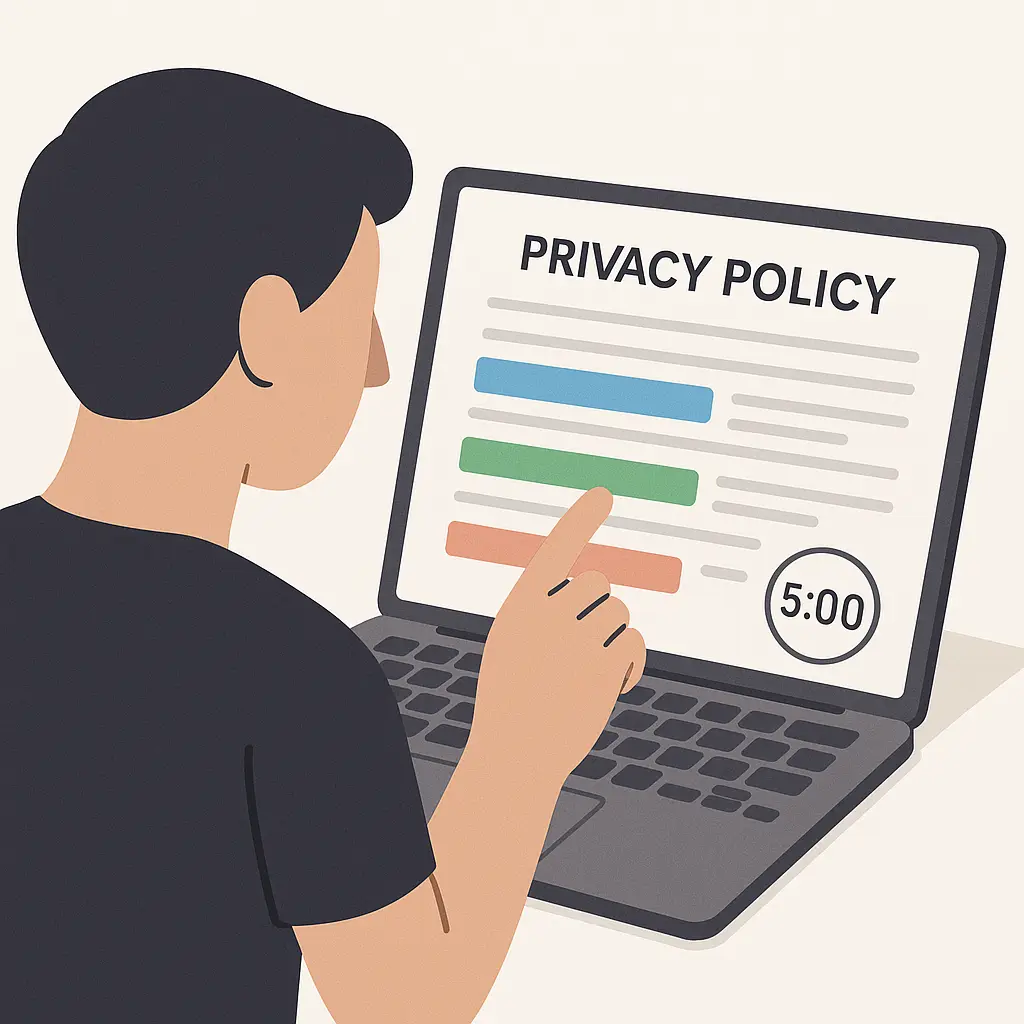
How to read a privacy policy in five minutes: the speed-reading method that actually works
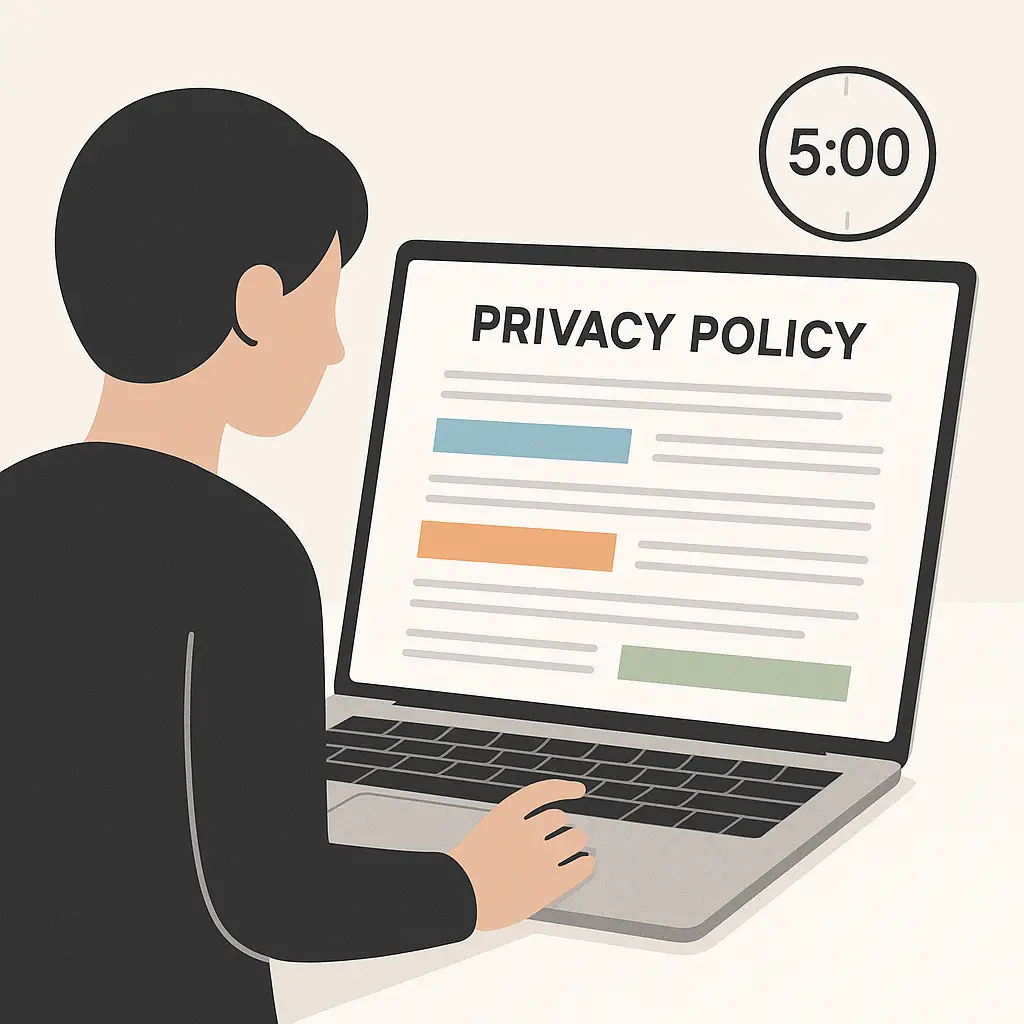
You're about to sign up for a new service. The screen shows a checkbox next to "I agree to the Terms of Service and Privacy Policy." The privacy policy link sits there, blue and underlined, daring you to click it. You know you should read it. You also know it's 8,000 words of legal prose designed to make your eyes glaze over.
Most people click through. Some people feel guilty about clicking through. Almost nobody reads the whole thing, because life is short and privacy policies are long. But ignoring them entirely means you have no idea what you're agreeing to. You don't know what data gets collected, who sees it, or how long it sticks around.
The good news: you don't need to read every word. You need a method that finds the important parts fast. This is that method.
Why privacy policies exist and why they're terrible
Privacy policies are legal documents that describe how a company collects, uses, stores, and shares your personal information. U.S. law doesn't require most companies to have privacy policies, but once a company makes promises about privacy, the Federal Trade Commission can enforce those promises. That creates an incentive to write policies that are technically accurate but practically unreadable.
Companies want to collect as much data as possible while maintaining maximum flexibility about what they do with it. Privacy policies reflect that tension. They're written by lawyers to protect the company, not to help you make informed decisions. The result is thousands of words that say everything and nothing.
The average privacy policy takes around 15 minutes to read at normal speed, assuming you understand legal terminology and don't need to look anything up. Most people don't have 15 minutes, and most privacy policies aren't worth 15 minutes. But five minutes with a structured approach beats clicking through blind.
The five-minute method
This method assumes you're reading on a screen where you can scroll and search. If you're on mobile, the search function in your browser works the same way. Open the privacy policy in a new tab so you can reference this guide while you read.
Minute 1: Scan the table of contents
Most privacy policies include a table of contents or section headers. If the policy doesn't have one, that's already a red flag. Policies without clear structure usually hide important details in walls of text.
Look for these sections:
- What information we collect
- How we use your information
- Who we share your information with
- How long we keep your information
- Your choices and rights
- How to contact us
If the table of contents uses vague language like "Information Practices" instead of "What We Collect," expect the rest of the policy to be equally opaque. If sections you care about are missing entirely, that's a signal the company doesn't want to commit to specifics.
Minute 2: Search for key terms
Use your browser's search function (Ctrl+F or Cmd+F) to find specific terms. Start with these:
"Third party" or "partners": This reveals who else gets your data. If the policy says "we may share your information with partners," dig deeper. What kind of partners? For what purposes? If the policy doesn't specify, assume the worst. The phrase "partners" often means data brokers, advertisers, and analytics companies you've never heard of.
"Sell" or "sale": Some companies sell your data outright. Others claim they don't sell data but share it for free with companies that monetize it. If the policy says "we do not sell your personal information," check whether it defines "sell" narrowly to exclude sharing that accomplishes the same thing.
"Retain" or "retention": How long does the company keep your data? If the policy says "as long as necessary" without defining necessary, that's meaningless. Look for specific timeframes or clear deletion triggers.
"Delete" or "opt out": Can you delete your data? Can you opt out of certain uses? If the policy doesn't mention deletion or opt-out, you probably can't do either.
"Children" or "under 13": If you're signing up a child or the service targets kids, this section matters. U.S. law restricts data collection from children under 13, but enforcement is inconsistent and the restrictions don't apply to teens.
Minute 3: Read the data collection section
This section describes what information the company collects. It should list specific data types. Good policies say things like "email address, name, payment information, IP address, device type, and browsing activity on our site." Bad policies say things like "information you provide" or "technical data."
Watch for:
- Automatic collection: Does the service collect data even when you don't actively provide it? Most services track your IP address, device type, browser, and activity automatically. That's standard. But if the policy mentions collecting location, contacts, or microphone data without clear justification, ask why.
- Inferred data: Some policies mention creating profiles or making inferences about you based on your behavior. That means the company is building a detailed picture of who you are beyond what you explicitly share.
- Sensitive categories: Does the service collect health data, financial data, biometric data, or precise location? These categories carry higher risk. If the service doesn't need this data to function, why is it collecting it?
If the section is vague or uses phrases like "and other information," the company is reserving the right to collect more than it's telling you.
Minute 4: Read the sharing and retention sections
The sharing section reveals who else sees your data. Look for specifics. Does the policy name categories of recipients, like "advertising partners" or "analytics providers"? Does it name actual companies? If the policy says "we may share with third parties" without elaboration, you have no way to know who gets access.
Some policies distinguish between sharing for the company's purposes and sharing for third parties' independent use. That distinction matters. If a company shares your data with an advertiser so the advertiser can show you ads on other sites, your data is now in the advertiser's hands. If the policy doesn't address this, assume it happens.
The retention section should tell you how long your data sticks around. Look for:
- Specific timeframes: "We retain account data for 90 days after account closure" is better than "We retain data as long as necessary."
- Deletion triggers: Does the company delete data when you close your account? When you request deletion? Automatically after a certain period?
- Exceptions: Many policies say "we retain data as required by law" or "we may retain certain data for legitimate business purposes." That's standard, but if the exceptions swallow the rule, retention is effectively indefinite.
If the policy doesn't mention retention at all, assume your data lives forever.
Minute 5: Check your control options and make a decision
The final minute is about control. What can you do if you want to change, delete, or limit how your data is used?
Look for:
- Access and download: Can you see what data the company has about you? Can you download it?
- Deletion: Can you delete your account and your data? Is deletion immediate or delayed?
- Opt-outs: Can you opt out of marketing emails? Targeted ads? Data sharing with third parties?
- Communication: Does the policy provide a clear way to contact the company about privacy? Is there a dedicated email address or form?
If the policy offers no meaningful control, you're giving the company data with no way to take it back.
Now decide: does this service's data collection match your tolerance for risk? If the service collects sensitive data, shares it widely, keeps it indefinitely, and offers no opt-outs, you're handing over permanent access to your information. If that's worth the service's value to you, fine. If not, walk away.
Red flags that mean walk away
Some privacy policies contain warning signs so clear that you shouldn't need five minutes to decide. Here's what to watch for:
Vague language throughout: If the entire policy uses phrases like "may," "might," "could," and "from time to time" without specifics, the company is reserving maximum flexibility to do whatever it wants. Policies written in plain English with specific examples signal transparency. Policies that hide behind legalese signal the opposite.
No contact information: If the policy doesn't include a way to reach the company about privacy questions, you have no recourse when something goes wrong. Legitimate companies provide email addresses, forms, or mailing addresses for privacy inquiries.
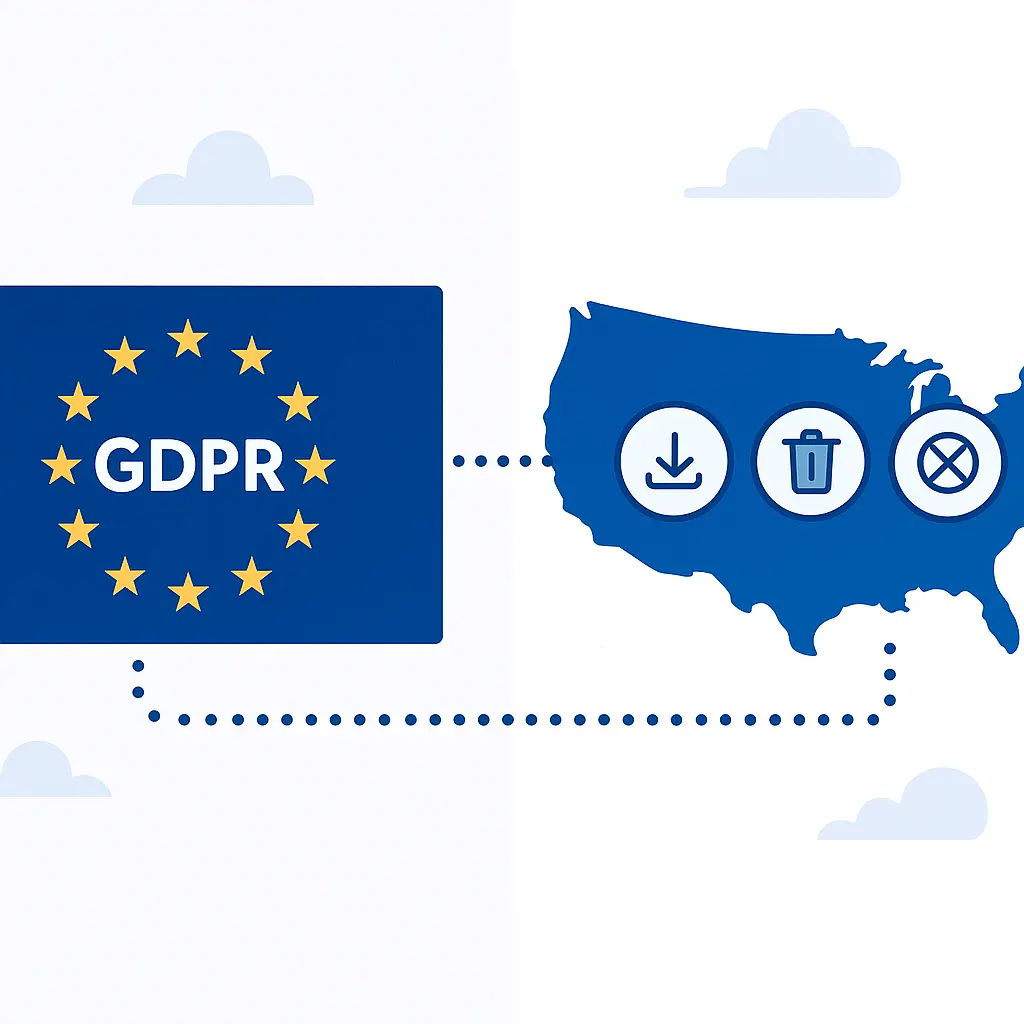
No mention of your rights: If the policy doesn't describe your rights to access, delete, or control your data, the company probably doesn't offer those rights. In some jurisdictions, laws like GDPR in Europe or CCPA in California require companies to respect certain rights, but enforcement is inconsistent and many services simply ignore users outside those regions.
Unlimited third-party sharing: If the policy says "we may share your information with third parties" without naming categories, purposes, or limits, your data is going everywhere. That's not always a dealbreaker for low-stakes services, but it's unacceptable for anything handling financial, health, or location data.
No data retention limits: If the policy doesn't say how long data sticks around, assume it's permanent. Companies that care about data minimization set retention limits and follow them. Companies that don't care keep everything forever.
Changes without notice: Some policies say "we may update this policy at any time without notifying you." That means the rules can change after you sign up. Better policies commit to notifying users of material changes, though "material" is often undefined.
If you see multiple red flags, don't use the service. If you're already using it, export your data if possible, delete your account, and find an alternative.
What to do with low-stakes services
Not every service deserves five minutes. If you're signing up for a forum to ask one question, a disposable game, or a site you'll visit once, the privacy policy probably doesn't matter. You're not sharing sensitive data, you're not creating a long-term account, and the worst-case scenario is mild annoyance.
For low-stakes services:
- Use a burner email address if the service requires registration
- Don't provide real information beyond what's necessary to use the service
- Clear cookies and cache after you're done if you're concerned about tracking
- Accept that some data collection is the price of using free services
The five-minute method is for services that matter: banking, health, email, social media, cloud storage, anything with location tracking, anything involving kids. Those services get your real data, and that data sticks around. That's when you need to know what you're agreeing to.
Privacy policies and real privacy are different things
Reading a privacy policy tells you what a company promises to do with your data. It doesn't tell you what the company actually does. Privacy enforcement is inconsistent, penalties are often small relative to company revenue, and many violations go undetected. A company can have a beautiful privacy policy and still mishandle your data through negligence, breaches, or deliberate misconduct.
Privacy policies also don't cover everything. They describe the company's practices, but they don't describe the broader surveillance infrastructure your data feeds into. Even if a company doesn't sell your data, the data it collects can end up in government databases, data broker networks, or breach dumps. A privacy policy is a legal document, not a security guarantee.
That doesn't mean privacy policies are useless. They're the clearest signal you get about a company's priorities. A company that writes a clear, specific, user-friendly policy is more likely to care about privacy in practice. A company that buries bad practices in legalese is telling you exactly how much it values your trust.
In Severance, the protagonist discovers that his work self and his personal self are completely separated by a medical procedure, with neither version able to access the other's memories. That's the fantasy version of what privacy policies promise: clean separation between what you share and what stays private. The reality is messier. Every service you use creates a thread that connects to dozens of other threads, and privacy policies only describe one thread at a time. Reading them won't give you perfect privacy, but it will tell you whether a company respects the boundaries you're trying to set.
Tools that help
If you're reading privacy policies regularly, a few tools make the process faster:
Browser extensions: Privacy Badger from EFF blocks third-party trackers automatically, which reduces the need to trust every privacy policy you encounter. It doesn't replace reading policies, but it limits damage from services that ignore their own promises.
Policy comparison sites: Some sites analyze and compare privacy policies across services, though these are often incomplete or outdated. Use them as a starting point, not a substitute for reading the policy yourself.
Plain-language summaries: A few companies now provide plain-language summaries alongside their legal policies. These are better than nothing, but they're still written by the company. If the summary contradicts the legal policy, the legal policy wins.
Search shortcuts: Save the search terms from this guide as a note or bookmark. When you need to evaluate a policy quickly, copy and paste the terms into the search box instead of typing them every time.
When to revisit policies
Privacy policies change. Companies update them when they add new features, change business models, or respond to legal requirements. Some companies notify users of changes; many don't.
Check policies periodically for services you care about:
- After you receive a policy update notification
- When a service adds new features, especially features that collect more data
- After the service is acquired by another company
- When you see news about the service's privacy practices
You don't need to re-read the entire policy. Search for "updated" or "revised" and check the date at the top. If the policy changed recently, skim the sections that matter to you using the same search terms from the five-minute method.
The decision framework
Privacy policies are ultimately about trust. You're deciding whether to trust a company with your data based on what it promises to do. Here's the framework:
High-trust services (banking, health, email): Require clear policies with specific data practices, strong security commitments, and meaningful user control. Red flags are dealbreakers.
Medium-trust services (social media, cloud storage, shopping): Require reasonable policies with defined limits on sharing and retention. Some vagueness is acceptable if the company has a good track record.
Low-trust services (forums, games, one-time use): Policies matter less. Minimize the data you share and assume everything you provide will leak eventually.
If a service doesn't fit the trust level its policy implies, don't use it. A banking app with a vague policy is unacceptable. A forum with a detailed policy is nice but not necessary.
What happens when you don't read policies
Most people don't read privacy policies. That's not laziness; it's rational response to information overload. Research suggests the average person would need 76 full workdays per year to read every privacy policy they encounter. Nobody has that time.
But not reading policies has consequences. You don't know what data you're sharing, who sees it, or how long it sticks around. You can't make informed decisions about which services to use or how to configure them. You're trusting companies by default, and many companies don't deserve that trust.
The five-minute method is a compromise. It won't catch everything, but it catches the things that matter most. It gives you enough information to make a real decision without demanding an unrealistic time investment. Five minutes is sustainable. Seventy-six workdays is not.
Final thoughts
Privacy policies are designed to be ignored. They're long, boring, and written in language that obscures more than it reveals. But they're also the clearest signal you get about how a company treats your data. Ignoring them entirely means flying blind. Reading every word means drowning in legalese.
The five-minute method finds the middle ground. Scan the structure, search for key terms, read the sections that matter, check your control options, and decide. That's enough to catch major red flags and make informed choices about services that handle sensitive data.
You won't catch everything. You won't become a privacy expert. But you'll know more than you did before, and that knowledge changes which services you trust with your information. That's worth five minutes.