Packet Sniffing in Plain English: How Traffic Interception Works
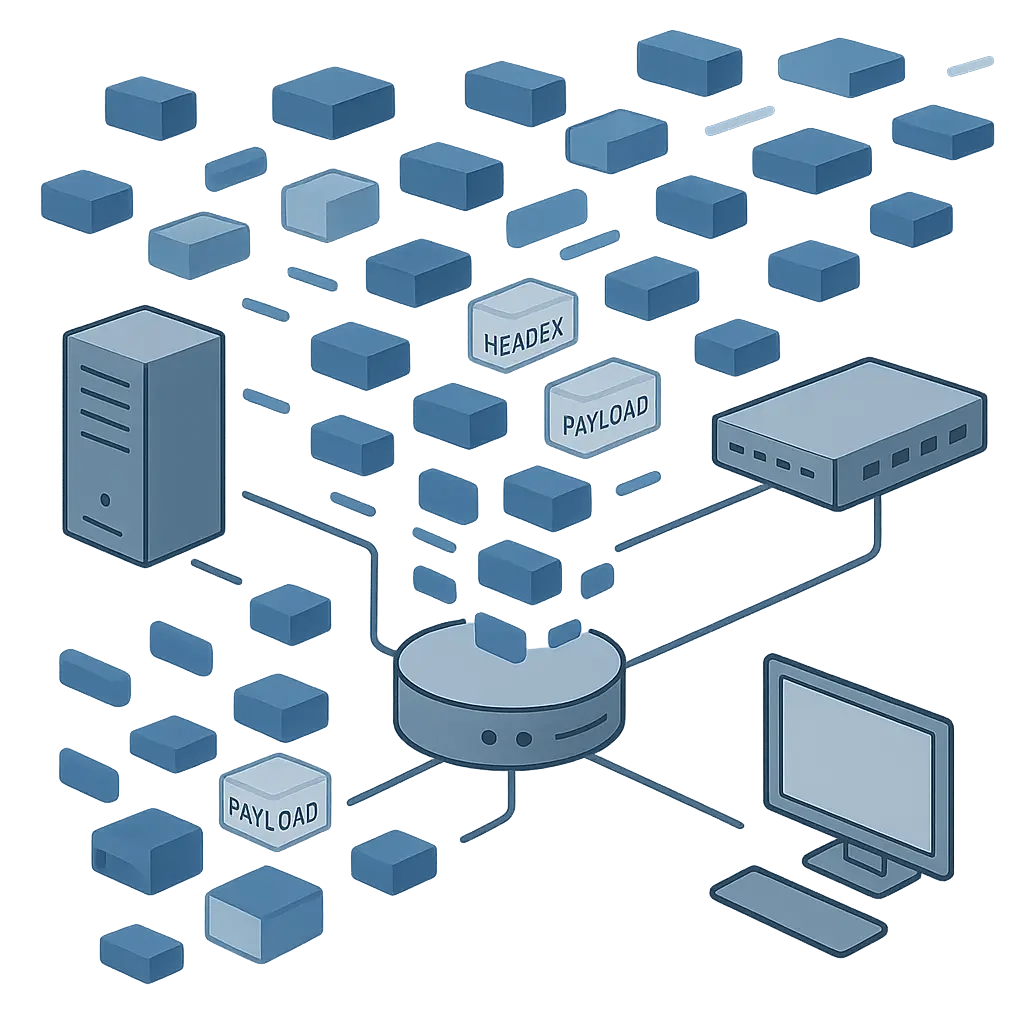
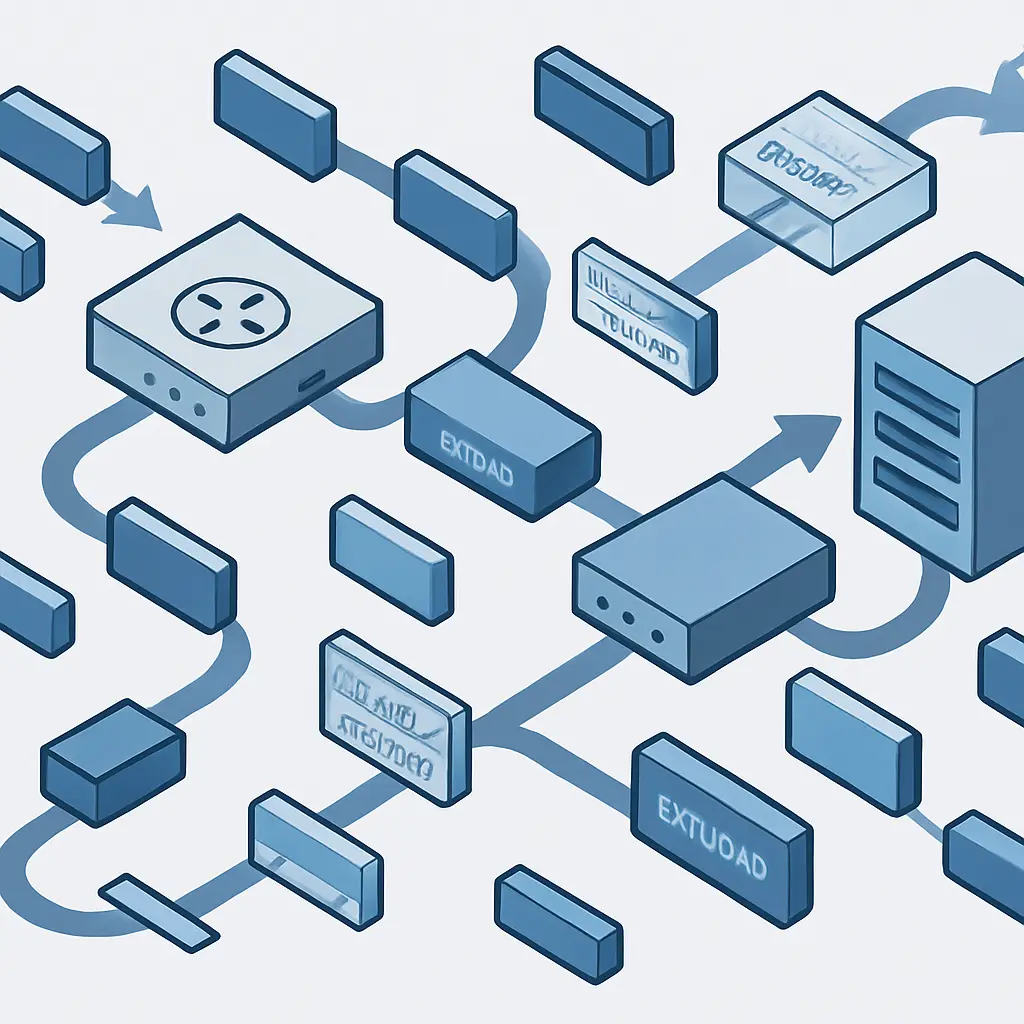
Your network traffic moves in discrete chunks called packets. Each packet contains a fragment of your data plus routing information that tells it where to go. Packet sniffing is the practice of capturing these packets as they travel across a network, then analyzing what's inside.
The mechanism is straightforward. Network interfaces normally ignore traffic not addressed to them. Packet sniffing software puts the interface into promiscuous mode, which means it captures everything passing through the network segment, not just packets destined for that specific device. The software then logs these packets for analysis.
On a wired network, you can only sniff traffic on the same physical segment. On WiFi, the broadcast nature of radio transmission means anyone within range of the access point can potentially capture packets from every device on that network. This is why security professionals commonly warn about public WiFi. The warning isn't theoretical. The mechanism is real, and the tools are freely available.
What packets contain
Every packet has two main components: the header and the payload.
The header contains routing information. Source IP address, destination IP address, protocol type, port numbers, and sequence information that allows the receiving end to reassemble packets in the correct order. Headers are never encrypted at the network layer because routers need to read them to forward traffic.
The payload is the actual data being transmitted. This might be a fragment of a web page, part of an email, a chunk of a file download, or a piece of a video stream. Whether the payload is readable depends entirely on whether the application encrypting it before transmission.
When you visit a site using HTTPS, the payload is encrypted. A packet sniffer captures the packets, sees the headers showing you're communicating with a particular domain, but can't read the encrypted payload. The domain name itself leaks through DNS queries and Server Name Indication during the TLS handshake, but the actual content remains protected.
When you visit a site using plain HTTP, everything is cleartext. The sniffer sees the full URL, any form data you submit, cookies, login credentials if you're unlucky enough to encounter a site still using unencrypted authentication, and the complete content of pages you load.
How sniffing actually happens
The attacker needs access to the network path between you and your destination. On a coffee shop WiFi network, that access is trivial. Everyone shares the same broadcast medium. The attacker's laptop, sitting three tables away, receives the same radio signals your device sends to the access point.
The attacker runs packet capture software. Wireshark is the standard tool, free and cross-platform. It puts the wireless interface into monitor mode, captures everything in range, and displays packets in real time. The interface shows source and destination addresses, protocols, and allows filtering by specific criteria.
From there, the attacker can reconstruct sessions. Web traffic appears as HTTP requests and responses. Email protocols show message content if unencrypted. File transfers become visible. Any application that doesn't encrypt its data exposes that data to anyone capturing packets on the network path.
The attack requires no sophisticated exploitation. It's passive observation. Your device doesn't detect it. The access point doesn't log it. The attacker doesn't need to break into anything or bypass any authentication. They just listen to traffic that's already being broadcast.
The encryption layer
Encryption transforms this dynamic completely. When your application encrypts data before transmission, the packet sniffer captures encrypted payloads. The headers remain readable because routing requires them, but the content is ciphertext.
HTTPS encrypts web traffic using TLS. The browser and server negotiate encryption keys, then all subsequent data flows through an encrypted tunnel. A packet sniffer sees you're communicating with a domain but can't read the URLs you visit on that domain, the forms you submit, or the content you download.
End-to-end encrypted messaging apps like Signal encrypt messages on your device before transmission. The packets travel through multiple networks and infrastructure, potentially captured at various points, but the payload remains encrypted throughout. Only the intended recipient's device can decrypt it.
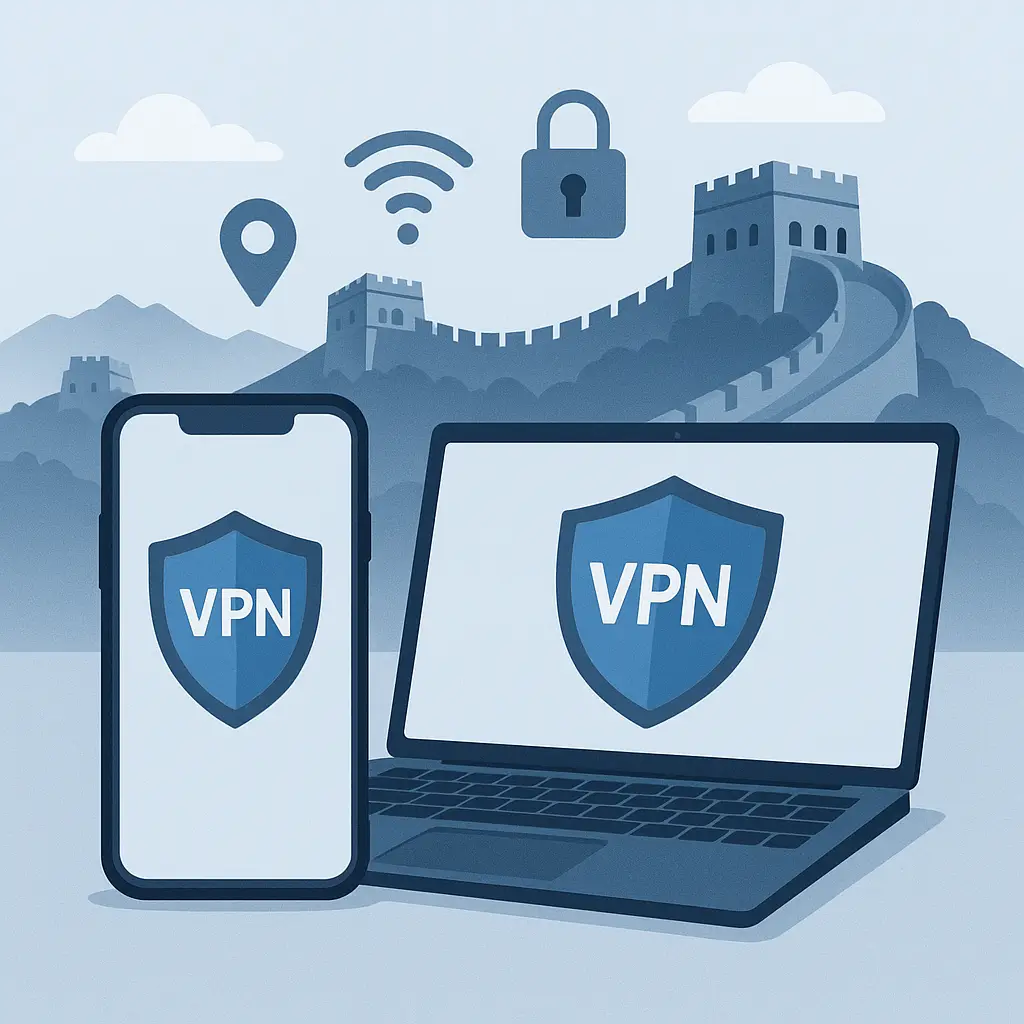
VPNs encrypt all your traffic before it leaves your device. The packet sniffer on the coffee shop WiFi sees encrypted packets flowing to your VPN server but can't determine what sites you're visiting or what data you're transmitting. The VPN server decrypts your traffic and forwards it to the destination, then encrypts responses before sending them back to you.
This is why HTTPS became the default web standard. Unencrypted HTTP made packet sniffing trivially effective. Widespread HTTPS adoption means most web traffic now resists packet capture analysis.
What still leaks
Encryption protects payload content, but metadata remains visible. DNS queries happen in cleartext unless you use DNS over HTTPS or DNS over TLS. These queries reveal which domains you're looking up, even though the subsequent traffic to those domains might be encrypted.
The Server Name Indication extension in TLS tells the server which hostname you're trying to reach. This happens during the handshake, before encryption is established, so packet sniffers see it. Encrypted Client Hello is the proposed solution, but adoption remains incomplete in 2026.
Traffic analysis reveals patterns even when content is encrypted. The timing of packets, their sizes, and the volume of data flowing in each direction can leak information about what you're doing. Researchers have demonstrated attacks that identify which YouTube video you're watching based solely on encrypted traffic patterns.
IP addresses in packet headers reveal your location and identity to anyone capturing traffic. Your device's MAC address broadcasts with every WiFi transmission, providing a unique identifier that tracks your presence across networks.
Legitimate uses exist
Network administrators use packet sniffing for troubleshooting. When applications fail to communicate, capturing packets shows exactly where the breakdown occurs. Is the client sending requests? Is the server responding? Are packets getting lost in transit? Packet analysis answers these questions.
Security monitoring relies on packet inspection. Intrusion detection systems capture traffic, analyze patterns, and flag suspicious behavior. CISA's guidance on network security includes traffic monitoring as a fundamental defensive measure.
Performance optimization depends on understanding traffic patterns. Network engineers capture packets to identify bottlenecks, measure latency, and tune configurations. The data reveals which applications consume bandwidth and how traffic flows through infrastructure.
Protocol development requires packet-level visibility. When building or debugging network software, developers capture packets to verify their code generates correct protocol messages and handles responses appropriately.
The tool itself is neutral. Packet sniffing is observation. What makes it legitimate or malicious is the context: whether you're analyzing your own traffic, traffic on a network you administer, or traffic belonging to others without authorization.
The public WiFi reality
Coffee shops, airports, hotels, and conference venues offer open WiFi networks. These networks typically lack encryption between your device and the access point. Everything you transmit broadcasts in cleartext radio signals.
In The Two Towers, Gollum guides Frodo and Sam through dangerous territory by staying alert to threats they can't see themselves. Public WiFi requires similar vigilance. The threat isn't visible, but it's real. Anyone with a laptop and free software can capture your traffic.
The good news: most sensitive traffic is already encrypted. Banking sites use HTTPS. Email providers use TLS. Messaging apps encrypt end-to-end. The application-layer encryption protects you even when the network layer doesn't.
The risk concentrates in the gaps. Sites still using plain HTTP expose everything. Applications that don't encrypt their protocols leak data. DNS queries reveal your browsing history. Metadata shows patterns even when content stays hidden.
A VPN solves the local network problem by encrypting all traffic before it reaches the WiFi access point. The packet sniffer at the next table captures encrypted packets flowing to your VPN server and learns nothing useful. NordVPN and similar services exist specifically to address this threat model.
But VPNs shift trust rather than eliminating it. The VPN provider can now see your traffic. You're trusting them instead of trusting the coffee shop network. That's often a reasonable trade, but it's still trust.
The home network question
Your home WiFi network is different. You control the access point. You set the password. In theory, only trusted devices connect.
Packet sniffing on your home network requires someone to either compromise your WiFi password or compromise a device already on the network. Both scenarios are possible but require more effort than passive capture on public WiFi.
WPA3 encryption protects WiFi traffic between your devices and your router. Even if someone cracks your WiFi password, they can't decrypt traffic from sessions established before they joined the network. WPA2 lacks this forward secrecy, which is one reason to upgrade if your router supports WPA3.
Once traffic reaches your router, your ISP can see it unless you're using a VPN. They can't see HTTPS payload content, but they can see which domains you visit through DNS queries and IP addresses in packet headers. Some ISPs analyze this data for various purposes.
NIST's guidance on network security recommends defense in depth. Encryption at multiple layers provides redundancy. HTTPS protects web traffic. VPNs protect all traffic. Network segmentation limits what devices can see each other's traffic even on the same local network.
Corporate networks and monitoring
Employers can and do monitor network traffic on company networks. This is legal in most jurisdictions when done on company-owned infrastructure. The monitoring serves legitimate purposes: security, compliance, performance management, and policy enforcement.
Corporate networks typically use packet inspection at the border. Firewalls capture traffic entering and leaving the network. Deep packet inspection analyzes content looking for threats, policy violations, or data leakage.
Some corporate networks use TLS interception. The network infrastructure acts as a man-in-the-middle, decrypting HTTPS traffic, inspecting it, then re-encrypting it before forwarding. Your browser trusts this because the company installs a root certificate on managed devices. This is why you should never use personal accounts on company devices.
The monitoring extends to company-issued devices even when they're off the corporate network. Mobile device management software can log traffic, capture screenshots, and report activity back to the employer. The device might be in your pocket, but the employer controls what it does.
Tools and techniques
Wireshark is the industry-standard packet analyzer. It runs on Windows, Mac, and Linux. The interface shows captured packets in real time, allows filtering by protocol or address, and can reconstruct entire sessions from captured data.
tcpdump is the command-line equivalent, preferred by administrators who work on servers without graphical interfaces. It captures packets and writes them to files for later analysis. The syntax is terse but powerful.
Ettercap performs man-in-the-middle attacks on local networks, positioning itself between other devices and the gateway to capture and analyze their traffic. It can also manipulate traffic in transit, injecting or modifying packets.
Kismet focuses on wireless networks, capturing WiFi traffic and identifying access points, connected clients, and network characteristics. It runs in passive mode, listening without transmitting, making it harder to detect.
These tools are legitimate network administration software. They're also the same tools attackers use for malicious packet sniffing. The code doesn't distinguish between authorized and unauthorized use.
Legal boundaries
Capturing your own network traffic is legal. Analyzing packets on networks you administer is legal. Installing packet capture software on devices you own is legal.
Capturing other people's traffic without authorization is illegal in most jurisdictions under computer fraud and wiretapping laws. The specific statutes vary by location, but the principle is consistent: you can't intercept communications you're not a party to without consent or legal authority.
The gray areas emerge around workplace monitoring, law enforcement, and network security research. Employers can monitor traffic on company networks. Law enforcement can capture packets with appropriate warrants. Security researchers can analyze traffic for vulnerability research under certain conditions.
Public WiFi networks often include terms of service that prohibit packet sniffing. Whether these terms create enforceable legal obligations depends on jurisdiction and circumstances. They certainly create policy violations that can result in being banned from the network.
What you can control
Use HTTPS everywhere. Modern browsers default to HTTPS and warn when sites use plain HTTP. Pay attention to these warnings. Sites that don't support HTTPS in 2026 are either abandoned or operated by people who don't care about security.
Use a VPN on untrusted networks. Public WiFi at airports, hotels, and coffee shops qualifies as untrusted. The VPN encrypts all your traffic before it reaches the local network, protecting against packet sniffing by other users on that network.
Enable DNS over HTTPS in your browser. This encrypts DNS queries, preventing packet sniffers from seeing which domains you look up. Firefox, Chrome, and Safari all support it. The setting is usually in privacy or security preferences.
Avoid sensitive activities on public networks even with a VPN. Banking, password changes, and confidential work can wait until you're on a trusted network. The VPN protects against local packet sniffing but doesn't eliminate all risks.
Keep your devices updated. Security patches fix vulnerabilities that attackers might exploit to bypass encryption or inject themselves into your network path. Automatic updates are your friend.
The bigger picture
Packet sniffing is one threat in a larger landscape. It's real, it's technically simple, and encryption defeats it. But encryption doesn't solve every problem.
Your threat model determines how much you need to worry about packet sniffing specifically. If you're a journalist working with confidential sources, packet sniffing is a serious concern. If you're checking email at Starbucks, HTTPS probably provides sufficient protection.
The underlying principle remains constant: data in transit needs protection. Encryption provides that protection. The specific encryption technology matters less than ensuring encryption exists at all.
Network security is layers. HTTPS encrypts web traffic. VPNs encrypt all traffic. WPA3 encrypts WiFi. TLS encrypts email. Each layer addresses different threats and provides defense in depth.
Packet sniffing isn't going away. The network architecture that makes it possible is fundamental to how the internet works. But encryption has made packet sniffing dramatically less effective than it was a decade ago. The trend continues toward more encryption, better encryption, and encryption by default.
Your job is to use the encryption that's available. Enable HTTPS-only mode in your browser. Use a VPN on public networks. Choose apps that encrypt end-to-end. These steps don't require technical expertise. They just require knowing the tools exist and taking the time to enable them.
The packet sniffer at the next table in the coffee shop is probably not there. But if they are, encryption ensures they capture nothing useful. That's the goal. Not perfect invisibility, but sufficient protection that the attack becomes pointless.