Privacy.com vs Apple Cash vs Single-Use Card Numbers: Which Virtual Card Actually Protects You
You're buying something online. The site looks legitimate but you've never heard of it. You reach for your credit card, then pause. Should you use Privacy.com? Apple Cash? That virtual card number your bank offers? Or just your regular card and hope for the best?
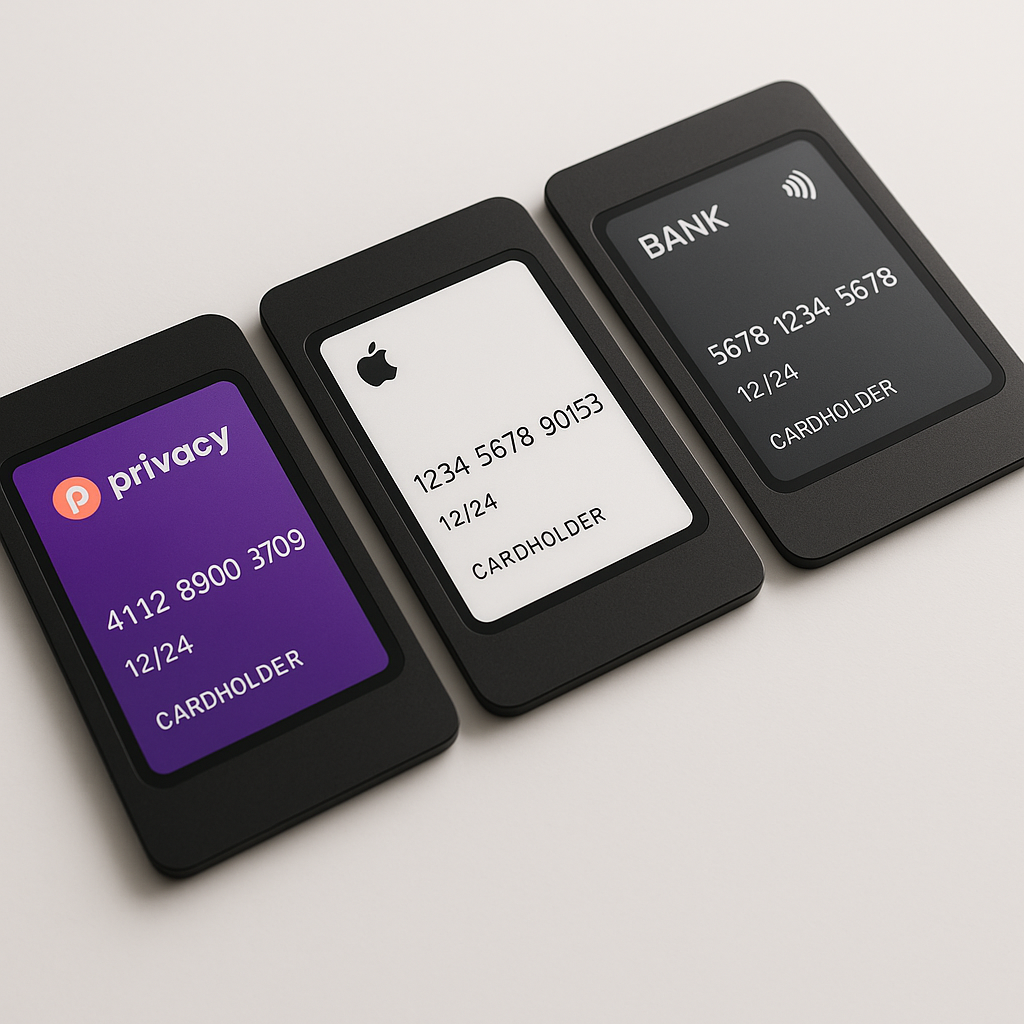
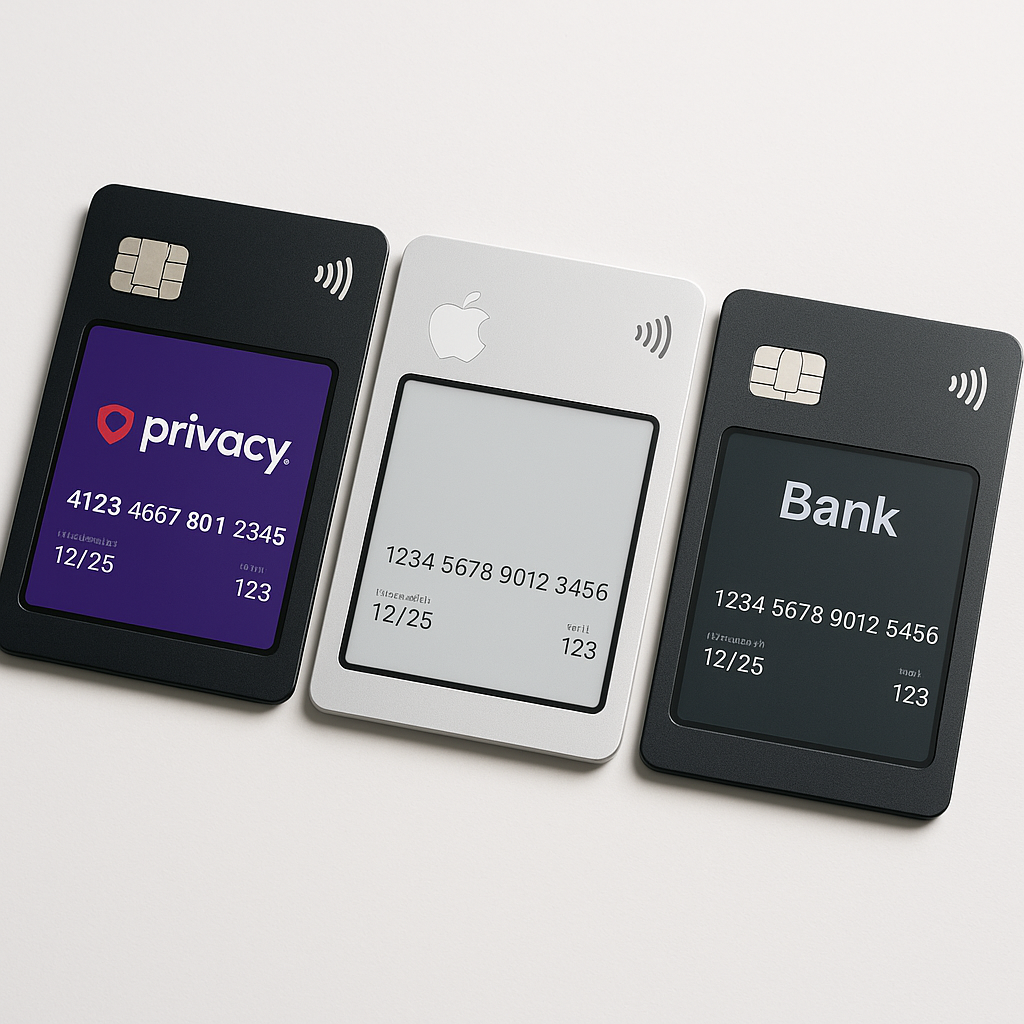
Virtual cards promise to solve online payment anxiety by generating disposable numbers that shield your real card from merchants. But Privacy.com, Apple Cash, and bank-issued virtual cards work differently, protect different things, and come with different tradeoffs. Here's how they compare on the factors that actually matter: fraud liability, merchant tracking, control over charges, and whether the added complexity is worth it.
What Virtual Cards Actually Do
A virtual card is a temporary or limited-use card number linked to your real credit or debit card. You give the virtual number to a merchant instead of your actual card details. If that merchant gets breached or tries to charge you again without permission, the virtual number is useless because it's either expired, locked to a different merchant, or already burned.
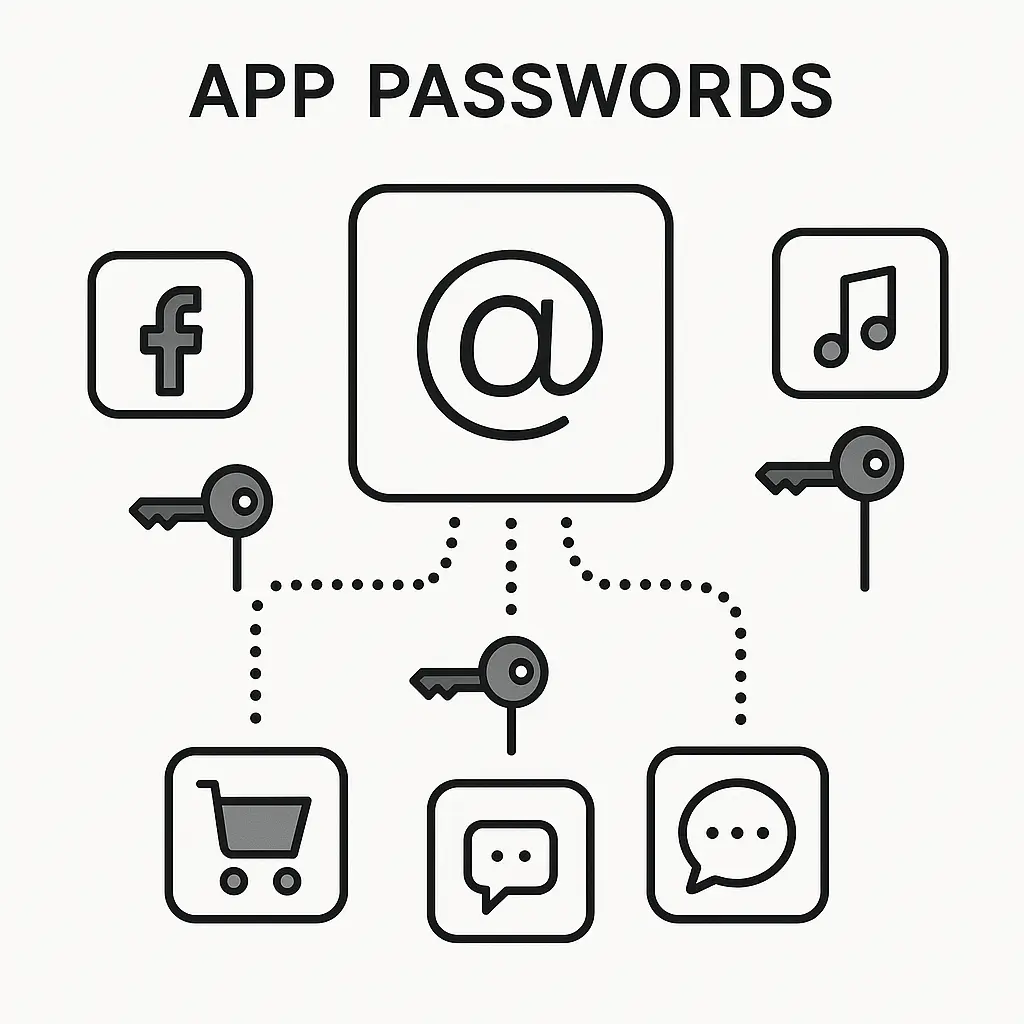
The core mechanism is simple: your card issuer or a third-party service generates a unique card number, expiration date, and CVV that routes charges back to your real funding source. The merchant sees the virtual number. Your bank or the virtual card provider sees the real transaction. You get a layer of separation between your actual payment method and whoever you're buying from.
That separation protects against specific threats. If an online store gets hacked and attackers steal customer payment data, your virtual card number is in that database, not your real one. If a subscription service keeps charging you after you cancel, you can kill the virtual number and the charges stop. If you're buying from a sketchy site and want to limit your exposure, you can set a spending cap on the virtual card before you even complete the purchase.
But virtual cards don't eliminate fraud risk. They shift where the vulnerability lives. Your real card is safer, but the virtual card itself can still be misused, overcharged, or caught up in disputes. And the privacy gains depend entirely on which service you use and what data they collect about your purchases.
Privacy.com: Maximum Control, Maximum Complexity
Privacy.com is a third-party service that sits between your bank account and online merchants. You link your checking account or debit card to Privacy.com, then generate virtual card numbers through their website or browser extension. Each virtual card can be single-use (burns after one transaction), merchant-locked (only works at one specific retailer), or category-locked (only works for certain types of purchases). You can set spending limits, pause cards, close them instantly, and see exactly which merchant charged which card.
The appeal is control. If you're signing up for a free trial that requires a card, you generate a single-use Privacy.com card with a one-dollar limit. The trial activates, the card burns, and the merchant can't charge you again even if you forget to cancel. If you're buying from a site you don't fully trust, you create a merchant-locked card with a spending cap equal to your purchase amount. The transaction goes through, but the merchant can't overcharge you or use that number anywhere else.
Privacy.com makes money by taking a small percentage of each transaction from merchants, similar to how credit card networks operate. The service is free for consumers up to twelve cards per month, with paid tiers for higher volumes. Your bank account or debit card is the funding source, so charges pull directly from your checking balance, not a credit line.
The privacy model here is partial. Privacy.com sees every transaction you make through their service. They know what you bought, where you bought it, and how much you spent. That data is visible to Privacy.com employees and subject to their privacy policy, which allows sharing with service providers and in response to legal requests. Merchants see a Privacy.com card number and a generic billing address (Privacy.com's corporate address in New York), but they don't see your real card details or home address unless you provide it for shipping.
The tradeoff is operational complexity. You're managing a separate account, generating new card numbers for different merchants, remembering which card you used where, and dealing with Privacy.com's customer support if something goes wrong. If a charge gets disputed, you're disputing through Privacy.com, not directly with your bank. If Privacy.com's service goes down or your account gets flagged for fraud review, your virtual cards stop working until the issue resolves.
Privacy.com doesn't issue credit. It pulls funds from your linked bank account, which means you don't get credit card fraud protections under federal law. Debit card fraud protections are weaker. If someone drains your checking account through a compromised Privacy.com card, you have sixty days to report it and your liability caps at five hundred dollars if you report within two business days, but that's still real money at risk. Privacy.com offers some purchase protections, but they're not equivalent to credit card chargeback rights.
Apple Cash Virtual Cards: Convenience With Apple's Visibility
Apple Cash virtual cards are part of Apple's payment ecosystem. If you have an Apple Card (the credit card issued by Goldman Sachs through Apple), you can generate virtual card numbers directly in the Wallet app. These numbers change periodically for security, but they're tied to your Apple Card account and route charges to the same credit line.
The mechanism is simpler than Privacy.com. You don't link a separate bank account or manage multiple card numbers. You open Wallet, tap your Apple Card, and view your virtual card details. That number works anywhere that accepts Mastercard. You can use it for online purchases, phone orders, or any situation where you don't want to give out your physical card number. Apple rotates the virtual number periodically, so even if a merchant stores it, the number eventually expires and gets replaced.
The privacy model favors convenience over anonymity. Apple sees every transaction you make with your Apple Card, virtual or physical. That data feeds into Apple's purchase tracking, spending summaries, and cashback calculations. Merchants see an Apple-issued card number, but it's still linked to your Apple ID, your iCloud account, and your purchase history across Apple services. If you're buying from the App Store, Apple Music, or any Apple service, they already know it's you regardless of which card number you use.
Apple Cash (distinct from Apple Card) also offers a virtual debit card tied to your Apple Cash balance. This works similarly: you load money into Apple Cash through the Wallet app, then use the virtual debit card number for online purchases. The number is static unless you manually request a new one. Charges pull from your Apple Cash balance, not a credit line or linked bank account. This option gives you some spending isolation (you can only lose what's loaded into Apple Cash), but it requires maintaining a separate balance and doesn't offer the spending controls that Privacy.com provides.
The fraud liability here depends on whether you're using Apple Card (credit) or Apple Cash (debit). Apple Card transactions fall under federal credit card protections: zero liability for unauthorized charges, strong chargeback rights, and the ability to dispute transactions through Goldman Sachs. Apple Cash transactions are debit-based, so you get weaker protections and tighter reporting windows.
The convenience factor is high if you're already in Apple's ecosystem. No separate account, no browser extension, no managing dozens of card numbers. But you're trading that convenience for visibility. Apple knows your full purchase history, and that data lives in their systems subject to their privacy policy and any legal demands they receive.
Bank-Issued Virtual Cards: Simplest Option, Least Flexibility
Many credit card issuers now offer virtual card numbers directly through their websites or mobile apps. Capital One, Citi, American Express, and Bank of America all have versions of this feature. You log into your account, generate a virtual card number linked to your real card, and use it for online purchases. Some banks let you set spending limits or expiration dates. Others just generate a random number that routes to your main account.
The mechanism is the simplest of the three options. You're not creating a new account or linking external services. You're using a feature built into your existing credit card. The virtual number charges to your real card, shows up on your regular statement, and gets handled by your bank's fraud detection systems. If you need to dispute a charge, you call the same customer service number you'd use for any other transaction.
The privacy model is minimal. Your bank already sees every purchase you make with your card. Generating a virtual number doesn't change that. The merchant sees a different card number than your physical card, which protects you if that merchant gets breached, but your bank's view is unchanged. Some issuers let you create multiple virtual numbers for different merchants, but tracking which number goes where requires manual recordkeeping unless your bank's app provides good management tools.
The control level varies by issuer. Some banks let you set spending limits, create merchant-locked numbers, or pause virtual cards independently. Others just generate a one-time-use number with no additional controls. If your bank's implementation is basic, you're getting breach protection but not much else. If your bank's implementation is robust, you're getting something closer to Privacy.com's feature set without the separate account.
The fraud liability is straightforward: federal credit card protections apply. Zero liability for unauthorized charges, sixty days to dispute, strong chargeback rights. You're dealing with your existing card issuer, not a third party, so customer service and dispute resolution follow the same process you'd use for your physical card.
The downside is feature gaps. Most bank-issued virtual cards don't offer the granular controls that Privacy.com provides. You can't set a one-dollar spending limit for free trials. You can't create category-locked cards that only work for specific purchase types. You can't generate unlimited numbers without hitting your bank's arbitrary limits. And if your bank doesn't offer virtual cards at all, this option doesn't exist for you.
Fraud Liability: What Actually Protects Your Money
Virtual cards reduce your exposure to data breaches, but they don't change your fraud liability under federal law. If someone makes an unauthorized charge on your credit card (real or virtual), you're liable for a maximum of fifty dollars, and most issuers waive that entirely. If you report the fraud before any charges post, your liability is zero.
Debit cards have weaker protections. If you report unauthorized debit transactions within two business days, your liability caps at fifty dollars. If you report within sixty days, your liability caps at five hundred dollars. After sixty days, you could lose everything in your account. This applies to Privacy.com cards (which pull from your bank account) and Apple Cash cards (which pull from your Apple Cash balance).
Virtual cards protect you from a specific fraud scenario: a merchant gets breached, attackers steal card numbers, and those numbers get used for fraudulent purchases. If your virtual card number is in that breach, the damage is contained. The virtual number is either already burned (single-use), locked to a different merchant (merchant-locked), or capped at a low limit (if you set one). Your real card number never entered the merchant's database, so it's not in the stolen data.
But virtual cards don't protect against other fraud types. If you get phished and enter your virtual card details into a fake website, the scammer has a working card number. If you buy from a legitimate-looking site that turns out to be a scam, your virtual card processes the charge just like a real card would. If a merchant overcharges you or delivers a defective product, you're disputing through the same process you'd use with a regular card.
The chargeback process is where credit cards shine and debit cards falter. Credit card chargebacks let you dispute a charge, withhold payment while the dispute is investigated, and get your money back if the dispute succeeds. Debit card disputes pull money from your checking account immediately, then investigate, then maybe refund you later. Privacy.com disputes follow debit card rules because the funding source is your bank account. Apple Card disputes follow credit card rules because it's a credit product. Bank-issued virtual credit cards follow credit card rules.
The practical difference: if a merchant charges you incorrectly and you're using a credit card (real or virtual), you can dispute the charge and not pay while the bank investigates. If you're using a debit-funded virtual card, the money leaves your checking account immediately and you're waiting for a refund that might not come.
Merchant Tracking: What Virtual Cards Hide and What They Don't
Virtual cards hide your real card number from merchants. That's the core value proposition. But merchants track you through dozens of other signals, and a virtual card number doesn't block most of them.
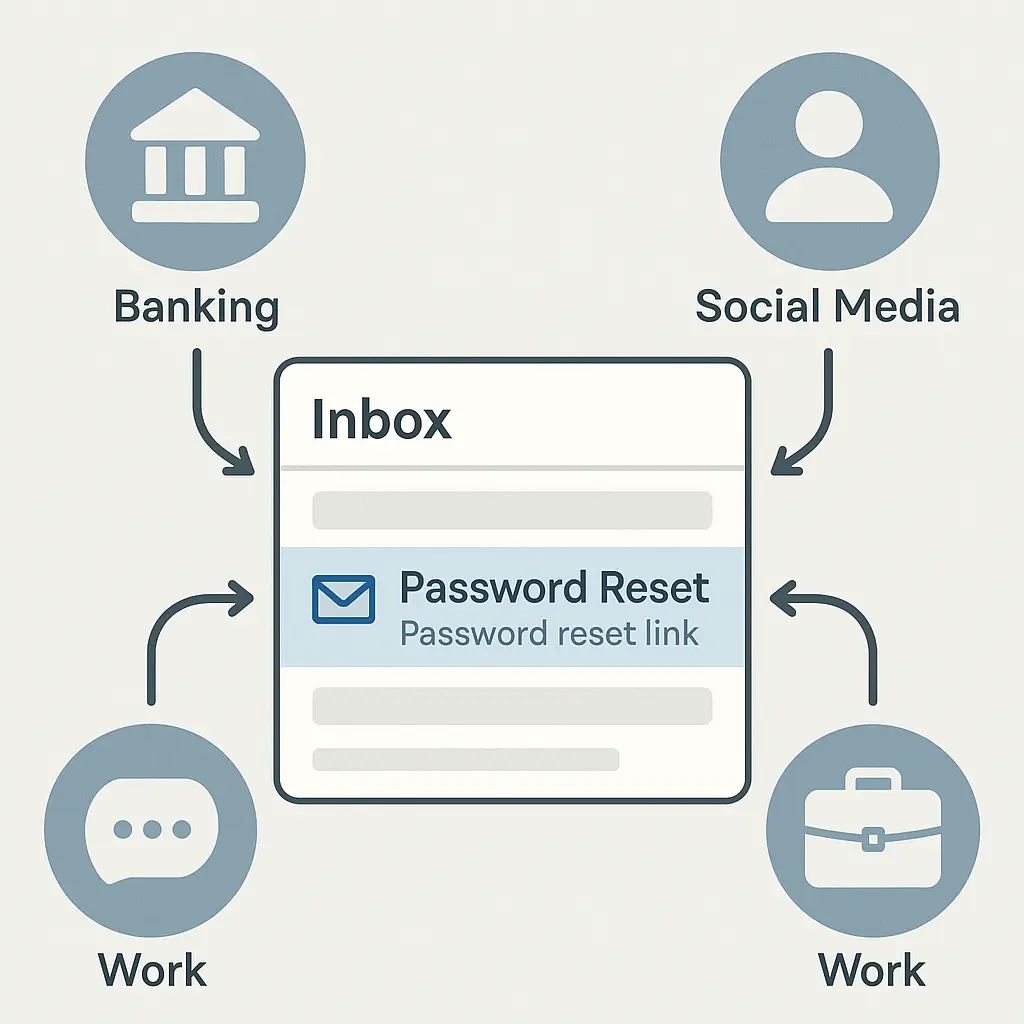
When you place an online order, the merchant collects your shipping address, email address, phone number, IP address, device fingerprint, browser characteristics, and any loyalty account or saved profile you're logged into. If you've bought from that merchant before, they link your new purchase to your previous orders through any of those signals. A different card number doesn't break that connection.
Device fingerprinting is particularly effective. Websites collect information about your browser version, operating system, screen resolution, installed fonts, timezone, language settings, and dozens of other attributes. The combination of these attributes creates a unique fingerprint that identifies your device across sessions, even if you clear cookies or use different card numbers. Merchants use fingerprinting for fraud detection, but it also enables tracking.
If you want to actually hide your purchases from merchant tracking, you need more than a virtual card. You need a different shipping address (mail forwarding service or PO box), a different email address (alias or disposable email), a different device or browser profile (virtual machine or separate browser with fingerprint protection), and no loyalty account login. At that point, you're building operational security for anonymous purchasing, which is a different threat model than "I don't want this merchant to have my real card number."
Privacy.com provides a generic billing address (their corporate address in New York) that replaces your real address in the billing information sent to merchants. This prevents merchants from linking your purchases through your home address, but it doesn't stop them from linking through your shipping address, email, or device fingerprint. If you're having something shipped to your home, the merchant has your home address anyway.
Apple Cash virtual cards don't hide your Apple ID. If you're logged into an Apple device and using Apple Pay or an Apple Card virtual number, Apple knows it's you. Merchants might see a different card number, but Apple's view is unchanged. If you're buying from the App Store or any Apple service, they have your full purchase history regardless of payment method.
Bank-issued virtual cards provide no tracking protection beyond the card number itself. Your bank sees everything. The merchant sees a different card number but still gets your shipping address, email, and device data. If you're logged into a merchant account, they know it's you.
The realistic use case for virtual cards isn't anonymity. It's limiting blast radius. If a merchant gets breached and your card number leaks, you're not scrambling to cancel your main card and update every recurring payment. You're closing one virtual number and moving on.
Recurring Payments and Subscription Management
Virtual cards excel at controlling subscriptions and recurring payments, but the implementation varies dramatically across services.
Privacy.com's merchant-locked cards are purpose-built for this. You sign up for a streaming service, gym membership, or software subscription using a Privacy.com card locked to that merchant. The subscription activates. If you want to cancel, you close the Privacy.com card. The merchant tries to charge it, the charge fails, and the subscription ends. You don't need to navigate the merchant's cancellation process, call customer service, or argue about refunds.
This works because Privacy.com lets you close cards instantly. The merchant has no way to charge you once the card is closed. If they try, the transaction declines. Some merchants will follow up with emails or account restrictions, but they can't extract money from a dead card number.
The limitation is that some merchants detect virtual cards and refuse to accept them for subscriptions. They check the bank identification number (BIN) on your card against databases of known virtual card providers and block the transaction. This is more common with high-risk subscription categories (diet pills, adult content, sketchy software) where chargebacks are frequent and merchants want to ensure they can keep charging you.
Apple Cash virtual cards work for subscriptions, but they don't offer the same kill-switch control. Your Apple Card virtual number is tied to your Apple Card account. If you want to stop a subscription, you need to cancel through the merchant or contact Apple Card support to block specific charges. You can't just close the virtual number and walk away because it's not a separate card, it's an alternate number for your main card.
Bank-issued virtual cards vary. Some issuers let you create merchant-specific virtual numbers that you can close independently. Others generate a single virtual number that routes to your main account, which means closing it affects all merchants using that number. If your bank's implementation doesn't support multiple virtual cards with independent controls, you're back to traditional subscription management.
The practical workflow: if you're signing up for a free trial or a subscription you might want to cancel, use a Privacy.com card with a spending limit. If you're signing up for a long-term subscription you trust, use your regular card or a bank-issued virtual card. If you're in the Apple ecosystem and want convenience, use an Apple Card virtual number but expect to cancel through normal channels.
When Virtual Cards Actually Matter
Virtual cards solve specific problems. They don't solve all payment problems, and they create new complexity. Here's when the tradeoffs make sense.
You're buying from a site you don't fully trust. Maybe it's a small merchant with no reputation. Maybe it's an international seller with mixed reviews. Maybe the site just feels sketchy but they have the product you want. Generate a virtual card, set a spending limit equal to your purchase amount, complete the transaction, then close the card. If the merchant tries to overcharge you or use your card details elsewhere, the virtual number is already dead.
You're signing up for a free trial that requires payment details. The merchant wants a card on file to convert you to a paid subscription when the trial ends. You want the trial but you know you'll forget to cancel. Use a Privacy.com card with a one-dollar limit. The trial activates, the card burns after the first charge attempt, and you're not on the hook for a monthly subscription you didn't want.
You're managing multiple subscriptions and want kill-switch control. You have streaming services, software subscriptions, gym memberships, and other recurring charges across a dozen merchants. You want the ability to cancel instantly without navigating each merchant's cancellation process. Use Privacy.com merchant-locked cards for each subscription. When you want to cancel, close the card. Done.
You're worried about a specific merchant getting breached. Maybe you're buying from a small e-commerce site that probably doesn't have great security. Maybe you're entering card details over the phone. Maybe you're using a payment form that doesn't look properly encrypted. Use a virtual card so your real card number never touches the merchant's systems.
You want spending controls for specific purchases. You're buying a gift card, paying for a one-time service, or making a purchase where you want to cap your exposure. Generate a virtual card, set the spending limit, make the purchase. If the merchant tries to charge you again or charge you more than agreed, the limit blocks it.
Virtual cards don't matter if you're buying from major retailers with strong security (Amazon, Target, Walmart). They don't matter if you're using payment methods with buyer protection (PayPal, credit cards with good dispute processes). They don't matter if you're buying in person or through platforms that handle payment details for you (Apple Pay, Google Pay at physical terminals).
The decision tree: Are you worried about this specific merchant's security or billing practices? Will a virtual card solve that specific worry without creating more complexity than it's worth? If yes, use one. If no, use your regular card and rely on standard fraud protections.
The Schitt's Creek Principle: Controlling What You Can Control
In Schitt's Creek, the Rose family loses everything and lands in a small town where they have to rebuild from scratch. They can't control the fact that they're broke. They can't control the town's quirks or the motel's limitations. But they can control how they respond, what they prioritize, and what they're willing to adapt to.
Virtual cards operate on the same principle. You can't control whether a merchant gets breached. You can't control whether a subscription service makes cancellation deliberately difficult. You can't control whether a sketchy website turns out to be a scam. But you can control how much exposure you're willing to accept for any single transaction.
Privacy.com gives you maximum control: spending limits, merchant locks, instant card closure, and the ability to generate unlimited numbers for different purposes. The cost is complexity. You're managing a separate service, tracking which card goes where, and dealing with Privacy.com's customer support if something breaks.
Apple Cash gives you convenience: built-in virtual cards if you're already using Apple Card, no separate account, and straightforward fraud protections through Goldman Sachs. The cost is visibility. Apple sees everything, and the controls are limited compared to Privacy.com.
Bank-issued virtual cards give you simplicity: a feature built into your existing card, no new account, and standard credit card protections. The cost is feature gaps. Most banks don't offer the granular controls that Privacy.com provides, and some banks don't offer virtual cards at all.
The right choice depends on what you're trying to control. If you want maximum control over individual merchants and subscriptions, Privacy.com is the tool. If you want convenience and you're already in Apple's ecosystem, Apple Cash works. If you want simplicity and your bank offers decent virtual card features, use those.
But none of these tools eliminate fraud risk. They shift where the risk lives. Your real card is safer, but the virtual card can still be misused. Your liability protections depend on whether you're using credit or debit. Your ability to dispute charges depends on your card issuer's policies and federal law, not on the virtual card service.
Control what you can control. Use virtual cards when they solve a specific problem. Use your regular card when the added complexity isn't worth it. And remember that the strongest fraud protection isn't a virtual card number, it's checking your statements, reporting unauthorized charges quickly, and knowing your rights under federal law.