Old computers: when does an old PC become a security risk
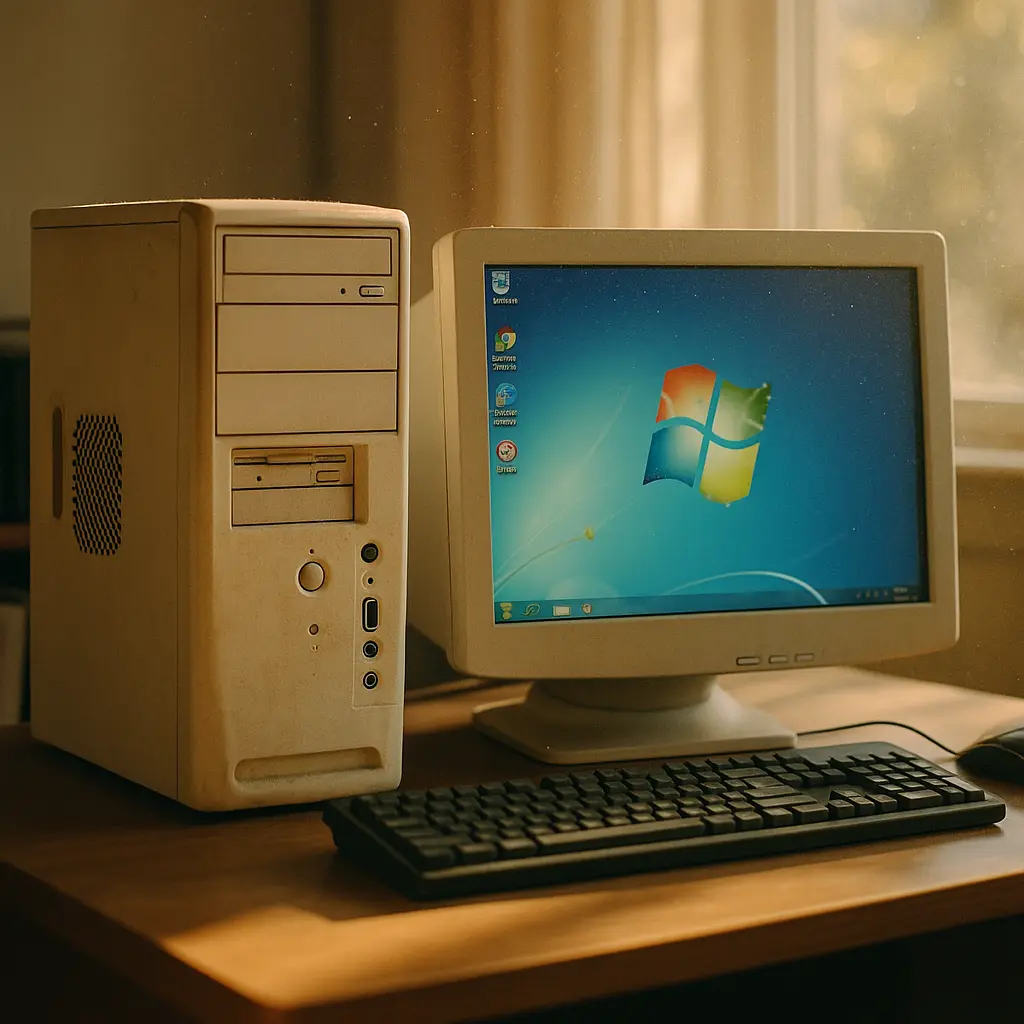
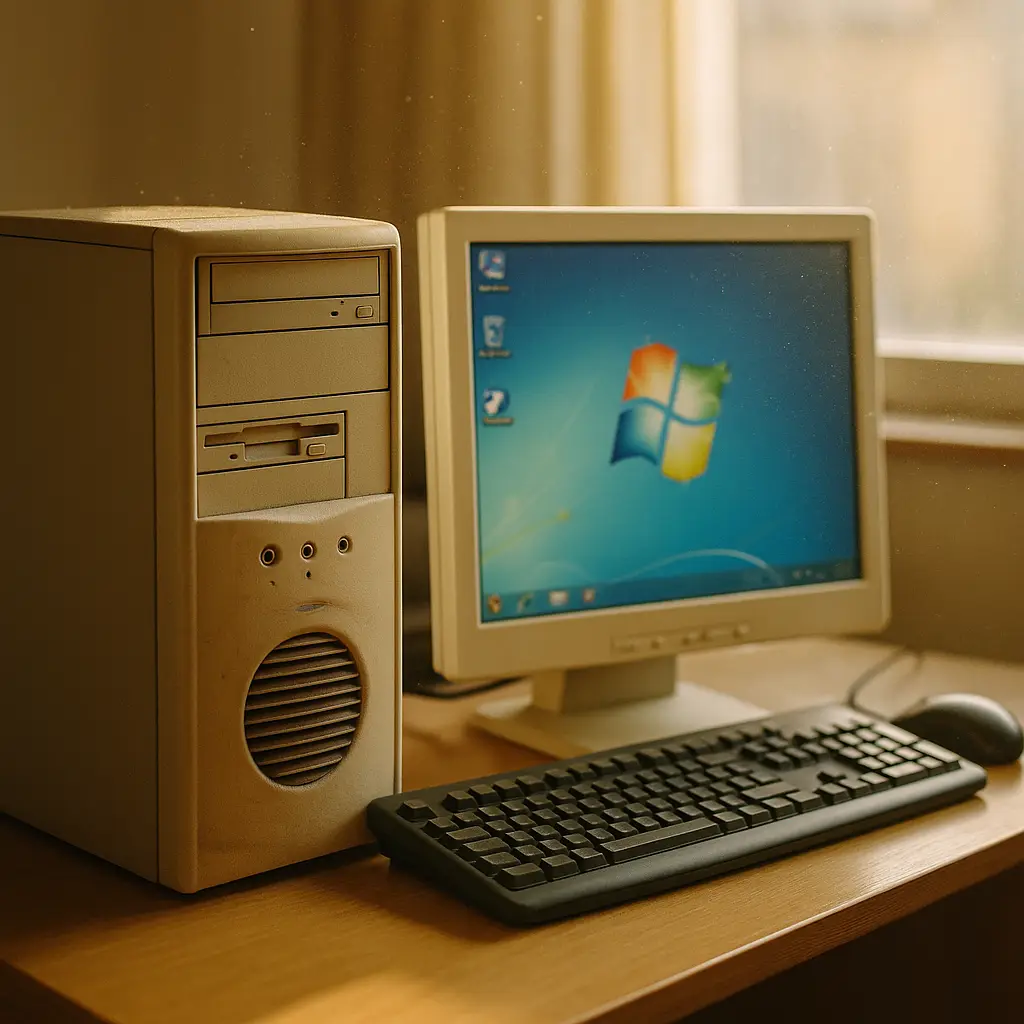
Your 2014 laptop still boots. It runs the programs you need. The battery holds a charge. You've heard vague warnings about old computers being dangerous, but the machine sitting on your desk doesn't feel like a security threat. It feels like a computer.
The question isn't whether old hardware can run. The question is whether the software protecting that hardware still gets updated, and what happens when it doesn't.
The real security boundary isn't hardware age
A computer from 2012 running a current Linux distribution with regular updates is safer than a 2020 machine running Windows 7. The age of the physical components matters far less than the age of the operating system and whether its vendor still ships security patches.
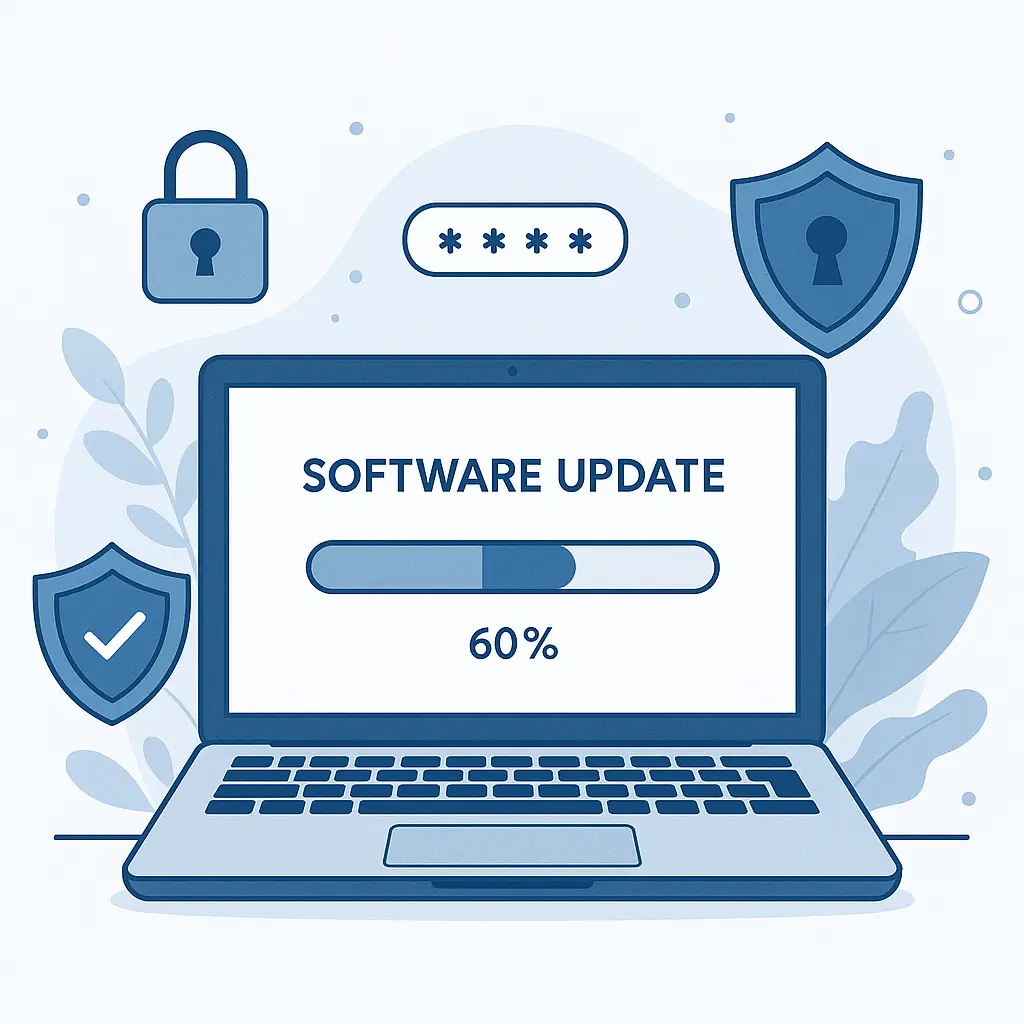
Operating systems contain vulnerabilities. Researchers find them, vendors patch them, and the cycle continues. When an OS reaches end-of-life, that cycle stops. The vulnerabilities remain. Attackers know which ones exist because the vendor published patches for newer systems but not for yours. Your machine becomes a documented target.
Windows 7 reached end-of-life in January 2020. Windows 8.1 ended in January 2023. Windows 10 support ends in October 2025. Machines running these systems without extended support contracts are running known-vulnerable software with no fixes coming.
CISA publishes alerts documenting active exploitation of unpatched vulnerabilities. The attacks don't require user error. They exploit the gap between what your system can defend against and what attackers know how to break.
What breaks when patches stop
An unpatched operating system creates multiple failure points. The most direct is remote code execution, an attacker sends network traffic that exploits a vulnerability in how your system processes data, and suddenly code runs on your machine without your permission. No phishing email. No malicious download. Just network traffic hitting an unpatched service.
Web browsers compound the problem. Modern browsers like Chrome, Firefox, and Edge receive updates independent of the OS, but they rely on OS-level security features. An outdated OS can't provide current sandboxing, memory protection, or exploit mitigation. The browser does its job, but the foundation underneath is compromised.
Malware targeting old systems behaves differently than malware targeting current ones. Attackers don't need sophisticated techniques. They use public exploits, code published after a vulnerability gets patched, knowing that unpatched systems will fall immediately. The malware doesn't need to be clever. It just needs to find a system running software with known holes.
In Star Wars, the Rebellion destroys the Death Star by exploiting a thermal exhaust port, a documented vulnerability in a massive, powerful system. The Empire knew the weakness existed but didn't fix it in time. Your old PC is the exhaust port. The exploit is public. The only question is when someone fires the shot.
Antivirus can't compensate for missing patches
Running antivirus on an outdated system feels like protection. It scans files, blocks known malware, and reports threats. But antivirus operates at the application layer. It can't patch the operating system. It can't fix vulnerabilities in how Windows processes network packets or handles memory.
Bitdefender, Malwarebytes, and Windows Defender all provide real protection, against malware they can detect. They struggle with exploits that target OS-level vulnerabilities because those attacks happen below the layer where antivirus operates. The malware doesn't need to write a file to disk or run a suspicious process. It exploits the system before antivirus sees it.
Some vendors offer extended support contracts for end-of-life systems. Microsoft sold Windows 7 ESU (Extended Security Updates) to enterprise customers for three years after consumer support ended. Those patches existed. They cost money. Most home users didn't buy them. Their systems stopped receiving fixes in 2020.
If you're not paying for extended support, you're not getting patches. If you're not getting patches, antivirus alone won't bridge that gap.
The offline computer exception
An old computer that never connects to a network faces minimal security risk. If you use a 2013 laptop running Windows 7 to write documents, edit photos, or manage local files, and it never touches WiFi, never plugs into Ethernet, never receives USB drives from internet-connected machines, the attack surface shrinks to near zero.
Air-gapped systems work in secure facilities for exactly this reason. No network means no remote exploits. No USB transfers means no malware migration. The machine operates in isolation.
The challenge is maintaining that isolation. One WiFi connection to download a driver. One USB stick to transfer a file from your current computer. One moment where the boundary breaks, and the old system becomes vulnerable. Isolation only works if you never compromise it.
When hardware age does matter
Physical components degrade. Hard drives fail. Capacitors leak. Thermal paste dries out. A computer from 2010 that still runs might run poorly, slow, hot, unstable. That's not a security issue. That's a reliability issue.
But hardware failure can create security risk in specific scenarios. A failing hard drive that corrupts system files might disable security features. Overheating that causes random crashes might interrupt update processes. Flaky RAM that introduces bit errors might create exploitable conditions.
These scenarios are edge cases. The primary risk isn't hardware failure. It's running outdated software on hardware that no longer receives support from the OS vendor.
Older machines also struggle with modern security features. TPM 2.0 (Trusted Platform Module) is required for Windows 11 but absent from many pre-2016 systems. Full-disk encryption on old hardware runs slowly. Secure Boot might not be available. The hardware can run, but it can't run current protections effectively.
The upgrade path you actually have
You have three options with an old computer: upgrade the OS, replace the hardware, or accept the risk.
Upgrading the OS depends on hardware compatibility. Windows 11 requires TPM 2.0, Secure Boot, and specific CPU generations. Machines from 2015 or earlier often can't meet those requirements. macOS ties updates to hardware generations, a 2013 MacBook Pro can't run macOS Ventura. Linux distributions offer more flexibility, but older hardware might lack driver support for current kernels.
If the hardware can't run a current OS, replacement is the secure option. A $400 laptop in 2026 will run Windows 11 or a current Linux distribution with full update support for years. That's not a satisfying answer if your old machine still works, but it's the answer that closes the vulnerability gap.
Accepting the risk means understanding what you're accepting. An unpatched system on your home network can become a pivot point for attackers targeting other devices. Malware that compromises the old PC can spread to phones, tablets, and newer computers on the same WiFi. The old machine isn't isolated just because it's old. It's connected, and that connection creates exposure.
What about Chromebooks and tablets
Chromebooks receive automatic updates for around 8 years from their release date. Google publishes an Auto Update Expiration (AUE) date for each model. After that date, the device stops getting security patches. A 2015 Chromebook reached AUE in 2023. It still boots. It's no longer secure.
iPads follow a similar pattern. Apple supports devices for roughly 5-7 years. The iPad Air 2 from 2014 received its last iOS update in 2021. It runs. It doesn't get patched. The same logic applies: no patches means known vulnerabilities remain unaddressed.
Android tablets vary wildly. Some manufacturers provide 2 years of updates. Others provide 5. Google's Pixel tablets get 5 years of security updates. Budget tablets from unknown brands might get one year or none. Check the manufacturer's support policy. If updates stopped, the device is vulnerable.
The risk isn't theoretical
CISA's malware analysis reports document real attacks exploiting unpatched systems. Ransomware campaigns target outdated Windows versions because the attack surface is known and the defenses are weak. Botnets recruit old machines because they're easy to compromise and their owners often don't notice.
The attacks aren't sophisticated. They're opportunistic. Attackers scan the internet for systems running end-of-life software, find them, exploit them, and move on. Your old PC isn't special. It's just another unpatched target in a very large pool.
From what I've read, the most common outcome isn't dramatic. Your computer doesn't explode. It gets quietly compromised, joins a botnet, and participates in attacks against other systems. You might not notice. Your internet might slow down. Your PC might run hot. But the malware isn't designed to announce itself. It's designed to persist and generate value for the attacker, through spam, DDoS attacks, or cryptomining.
When to keep using it anyway
Some people keep old computers running for good reasons. Budget constraints. Specialized software that won't run on newer systems. Hardware that still meets their needs. These are real considerations.
If you're in that position, here's what you can control:
Isolate the machine from sensitive tasks. Don't use it for banking, email, or anything involving passwords. Use it for offline work, legacy software, or tasks where compromise wouldn't expose personal data.
Disable unnecessary services. Turn off file sharing, remote desktop, and any network services you don't actively use. Fewer services means fewer attack vectors.
Run a current browser if possible. Chrome and Firefox support older Windows versions longer than Microsoft supports the OS itself. A current browser on an outdated OS is better than an outdated browser on an outdated OS.
Back up your data. If the system gets compromised, you'll want clean copies of your files. Store backups on external drives or cloud services, not on the old machine.
Don't connect it to your primary home network. Use a guest network if your router supports it, or keep the machine on a separate VLAN. This won't stop an attacker from compromising the old PC, but it limits their ability to pivot to other devices.
These steps reduce risk. They don't eliminate it. An unpatched system remains vulnerable. You're managing exposure, not achieving security.
The honest answer
Your old computer becomes a security risk when its operating system stops receiving patches and you continue using it for internet-connected tasks. That timeline varies by OS, Windows 7 crossed that line in 2020, Windows 10 crosses it in October 2025, and macOS versions age out roughly 5-7 years after release.
Hardware age correlates with risk because older hardware typically runs older software, but the hardware itself isn't the threat. A 2012 laptop running Debian 12 with current updates is secure. A 2020 desktop running Windows 7 is not.
The advice to "just upgrade" is correct but unhelpful if your hardware can't run a current OS or you can't afford replacement. In that case, you're making a tradeoff: continued use of a functional machine versus exposure to known vulnerabilities with no patches coming.
I can't tell you the exact moment your specific computer becomes too risky to use. I can tell you that the risk increases every month after OS support ends, and that attackers actively exploit the vulnerabilities your system can't defend against.
If your computer is old enough that this article made you check your OS version, it's probably time to start planning your exit strategy.