Mobile Hotspot vs Hotel WiFi: Which One Actually Protects You
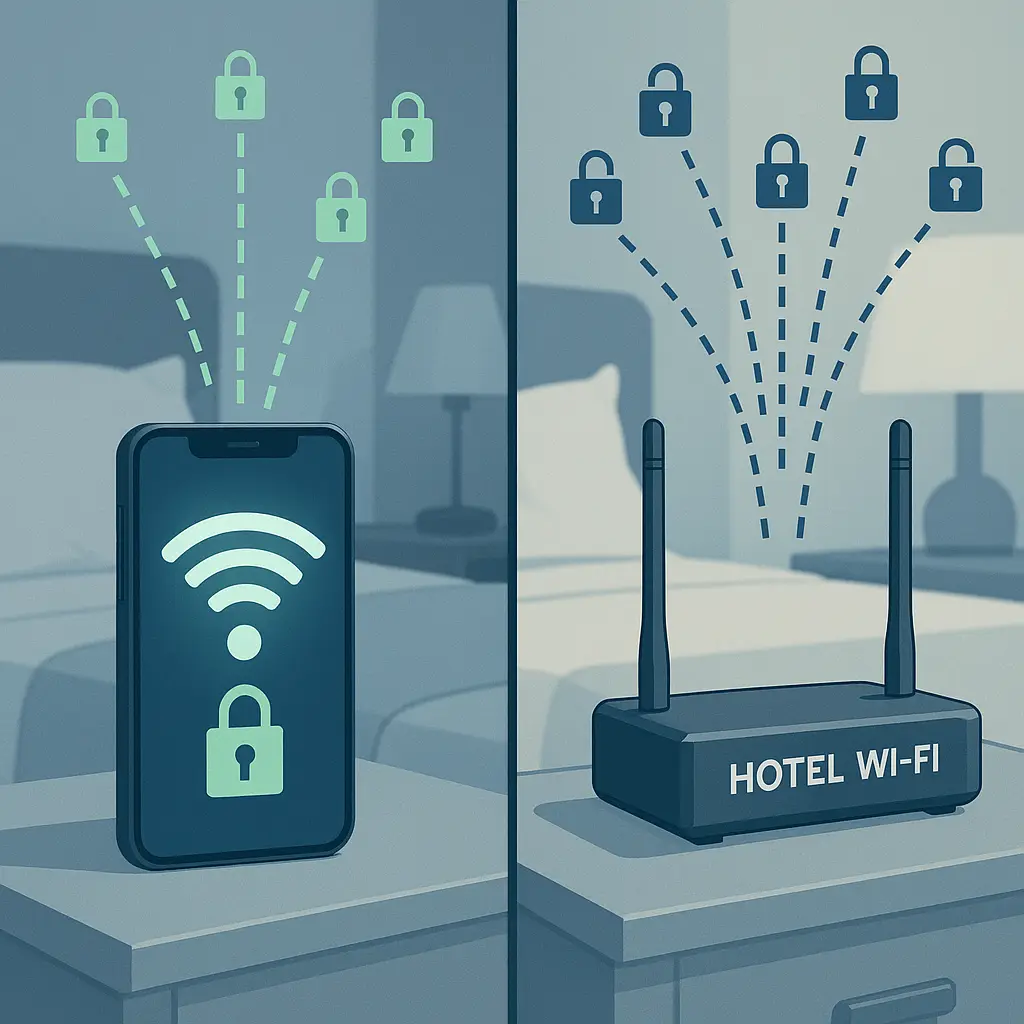
You're in a hotel room, laptop open, about to join a work call. Your phone shows full bars. The hotel WiFi password is taped to the desk. Which one do you use?
The answer depends on what you're protecting, where you are, and what you're willing to pay. Hotel WiFi and mobile hotspots solve the same problem through different mechanisms. Neither is universally safer. The right choice depends on your threat model, your data plan, and what you're actually doing online.
Here's how they compare on the factors that matter when you're traveling in 2026.
The Encryption Layer: What Actually Protects Your Data
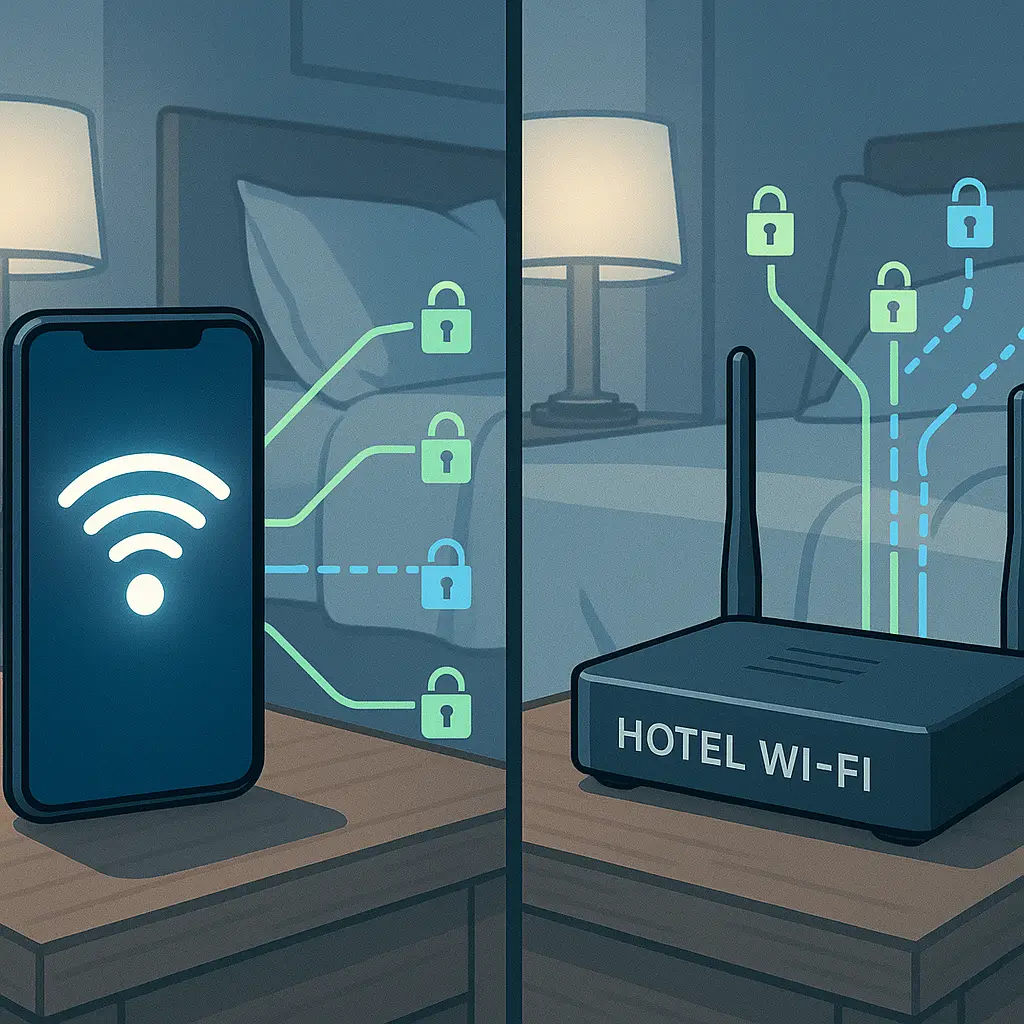
Mobile hotspots route your traffic through cellular networks using encryption protocols built into 4G LTE and 5G. Your phone establishes an encrypted connection to the carrier tower, and that encryption protects your data between your device and the carrier's infrastructure. The carrier sees your traffic in cleartext after decryption, but someone sitting in the hotel lobby with a packet sniffer can't intercept your browsing.
Hotel WiFi uses WPA2 or WPA3 encryption when you connect to the network, but the shared password model creates a vulnerability. Everyone staying at the hotel uses the same WiFi password, which means anyone on that network can potentially decrypt traffic from other devices. WPA3 improves this with individualized encryption per device, but adoption remains inconsistent across hotel properties in 2026.
CISA's network security guidance emphasizes that shared WiFi networks create opportunities for man-in-the-middle attacks, where an attacker positions themselves between your device and the router to intercept traffic. Mobile hotspots eliminate this attack vector because you control the access point and the password.
But encryption between you and the network is only the first layer. Websites using HTTPS encrypt your traffic end-to-end regardless of whether you're on hotel WiFi or mobile hotspot. That second layer of encryption protects your data even if someone compromises the underlying network. The difference between hotel WiFi and mobile hotspot matters most for unencrypted HTTP traffic, which is increasingly rare but not extinct in 2026.
Speed and Reliability: When Bandwidth Matters
Hotel WiFi connects to a dedicated internet line that serves the entire property. Bandwidth gets shared across all guests, but the base connection is typically faster than what a single cellular device can achieve. If you're downloading large files, streaming video, or joining video calls with multiple participants, hotel WiFi usually delivers better performance.
Mobile hotspots depend on cellular signal strength and network congestion. In urban areas with strong 5G coverage, hotspot speeds can rival or exceed hotel WiFi. In rural areas, older hotels, or locations with poor cellular infrastructure, your hotspot might struggle to load a webpage while the hotel WiFi performs fine.
Latency differs too. Hotel WiFi routes through the property's internet service provider with relatively predictable latency. Mobile hotspots add the latency of the cellular network, which varies based on tower distance, network load, and carrier infrastructure. For real-time applications like video calls or remote desktop sessions, that latency difference becomes noticeable.
The practical test: if you're working remotely and need reliable video call quality, test both connections before your first meeting. Signal strength bars on your phone don't tell you actual throughput or latency. Run a speed test on both networks and use the one that delivers consistent performance.
Cost: Data Plans vs Daily Fees
Hotel WiFi is usually free or included in your room rate. Some properties charge daily internet fees, particularly in the United States, but those fees are typically disclosed at booking. You pay once and use as much bandwidth as you need.
Mobile hotspot uses your cellular data plan. If you're traveling domestically in the United States and your plan includes unlimited data, hotspot usage might be capped at a lower threshold. Carriers often limit hotspot data to 10-50GB per month even on unlimited plans, after which speeds drop dramatically. Check your plan details before relying on hotspot for extended work sessions.
International travel changes the calculation. Hotel WiFi remains free or low-cost regardless of location. Mobile hotspot on international roaming can cost $10-15 per day through carrier plans, or you can use an eSIM service like Saily for data-only access at lower rates. If you're traveling for a week, those daily charges add up faster than a single hotel WiFi fee.
The hidden cost is attention. Managing data usage, monitoring your hotspot cap, and worrying about overage charges creates mental overhead that hotel WiFi eliminates. If you're traveling for work and need to focus on actual work rather than connection logistics, hotel WiFi with a VPN often delivers better value than constant data plan management.
VPN on Both: The Equalizer
A VPN encrypts your traffic before it leaves your device, regardless of the underlying network. Whether you're on hotel WiFi or mobile hotspot, the VPN creates a secure tunnel between your device and the VPN provider's server. Your internet service provider, hotel network administrator, or cellular carrier sees encrypted traffic but can't read the contents.
NordVPN and similar services work identically on both connection types. The VPN adds a second layer of encryption on hotel WiFi, addressing the shared password vulnerability. On mobile hotspot, the VPN protects your browsing from your cellular carrier, which otherwise sees every website you visit and every app you use.
The VPN doesn't change the underlying network's speed or reliability. If hotel WiFi is slow, the VPN makes it slightly slower due to encryption overhead. If your mobile hotspot has weak signal, the VPN can't fix that. But the VPN equalizes the security posture across both networks, making the choice between them primarily about speed, cost, and convenience rather than security.
One caveat: VPNs consume data. If you're using mobile hotspot with a capped data plan, the VPN's encryption overhead adds roughly 10-20% to your total data usage. That matters when you're approaching your monthly cap or paying for international data by the gigabyte.
The Practical Decision Framework
Here's the step-by-step method I use when deciding between hotel WiFi and mobile hotspot:
First, assess your task. Email, web browsing, and document work perform fine on either connection. Video calls, large file transfers, and cloud backups favor hotel WiFi for speed. Banking, accessing work systems with sensitive data, or any task involving confidential information benefits from the additional isolation of mobile hotspot.
Second, check your data situation. If you're traveling domestically with unlimited data and reasonable hotspot caps, mobile hotspot is viable. If you're traveling internationally without an eSIM or roaming plan, hotel WiFi becomes the default unless you're willing to pay carrier roaming fees.
Third, test the hotel WiFi. Connect, run a speed test, and check latency. If the network is fast and stable, use it with a VPN. If it's slow, congested, or unreliable, switch to mobile hotspot if your data plan allows.
Fourth, consider your threat model. Are you accessing systems that would be catastrophic if compromised? Use mobile hotspot. Are you browsing news sites and checking personal email? Hotel WiFi with HTTPS is fine. The gap between these scenarios is where VPNs matter most.
Fifth, monitor your usage. If you choose mobile hotspot, check your data consumption daily. If you're burning through your cap faster than expected, switch to hotel WiFi before you hit overage charges or throttling.
When Hotel WiFi Wins
Hotel WiFi makes sense when you need speed, when you're traveling internationally without a data plan, or when you're staying multiple days at a property with reliable internet. The bandwidth advantage matters for video calls, cloud backups, and any task that moves large amounts of data.
Hotels with modern networks using WPA3 encryption and device isolation reduce the security gap between WiFi and hotspot. Some business-focused properties segment their networks to isolate guest devices from each other, eliminating the shared password vulnerability. If you're staying at a hotel that advertises business-class internet, test it first, but the security posture may be better than you expect.
The convenience factor matters too. You connect once, save the password, and forget about it for the duration of your stay. No data cap monitoring, no battery drain from hotspot mode, no worrying about cellular signal strength. For travelers who want to focus on work rather than network management, hotel WiFi with a VPN delivers adequate security with minimal friction.
When Mobile Hotspot Wins
Mobile hotspot makes sense when you're handling sensitive data, when hotel WiFi is unreliable, or when you're traveling domestically with a data plan that supports it. The isolation advantage matters for banking, work VPN connections, and any scenario where you can't tolerate the risk of shared network exposure.
Hotspot also wins when you're moving between locations frequently. Coffee shops, airports, coworking spaces, and hotels all require separate WiFi connections and passwords. Your mobile hotspot travels with you, providing consistent connectivity without the friction of joining new networks every few hours.
Battery life is the practical constraint. Running hotspot drains your phone faster than normal use, and if you're working for several hours, you'll need to keep your phone plugged in. Some travelers carry a dedicated mobile hotspot device to avoid draining their phone battery, but that adds another device to manage and charge.
The Hybrid Approach
Most travelers I know use both. Hotel WiFi for video calls, streaming, and high-bandwidth tasks. Mobile hotspot for banking, accessing work systems, and any scenario where the hotel network feels sketchy. The ability to switch between them based on the task and the environment provides flexibility that relying on one exclusively doesn't.
This is the Mad Men approach to network security. Don Draper never put all his trust in one account, one client, or one strategy. He kept options open, tested what worked, and switched when circumstances changed. Hotel WiFi and mobile hotspot are tools, not religions. Use the one that fits the situation.
The hybrid approach requires discipline. You need to remember which connection you're using for which task, and you need to configure your VPN to connect automatically on hotel WiFi while leaving it optional on mobile hotspot. That cognitive overhead is real, but for travelers who handle sensitive data regularly, the flexibility justifies the complexity.
What Actually Matters in 2026
The gap between hotel WiFi and mobile hotspot security has narrowed since 2020. Widespread HTTPS adoption means most of your traffic is encrypted end-to-end regardless of the underlying network. VPNs work identically on both connection types. WPA3 adoption in hotels reduces the shared password vulnerability, though inconsistently.
The remaining differences are speed, cost, and convenience rather than fundamental security architecture. Hotel WiFi is faster and cheaper but shared. Mobile hotspot is isolated and portable but slower and capped. A VPN on either connection addresses most of the security concerns that matter for typical travel scenarios.
The decision comes down to your data plan, your threat model, and what you're actually doing online. If you're checking email and browsing news sites, hotel WiFi with HTTPS is fine. If you're accessing your company's financial systems or handling customer data, mobile hotspot or hotel WiFi with a VPN makes sense. If you're doing high-bandwidth work like video editing or cloud backups, hotel WiFi wins on speed alone.
Test both. Use the one that works. Switch when it doesn't. That's the practical answer that works in 2026.