Local AI vs Cloud AI: Privacy Tradeoffs

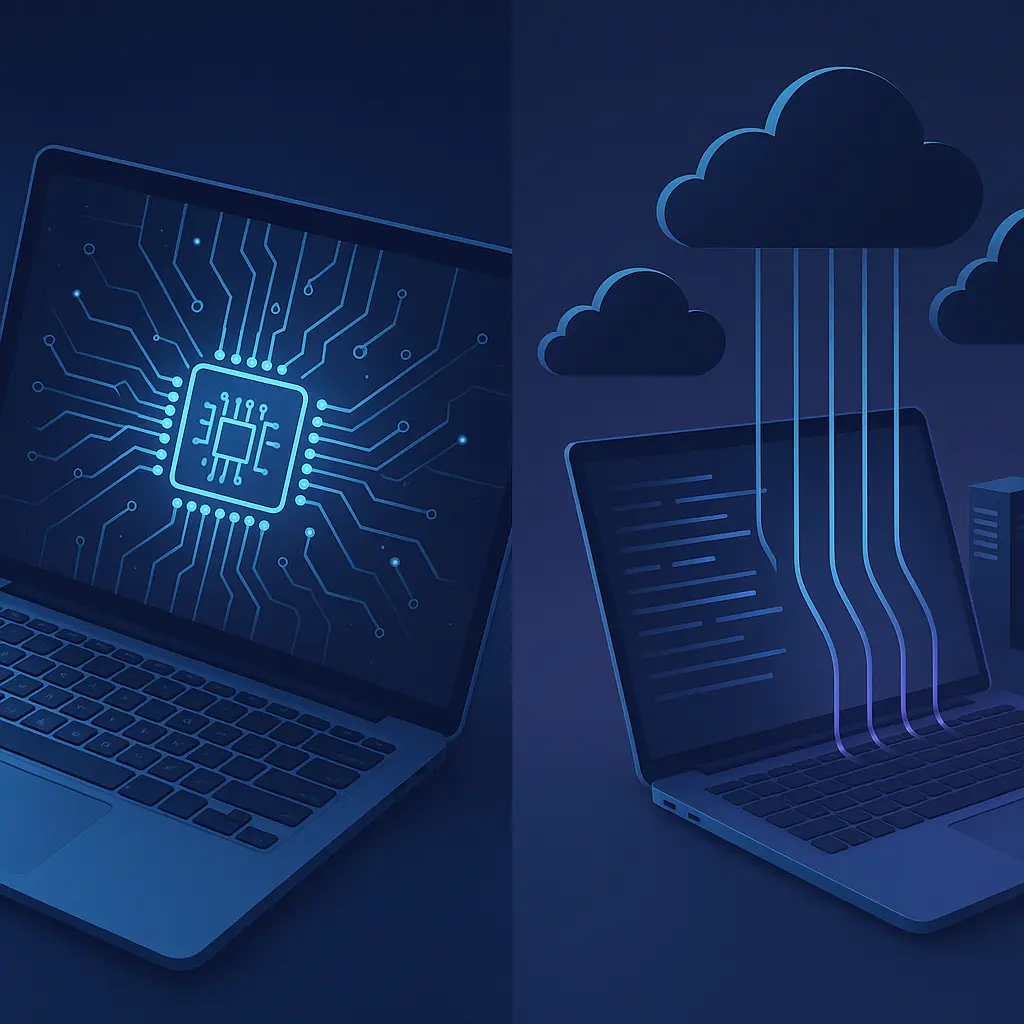
You type a question into ChatGPT. The words leave your device, travel through the internet, land on OpenAI's servers, get processed by a model trained on billions of parameters, and return as an answer. That round trip happens in seconds. It also means OpenAI has a copy of what you asked.
Now consider a different scenario. You type the same question into a local AI tool running entirely on your laptop. The words never leave your device. The model processes your input using your computer's hardware. The answer appears. No external server sees your question. No company logs your conversation.
Both approaches deliver results. The privacy implications differ fundamentally.
This article compares local AI and cloud AI on privacy. We'll examine how each model handles your data, what control you actually have, and when the tradeoffs favor one approach over the other. The goal is to help you understand what happens to your information when you use AI tools in 2026.
What Local AI Actually Means
Local AI refers to machine learning models that run entirely on your device. The model files live on your hard drive. Processing happens using your CPU, GPU, or specialized neural processing unit. Your data never leaves your hardware.
When you ask a local AI assistant a question, the input gets tokenized (broken into chunks the model understands), processed through the neural network layers stored on your device, and generates an output. All of this computation happens within your computer's memory and processor. No internet connection required for the inference step itself.
The model itself typically gets downloaded once from the internet during installation. After that, it operates offline. Updates to the model require downloading a new version, but day-to-day use doesn't involve external communication.
Local AI has computational limits. Your laptop's GPU has maybe 8-16 gigabytes of VRAM. Cloud servers have hundreds of gigabytes across multiple specialized chips. Smaller models fit on consumer hardware, but they generally produce less sophisticated results than their cloud-based counterparts. The tradeoff is privacy for capability.
What Cloud AI Actually Means
Cloud AI sends your data to remote servers for processing. When you interact with ChatGPT, Claude, Gemini, or similar services, your input travels over the internet to the provider's data center. Their servers run the model. The output returns to your device.
This architecture solves the hardware limitation. Companies like OpenAI and Anthropic deploy models with hundreds of billions of parameters across server farms with specialized AI accelerators. These models handle more complex tasks than what fits on a laptop.
But the data flow creates exposure. Your input exists in cleartext on the provider's servers at some point during processing. Even if the connection uses HTTPS encryption (which it should), the provider can read your data once it arrives. That's how the system works. The model needs to see your input to generate a response.
What happens to that data after processing depends entirely on the provider's policies. Some services store conversations indefinitely. Some use your inputs to train future models. Some claim to delete after a set period. You're trusting the company's stated policy and their ability to enforce it.
Data Retention: What Gets Kept
Cloud AI providers vary wildly on data retention. OpenAI stores ChatGPT conversations by default and uses them for model training unless you opt out. Anthropic claims Claude conversations aren't used for training but are retained for trust and safety purposes. Google's policies for Gemini include language about using data to improve services.
The specifics matter. Some providers let you delete conversation history manually. Some offer settings to disable data retention. Some make opt-out difficult to find or incomplete in what it actually prevents. You need to read the privacy policy for each service you use.
Local AI doesn't have this problem by default. The model runs on your device. There's no server to send data to, so there's no company database storing your inputs. The conversation exists only in your device's memory and whatever local storage the app uses.
But local AI apps can still phone home. If the application collects telemetry, usage statistics, or crash reports, it might send data to the developer's servers. If the app requires an internet connection for licensing verification or feature updates, it creates opportunities for data collection. Local processing doesn't guarantee zero external communication. You need to verify what the app actually does.
Training on Your Data: The Feedback Loop
Many cloud AI services use your inputs to train future versions of their models. This feedback loop helps improve accuracy and expand capabilities. It also means your private conversations become part of the training corpus.
OpenAI's default settings include this behavior. If you use ChatGPT without adjusting privacy controls, your conversations contribute to training data. The company states they remove personally identifiable information, but the definition of PII is narrow. Prompts about your work projects, creative ideas, or personal situations might not qualify as PII but still contain sensitive information.
Some providers offer opt-out mechanisms. OpenAI lets you disable chat history, which also prevents training use. Anthropic states Claude doesn't train on user conversations. Google's policies are less clear and vary by product. The mechanism differs across services, and finding the right setting requires navigating privacy controls that aren't always transparent.
Local AI avoids this entirely if the model never communicates with external servers. Your data stays on your device. No training loop. No contribution to future models. The privacy boundary is your hardware.
The tradeoff is that local models improve more slowly. Cloud AI benefits from millions of users providing feedback through their usage. Local AI depends on the developer releasing updated model versions, which you download separately. The collective intelligence that makes cloud AI powerful is the same mechanism that exposes your data.
Encryption in Transit and at Rest
Cloud AI services use HTTPS to encrypt data in transit. Your input travels from your device to the provider's servers inside an encrypted tunnel. Attackers intercepting network traffic see gibberish, not your actual prompts.
But encryption in transit doesn't protect your data from the service provider. Once your input reaches their servers, they decrypt it to process it. The model needs to read your prompt in cleartext to generate a response. Encryption protects against third-party interception, not first-party access.
Some providers claim to use encryption at rest, meaning stored data gets encrypted on their servers. This protects against certain breach scenarios where attackers gain access to raw database files. But the provider still holds the decryption keys. They can read your data if they choose or if compelled by legal process.
Local AI doesn't involve this trust model. Your data never leaves your device in the first place. Disk encryption (like BitLocker on Windows or FileVault on Mac) protects your local AI conversations the same way it protects any other files on your computer. You control the encryption keys. No third party has access.
Metadata: What Leaks Beyond the Content
Even when cloud AI providers claim not to store conversation content, metadata persists. Metadata includes timestamps, session duration, frequency of use, device type, IP address, and usage patterns. This information reveals a lot about your behavior even without the actual prompts.
Researchers have found that metadata alone can identify users, infer relationships, and predict behavior with surprising accuracy. Your phone records don't contain the words you spoke, but they show who you called, when, and for how long. That pattern data is powerful.
Cloud AI services collect similar metadata. They know when you use the service, how often, what features you access, and how long sessions last. Some providers link this to your account for billing or usage tracking. Others claim to anonymize it, but anonymization techniques often fail under scrutiny.
Local AI generates metadata too, but it stays on your device. The app might log when you opened it, how long you used it, and what features you accessed. But that log file lives on your hard drive. No company server aggregates it with millions of other users' metadata to build behavioral profiles.
Legal Access and Compelled Disclosure
Cloud AI providers operate under legal jurisdictions that can compel data disclosure. U.S. companies face subpoenas, national security letters, and court orders requiring them to turn over user data. European companies face similar mechanisms under different legal frameworks.
When a government agency requests your cloud AI conversation history, the provider has to comply or fight the request in court. Fighting is expensive and not always successful. Most companies comply with valid legal process. Your prompts become evidence or intelligence.
Local AI doesn't eliminate this risk entirely. If law enforcement seizes your laptop, they can access your local AI conversation history the same way they access any other files. But the threat model differs. Cloud providers hold data for millions of users in centralized databases. A single subpoena can access vast amounts of information. Local data requires physical access to your specific device.
The EFF's Surveillance Self-Defense guide covers threat modeling for different scenarios. If your concern is government surveillance, local AI reduces exposure by keeping data decentralized. If your concern is device seizure, local AI doesn't help much beyond what full-disk encryption already provides.
Third-Party Sharing and Business Model
Cloud AI companies have business models that sometimes conflict with privacy. Some offer free tiers supported by data monetization. Some sell enterprise licenses that include data analysis features. Some partner with other companies and share aggregated user data.
The privacy policy explains what data gets shared and with whom, but the language is often vague. "We may share data with partners to improve our services" could mean anything from anonymous usage statistics to detailed conversation logs. You're trusting the company's interpretation of their own policy.
Local AI apps have simpler business models in most cases. You pay for the software, or it's open source. There's no data to monetize because there's no centralized data collection. The developer makes money from licenses or donations, not from analyzing your usage.
But some local AI apps include telemetry that sends data to the developer's servers. This data might be anonymized usage statistics, crash reports, or feature analytics. The app is local, but it's not entirely offline. You need to check the privacy settings and network activity to understand what actually gets transmitted.
Performance and Capability Tradeoffs
Local AI runs on consumer hardware with finite resources. A typical laptop in 2026 has maybe 16GB of RAM and a mid-range GPU with 8GB of VRAM. That's enough to run small language models (around 7-13 billion parameters) at reasonable speed. Larger models require more powerful hardware or run too slowly to be practical.
Cloud AI doesn't face these constraints. Providers deploy models with hundreds of billions of parameters across server farms with specialized accelerators. GPT-4, Claude 3, and Gemini Ultra all exceed what consumer hardware can run locally. The results are more sophisticated, more accurate, and more capable.
This performance gap creates a privacy-capability tradeoff. If you need cutting-edge AI performance, you probably need cloud AI. If you prioritize privacy and can accept more limited capabilities, local AI works.
The gap is narrowing. Hardware improves. Model compression techniques make smaller models more capable. Quantization reduces memory requirements without destroying performance. But as of 2026, cloud AI still delivers substantially better results for complex tasks.
Specific Use Cases and Risk Assessment
The right choice depends on what you're doing with the AI tool. Drafting a novel? Local AI protects your creative work from being used in training data. Analyzing proprietary business data? Local AI keeps trade secrets on your hardware. Asking general knowledge questions? Cloud AI probably delivers better answers with minimal privacy risk.
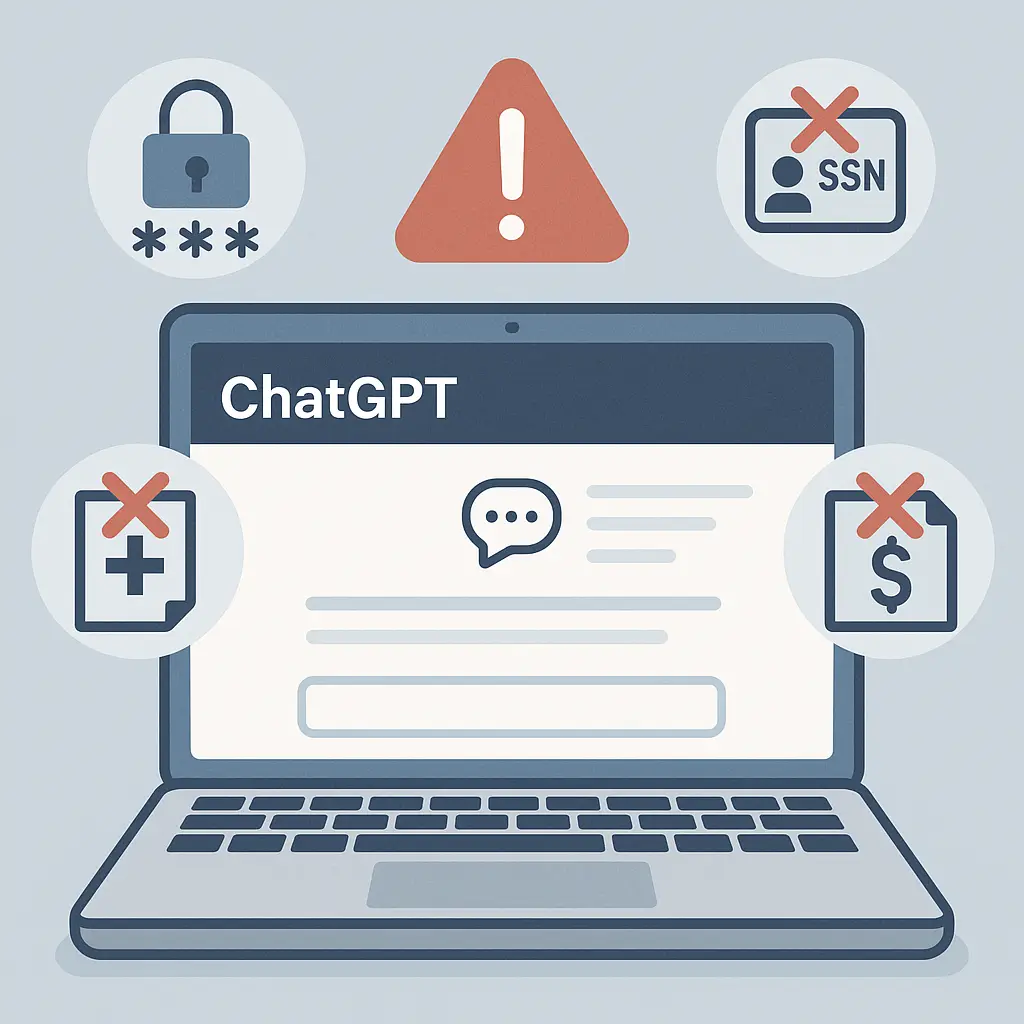
Sensitive use cases favor local AI. Medical information, legal strategy, financial planning, and personal counseling all involve data you don't want stored on third-party servers. NIST's Digital Identity Guidelines discuss risk-based authentication and data handling. The same principles apply to AI tool selection. Match the tool's privacy properties to the sensitivity of your data.
Low-stakes use cases tolerate cloud AI better. Asking for recipe suggestions, travel recommendations, or homework help doesn't expose information that creates significant risk if leaked. The convenience and capability of cloud AI outweigh the privacy cost.
Hybrid Approaches and Practical Compromises
Some tools offer hybrid models. Apple Intelligence processes certain tasks locally on your iPhone but sends complex queries to cloud servers. Microsoft Copilot runs some features locally in Office apps but uses cloud AI for advanced capabilities. These systems attempt to balance privacy and performance by keeping simple tasks local and routing complex tasks to the cloud.
The privacy properties of hybrid systems depend on how the routing decision gets made. If the system sends every query to the cloud for classification before deciding whether to process locally, you've already leaked information. If the local model makes the routing decision, privacy improves.
You can also use different tools for different tasks. Local AI for sensitive work. Cloud AI for general queries. This approach requires discipline. It's easy to forget which tool you're using and accidentally send confidential information to a cloud service.
Verification and Trust
Local AI's privacy advantage depends on the software actually doing what it claims. Open-source local AI tools let you inspect the code and verify behavior. Proprietary local AI tools require trusting the developer's statements about what the app does.
You can monitor network activity to verify that a local AI app isn't phoning home. Tools like Wireshark or Little Snitch show what connections your apps make. If your local AI tool is constantly sending data to external servers, it's not as local as advertised.
Cloud AI requires trusting the provider's privacy policy and their ability to enforce it. You can't verify what happens to your data on their servers. You can't inspect their code. You're taking their word for it. Some providers earn that trust through transparency reports, third-party audits, and consistent behavior. Others don't.
Regulatory Landscape and Data Residency
Privacy regulations like GDPR and CCPA give users some control over cloud AI data. You can request deletion, access your data, and opt out of certain uses. But exercising these rights requires knowing they exist, finding the right forms, and waiting for the company to comply.
The FTC's guidance on data security emphasizes that companies must protect user data and honor stated privacy practices. Cloud AI providers fall under these rules. If they claim not to train on your data, they're legally obligated to follow through.
Local AI sidesteps most regulatory complexity. If your data never leaves your device, data residency requirements, cross-border transfer restrictions, and third-party processor agreements don't apply. You're not transferring data to anyone.
The Practical Decision Framework
Choose local AI when:
- Your data is sensitive (medical, legal, financial, proprietary)
- You need to work offline
- You want to avoid contributing to training data
- You distrust cloud providers' privacy practices
- You have hardware capable of running the models you need
Choose cloud AI when:
- You need cutting-edge performance
- Your queries aren't sensitive
- You lack hardware for local models
- Convenience outweighs privacy concerns
- You trust the specific provider's practices
The decision isn't binary. You can use both. You can use local AI as your default and cloud AI for specific tasks that require more capability. You can use cloud AI with a separate account that doesn't link to your identity. You can use cloud AI with opt-out settings enabled.
What Actually Matters
Privacy isn't about achieving perfect isolation. It's about understanding the tradeoffs and making informed choices. Local AI offers stronger privacy by keeping data on your device. Cloud AI offers better performance by leveraging massive computational resources. Neither is universally superior.
What matters is matching the tool to the task. Sensitive data deserves local processing. General queries can tolerate cloud processing. The middle ground requires judgment.
The AI landscape changes rapidly. Models improve. Hardware gets faster. Privacy regulations evolve. The comparison I've laid out here reflects 2026, but the principles persist. Data that leaves your device enters someone else's control. Data that stays local remains under yours. That fundamental tradeoff won't change.