Hotel WiFi vs your eSIM data: when to use which
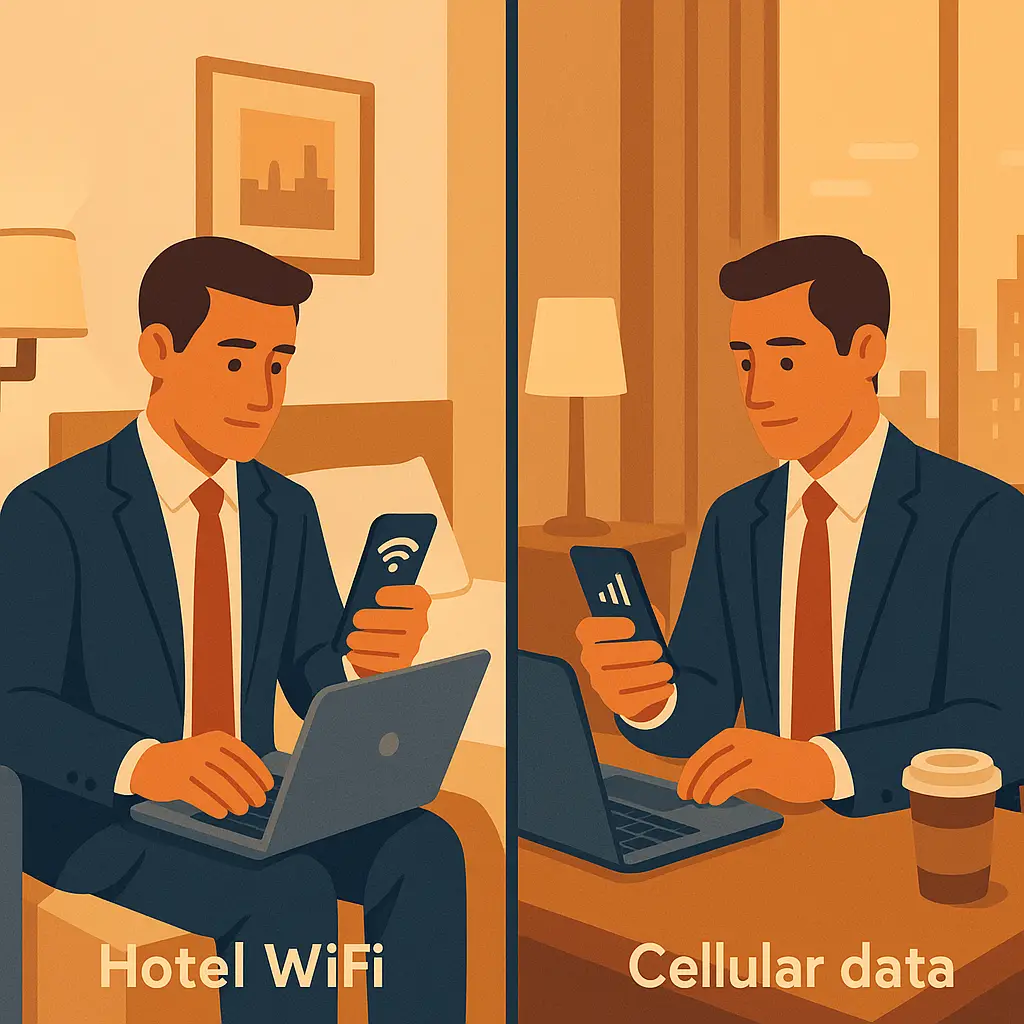
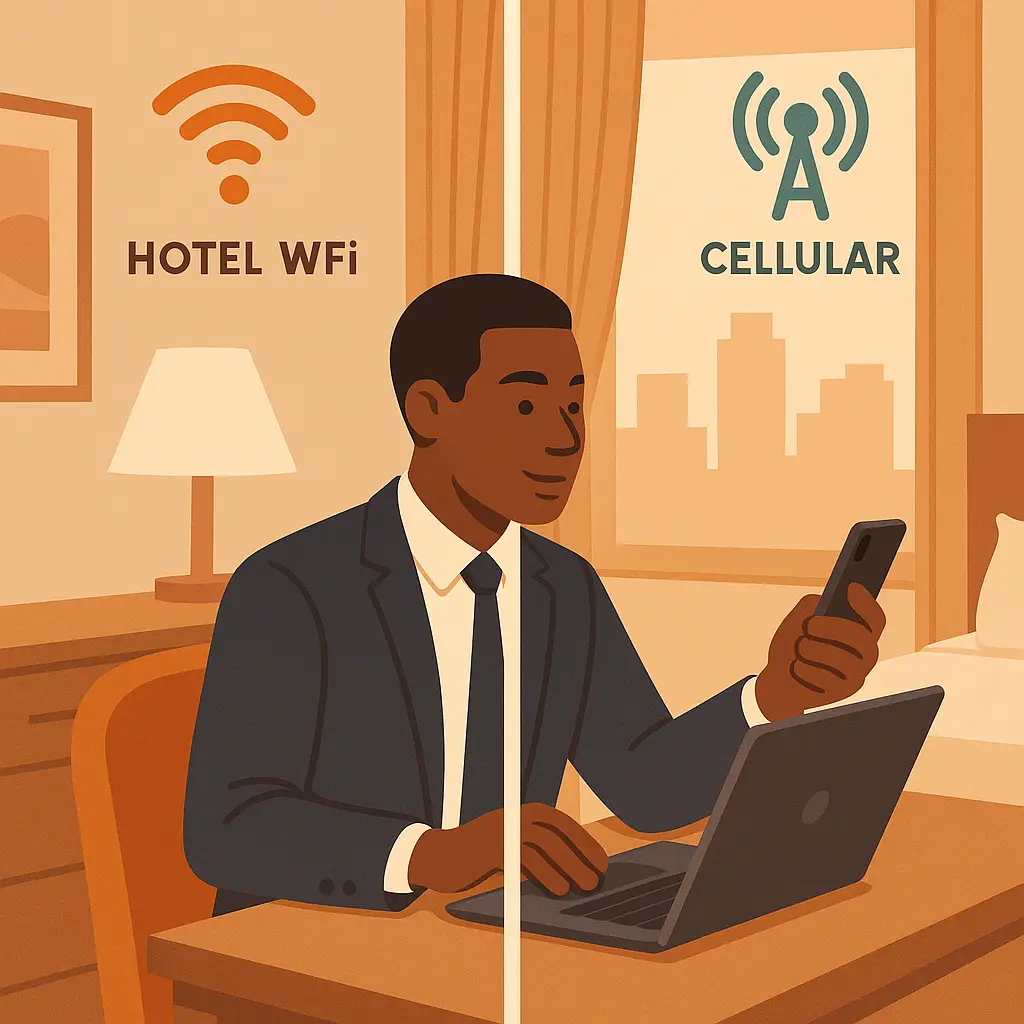
You check into a hotel. Your phone asks if you want to join the WiFi network. Your laptop connects automatically. Your watch syncs in the background. You have hotel WiFi, you have your eSIM data plan, and you have decisions to make.
The question isn't whether hotel WiFi is safe in some absolute sense. The question is: which connection should you use for which task, and when does the tradeoff actually matter?
The baseline: what changed since 2016
A decade ago, security advice about hotel WiFi was simple: don't use it. Every site ran on HTTP, captive portals harvested credentials, and packet sniffing was trivial. The threat model was real, the attacks were common, and the advice made sense.
In 2026, most of that threat landscape has shifted. HTTPS is now the default for around 95% of web traffic, according to data from Mozilla. Email providers enforce TLS. Banking apps use certificate pinning. The encryption that used to require a VPN is now built into the protocol layer.
That doesn't mean hotel WiFi is risk-free. It means the risks have changed, and the old blanket warnings no longer map to the current threat environment. What you're doing on the connection matters more than the connection itself.
What hotel WiFi actually exposes
When you connect to hotel WiFi, you're joining a shared network with dozens or hundreds of other guests. The network operator, hotel staff, the ISP, or the WiFi vendor, can see your traffic. Other guests on the same network can attempt to intercept it, though HTTPS makes that much harder than it used to be.
Here's what leaks through even with HTTPS:
- DNS queries (which sites you're visiting, though not which pages)
- Connection timing and packet sizes (enough to infer activity patterns)
- Metadata about when you connect, how long you stay online, and which devices you use
Here's what HTTPS protects:
- The content of your browsing (what you read, what you type, what you download)
- Login credentials and session tokens
- Payment information and form submissions
The gap between those two lists is where the decision lives. If you're reading news, checking weather, or streaming Netflix, HTTPS does the work. If you're logging into your bank, syncing your password manager, or accessing work email, you're leaking metadata that might matter.
The eSIM alternative: what you're actually paying for
An eSIM data plan gives you a direct cellular connection that bypasses the hotel network entirely. You're paying for bandwidth, but you're also paying for a different threat model.
Cellular networks don't share your traffic with other hotel guests. Your carrier can see your DNS queries and connection metadata, but so can the hotel WiFi operator. The difference is that your cellular carrier has a business relationship with you, regulatory obligations, and a reputation to protect. The hotel WiFi vendor has none of those.
International eSIM data costs around $5 to $15 per gigabyte depending on the destination and provider. That's enough for email, banking, password manager syncing, and light browsing. For bandwidth-heavy tasks like video calls or streaming, hotel WiFi makes more sense.
The cost tradeoff is real but manageable. If you use 500MB of eSIM data for sensitive tasks and hotel WiFi for everything else, you're spending a few dollars per day for a measurably different security posture.
Services like Saily offer eSIM data in 150+ destinations with transparent per-gigabyte pricing. You buy what you need, use it for the tasks that matter, and let hotel WiFi handle the rest.
The VPN layer: when it's worth the overhead
A VPN encrypts your traffic before it reaches the hotel network, hiding your DNS queries and connection metadata from the network operator. It doesn't make hotel WiFi as secure as cellular data, you're still trusting the VPN provider instead of the hotel, but it shifts the trust boundary.
VPNs add latency. They slow down your connection. They require you to remember to turn them on. For casual browsing, that overhead isn't worth it. For banking, work email, or password manager syncing, it is.
If you're using hotel WiFi for sensitive tasks, turn on your VPN. If you're streaming a movie or checking the weather, skip it. The decision tree is simple: does the task involve credentials, financial data, or confidential information? If yes, VPN. If no, save the bandwidth.
NordVPN and Proton VPN both offer auto-connect features that turn on the VPN when you join untrusted networks. That removes the decision from your workflow and makes the protection automatic.
The decision tree: which connection for which task
Here's the practical breakdown:
Use eSIM data for:
- Banking and financial accounts
- Work email and internal systems
- Password manager syncing
- Two-factor authentication setup
- Any account where a breach would create serious problems
Use hotel WiFi with a VPN for:
- Personal email
- Social media
- Shopping and browsing
- Video calls (if you can tolerate the latency)
Use hotel WiFi without a VPN for:
- Streaming video
- Downloading large files
- Software updates
- Casual browsing and news
The pattern is straightforward: high-value accounts get cellular data or VPN-protected WiFi. Everything else gets plain hotel WiFi. The cost difference is a few dollars. The security benefit is measurable.
The captive portal problem
Hotel WiFi often requires you to accept terms, enter a room number, or click through a splash page before you can browse. These captive portals create a specific vulnerability: they intercept your first connection attempt and redirect you to an authentication page.
That redirection happens before HTTPS kicks in. If an attacker controls the captive portal, or spoofs it, they can serve you a fake login page, harvest credentials, or inject malware into your first request.
The defense is simple: don't enter credentials on a captive portal. If the hotel requires a room number or last name, that's fine. If the portal asks for your email password or credit card, close the browser and ask the front desk what's happening.
Most hotel captive portals are legitimate, but the attack surface is real. Treat the portal as untrusted, click through it, and then switch to HTTPS for everything that follows.
The bandwidth question: when hotel WiFi makes sense
eSIM data is expensive for high-bandwidth tasks. Streaming a two-hour movie costs around 3GB. A video call burns through 1GB per hour. Software updates can hit 5GB or more. At $10 per gigabyte, that adds up fast.
Hotel WiFi is free (or included in your room rate), unlimited, and fast enough for most tasks. If you're downloading a large file, updating your laptop, or streaming a show, hotel WiFi is the right choice. The security risk for those tasks is low, you're not entering credentials, you're not accessing sensitive accounts, and HTTPS protects the content.
The decision isn't binary. You can use both connections in the same session: eSIM data for email and banking, hotel WiFi for streaming and updates. Modern devices handle multiple connections without manual switching.
The work laptop scenario: when employer policies override everything
If you're traveling with a work laptop, your employer's security policies might prohibit hotel WiFi entirely. Many companies require VPN for all external connections, ban public WiFi, or enforce device-level restrictions that prevent you from joining untrusted networks.
Check your company's travel security policy before you leave. If hotel WiFi is banned, budget for enough eSIM data to cover your work tasks. If VPN is required, test it before you travel, some hotel networks block VPN protocols, and you'll need a backup plan.
Work devices often have mobile device management (MDM) software that enforces these policies automatically. If your laptop won't connect to hotel WiFi, that's probably why. Don't try to bypass it. Use your eSIM data or ask IT for a travel exception.
The public space problem: coffee shops and airport lounges
Everything in this article applies to coffee shop WiFi, airport lounges, and coworking spaces. The threat model is the same: shared network, unknown operator, potential for interception. The decision tree is the same: sensitive tasks get cellular data or VPN, everything else gets WiFi.
The difference is duration. Hotel WiFi is a multi-day commitment. Coffee shop WiFi is an hour. That changes the cost calculus, burning through 200MB of eSIM data for a quick email check is reasonable. Burning through 5GB for a full workday isn't.
If you're working from a coffee shop for more than an hour, consider tethering to your phone instead of joining the shop's WiFi. Your phone's cellular connection is more secure than public WiFi, and tethering uses the same data you're already paying for.
The family travel scenario: multiple devices, multiple users
Traveling with kids means multiple devices, multiple accounts, and multiple threat surfaces. Your laptop, your phone, your partner's tablet, your kid's Switch, all of them want to join the hotel WiFi.
The decision tree still applies, but the coordination gets harder. Kids don't care about eSIM data. They want to watch YouTube, play Roblox, and text their friends. That's fine. Let them use hotel WiFi for entertainment. Reserve your eSIM data for your own banking and email.
Set up a shared VPN account so everyone in the family can protect their connections without managing separate subscriptions. Configure auto-connect so the VPN turns on automatically when anyone joins an untrusted network. That removes the decision from your kids' workflow and makes protection automatic.
The long-term stay problem: when hotel WiFi becomes your primary connection
If you're staying in one place for a week or more, hotel WiFi starts to look less like a temporary risk and more like your home network. The threat model doesn't change, it's still a shared network with an unknown operator, but the duration changes the tradeoff.
At some point, burning through eSIM data for every sensitive task becomes expensive. At some point, you need to decide whether to trust the hotel network or pay for a dedicated mobile hotspot.
Here's the breakpoint: if you're staying more than a week, consider a local SIM with a larger data plan instead of an eSIM. If you're staying more than a month, consider a mobile hotspot with unlimited data. The cost per gigabyte drops, the security posture improves, and you stop making the hotel WiFi decision every time you open your laptop.
The border crossing consideration: when cellular data creates different risks
Cellular data isn't universally safer than hotel WiFi. In some countries, cellular networks are state-monitored, and using your phone creates a different kind of exposure. If you're traveling to a country with aggressive surveillance infrastructure, hotel WiFi might actually be the safer choice, it's harder to tie your browsing to your physical identity.
That's a narrow scenario, but it's worth naming. If you're crossing into a country where cellular surveillance is a known threat, research the local threat model before you rely on eSIM data for sensitive tasks. Sometimes the best answer is: don't bring the sensitive data at all.
The practical setup: what to configure before you travel
Before you leave:
- Install a VPN on your laptop and phone. Test it. Make sure it connects.
- Enable auto-connect for untrusted networks.
- Buy enough eSIM data to cover your sensitive tasks. Around 1-2GB per week is a reasonable estimate.
- Download offline maps, boarding passes, and any files you'll need without a connection.
- Check your employer's travel security policy. If hotel WiFi is banned, adjust your data budget accordingly.
When you arrive:
- Connect to hotel WiFi for bandwidth-heavy tasks.
- Use eSIM data for banking, email, and password manager syncing.
- Turn on your VPN for any sensitive task on hotel WiFi.
- Don't enter credentials on captive portals.
When you leave:
- Forget the hotel WiFi network on all your devices.
- Check your account activity for anything unusual.
- Rotate passwords if you accessed sensitive accounts on hotel WiFi without a VPN.
The setup takes ten minutes. The protection lasts the entire trip.
Hotel WiFi and eSIM data solve different problems. WiFi is free, fast, and fine for most tasks. eSIM data is secure, expensive, and worth it for the tasks that matter. The decision isn't either/or. It's both, used strategically, based on what you're actually doing.
The threat model has changed since 2016. HTTPS does most of the work. VPNs add a layer when you need it. eSIM data gives you an escape hatch for the tasks where hotel WiFi isn't good enough.
You don't need to panic about hotel WiFi. You need to use the right connection for the right task. That's the decision. That's the tradeoff. That's what actually protects you when you travel.