Hotel WiFi captive portals: what they're really doing
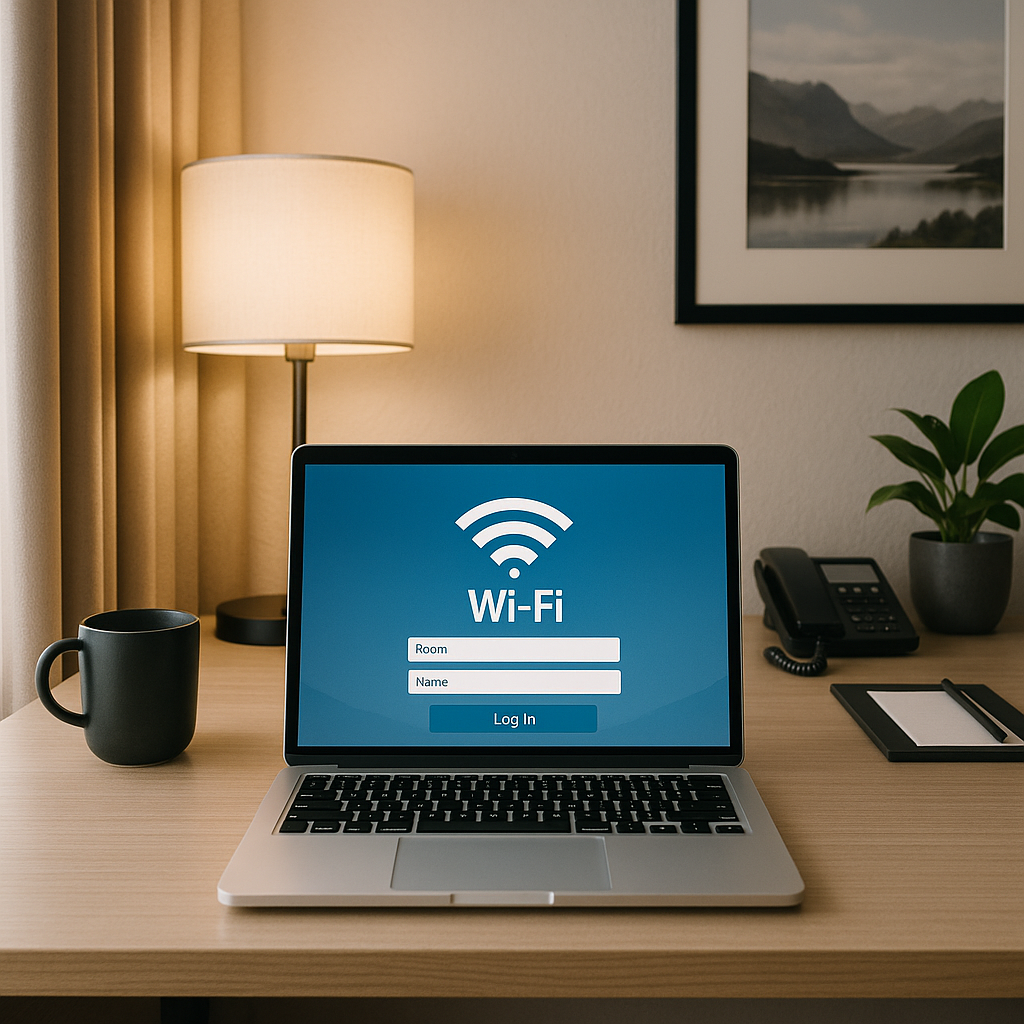
You connect to hotel WiFi and a browser window pops up before you can do anything else. Room number. Last name. Email address. Check this box to accept terms you won't read. Click Submit. Then you're online.
That mandatory login screen is called a captive portal, and it's doing more than just checking whether you're a guest. Here's the technical mechanism behind hotel WiFi captive portals, what data they actually collect, and what matters when you connect in 2026.
The technical mechanism: how captive portals intercept your connection
When you connect to a WiFi network, your device expects to reach the internet immediately. It sends a test request to a known server , usually something like connectivitycheck.android.com or captive.apple.com , to verify internet access.
A captive portal intercepts that request. Instead of letting it through to the real internet, the hotel's network equipment redirects your device to a local web server hosting the login page. Your device detects the redirect, recognizes that you're stuck behind a portal, and automatically opens a browser window showing the login screen.
This happens before you have internet access. The portal controls the gateway. You can't browse, can't check email, can't do anything online until you satisfy whatever requirements the portal demands , usually accepting terms of service and providing identifying information.
Once you submit the login form, the network equipment records your device's MAC address (the hardware identifier unique to your network adapter) and associates it with your session. The gateway opens. Your device can now reach the real internet. The portal has done its job.
What data captive portals collect
The baseline is your device MAC address. Every captive portal logs this because it's how the network tracks which devices have authenticated. MAC addresses are visible to any network you connect to , there's no way around this if you want to use WiFi.
Most hotel portals also collect:
Room number and name. This ties your network activity to your reservation. Hotels use this for billing (if they charge for WiFi), troubleshooting, and occasionally for security investigations if something goes wrong on their network.
Email address. Some portals require this, ostensibly for "account creation" or to send you a login link. In practice, it's often used for marketing. You're building a profile the hotel can use to send promotional emails later.
Device type and operating system. Your browser sends a User-Agent string that identifies what you're using. Portals log this. It's mostly harmless , used for analytics and compatibility troubleshooting , but it's another data point tied to your session.
Connection timestamps. When you connected, when you disconnected, how long you stayed online. This is standard network logging. Hotels retain this for days or weeks, depending on their policies and legal requirements.
Some portals go further. A minority of hotel networks log DNS queries (which domains you visit), connection attempts, and bandwidth usage. A few even inject tracking cookies or redirect certain types of traffic for analytics purposes. This is less common than it used to be , HTTPS adoption has made traffic injection harder , but it still happens.
What hotels can see after you authenticate
Once you're past the portal, you're on a shared network. Hotels can see:
Unencrypted traffic. If you visit a site without HTTPS, the hotel can read everything: URLs, form submissions, login credentials if you're foolish enough to enter them on an unencrypted page. This is rare in 2026 , most sites use HTTPS by default , but it's technically possible for any remaining HTTP sites.
Domain names. Even with HTTPS, the hotel can see which domains you visit through DNS queries and Server Name Indication (SNI) during the TLS handshake. They know you visited chase.com or reddit.com, but they can't see which specific pages you loaded or what you did there.
Connection metadata. How much data you're transferring, when you're active, which devices are yours. This is visible to any network operator. It's not content, but it's behavioral data.
Attempts to bypass restrictions. If the hotel blocks certain ports or protocols, they'll see when you try to use them. VPN connections are visible as encrypted tunnels, though the hotel can't see what's inside.
Most hotels don't actively monitor this data. They log it, they retain it for a period, and they ignore it unless something triggers a review , a DMCA complaint, a law enforcement request, or a guest doing something that consumes absurd bandwidth or violates the terms you agreed to.
The terms of service you didn't read
When you click "I Accept" on a hotel captive portal, you're agreeing to terms. These vary by property, but common provisions include:
No illegal activity. This is standard and enforceable. If you're using the hotel network to do something that violates local law, the hotel can terminate your access, report you, and potentially hold you liable.
No excessive bandwidth use. Hotels often cap speeds or throttle connections after a threshold. Some explicitly prohibit streaming, large downloads, or running servers. Enforcement is inconsistent, but the terms give them the right to disconnect you if you're degrading the network for other guests.
Monitoring and logging. Most terms state that the hotel reserves the right to monitor network activity for security, compliance, and troubleshooting. This doesn't mean they're actively watching, but it means they can if they need to.
No expectation of privacy. Some terms explicitly state that you should not expect privacy on the hotel network. This is legally protective language. It means if something on the network gets compromised or logged, the hotel isn't liable for breach of privacy.
Marketing consent. If you provided an email address, the terms often include consent to receive promotional messages. Some portals let you opt out; many don't make it obvious.
You're not negotiating these terms. You're accepting them or not using the WiFi. That's the deal.
The cultural reference: Ocean's Eleven and the casino security room
In Ocean's Eleven, the team needs to get past the casino's elaborate security systems to reach the vault. The security room is the nerve center , dozens of monitors, operators watching every angle, recording everything that happens on the floor.
But here's the thing: those operators aren't watching every monitor all the time. They're looking for patterns, anomalies, known threats. They review footage after something goes wrong. They respond to alerts. The vast majority of what gets recorded never gets actively reviewed unless there's a reason.
Hotel WiFi works the same way. The network logs everything, but nobody's sitting in a security room watching your browsing in real time. The data exists, it's retained, and it can be reviewed if something triggers attention , but under normal circumstances, you're just one of hundreds of guests generating traffic, and the hotel has no reason to care what you're doing as long as you're not causing problems.
The surveillance capability exists. The active surveillance usually doesn't.
What HTTPS actually protects (and what it doesn't)
HTTPS encrypts the content of your connection. When you visit https://example.com/some-page, the hotel network can see that you connected to example.com, but it can't see /some-page or anything you do on that page. Your login credentials, form submissions, messages , all encrypted.
This is a significant improvement over the pre-HTTPS era, when captive portals could trivially intercept and read everything. In 2026, HTTPS is the default for the overwhelming majority of websites, and browsers actively warn you when you're about to submit data over an unencrypted connection.
But HTTPS doesn't hide everything. The hotel still sees:
DNS queries. When your device looks up example.com to find its IP address, that query goes through the hotel's DNS servers (unless you're using a third-party DNS service). The hotel knows which domains you're resolving.
Server Name Indication (SNI). During the TLS handshake, your device sends the domain name in plaintext so the server knows which certificate to present. The hotel can read this. Encrypted Client Hello (ECH) is the emerging solution, but adoption is still limited in 2026.
IP addresses and connection timing. The hotel sees which IP addresses you're connecting to and when. This can reveal patterns even without seeing content.
HTTPS is strong protection for content. It's not invisibility.
VPNs and hotel WiFi: what changes
A VPN encrypts all your traffic and routes it through an external server before it reaches the internet. From the hotel's perspective, you're just sending encrypted data to one IP address (the VPN server). They can't see which sites you're visiting, can't read DNS queries, can't inspect connection metadata beyond "this guest is using a VPN."
This is the most effective tool for privacy on hotel WiFi. A VPN hides your browsing from the hotel network and prevents DNS leaks, SNI inspection, and traffic analysis. It also protects you from other guests on the same network who might be running packet sniffers or attempting man-in-the-middle attacks.
Not all hotels allow VPNs. Some block common VPN ports or protocols as a bandwidth management measure. Some explicitly prohibit VPNs in their terms of service. If you're connecting through a VPN and the hotel blocks it, you'll either need to use a different VPN protocol (some services offer obfuscation modes that make VPN traffic look like regular HTTPS) or accept that you're limited to unprotected browsing.
NordVPN auto-connects when you join untrusted networks and supports obfuscated servers that work even when standard VPN protocols are blocked. It's one of the more reliable options for hotel WiFi where VPN restrictions exist.
MAC address randomization: does it help?
Modern devices can randomize their MAC address, presenting a different hardware identifier each time they connect to a network. This prevents long-term tracking across multiple connections.
It's a useful privacy feature in general, but it has limited impact on hotel WiFi. The portal still sees a MAC address (just a different one each time), and you still need to authenticate with your room number and name. The hotel can still tie your session to your reservation. Randomization prevents the hotel from recognizing your device if you return for another stay, but it doesn't prevent tracking during your current visit.
Some captive portals break when MAC randomization is enabled. The portal authenticates one MAC address, then your device switches to a different randomized MAC for the actual connection, and the gateway doesn't recognize it. You get stuck in a loop where the portal keeps asking you to log in again.
If you're having trouble connecting, try disabling MAC randomization for that specific network. You can usually re-enable it after checkout.
What about other guests on the network?
Hotel WiFi is a shared network. Every guest is on the same subnet, which means devices can potentially see each other. This creates risk from other guests, not just the hotel.
A malicious guest with the right tools can:
Sniff unencrypted traffic. If you're visiting an HTTP site or using an app that doesn't encrypt its data, someone else on the network can intercept it with packet capture software.
Attempt man-in-the-middle attacks. An attacker can try to position themselves between your device and the gateway, intercepting and potentially modifying traffic. This is harder with HTTPS, but not impossible if you ignore certificate warnings.
Scan for vulnerable devices. An attacker can probe the network looking for devices with open ports, weak passwords, or known vulnerabilities.
This risk is real but not common. Most hotel guests aren't running attack tools. The bigger threat is that hotel networks often have weak isolation between devices, which means a compromised device (someone's malware-infected laptop, for example) can potentially spread to other devices on the network.
The defenses are the same as for any public network: keep your firewall enabled, don't share files or printers over the network, ignore any unexpected authentication prompts, and use a VPN if you're doing anything sensitive.
The practical reality: what actually matters
Hotel WiFi captive portals collect data, log activity, and create a record of your session. That's the mechanism. But the practical risk for most travelers is low.
If you're checking email, reading news, browsing social media, or doing other routine tasks over HTTPS, the hotel network isn't a significant threat. HTTPS protects the content of your connections. The hotel sees domain names and connection metadata, but that's not actionable information for anything other than aggregate analytics or post-incident investigation.
If you're accessing financial accounts, work systems, or anything where privacy matters, use a VPN. This shifts your trust from the hotel network to the VPN provider, which is generally a better trade. A reputable VPN service has stronger incentives to protect your privacy than a hotel network that's primarily optimized for guest convenience.
If you're doing something that violates the terms of service (torrenting copyrighted content, running a server, consuming massive bandwidth), expect consequences. Hotels enforce their terms inconsistently, but when they do enforce them, they have the logs to back it up.
If you're traveling internationally or crossing borders where network surveillance is a concern, treat hotel WiFi as hostile. Use a VPN, avoid sensitive activities, and assume everything is logged and potentially inspected.
What you can control
You can't avoid captive portals if you want to use hotel WiFi, but you can control what you share and how you connect:
Provide minimal information. If the portal asks for an email address, use a disposable one or an alias. If it asks for optional information beyond room number and name, skip it.
Use a VPN for anything sensitive. This is the single most effective protection. It hides your browsing from the hotel network and prevents DNS leaks.
Enable HTTPS-only mode in your browser. This forces all connections to use HTTPS and blocks unencrypted sites entirely. Most modern browsers support this.
Disable file sharing and network discovery. Your device shouldn't be advertising itself to other devices on the network. Turn off file sharing, printer sharing, and network discovery before connecting.
Keep your firewall enabled. This is basic, but worth stating. Your device's firewall should be on whenever you're on a network you don't control.
Review the terms before accepting. You're not going to negotiate them, but you should know what you're agreeing to. If the terms include provisions you're not comfortable with (like allowing the hotel to inject ads or sell your browsing data), you can choose not to use the network.
When hotel WiFi isn't good enough
Some activities shouldn't happen on hotel WiFi, even with a VPN:
Work that requires compliance. If you're handling regulated data (healthcare, finance, legal), your employer's policies may prohibit using public networks entirely. Check before connecting.
High-stakes authentication. Logging into your password manager, changing account recovery settings, or accessing cryptocurrency wallets should wait until you're on a trusted network.
Large file transfers. Hotel WiFi is often throttled or capped. If you need to upload or download large files, tether to your phone or wait until you're somewhere with better bandwidth.
Anything that requires low latency. Video calls, gaming, and real-time collaboration tools often perform poorly on hotel WiFi due to shared bandwidth and inconsistent speeds.
In those cases, use your phone's hotspot, wait until you're back on a trusted network, or accept that you're trading convenience for risk.
The bottom line
Hotel WiFi captive portals exist to control access, collect data, and enforce terms. They log your MAC address, tie your session to your room, and retain metadata about your connection. The hotel can see which domains you visit and when, even with HTTPS.
For most travelers doing routine browsing, this isn't a meaningful threat. HTTPS protects content, and hotels don't actively monitor guest traffic unless something triggers a review. The bigger risk is from other guests on the same network, and that risk is mitigated by keeping your firewall enabled and avoiding unencrypted connections.
If privacy matters , financial accounts, work access, sensitive communication , use a VPN. That's the line. A VPN hides your activity from the hotel network and protects you from other guests. Without a VPN, you're trusting the hotel and everyone else on the network not to look.
The captive portal is just the gatekeeper. What happens after you're through depends on what you do and how you protect it.