Encrypted Email vs. Signal: Two Tools, Two Threat Models

You want privacy. Two tools promise it: encrypted email and Signal. Both encrypt your messages. Both claim no one can read what you send. But they protect different things, fail in different ways, and suit different situations.
Here's how they actually compare.
The Core Difference: Email Is a Protocol, Signal Is a Platform
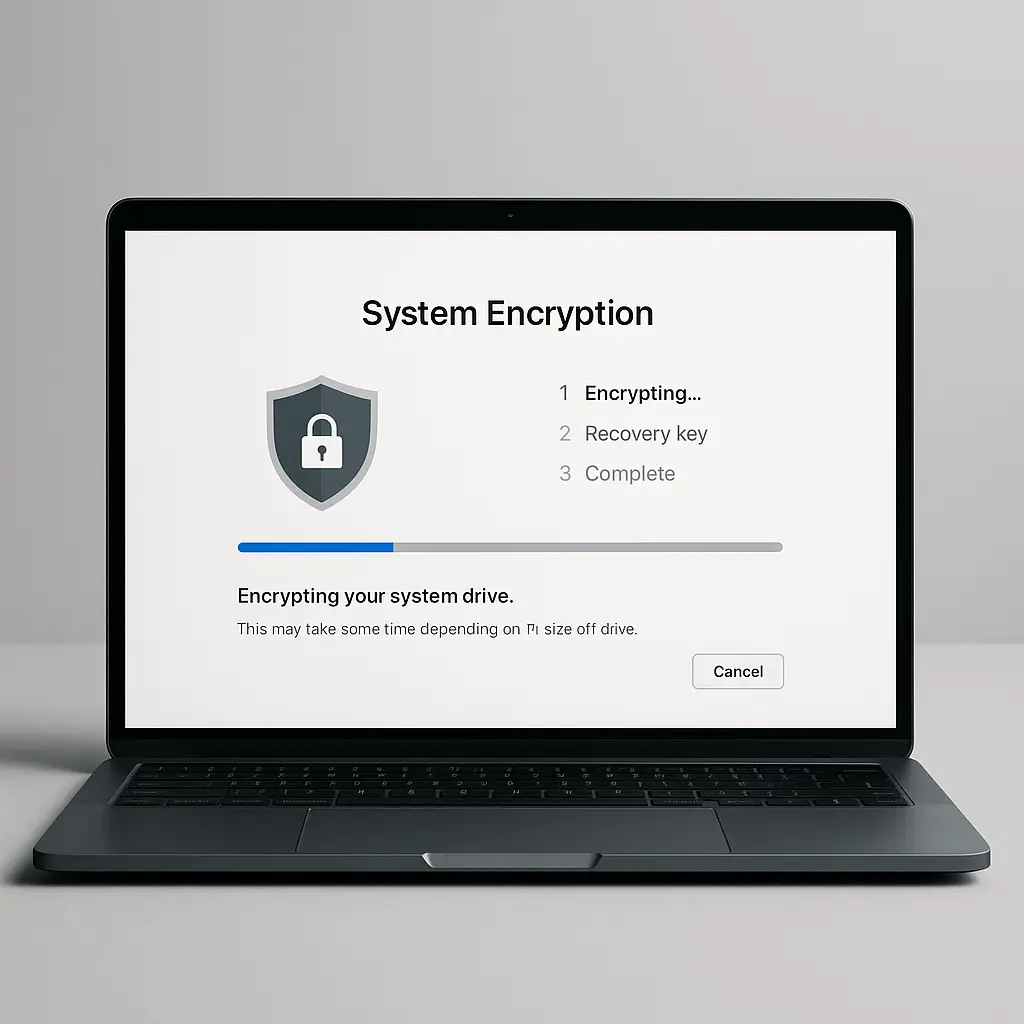
Encrypted email is encryption layered on top of email, a protocol designed in the 1970s for store-and-forward delivery across distributed servers. You compose a message, your email client encrypts it, the encrypted blob travels through multiple servers (your provider, the recipient's provider, sometimes others), and the recipient's client decrypts it on arrival.
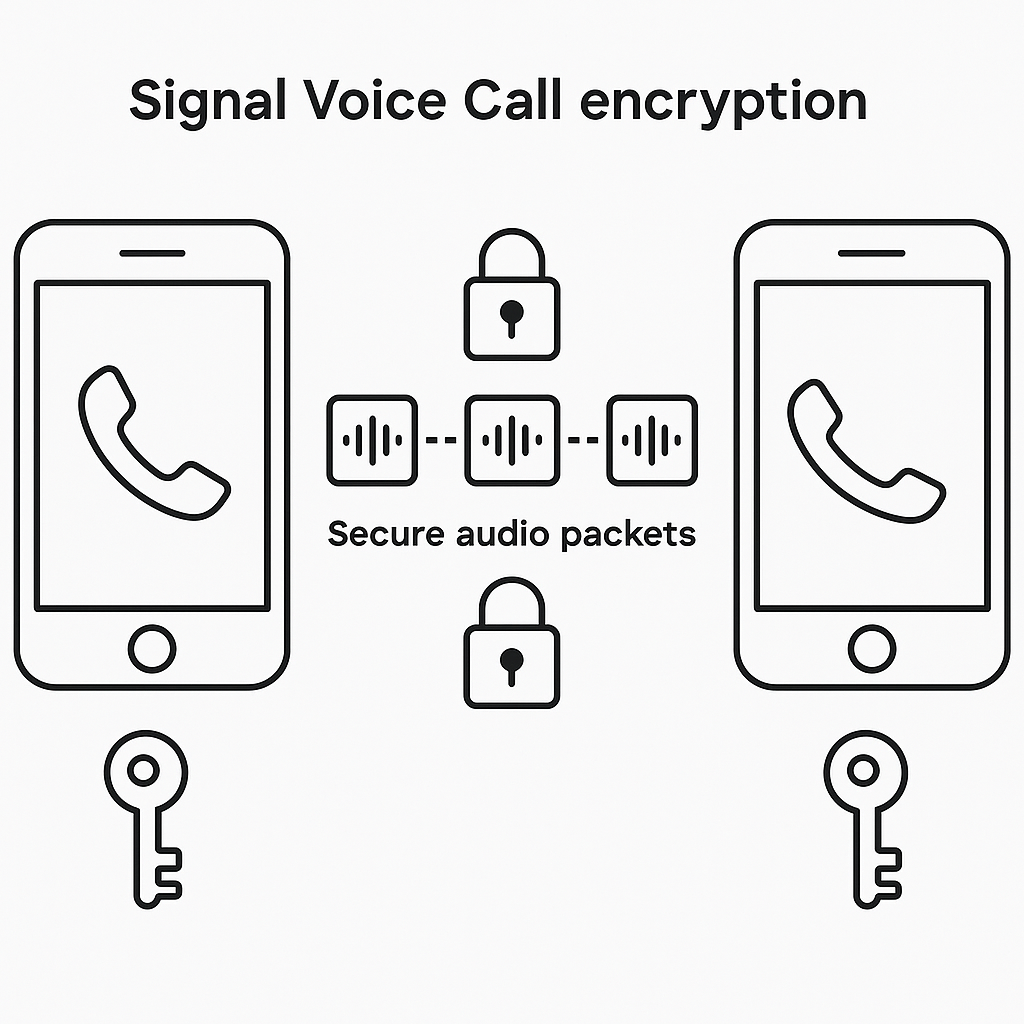
Signal is a purpose-built encrypted messaging platform. You compose a message, Signal encrypts it, the encrypted message passes through Signal's servers for delivery, and the recipient's Signal app decrypts it. The difference isn't just technical architecture. It's what that architecture makes possible and what it makes inevitable.
Email's distributed design means your message touches infrastructure you don't control. Signal's centralized design means every message passes through Signal, Inc.'s servers, but those servers are built specifically to minimize what they can see.
What Encrypted Email Actually Encrypts
When you send encrypted email using PGP or S/MIME, the encryption covers the message body. That's it. The subject line, sender address, recipient address, date, time, message size, and the fact that you're using encryption all remain visible in cleartext.
Your email provider sees who you're talking to, when, and how often. Anyone monitoring the network between servers sees the same. The recipient's email provider sees it. Intelligence agencies with access to email infrastructure see it. The encrypted blob protects the words inside the message, but the metadata around it paints a detailed picture of your communication patterns.
Email headers are necessary for routing. There's no way to deliver email without revealing sender and recipient. Some encrypted email services (ProtonMail, Tutanota) encrypt subject lines and body when both parties use the same service, but the moment you send to someone on Gmail, those protections vanish. The email protocol wasn't designed for privacy. Encryption bolted onto email can't fix that.
What Signal Actually Encrypts
Signal encrypts message content end-to-end. The words you type, the photos you send, the voice calls you make, all encrypted so only you and the recipient can decrypt them. Signal's servers relay messages but can't read them.
Signal also uses the Signal Protocol for key exchange and forward secrecy, which means even if someone compromises your encryption keys later, they can't decrypt past messages. Every message uses ephemeral keys that get discarded after use.
But Signal doesn't hide that you're using Signal. Your phone number is tied to your account. Signal knows when you send a message, when the recipient receives it, and roughly how large the message is. Signal uses sealed sender to hide who you're messaging from Signal's servers in some cases, but not always. Group messages, calls, and certain configurations leak metadata to Signal.
Signal's metadata is dramatically less revealing than email's, but it's not zero. If someone monitors your network traffic, they can see you're connecting to Signal's servers. They can't see who you're talking to or what you're saying, but they know you're using Signal. In some contexts, that's enough.
Key Management: Where Encrypted Email Gets Complicated
Encrypted email requires you to manage cryptographic keys. You generate a key pair (public and private), publish your public key somewhere others can find it, and keep your private key secure. When someone wants to send you encrypted email, they need your public key. When you want to send them encrypted email, you need theirs.
This works in theory. In practice, it's a mess. Most people don't know how to generate keys. Key servers are unreliable. Verifying that a public key actually belongs to the person you think it does requires out-of-band verification that almost no one does. If you lose your private key, every encrypted email ever sent to you becomes unreadable forever.
Signal handles key management automatically. When you install Signal, it generates keys for you. When you message someone, Signal exchanges keys in the background. You can verify keys through safety numbers if you want assurance you're talking to the right person, but the app works without it. If you lose your phone, you lose your message history, but you don't lose the ability to communicate going forward.
The tradeoff: encrypted email gives you control and portability. Signal gives you simplicity and a lower chance you'll misconfigure something critical.
The Usability Gap
Encrypted email requires both parties to use compatible software, configure it correctly, and exchange keys. If your recipient uses Gmail's web interface and has never heard of PGP, you can't send them encrypted email. You can send them regular email, which defeats the purpose, or you can try to walk them through installing Thunderbird, generating keys, and importing yours. Good luck.
Signal requires both parties to install Signal. That's it. If they have Signal, you can message them securely. If they don't, you can't. The barrier is lower, but it's binary. Email works with everyone. Encrypted email works with almost no one. Signal works with everyone who has Signal, which is a much larger group than people who use encrypted email, but still a small fraction of the general population.
For most people, this makes Signal the practical choice. Encrypted email remains the domain of journalists, activists, and people who need to communicate securely with others who've already committed to the setup cost.
Metadata Matters More Than You Think
In The Fellowship of the Ring, Gandalf tells Frodo that even the very wise cannot see all ends. The same applies to metadata. You might think the content of your messages is what matters, and in many cases, it is. But metadata reveals patterns that content alone doesn't.
If I can see you email your lawyer every Tuesday at 9 AM, I don't need to read the messages to know you're dealing with ongoing legal issues. If I can see you message someone 47 times in one evening, I don't need to read the texts to infer a relationship. If I can see you stop emailing your employer and start emailing recruiters, I don't need the subject lines to know what's happening.
Encrypted email hides the words. Signal hides more of the context. Neither hides everything. The question is what level of metadata exposure you can tolerate for your situation.
Disappearing Messages: Signal's Advantage
Signal offers disappearing messages. You set a timer, and messages delete automatically from both devices after the timer expires. This doesn't prevent screenshots or photos of the screen, but it removes the default permanent record.
Encrypted email has no equivalent. Once you send an encrypted email, it lives in the recipient's inbox until they delete it. If their account gets compromised five years later, the attacker gets every encrypted email they've ever received, assuming they still have the private key to decrypt them.
Signal's disappearing messages create a different threat model: you trust the recipient not to save the message externally, but you don't have to trust their device security forever. Encrypted email requires trusting their device security for as long as they keep the message.
When Encrypted Email Makes Sense
You need encrypted email when you need to communicate securely with people who won't install Signal. That's lawyers, sources, professional contacts, people in organizations with strict device policies, people who don't trust installing apps, and people who simply prefer email.
You need encrypted email when you need a permanent, searchable archive. Signal deletes messages from its servers after delivery. If you need to reference a conversation from six months ago, you need it stored somewhere. Encrypted email stored locally gives you that.
You need encrypted email when the workflow demands it. Threaded conversations, formal documentation, attachments with specific naming conventions, integration with other systems, email handles these better than messaging.
When Signal Makes Sense
You need Signal when you need to communicate securely with people who will install Signal. That's friends, family, colleagues willing to use it, activists, journalists, anyone in your network who values privacy and can be convinced to install one app.
You need Signal when metadata protection matters. If the pattern of your communication is as sensitive as the content, Signal's sealed sender and minimal metadata logging offer more protection than encrypted email's cleartext headers.
You need Signal when you want simplicity. No key management, no configuration, no explaining PGP to your mother. Install app, verify phone number, start messaging.
You need Signal when you want disappearing messages. Temporary conversations, sensitive discussions that don't need permanent records, anything where you want the default to be deletion rather than storage.
The Compliance Problem
Some industries require retaining communications for legal or regulatory reasons. Encrypted email can be archived. Signal's disappearing messages can't. If you work in finance, healthcare, legal, or any field with retention requirements, Signal might violate policy even if it's technically secure.
This isn't a technical limitation. It's a legal one. Signal's design philosophy assumes you don't want permanent records. Email's design philosophy assumes you do. Choose the tool that matches your obligations.
The Trust Question
Encrypted email requires trusting your email provider not to tamper with messages in transit, trusting the recipient's email provider the same way, and trusting that both of you configured encryption correctly. You don't have to trust providers to read your messages (the encryption prevents that), but you do have to trust them not to interfere with delivery or key exchange.
Signal requires trusting Signal, Inc. not to build backdoors into the app, not to log more metadata than they claim, and not to be compromised by state actors. Signal is open source, which means the code can be audited, but you're still trusting that the version you downloaded matches the audited code and that Signal's servers do what Signal says they do.
Neither trust model is perfect. Both are better than unencrypted communication. The question is which set of assumptions you're more comfortable with.
The Interoperability Problem
Encrypted email works across providers. You can use ProtonMail, I can use Tutanota, we can still exchange encrypted messages if we both use PGP. Signal only works with Signal. If you want to message someone securely and they refuse to install Signal, you're stuck.
This is Signal's biggest limitation and its biggest strength. Interoperability makes email flexible. Lack of interoperability makes Signal secure. Every additional protocol, every bridge to other services, every compatibility layer is a potential attack surface. Signal chose simplicity and control over flexibility.
What About WhatsApp, iMessage, and Telegram?
WhatsApp uses the Signal Protocol for encryption but is owned by Meta, which has different privacy incentives. iMessage encrypts messages between Apple users but not SMS to Android. Telegram offers optional encryption in secret chats but defaults to unencrypted, server-stored messages.
If you're comparing encrypted email to Signal, you're probably not satisfied with these compromises. WhatsApp's encryption is strong, but Meta's business model is surveillance. iMessage works well within Apple's ecosystem but fails across platforms. Telegram's default behavior is insecure.
Signal is purpose-built for privacy. Encrypted email is privacy bolted onto an old protocol. The alternatives are somewhere in between.
Practical Setup: What It Actually Takes
Setting up encrypted email means choosing an email client that supports PGP or S/MIME (Thunderbird, Apple Mail with plugins, Outlook with plugins), generating a key pair, publishing your public key, and importing the public keys of everyone you want to email securely. Then you need to verify those keys, manage key expiration, back up your private key securely, and explain the process to every recipient.
Setting up Signal means installing Signal, verifying your phone number, and optionally setting a PIN for account recovery. That's it. You can verify safety numbers with contacts if you want cryptographic assurance, but the app works without it.
The difference in setup cost explains why Signal has millions of users and encrypted email remains niche.
The Backup Problem
Encrypted email stored locally can be backed up. You control the files. You can copy them to external drives, cloud storage (encrypted), or anywhere else. If your laptop dies, you still have your messages.
Signal's messages live on your device. You can enable encrypted backups to Signal's servers or export messages locally, but the default is device-only storage. If you lose your phone, you lose your message history. Signal prioritizes ephemeral communication over permanent archives.
This is a feature for some people and a bug for others. If you need permanent records, encrypted email wins. If you want messages to disappear by default, Signal wins.
The Group Conversation Problem
Signal handles group chats well. Everyone in the group has Signal, messages are encrypted end-to-end, and the interface is designed for real-time conversation.
Encrypted email handles group conversations poorly. Every recipient needs compatible encryption software and everyone's public keys. Threading gets messy. Reply-all creates confusion. Email wasn't designed for group chat, and encryption makes it worse.
If you need secure group communication, Signal is the better tool. If you need secure one-to-one professional communication, encrypted email might still make sense.
What Actually Happens When You Mix Them
Some people use both. Encrypted email for professional contacts, formal documentation, and people who won't install Signal. Signal for friends, family, quick coordination, and anyone who values privacy enough to install an app.
This works, but it requires discipline. You need to remember which tool to use for which conversation. You need to avoid accidentally sending sensitive information over the wrong channel. You need to manage two separate systems with different threat models and different failure modes.
Most people pick one and use it consistently. The cognitive overhead of switching between tools is higher than the security benefit of using the perfect tool for every situation.
The Real Comparison
Encrypted email protects message content while exposing metadata, requires technical setup, works with anyone willing to configure encryption, and creates permanent searchable archives.
Signal protects message content and some metadata, requires minimal setup, works with anyone who installs Signal, and defaults to ephemeral communication.
Neither is universally better. Both serve different needs. The question isn't which one wins. The question is which threat model matches your situation.
If you need to communicate securely with people who use email and won't change, encrypted email is your only option. If you need to communicate securely with people willing to install one app, Signal is simpler and probably more secure. If you need both, you'll end up using both, and that's fine.
The worst choice is using neither and assuming your regular email and SMS are private. They're not. Pick the tool that matches your constraints, set it up correctly, and use it consistently. That's more important than optimizing for the theoretically perfect solution.