Bitdefender vs Norton vs Malwarebytes: Which Antivirus Actually Protects You in 2026
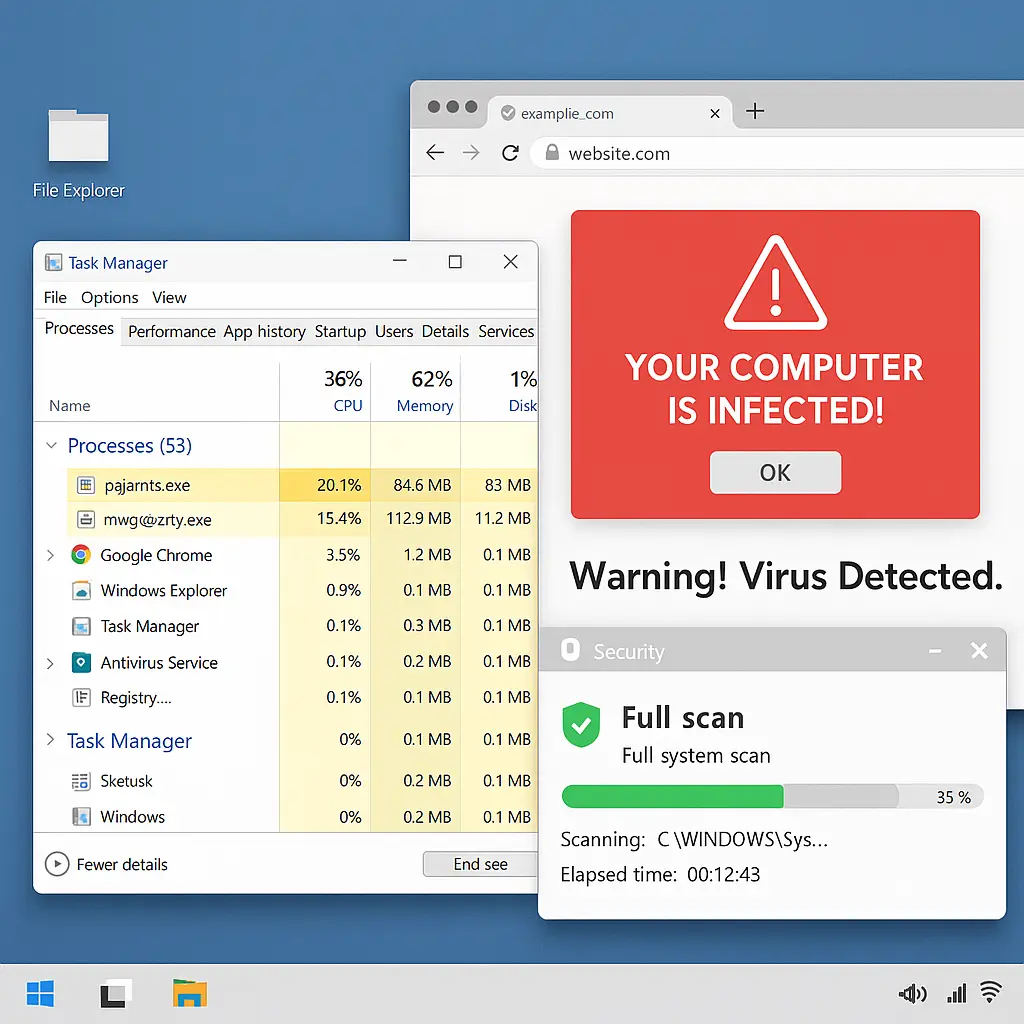
You're looking at antivirus options because something made you realize the default might not be enough. A news story about ransomware. A friend's laptop getting locked. A popup that looked too convincing. The question isn't whether you need protection. It's which product actually delivers it.
Bitdefender, Norton, and Malwarebytes dominate the antivirus conversation in 2026, but they protect you in different ways. One excels at catching threats before they run. One bundles features you might not need. One specializes in cleaning up infections after they've already landed. This comparison walks through how each product works, what independent testing reveals, and which scenarios favor each option.
How Antivirus Actually Works in 2026
Antivirus software operates on three layers. Signature-based detection matches files against a database of known malware. Behavioral analysis watches for suspicious actions like encrypting files or modifying system settings. Heuristic scanning examines code structure to identify threats that don't match existing signatures.
Every antivirus product uses all three methods, but the balance differs. Bitdefender leans heavily on behavioral analysis and machine learning. Norton emphasizes cloud-based threat intelligence and real-time updates. Malwarebytes focuses on behavioral detection to catch zero-day exploits and polymorphic malware.
The mechanism matters because no single approach catches everything. Signature detection fails against new threats. Behavioral analysis generates false positives when legitimate software acts suspiciously. Heuristics can miss malware designed to evade pattern recognition. The product that combines these methods most effectively wins.
CISA's malware analysis guidance describes the threat landscape antivirus products face. Attackers iterate constantly, testing their malware against popular security software before deployment. The gap between a new threat emerging and your antivirus recognizing it determines your actual protection window.
Bitdefender: Detection Engine Built for Unknowns
Bitdefender's core strength is its detection engine. Independent testing from AV-TEST and AV-Comparatives consistently ranks it at or near the top for catching both known and zero-day threats. The software uses machine learning models trained on billions of malware samples to identify threats that don't match existing signatures.
The behavioral monitoring runs quietly. Bitdefender watches for ransomware-specific actions like rapid file encryption, unauthorized registry changes, and attempts to disable security software. When it detects a threat, it quarantines the file and rolls back changes before encryption completes.
System impact is minimal on modern hardware. Bitdefender runs scans during idle time and throttles resource use when you're actively working. Full scans take longer than Norton or Malwarebytes, but the software doesn't interrupt what you're doing.
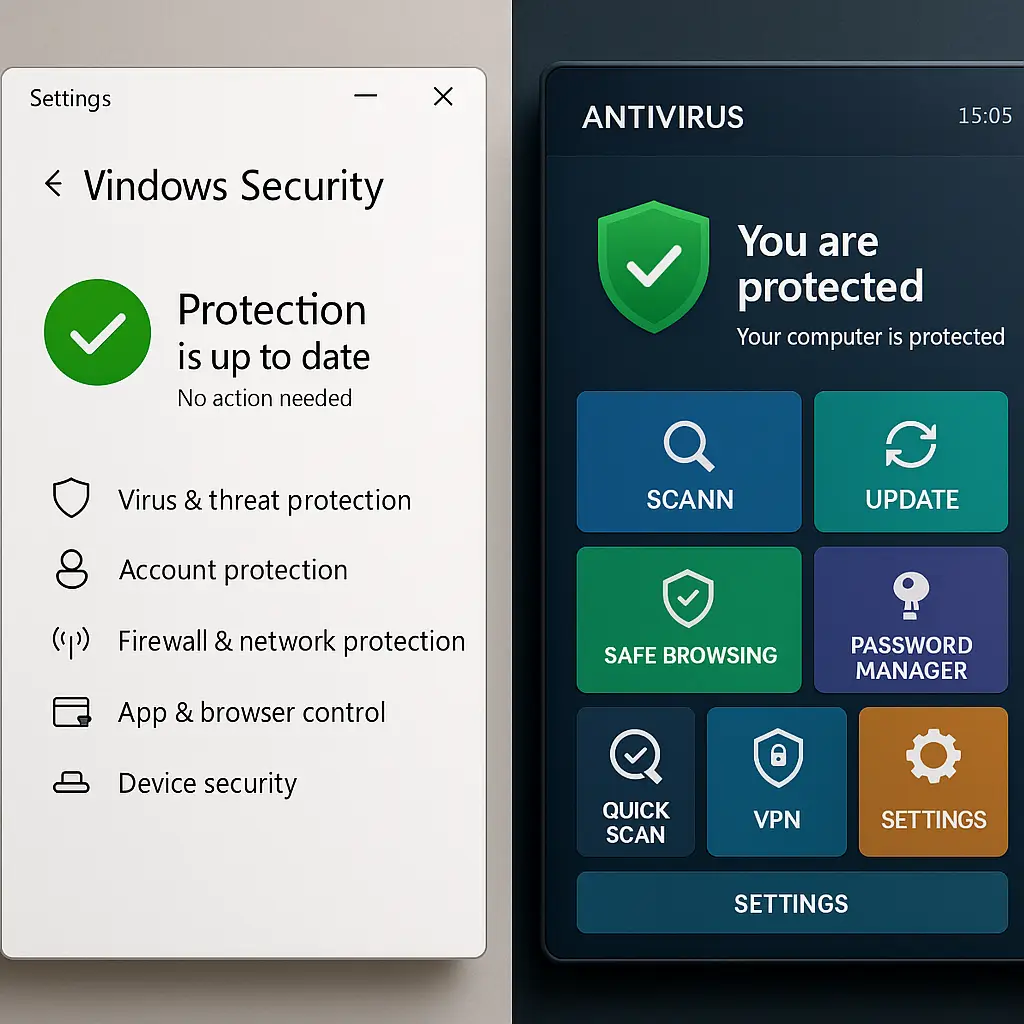
The interface is straightforward. A dashboard shows protection status, recent scans, and quarantined threats. Advanced users can configure custom scan schedules, whitelist specific applications, and adjust real-time protection sensitivity. Most people never touch these settings.
Bitdefender includes ransomware remediation, which creates backup copies of files before encryption attempts. If ransomware gets through, you can restore from these backups without paying the ransom. This feature alone justifies the cost for anyone handling irreplaceable data.
The product bundles a VPN, password manager, and anti-tracking tools. The VPN is limited to 200MB per day on the base plan, which is enough for occasional browsing but not sustained use. The password manager is competent but not as polished as dedicated options like Bitwarden or 1Password.
Bitdefender's weakness is price. The single-device plan runs around $40 per year. Multi-device plans covering five or ten devices cost more but offer better value if you're protecting a household. Renewal prices jump significantly after the first year, which is standard across the industry but still frustrating.
Norton: Feature Bundling and Cloud Intelligence
Norton built its reputation on comprehensive protection, and the 2026 version delivers that through feature bundling. You get antivirus, firewall, password manager, VPN, dark web monitoring, and cloud backup in a single package. Whether you need all of these is a separate question.
The detection engine performs well in independent tests, though it typically trails Bitdefender by a few percentage points on zero-day threats. Norton's strength is its cloud-based threat intelligence network, which updates definitions in real time as new malware appears. If a threat hits someone else first, your system gets the signature before you encounter it.
Norton's firewall monitors inbound and outbound connections, blocking suspicious traffic and alerting you when applications try to phone home. This catches malware that evades file-based detection by communicating with command-and-control servers. The firewall configuration is accessible without being overwhelming.
The password manager integrates with browsers and mobile apps, autofilling credentials and generating strong passwords. It's not as feature-rich as standalone managers, but it works for most people. The dark web monitoring scans breach databases for your email addresses and alerts you when your credentials appear in dumps.
System impact is noticeable on older hardware. Norton runs heavier than Bitdefender during active scans, and the bundled features consume more memory. On a machine from the last three years, you won't notice. On a five-year-old laptop with 4GB of RAM, you will.
The VPN is unlimited, which sets Norton apart from Bitdefender's limited offering. The VPN uses the same infrastructure as other Norton products, with servers in dozens of countries. It's not a privacy-focused VPN in the ProtonVPN or Mullvad sense, but it protects your traffic on public WiFi.
Norton's cloud backup starts at 10GB on the base plan, scaling to 100GB or more on higher tiers. This isn't enough for full system backups, but it covers critical documents and photos. The backup runs automatically and encrypts data before upload.
Pricing is higher than Bitdefender. Norton 360 Deluxe, which covers five devices, runs around $50 for the first year and doubles on renewal. The value proposition depends on whether you'd otherwise pay for a VPN, password manager, and cloud backup separately.
Malwarebytes: Cleanup Specialist with Real-Time Protection
Malwarebytes earned its reputation as a cleanup tool. When your computer is already infected and traditional antivirus missed it, Malwarebytes is what tech-savvy friends install to remove the infection. That strength remains in 2026, but the product has evolved into a full antivirus suite with real-time protection.
The detection approach prioritizes behavioral analysis over signatures. Malwarebytes watches for exploit techniques, payload delivery methods, and post-infection behavior rather than matching files against a database. This makes it effective against ransomware and fileless malware that traditional antivirus struggles with.
Independent testing shows Malwarebytes catching fewer threats proactively than Bitdefender or Norton, but excelling at removing active infections. If you run Malwarebytes after another antivirus missed something, it frequently finds what the first scan didn't. This makes it valuable as a second opinion, even if you're using another product as your primary defense.
The interface is minimal. A single-screen dashboard shows protection status and recent scan results. There are fewer configuration options than Bitdefender or Norton, which is either a feature or a limitation depending on your preferences. You can schedule scans, adjust real-time protection, and manage quarantine, but that's about it.
System impact is light. Malwarebytes runs efficiently in the background and completes scans faster than Bitdefender or Norton. The software doesn't bundle extra features like VPN or password managers, which keeps resource use low.
Malwarebytes Premium includes real-time protection, making it viable as standalone antivirus. But the lower proactive detection rates mean you're accepting more risk than with Bitdefender or Norton. Many people run Malwarebytes alongside Windows Defender, using Defender for real-time protection and Malwarebytes for periodic deep scans.
The free version of Malwarebytes offers on-demand scanning without real-time protection. You run it manually when you suspect an infection. This makes it useful as a cleanup tool even if you're not paying for the premium version.
Pricing is competitive. Malwarebytes Premium for a single device runs around $40 per year, matching Bitdefender's base price. Multi-device plans are available but don't offer the same value as Norton's bundled features or Bitdefender's family plans.
Independent Testing: What the Labs Actually Measure
AV-TEST and AV-Comparatives run monthly tests measuring detection rates, false positives, and system impact. These labs are the closest thing we have to objective comparison data, but understanding what they measure matters.
Detection tests expose antivirus products to thousands of malware samples, including zero-day threats not yet in signature databases. Bitdefender consistently scores 99.9% or higher. Norton typically hits 99.7-99.9%. Malwarebytes ranges from 99.3-99.7%, depending on the test set.
Those differences sound small, but they compound. If Bitdefender catches 999 out of 1000 threats and Malwarebytes catches 995, you're not comparing 0.1% versus 0.5%. You're comparing one missed threat versus five missed threats per thousand exposures. Over a year of browsing, that gap matters.
False positive rates measure how often antivirus flags legitimate software as malicious. High false positive rates train users to ignore warnings, which defeats the purpose. Bitdefender and Norton score well here. Malwarebytes occasionally flags aggressive but legitimate software, particularly system optimization tools and game mods.
System impact tests measure slowdown during scans, file copying, and application launches. Bitdefender and Malwarebytes score best. Norton is measurably slower on older hardware but acceptable on modern systems.
CISA's ransomware guidance emphasizes that no antivirus catches everything. The labs test against known samples in controlled conditions. Real-world attacks use social engineering, zero-day exploits, and targeted campaigns that don't appear in test sets. Antivirus is one layer, not a complete defense.
Real-World Performance: Where Each Product Excels
Bitdefender is the best choice for proactive protection. If you want the highest probability of catching threats before they execute, Bitdefender's detection engine delivers. The ransomware remediation and behavioral monitoring make it strong for anyone handling sensitive data or working in high-risk environments.
Norton makes sense for people who want bundled features. If you're already planning to pay for a VPN, password manager, and cloud backup, Norton's package offers better value than buying each separately. The detection rates are strong enough that you're not sacrificing security for convenience.
Malwarebytes is ideal as a cleanup tool or second opinion. If you suspect an infection that your primary antivirus missed, Malwarebytes is the tool to run. The Premium version works as standalone antivirus for people comfortable with slightly lower detection rates in exchange for minimal system impact.
The scenario that matters most is the one you're actually in. If you're protecting a single Windows PC and rarely venture beyond mainstream sites, Windows Defender paired with Malwarebytes free scans might be enough. If you're running a small business with customer data, Bitdefender's detection rates justify the cost. If you're protecting a family with multiple devices and want simplified management, Norton's bundled approach makes sense.
The weakest choice is running no antivirus at all. Windows Defender is competent baseline protection, but dedicated antivirus products catch threats Defender misses. The gap isn't enormous, but it's real. If you're reading this article, you're already aware that default protection has limits.
What Antivirus Doesn't Protect Against
Antivirus catches malware. It doesn't catch phishing emails, social engineering, or password reuse. If you click a link in a convincing fake email and enter your credentials on a spoofed login page, antivirus won't help. The page is legitimate HTML. No malware executed. You just gave your password to an attacker.
Antivirus doesn't protect against account takeovers resulting from breached credentials. If your password appears in a breach and you reused it across sites, attackers will test it everywhere. Antivirus won't stop that. A password manager and unique passwords for every account will.
Antivirus doesn't protect against zero-day exploits in your browser, operating system, or applications. If attackers find a vulnerability before the vendor patches it, they can deliver malware through legitimate websites. Keeping software updated matters more than any antivirus product.
The FTC's guidance on malware protection emphasizes that antivirus is one tool in a broader security approach. You still need strong passwords, two-factor authentication, regular backups, and skepticism toward unexpected emails.
The cultural reference that fits here is Ocean's Eleven. Danny Ocean's crew doesn't rely on a single tool to rob the casino. They use surveillance, social engineering, technical exploits, and backup plans. Security works the same way. Antivirus is the vault alarm. You also need locks, cameras, and guards. One layer fails, another catches it.
Configuration That Actually Matters
All three products ship with reasonable defaults, but a few settings improve protection. Enable real-time scanning if it's not on by default. Schedule weekly full scans during times you're not using the computer. Configure ransomware protection to monitor your Documents, Pictures, and Desktop folders.
Set up email alerts for detected threats. Most people don't check antivirus dashboards regularly. An email notification when something gets quarantined tells you immediately rather than days later.
Whitelist applications you trust if they trigger false positives. Game mods, system optimization tools, and developer software frequently get flagged. Adding them to the whitelist prevents repeated alerts while maintaining protection against actual threats.
Update definitions automatically. All three products do this by default, but verify the setting. Malware evolves daily. Yesterday's definitions miss today's threats.
Don't disable antivirus for convenience. If a program won't run with antivirus enabled, that's a red flag. Legitimate software works alongside security tools. Malware often instructs users to disable antivirus as part of the installation process.
Pricing and Value Comparison
Bitdefender Antivirus Plus (1 device): around $40/year first year, $80/year renewal Bitdefender Total Security (5 devices): around $50/year first year, $100/year renewal
Norton 360 Standard (1 device): around $40/year first year, $80/year renewal Norton 360 Deluxe (5 devices): around $50/year first year, $100/year renewal
Malwarebytes Premium (1 device): around $40/year Malwarebytes Premium + Privacy (1 device + VPN): around $100/year
All three vendors run frequent sales. First-year pricing is promotional. Renewal prices are the real cost. Set a calendar reminder before renewal to check for deals or consider switching if prices jump too high.
Multi-device plans offer better value per device. If you're protecting more than one computer, pay for the family plan. Single-device plans only make sense if you're truly protecting a single device.
Free options exist. Windows Defender is built into Windows 10 and 11. It's competent baseline protection. Malwarebytes Free offers on-demand scanning. If budget is tight, Defender plus Malwarebytes Free scans is better than nothing.
Making the Choice
Bitdefender for detection. Norton for bundled features. Malwarebytes for cleanup or second opinions. The decision tree is straightforward once you know what you're optimizing for.
If you're protecting sensitive data, prioritize detection rates. Bitdefender wins. If you're protecting a family and want simplified management with bundled tools, Norton wins. If you're comfortable with slightly lower proactive detection in exchange for minimal system impact, Malwarebytes wins.
The wrong choice is analysis paralysis. All three products protect you better than nothing. Pick one based on your priorities, install it, and move on. Spending three hours researching antivirus options doesn't improve your security. Installing one and enabling two-factor authentication on your email does.
Antivirus is necessary but not sufficient. It catches malware. You still need strong passwords, regular backups, software updates, and skepticism toward unexpected emails. The product you choose matters less than whether you're using it alongside those other practices.
Security is a system. Antivirus is one component. Choose the component that fits your system, then build the rest of the defenses around it.