Banking app security: what actually matters
You open your banking app, transfer money, check your balance, and close it. The entire interaction takes 30 seconds. In that window, you trust that the app is protecting your credentials, encrypting your session, verifying your identity, and preventing fraud. Most of the time, it does. But the question "are banking apps safe" conflates the app's security with the broader system it operates in. The app itself is usually the strongest link in the chain. The weakest link is almost always your phone.
Banking apps use encryption, biometric authentication, fraud monitoring, and certificate pinning to protect your data and transactions. These protections work. But they work within the boundaries of the device they run on. If your phone is compromised, the app's security becomes irrelevant. If your phone has no lock screen, biometric authentication is theater. If your phone runs a three-year-old operating system with unpatched vulnerabilities, encryption can't save you from malware that records your screen or intercepts your one-time codes.
The reality check here is that banking app security is not a yes-or-no question. The app is safe. Your phone might not be. The network you're on doesn't matter as much as you think. The fraud monitoring behind the scenes catches more attacks than you see. And the human habits around authentication, app permissions, and device hygiene determine whether the app's protections actually protect you.
How banking apps protect your data
Banking apps encrypt all traffic between your phone and the bank using TLS (Transport Layer Security). This is the same protocol that protects web traffic, but mobile apps implement it more strictly. Most banking apps use certificate pinning, which means the app only accepts connections to the bank's specific server certificate. A browser trusts any certificate signed by a recognized authority. An app with certificate pinning rejects everything except the one certificate it expects. This blocks man-in-the-middle attacks, even on compromised networks.
When you log in, the app sends your credentials over this encrypted channel. The bank verifies your username and password, then issues a session token. The token is a temporary credential that expires after a set period of inactivity or when you log out. The app stores this token in the phone's secure storage (Keychain on iOS, Keystore on Android). The token never appears in plain text. If someone pulls a memory dump from your phone, they get encrypted data, not your password.
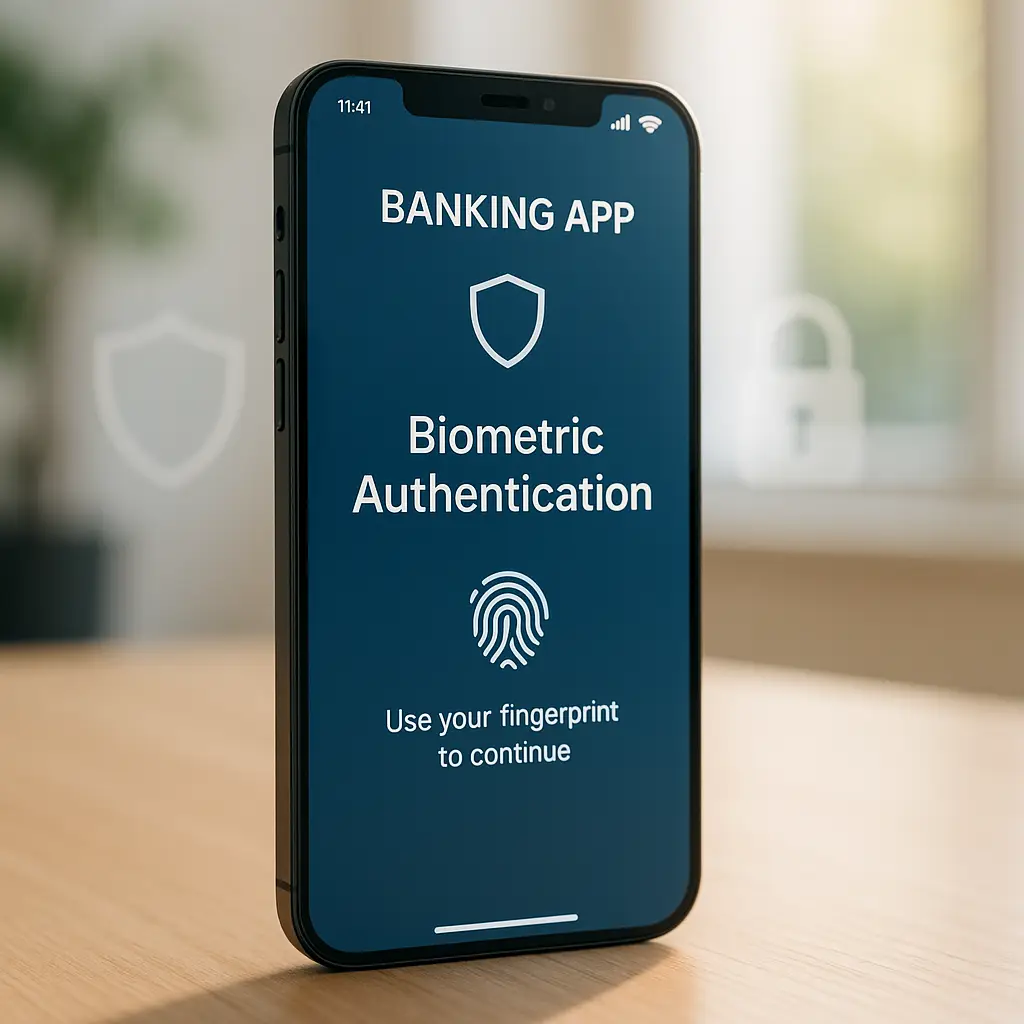
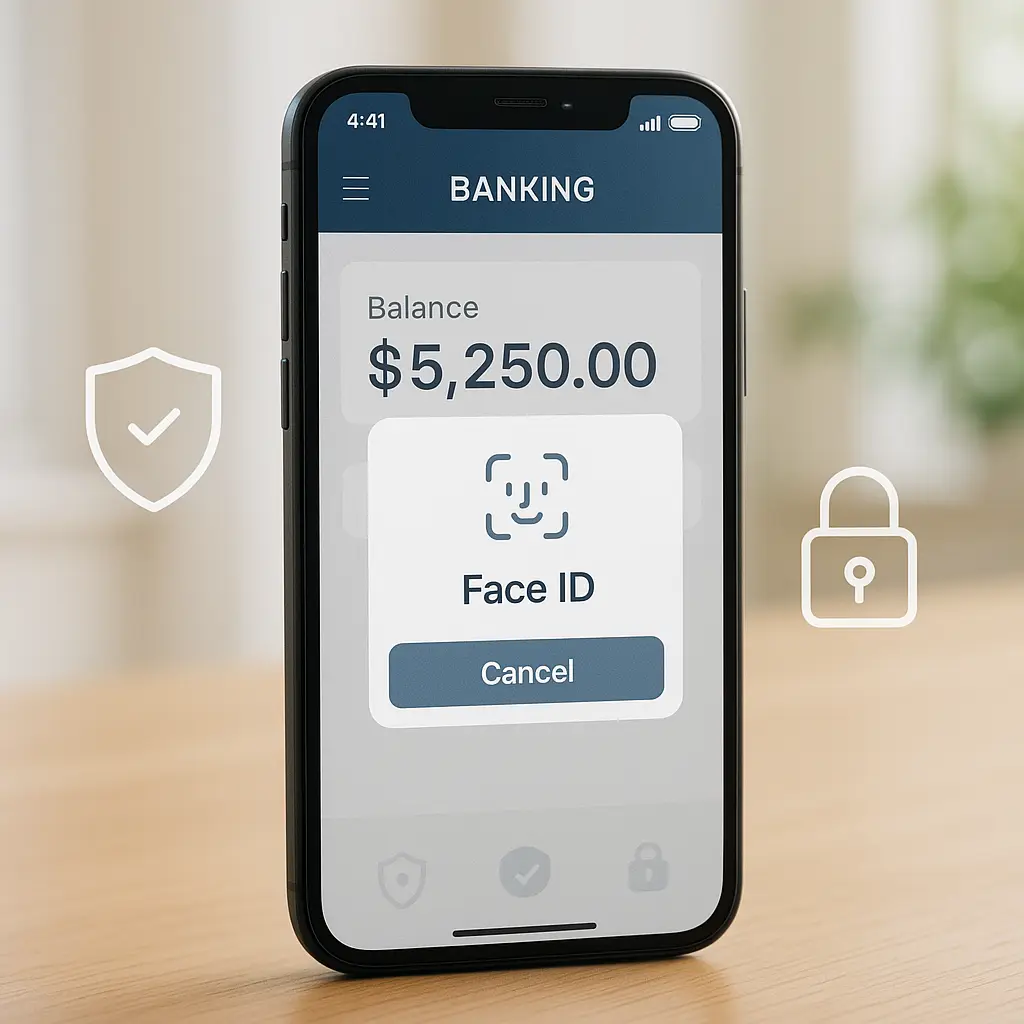
Biometric authentication (fingerprint, face recognition) works as a local unlock mechanism. When you enable biometrics in a banking app, the app stores a reference to your biometric data in the phone's secure enclave. The actual biometric data never leaves the enclave. When you authenticate, the phone's operating system confirms the match, and the app unlocks. The bank never sees your fingerprint or face. The app just knows the OS verified you.
Some apps require biometric authentication for every login. Others use it to unlock a stored session token. The difference matters. If the app requires re-authentication with the bank every time you open it, biometrics are just a faster way to enter your password. If the app unlocks a stored session, biometrics protect the token, but the session itself might persist for hours or days. Check your app's settings to see which model it uses.
Transaction verification adds another layer. When you initiate a transfer or payment, most banking apps require a second authentication step. This might be biometrics again, a PIN, or a one-time code sent via SMS or generated by an authenticator app. The bank verifies the transaction details (amount, recipient, account) before processing. If the transaction looks unusual based on your history, the bank might block it and require manual verification.
Fraud monitoring runs in the background. The bank tracks your login location, device fingerprint, transaction patterns, and velocity (how many transactions you make in a short period). If you log in from a new device, transfer an unusually large amount, or make several rapid transactions, the system flags it. You might get a text, email, or in-app notification asking you to confirm the activity. If you don't respond, the bank locks the account until you verify.
These protections work. They catch most attacks that target the app itself or the network layer. But they assume the device running the app is trustworthy. If the device is compromised, the app's security becomes a formality.
What happens when your phone is compromised
Malware on your phone operates with the permissions you grant. If you install a malicious app and give it accessibility service access (a permission that lets apps interact with other apps on your behalf), that app can read your screen, log your keystrokes, and perform actions in other apps. Banking trojans use this technique. They wait for you to open your banking app, record your credentials, capture your one-time codes, and relay the data to an attacker.
Android banking trojans targeted around 985 banking apps in 2023, according to researchers tracking mobile malware. The trojans spread through fake apps in third-party stores, phishing links, and malicious ads. Once installed, they request accessibility permissions under the guise of legitimate functionality. Users grant the permission because the request looks normal. The trojan activates, overlays fake login screens on top of real banking apps, and steals credentials when users type them.
iOS is harder to compromise because it restricts background app activity and limits inter-app communication. But iOS malware exists. It typically targets enterprise environments through MDM (Mobile Device Management) exploits or reaches consumers through phishing attacks that trick users into installing configuration profiles. A malicious profile can redirect traffic, install certificates, or change DNS settings. The attack surface is smaller than Android, but not zero.
Physical access to an unlocked phone bypasses most app-level security. If someone picks up your phone and it has no lock screen, they can open your banking app, transfer money, and close the app before you notice. Biometric authentication in the app doesn't help if the phone itself is unlocked. Some apps require biometrics for every transaction, which adds friction but limits damage. Others rely on the phone's lock screen as the primary defense.
Screen recording malware captures everything you see. If malware records your screen while you use your banking app, it sees your balance, transaction history, account numbers, and any one-time codes displayed on screen. The malware doesn't need to break encryption or intercept network traffic. It just watches what you watch.
Keyloggers capture everything you type. If you enter a password, PIN, or one-time code, the keylogger records it. Banking apps that rely on biometrics avoid this risk, but fallback authentication (the option to enter a password instead of using biometrics) creates a window for keyloggers to operate.
SIM swapping is an attack where someone convinces your mobile carrier to transfer your phone number to a SIM card they control. Once they have your number, they receive your SMS-based one-time codes. If your banking app uses SMS for two-factor authentication, the attacker can log in as you. This attack doesn't compromise your phone. It compromises your phone number. The fix is to use app-based authentication (like an authenticator app) instead of SMS.
The common thread here is that app-level security can't protect against device-level compromise. The app encrypts your session, verifies your identity, and monitors for fraud. But if malware is running on your phone with the permissions to see, record, or manipulate what you do, the app's protections become irrelevant.
The role of your phone's operating system
Your phone's OS is the foundation. If the OS has unpatched vulnerabilities, malware can exploit them to gain elevated privileges, bypass security restrictions, or persist across reboots. Banking apps can't defend against OS-level exploits. They rely on the OS to enforce sandboxing, manage permissions, and protect secure storage.
iOS updates are consistent. Apple releases updates for all supported devices on the same day, and most users install them within weeks. This limits the window for attackers to exploit known vulnerabilities. Android updates are fragmented. Some manufacturers release updates quickly. Others delay for months or never release them at all. If you're running an Android phone that's three years old and hasn't received a security update in a year, you're operating on a platform with known, unpatched vulnerabilities.
Security researchers have found that some Android devices ship with pre-installed malware or adware that can't be removed without rooting the device. This malware operates with system-level privileges and can intercept data from other apps, including banking apps. The banking app's encryption doesn't matter if the malware is running at a level where it can read decrypted data in memory.
App permissions determine what an app can access. On both iOS and Android, you grant permissions when you install an app or the first time the app requests access to a specific feature. Banking apps typically request permissions for camera (to scan checks or QR codes), location (for fraud detection based on login location), and notifications (to alert you about transactions or security events). These permissions are reasonable. But if you install a third-party app and it requests accessibility services, SMS access, or device admin privileges without a clear reason, that's a red flag.
Accessibility services are designed for users with disabilities. They let apps read screen content, interact with other apps, and perform actions on behalf of the user. Banking trojans abuse this permission to overlay fake login screens, capture credentials, and automate fraudulent transactions. iOS restricts accessibility features more tightly than Android. On Android, malicious apps routinely request accessibility permissions under false pretenses (claiming they need it for a screen reader, notification manager, or battery saver).
Device admin privileges let an app lock your screen, wipe your data, or change your password. Legitimate apps use this for enterprise device management or security tools. Malware uses it to prevent removal. If you try to uninstall an app with device admin privileges, the OS blocks you until you revoke the privilege. Some malware hides the revocation option or makes it difficult to find.
Lock screen security is the first line of defense. If your phone has no lock screen, anyone with physical access can open your banking app (assuming it doesn't require biometrics for every session). If your lock screen uses a four-digit PIN, it's better than nothing but weaker than a six-digit PIN or a passphrase. Biometric unlock (fingerprint or face) is convenient and reasonably secure, but it can be bypassed in some scenarios (a sleeping person's finger, a high-quality photo for face recognition on older devices). Use biometrics with a strong fallback PIN.
Encryption protects data at rest. Both iOS and Android encrypt the phone's storage by default, but encryption only works if the phone is locked. When you unlock your phone, the OS decrypts the storage and keeps it decrypted until you lock it again. This is why a locked phone is harder to compromise than an unlocked one. An attacker with physical access to a locked phone gets encrypted data. An attacker with access to an unlocked phone gets everything in plain text.
What fraud monitoring actually catches
Fraud monitoring operates behind the scenes. You don't see it unless it blocks a transaction or locks your account. The bank analyzes every login and transaction in real time, comparing it against your historical behavior and broader patterns of fraudulent activity.
Login location is one signal. If you log in from your home city every day for six months, then suddenly log in from another country, the system flags it. The bank might send you a text asking you to confirm the login. If you don't respond, the account locks until you verify your identity. This catches account takeovers where an attacker logs in from a different location.
Device fingerprinting tracks the specific characteristics of the device you use to log in. The fingerprint includes your phone model, OS version, screen resolution, installed fonts, time zone, and other attributes. If you always log in from the same phone and suddenly a login appears from a different device, the system flags it. This catches cases where an attacker has your credentials but not your phone.
Transaction velocity measures how many transactions you make in a short period. If you typically make two or three transactions per week and suddenly make ten in an hour, the system flags it. This catches automated attacks where malware or a compromised session initiates rapid transfers.
Transaction amount and recipient are compared against your history. If you've never sent more than a few hundred dollars in a single transaction and suddenly initiate a transfer of several thousand, the system flags it. If you've never sent money to a particular recipient and suddenly do, the system might require additional verification.
Behavioral biometrics analyze how you interact with the app. This includes typing speed, swipe patterns, how you hold the phone, and how long you spend on each screen. If your behavior changes significantly (because someone else is using your phone or because malware is automating actions), the system can detect it. This is a newer technique and not all banks use it, but it's becoming more common.
The FTC reported that consumers lost around $10 billion to fraud in 2024, with imposter scams and online shopping fraud among the top categories. Banking fraud is a subset of this, but the losses are significant. Fraud monitoring reduces these losses by catching attacks before they complete. But it's not perfect. False positives lock legitimate users out of their accounts. False negatives let fraudulent transactions through.
The system balances security and convenience. If the fraud detection is too aggressive, you get locked out every time you travel or use a new device. If it's too lenient, attackers slip through. Most banks err on the side of caution, which means you'll occasionally get a text asking you to verify a legitimate transaction. This is annoying but preferable to the alternative.
Public WiFi and network security
Public WiFi doesn't expose your banking credentials or transaction data. Banking apps encrypt all traffic using TLS, and certificate pinning ensures the app only connects to the bank's legitimate server. An attacker on the same WiFi network can see that you're communicating with your bank (because they can see the IP address), but they can't see what you're sending or receiving. The traffic is encrypted end-to-end.
The risk with public WiFi is not eavesdropping on encrypted sessions. The risk is malware. If you connect to a compromised network, an attacker might serve you a malicious app update, redirect you to a fake website, or exploit a vulnerability in your phone's network stack. But these attacks target your phone, not the banking app's encryption.
Some public WiFi networks use captive portals that require you to log in or accept terms before granting internet access. These portals can track your browsing, inject ads, or redirect you to phishing pages. But they can't intercept your banking app traffic because the app uses certificate pinning and refuses to connect through an untrusted proxy.
A VPN adds a layer of encryption between your phone and the VPN server. This hides your internet activity from the WiFi network operator, but it doesn't make your banking app more secure. The app already encrypts its traffic. The VPN encrypts it again. This is redundant for banking but useful for other activities (browsing, email, social media) where you don't want the network operator to see which sites you visit.
The bigger concern with public WiFi is connecting to a fake network. An attacker sets up a WiFi hotspot with a name like "Airport_Free_WiFi" or "Starbucks_Guest." You connect, thinking it's the legitimate network. The attacker now controls your internet connection and can serve you fake websites, intercept unencrypted traffic, or exploit vulnerabilities. Banking apps resist this attack because of certificate pinning, but other apps and web browsers don't.
The practical advice here is that public WiFi is not a significant risk for banking apps specifically. The app's encryption handles it. But public WiFi is a risk for your phone in general. Avoid connecting to networks you don't trust. If you must connect, use a VPN for non-banking activities and keep your phone's OS and apps updated to close known vulnerabilities.
Comparing banking apps to web browsers
Banking apps are generally more secure than web browsers for accessing your bank account. The app uses certificate pinning, which prevents man-in-the-middle attacks. A browser trusts any certificate signed by a recognized certificate authority, which means a compromised authority or a malicious certificate can intercept your session. This is rare but not impossible.
Browsers expose credentials to extensions. If you use a password manager extension, a malicious extension with similar permissions could potentially intercept your credentials as you enter them. Banking apps don't interact with browser extensions. They operate in a sandboxed environment where other apps can't see what you're doing (unless you've granted accessibility permissions to a malicious app, which is a separate problem).
Browsers cache data. If you log in to your bank through a browser and don't log out, the session might persist in cookies or local storage. Someone with access to your phone could open the browser and resume your session. Banking apps manage sessions more strictly. They typically require re-authentication after a period of inactivity and store session tokens in secure storage that other apps can't access.
Browsers are vulnerable to phishing. If you click a link in an email or text message and it takes you to a fake banking website, the browser displays the site. The site looks legitimate. You enter your credentials. The attacker captures them. Banking apps don't have this problem because you open the app directly from your home screen. There's no URL to spoof.
But browsers have advantages. They don't require you to install an app, which reduces the attack surface if you're using a shared or public device. They work on any platform. And they don't require app permissions (camera, location, notifications) that could be abused.
The choice depends on your threat model. If you're using your own phone with a strong lock screen, updated OS, and no sketchy apps installed, the banking app is safer. If you're using a shared device or a device you don't fully trust, a browser in incognito mode is safer because it doesn't leave persistent data.
What you should actually do
Your phone's security determines your banking app's security. Start there. Use a strong lock screen (six-digit PIN or longer, biometrics with a strong fallback). Keep your OS updated. If your phone no longer receives security updates, replace it. A three-year-old phone with unpatched vulnerabilities is a liability.
Install apps only from official stores (App Store on iOS, Play Store on Android). Third-party app stores and sideloaded APKs are common vectors for banking trojans. If you must install an app from outside the official store, verify the source and understand the risks.
Review app permissions regularly. Go through your installed apps and check what permissions they have. If an app requests accessibility services, device admin, or SMS access without a clear reason, revoke the permission or uninstall the app. Banking apps need camera (for check deposits), location (for fraud detection), and notifications (for alerts). They don't need accessibility services or device admin.
Enable two-factor authentication in your banking app. Use an authenticator app (like Google Authenticator or Authy) instead of SMS if your bank supports it. SMS-based codes are vulnerable to SIM swapping. App-based codes are not.
Set up transaction alerts. Most banking apps let you enable notifications for every transaction above a certain amount or for all transactions. Enable this. If you get an alert for a transaction you didn't make, you can respond immediately.
Check your account regularly. Open your banking app every few days and review recent transactions. If you see something you don't recognize, report it to your bank immediately. The sooner you report fraud, the easier it is to reverse.
Don't jailbreak or root your phone. Jailbreaking (iOS) and rooting (Android) remove security restrictions that protect you from malware. Some banking apps refuse to run on jailbroken or rooted devices because the risk is too high.
Use a password manager for your banking app password. Don't reuse the password across other accounts. If your email or another account gets breached and you used the same password for your bank, an attacker can try the leaked password against your banking app. A unique password prevents this.
Log out when you're done. Some banking apps log you out automatically after a period of inactivity. Others keep you logged in until you manually log out. If your app doesn't auto-logout, make it a habit to log out manually. This limits the window where a stolen or compromised phone can access your account.
Ignore texts, emails, or calls claiming to be from your bank and asking you to verify your account, click a link, or call a number. Banks don't ask for credentials over the phone or via unsolicited messages. If you get a message that looks urgent, open your banking app directly (not through a link) or call the number on the back of your card. The FTC has documented how imposter scams work and how to recognize them.
The Sherlock Holmes principle
In Arthur Conan Doyle's stories, Sherlock Holmes solves cases by eliminating the impossible. Whatever remains, however improbable, must be the truth. Banking app security works the same way. The app eliminates the most obvious attack vectors: it encrypts your session, verifies your identity, pins certificates, monitors for fraud. What remains are the improbable but real threats: a compromised phone, a malicious app with excessive permissions, a SIM swap, physical access to an unlocked device.
You can't eliminate every risk. But you can eliminate the easy ones. A strong lock screen stops casual physical access. Regular OS updates close known vulnerabilities. App permission reviews catch malicious software before it does damage. Two-factor authentication blocks credential theft. Transaction alerts let you respond to fraud quickly.
The app is safe. The question is whether the environment it runs in is safe. If your phone is updated, locked, and free of sketchy apps, the banking app's protections work as designed. If your phone is compromised, outdated, or unlocked, the app's security becomes a formality. The difference is in the details you control.