Antivirus in 2026: Do You Still Need It?
The antivirus debate in 2026 feels like arguing about whether you still need a landline. The technology exists, some people swear by it, and the sales pitch hasn't changed in twenty years. But the threat landscape has.
Antivirus software scans files, monitors behavior, and blocks known threats. That worked when malware arrived as email attachments and infected executables. In 2026, threats move through web browsers, exploit zero-day vulnerabilities, and live entirely in memory without touching the file system. The question isn't whether antivirus is obsolete, it's whether it still protects against the threats that actually matter.
Here's the reality behind antivirus in 2026, what it catches, what it misses, and whether you need it.
What Antivirus Actually Does
Antivirus software operates on three core mechanisms: signature matching, heuristic analysis, and behavioral monitoring.
Signature matching compares files against a database of known malware. When you download an executable, the antivirus calculates its hash, a unique fingerprint, and checks it against millions of known malicious hashes. If there's a match, the file gets quarantined. This works well for commodity malware that's been seen before. It fails completely against new threats.
Heuristic analysis looks for suspicious patterns without requiring an exact match. The software examines file structure, code behavior, and API calls to identify characteristics common to malware. A file that tries to modify system files, disable security features, or communicate with known command-and-control servers triggers alerts even if it's never been cataloged. This catches variants of existing threats, slightly modified versions that evade signature detection.
Behavioral monitoring watches running processes for malicious activity. If a program starts encrypting files rapidly, attempts to spread across the network, or injects code into other processes, the antivirus intervenes. This layer catches some zero-day exploits and polymorphic malware that changes its signature with each infection.
CISA's malware analysis guidance describes these detection layers and their limitations. Signature databases update constantly, but there's always a gap between when malware appears in the wild and when antivirus vendors catalog it. That gap is where infections happen.
Modern antivirus also includes web filtering, email scanning, and exploit protection. Web filters block known malicious domains before you visit them. Email scanners quarantine attachments that match threat signatures. Exploit protection hardens vulnerable software, browsers, PDF readers, office applications, against common attack techniques.
These features work, but they're reactive. They protect against known threats and predictable attack patterns. They don't protect against targeted attacks, novel exploits, or threats designed to evade detection.
What Changed Since 2016
Ten years ago, malware predominantly arrived as infected files. You downloaded an executable, ran it, and the payload installed itself. Antivirus caught most of this because the malware had to touch the disk, giving signature scanners a chance to intervene.
In 2026, most successful attacks bypass the file system entirely. Fileless malware lives in memory, executing code through PowerShell, Windows Management Instrumentation, or legitimate system tools. These attacks exploit trusted processes, programs already running on your machine, so behavioral monitoring sees normal activity. By the time the antivirus recognizes the threat, the attacker has already exfiltrated data or encrypted files.
Web-based threats increased dramatically. Drive-by downloads, malicious ads, and compromised websites deliver exploits through your browser without requiring you to download anything deliberately. The exploit targets vulnerabilities in browser plugins, JavaScript engines, or rendering components. If your browser or operating system isn't patched, the exploit succeeds before antivirus can intervene.
Ransomware evolved from broad spray-and-pray campaigns to targeted operations. Early ransomware infected thousands of machines indiscriminately, making it easy for antivirus vendors to collect samples and build signatures. Modern ransomware operators research their targets, customize their payloads, and test against major antivirus products before deployment. They know what signatures to avoid and which behavioral patterns trigger alerts.
CISA's ransomware guidance documents this shift toward targeted attacks. The operators behind modern ransomware aren't script kiddies running commodity malware. They're organized groups with resources, time, and motivation to bypass standard defenses.
Mobile threats became mainstream. In 2016, mobile malware was rare and mostly affected Android devices in specific regions. In 2026, both iOS and Android face persistent threats from malicious apps, phishing attacks, and surveillance tools. Traditional desktop antivirus doesn't protect your phone, and mobile antivirus apps have limited access to system-level processes where threats often hide.
Supply chain attacks increased. Instead of infecting end users directly, attackers compromise software vendors, update mechanisms, or trusted applications. When you install legitimate software from a trusted source, you're also installing the malware the attackers injected upstream. Antivirus can't distinguish between legitimate code and malicious code if both come from the same signed executable.
The gap between threat emergence and antivirus response widened. In 2016, antivirus vendors could catalog and distribute signatures within hours of discovering new malware. In 2026, sophisticated threats use techniques that take days or weeks to analyze and counter. During that window, you're unprotected.
The Built-In Protection You Already Have
Windows Defender ships with every Windows installation and provides baseline protection without additional software. It scans files in real time, monitors behavior, and blocks known threats. Microsoft's threat intelligence feeds Defender's detection engine, giving it access to telemetry from hundreds of millions of devices.
Defender catches commodity malware, adware, trojans, and older ransomware variants that rely on known techniques. It struggles with zero-day exploits, fileless attacks, and targeted malware designed to evade detection. For most users doing typical browsing, email, and productivity work, Defender provides adequate protection. It's not perfect, but neither is third-party antivirus.
macOS includes XProtect and Gatekeeper as built-in defenses. XProtect is Apple's signature-based malware scanner. It runs in the background, checking files against a database of known Mac malware. Gatekeeper enforces code signing and notarization requirements, blocking unsigned or unverified applications from running without explicit user permission.
These protections work well against known Mac malware, which is less prevalent than Windows malware but not nonexistent. Macs face threats from adware, fake installers, and trojans disguised as legitimate applications. XProtect catches most of these if you keep macOS updated. It misses novel threats and targeted attacks.
Apple's platform security documentation describes how these layers interact. The system verifies code signatures, checks files against malware databases, and sandboxes applications to limit damage if something malicious executes. This architecture reduces risk but doesn't eliminate it.
iOS and Android include sandboxing, app review processes, and permission systems that limit malware impact. iOS apps run in isolated environments with restricted access to system resources. Android's permission model requires apps to request access to sensitive data and features. These mechanisms prevent most malware from spreading beyond the infected app.
Mobile threats succeed through social engineering rather than technical exploits. Malicious apps trick users into granting permissions, phishing sites steal credentials, and scam messages manipulate victims into sending money. Antivirus apps on mobile devices can scan for known malware and block malicious URLs, but they can't prevent you from voluntarily handing over your password.
Built-in protections handle the majority of threats most people encounter. They don't handle everything, and that gap is where third-party antivirus claims to add value.
When Third-Party Antivirus Adds Value
Third-party antivirus makes sense in specific situations where built-in protections fall short.
If you regularly download files from unfamiliar sources, torrents, file-sharing sites, forums, you face higher exposure to malware that built-in scanners might miss. Third-party antivirus with more aggressive heuristics and broader signature databases catches variants and less common threats. The tradeoff is more false positives and higher system resource use.
If you work in a high-risk environment, journalism, activism, or handling sensitive data, targeted attacks become more likely. Third-party antivirus with advanced behavioral analysis and exploit protection adds layers that make successful attacks harder. It won't stop a determined, well-resourced attacker, but it raises the cost of compromise.
If you share a computer with others who have less cautious browsing habits, third-party antivirus reduces the chance that one person's mistake infects the entire machine. This matters in family or small business environments where security awareness varies.
If you use Windows 7 or older operating systems, which you shouldn't, but some people do, third-party antivirus is essential. Microsoft ended support for Windows 7 in 2020, meaning no security updates and no improvements to Defender. Any antivirus is better than none on unsupported systems, though upgrading the OS is the real solution.
If you need specific features like ransomware rollback, secure file deletion, or network traffic filtering, some third-party products offer these as part of their suite. Evaluate whether you actually use these features. Most people don't.
Bitdefender and Malwarebytes consistently score well in independent testing for detection rates and system impact. Bitdefender offers comprehensive real-time protection with behavioral analysis and exploit prevention. Malwarebytes excels at cleaning existing infections and catching threats that signature-based scanners miss.
Third-party antivirus doesn't add value if you're already practicing safe computing habits on a fully patched system. It won't protect you from phishing emails, social engineering, or credential theft. It won't stop you from voluntarily installing malware because a pop-up told you to. It won't prevent attacks that exploit zero-day vulnerabilities before patches exist.
The value proposition is narrow: catching slightly more malware in specific scenarios at the cost of system resources, privacy concerns from telemetry, and another software vendor with access to your data.
What Antivirus Doesn't Protect Against
Antivirus doesn't stop phishing. When you receive an email that looks like it's from your bank, antivirus can scan attachments for malware, but it can't prevent you from clicking the link and entering your password on a fake site. Phishing succeeds through social engineering, not technical exploits. The defense is skepticism and verification, not software.
Antivirus doesn't prevent credential theft through legitimate channels. If you reuse passwords and one gets breached, attackers use those credentials to access your accounts. Antivirus has no visibility into this. The malware never touched your machine. The defense is unique passwords and two-factor authentication.
Antivirus doesn't protect against supply chain compromises where trusted software contains malicious code. When a legitimate application's update mechanism gets hijacked, antivirus sees a signed, verified update from a trusted publisher. It can't distinguish between legitimate code and injected malware. The defense is monitoring vendor security practices and applying updates cautiously.
Antivirus doesn't stop zero-day exploits in real time. When attackers discover a vulnerability before the vendor does, they can exploit it until a patch exists. Antivirus vendors eventually develop signatures and behavioral rules to catch the exploit, but there's always a window where you're unprotected. The defense is keeping software updated and reducing attack surface by disabling unnecessary features.
Antivirus doesn't prevent insider threats. If someone with legitimate access to your system decides to steal data or install malware, antivirus can't distinguish their actions from normal authorized behavior. The defense is access controls, monitoring, and organizational security policies.
Antivirus doesn't protect your mobile devices in the same way it protects desktops. Mobile security guidance from CISA emphasizes OS updates, app permissions, and cautious downloading over antivirus apps. Mobile threats succeed through app stores, phishing, and social engineering, vectors where traditional antivirus has limited impact.
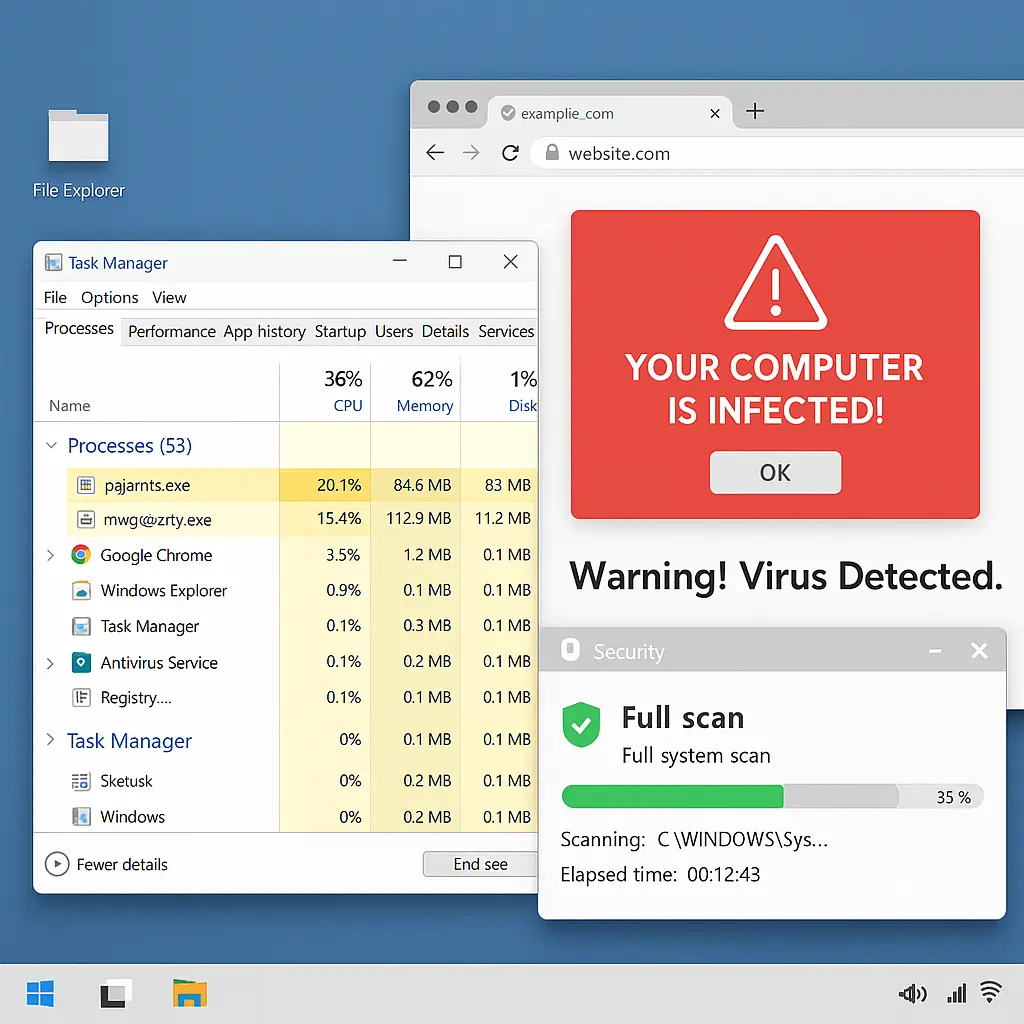
Antivirus doesn't stop you from making bad decisions. If a pop-up tells you your computer is infected and you need to call a number, antivirus can't prevent you from calling. If a website offers a free download that's actually malware, antivirus might catch it, but it might not if the malware is new or well-disguised. The defense is skepticism, verification, and understanding how threats actually work.
The threats that matter most in 2026, phishing, credential stuffing, social engineering, zero-day exploits, and targeted attacks, operate outside the scope of what antivirus was designed to handle. Antivirus catches the threats that are easiest to catch, which are increasingly not the threats that succeed.
The System Impact Question
Antivirus uses CPU cycles, disk I/O, and memory. Real-time scanning intercepts every file access, checking it against signatures and heuristics before allowing the operation to complete. This adds latency. On modern hardware with SSDs and multi-core processors, the impact is usually minimal. On older machines or during intensive tasks, it's noticeable.
Full system scans consume significant resources. When antivirus examines every file on your drive, your computer slows down. Most antivirus software schedules these scans during idle time, but if you're using your machine when a scan starts, you'll feel it. You can configure scan schedules, but many users never adjust defaults.
Behavioral monitoring adds overhead. Watching every process for suspicious activity requires continuous analysis of system calls, file modifications, and network traffic. This layer catches threats that signature scanning misses, but it costs performance. The tradeoff is better detection versus slower response times for normal operations.
Some antivirus products are worse than others. Independent testing from AV-TEST and AV-Comparatives measures both detection rates and system impact. Products that score high on detection but low on performance create usability problems. Products that score high on performance but low on detection don't fulfill their core function.
Windows Defender is optimized for the Windows environment because Microsoft controls both the OS and the antivirus. It integrates at a lower level than third-party products, reducing overhead. Third-party antivirus runs as a separate process with less privileged access, which can mean more resource use for equivalent protection.
The impact question matters more on laptops than desktops. Battery life decreases when antivirus constantly scans in the background. Thermal throttling kicks in when sustained CPU use generates heat. On desktops with adequate cooling and power, the impact is less noticeable but still present.
If you're running resource-intensive applications, video editing, 3D rendering, gaming, antivirus can interfere. Some products offer gaming modes that reduce scanning during full-screen applications, but this creates a window where protection is reduced. You're trading security for performance.
The decision isn't binary. You can run antivirus and configure it to minimize impact. Disable scheduled scans during work hours. Exclude certain directories from real-time scanning if you trust their contents. Adjust heuristic sensitivity to reduce false positives and unnecessary checks. Most users never touch these settings, accepting defaults that may not fit their usage patterns.
The Privacy Tradeoff
Antivirus software has deep system access. It sees every file you open, every website you visit, every program you run. That visibility is necessary for threat detection, but it also creates privacy concerns.
Many antivirus products collect telemetry, data about threats detected, files scanned, and system behavior. Vendors claim this improves detection by feeding machine learning models and threat intelligence databases. That's true. It's also true that this data leaves your machine and goes to a third party.
Privacy policies vary. Some vendors anonymize telemetry. Some don't. Some sell aggregated data to third parties. Some include advertising or bundled offers for other products. Read the privacy policy before installing antivirus, but realistically, most people don't.
Free antivirus products often monetize through data collection or bundled software. The business model is: provide free protection, collect data, sell it or use it to serve ads. Paid antivirus reduces this incentive but doesn't eliminate it entirely. Even paid products collect some telemetry.
Cloud-based threat detection sends file hashes or samples to vendor servers for analysis. This improves detection of new threats but means your files, or metadata about them, leave your machine. If you work with confidential data, this is a problem. Some products offer local-only scanning modes, but these sacrifice detection accuracy.
Antivirus browser extensions track your web activity to block malicious sites. They see every URL you visit, every form you submit, every download you initiate. This visibility is necessary for web filtering but creates a comprehensive record of your browsing behavior. That record sits on vendor servers.
The privacy tradeoff is: better protection in exchange for sharing data about your system and behavior with a software vendor. For some people, that's acceptable. For others, it's not. There's no universal answer, but the tradeoff should be explicit and understood.
If privacy matters more than marginal improvements in malware detection, rely on built-in protections and safe computing practices. If malware detection matters more than privacy, accept the telemetry and data collection that comes with third-party antivirus.
The Seinfeld Problem
In Seinfeld, Jerry and George pitch a show about nothing to NBC. The executives are baffled. What's it about? Nothing. What happens? Nothing. It's a show about daily life. The pitch is absurd because television shows are supposed to be about something.
Antivirus in 2026 faces the opposite problem: it's software that claims to be about everything, malware, ransomware, phishing, exploits, privacy, performance, but increasingly does nothing that matters for the threats that succeed. It scans files when most threats don't touch files. It blocks known malware when attackers use unknown malware. It monitors behavior when attacks exploit legitimate processes. It's protection theater for a threat landscape that moved on.
The show about nothing worked because it was honest about what it was. Antivirus in 2026 doesn't work because it's not honest about what it isn't. It's not comprehensive protection. It's not a substitute for safe computing practices. It's not defense against the attacks that actually compromise systems. It's a legacy tool optimized for a threat model that's less relevant every year.
That doesn't mean it's useless. It catches some threats. It adds a layer. It reduces risk in specific scenarios. But it's not the primary defense, and pretending otherwise creates false confidence. The primary defense is keeping software updated, using strong authentication, practicing skepticism, and understanding how attacks actually work.
Antivirus is the show about nothing that keeps getting renewed because the network doesn't know what else to air. It's familiar, it's been around forever, and canceling it feels risky. But the audience is smaller, the relevance is fading, and the pitch doesn't make sense anymore.
What You Should Actually Do
If you're running Windows 10 or 11 with Windows Defender enabled and automatic updates turned on, you have baseline protection. That's sufficient for typical use, browsing, email, productivity applications. Add third-party antivirus if you download files from unfamiliar sources regularly, work in a high-risk environment, or need specific features Defender doesn't provide.
If you're running macOS, keep the system updated and rely on XProtect and Gatekeeper. Add third-party antivirus if you frequently download software outside the App Store or share files across platforms. Don't add it just because someone told you Macs need antivirus now. They face less malware than Windows machines, and built-in protections handle most threats.
If you're running Linux, antivirus is rarely necessary unless you're running a server that handles files from Windows machines. Linux malware exists but targets servers, not desktops. Keep your system updated and use repositories from trusted sources.
If you're using iOS or Android, skip antivirus apps. They have limited system access and can't protect against most mobile threats. Focus on keeping the OS updated, reviewing app permissions, and avoiding suspicious downloads. Mobile security is about behavior, not software.
Keep everything updated. Operating systems, browsers, applications, firmware. Updates patch vulnerabilities that attackers exploit. Antivirus can't protect against exploits if the underlying software is unpatched. Automatic updates are the single most effective security measure you can take.
Use strong, unique passwords for every account. Credential theft is the most common attack vector in 2026. Antivirus doesn't prevent it. Password managers do. Enable two-factor authentication on important accounts, email, banking, work systems. This stops attackers even if they steal your password.
Practice skepticism. Question unexpected emails, verify URLs before clicking, and don't download software from unfamiliar sources. Most successful attacks rely on tricking you, not bypassing antivirus. The defense is thinking before acting.
Back up your data. Ransomware encrypts files and demands payment. Antivirus might catch it, but if it doesn't, backups let you recover without paying. Store backups offline or in a separate system that ransomware can't reach.
Understand what antivirus actually does and what it doesn't. It's not comprehensive protection. It's not a substitute for safe computing. It's one layer in a defense strategy that includes updates, authentication, skepticism, and backups. Treat it as such.
If you decide to install third-party antivirus, choose a product with strong independent test results and reasonable privacy policies. Configure it to minimize system impact. Review its settings periodically. Uninstall it if it causes more problems than it solves.
The answer to "do I need antivirus in 2026" is: maybe, depending on your situation, but it's not the most important thing you should be doing for security. The important things are updates, strong authentication, and careful behavior. Antivirus is supplemental, not foundational.