AI meeting transcripts and what they expose
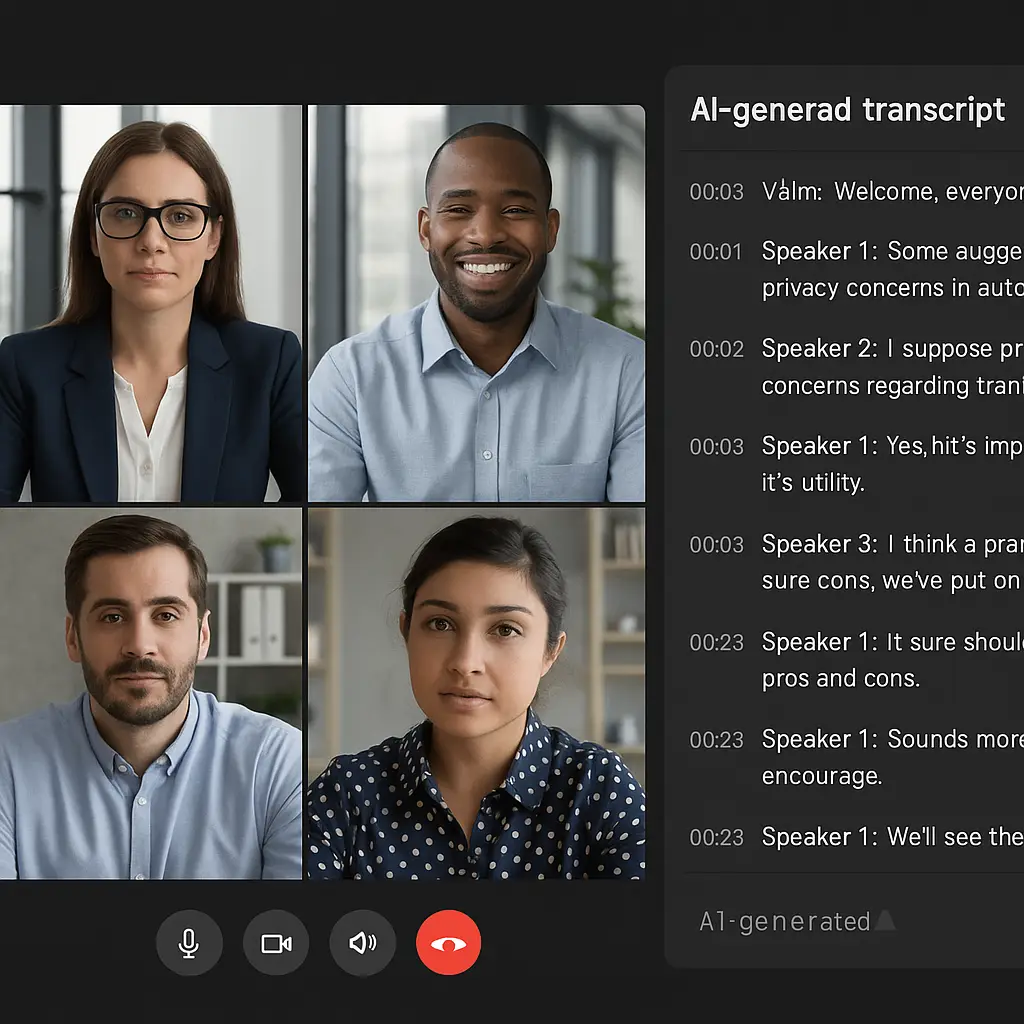
You're on a Zoom call. Someone mentions a client name, a salary figure, a frustration with a coworker. The conversation feels private, just you and the people on screen. But there's another participant you might not be thinking about: the AI transcription engine running silently in the background, converting every word into searchable, storable text.
AI meeting transcripts promise convenience. Search your meeting history for that product name someone mentioned three weeks ago. Review what was decided without rewatching an hour of video. Generate action items automatically. The features are real, and for some workflows, they're genuinely useful.
But transcripts also create a permanent, searchable record of everything said in your meetings. That record lives somewhere, on a server, in a database, accessible to someone. The question isn't whether transcripts are dangerous. The question is: what gets captured, who can see it, and what happens to it after the meeting ends?
Here's the mechanism behind AI meeting transcripts, what they expose, and what you can actually control.
How AI transcription captures your words
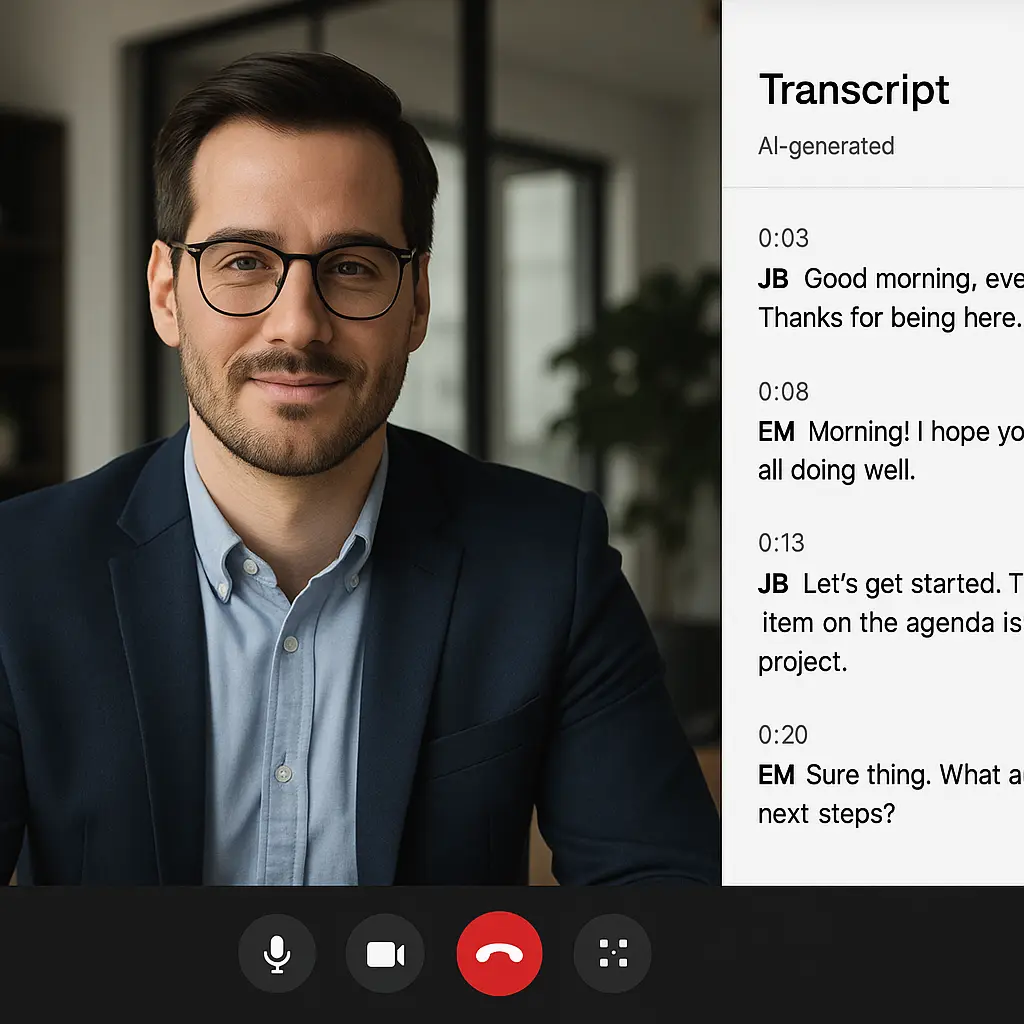
When you enable transcription on Zoom, Microsoft Teams, Google Meet, or similar platforms, the audio from your meeting gets processed by a speech-recognition model. These models, typically based on transformer architectures similar to those powering ChatGPT, analyze audio in real time, breaking speech into phonemes, matching patterns against language models, and producing text output with speaker labels and timestamps.
The accuracy is high. Under good conditions, clear audio, minimal background noise, standard accents, modern transcription hits around 85-95% word accuracy. That's not perfect, but it's good enough to capture the substance of nearly everything said. Technical jargon, heavy accents, and crosstalk reduce accuracy, but the system still logs attempts at every utterance.
The transcript isn't just a wall of text. It's structured data. Each line includes:
- The speaker's name (if the platform can identify them)
- A timestamp down to the second
- The words spoken
- Sometimes sentiment markers or topic tags, depending on the platform
This structure makes transcripts searchable. You can find every instance of a keyword across months of meetings. You can see who said what and when. You can export the data, analyze it, feed it into other tools.
That's the mechanism. Now here's what it means.
What gets stored and where
When a meeting transcript is generated, it doesn't vanish when the call ends. It's stored somewhere, and that location matters.
For enterprise platforms like Zoom, Teams, and Google Meet, transcripts typically live in the same cloud storage infrastructure as meeting recordings. Zoom stores transcripts on Amazon Web Services or Oracle Cloud, depending on your region. Microsoft Teams stores them in your organization's Microsoft 365 tenant. Google Meet stores them in Google Drive, linked to the meeting organizer's account.
The storage location determines who controls access. If your employer provides your Zoom account, the transcript is stored under your organization's workspace, and workspace administrators can access it. If you're using a personal Zoom account, you control the transcript, unless you share it or someone else downloads it.
Retention policies vary. Some organizations delete transcripts automatically after 30 or 90 days. Others keep them indefinitely. Zoom's default is to retain transcripts until you manually delete them. Microsoft Teams follows your organization's retention policy, which could be anything from 7 days to forever. Google Meet stores transcripts in the meeting organizer's Drive, where they persist until deleted.
If you don't know your organization's retention policy, you don't know how long your words are being stored.
Who can see your transcripts
Access to transcripts depends on three factors: the platform, your account type, and your organization's admin settings.
On Zoom, the meeting host controls whether transcription is enabled. Once a transcript is generated, the host can download it, and anyone with access to the meeting recording (if it's recorded) can access the transcript. If you're using a Zoom account managed by your employer, workspace administrators can view all transcripts created under that workspace, even from meetings they didn't attend.
Microsoft Teams follows a similar pattern. Transcripts are stored in the meeting organizer's OneDrive or SharePoint, and access depends on sharing permissions. But tenant administrators, the IT staff managing your organization's Microsoft 365 environment, can access any content stored in the tenant, including transcripts from private meetings.
Google Meet stores transcripts in the organizer's Drive. If the organizer shares the transcript file, anyone with the link can read it. Workspace administrators can access files in managed accounts, including meeting transcripts.
The key point: if you're using a work account, your employer's IT administrators can access your transcripts. This isn't a hack or a loophole. It's how enterprise software works. The organization owns the workspace, and administrators have broad access to data within it.
One-on-one calls aren't exempt. If you're on a work account, a transcript of your private conversation with a colleague is accessible to workspace admins, just like any other meeting.
The compliance and legal angle
Organizations don't always transcribe meetings for convenience. Sometimes it's a legal requirement.
Certain industries, financial services, healthcare, legal, face regulations that mandate record-keeping for client interactions. A compliance officer might require that all client calls be recorded and transcribed. In those environments, you don't get to opt out. Transcription is policy.
Transcripts also create discoverable records in litigation. If your organization gets sued, those meeting transcripts can be subpoenaed. Everything said in a meeting, off-hand comments, jokes, frustrations, becomes part of the legal record if it's relevant to the case. Lawyers search transcripts for keywords. They look for inconsistencies, admissions, anything that supports their argument.
This isn't hypothetical. Employment lawsuits, contract disputes, and regulatory investigations routinely involve discovery of internal communications, and meeting transcripts are now part of that category.
If you say something in a transcribed meeting, assume it could be read by a lawyer, a regulator, or an opposing party in a lawsuit. That changes what you might choose to say.
The AI training question
Some platforms use meeting data to train AI models. Others don't. The distinction matters.
Zoom's policy, as of 2026, states that they do not use audio, video, or transcripts from customer meetings to train AI models without explicit consent. Microsoft makes a similar commitment for Teams. Google's policy for Workspace accounts is that meeting content is not used for ad targeting or training, but the wording is carefully scoped to enterprise accounts.
Third-party transcription tools, services that integrate with your meeting platform but aren't the platform itself, have their own policies. Some explicitly state they use anonymized transcripts to improve their models. Others don't. You have to read the terms.
If you're using a free-tier account on a service that also sells AI products, the incentive to use your data for training is real. The business model is: free users generate data, paying users get better features. Transcripts are high-quality training data for language models.
The safest assumption: if you're not paying for the service, your transcript might be training someone's AI. If you are paying, check the terms to see what's excluded.
What leaks through transcripts that you might not expect
Transcripts capture more than the words you intend to share. They capture:
Off-mic comments. If your microphone picks it up, the transcript logs it. A muttered "this is a waste of time" while someone else is talking gets transcribed and timestamped.
Background conversations. If someone in your household walks into the room and asks a question, the transcript captures it. Speaker identification might label it as you, or it might create a new "Speaker 3" entry.
Names and details you didn't mean to record. Mention a client by name, reference a salary number, describe a personal situation, all of it goes into the transcript. There's no "off the record" mode.
Emotion and tone indicators. Some platforms tag laughter, pauses, or uncertainty. The transcript might note "[laughter]" or "[crosstalk]" or "[inaudible]." These markers add context that plain text wouldn't convey.
Transcripts also make it easy to search for sensitive terms. An HR investigation might search all meeting transcripts for a specific employee's name. A manager might search for mentions of "competitor" or "resignation" or "bonus." The searchability is the feature, but it's also the exposure.
What you can control
You have some control over transcription, but the extent depends on your role and account type.
As a meeting host, you can usually disable transcription for individual meetings. Zoom, Teams, and Meet all have toggles to turn off transcription before or during a call. But if your organization has enabled mandatory transcription for compliance, that toggle might be grayed out.
As a participant, you can ask the host to disable transcription. Whether they do is up to them. Some platforms notify participants when transcription starts, but the notification is easy to miss.
If you're using a personal account, you control your own transcripts. You can delete them manually from your cloud storage. You can disable transcription by default in your settings.
If you're using a work account, your control is limited. Your organization sets the policies. You can ask your IT department what the retention period is, who has access, and whether transcripts are used for monitoring. They might tell you. They might not.
One practical step: if you're discussing something sensitive, suggest switching to a phone call or an in-person conversation. Transcription only applies to the platforms that support it. A regular phone call doesn't generate a transcript unless someone is explicitly recording and transcribing it.
The cultural reference
In The Good Place, the character Chidi Anagonye is paralyzed by moral philosophy. Every decision becomes an ethical labyrinth, every action scrutinized for its rightness. He agonizes over choosing a muffin because he can't stop thinking about the implications.
AI meeting transcripts create a version of that dynamic in professional life. Every word you say in a meeting becomes part of a permanent, searchable record. You start to self-edit in real time, not because you're saying anything wrong, but because you know it's being logged. The spontaneity of conversation, the half-formed thought, the thinking-out-loud moment, the joke that lands differently in text than in tone, gets flattened into a transcript that might be read by someone who wasn't there.
The system doesn't judge you. It just records. But the knowledge that it's recording changes how you speak. You become Chidi, second-guessing the muffin.
The tradeoff you're making
Transcripts are useful. They make meetings searchable. They help people who missed a call catch up. They generate summaries and action items automatically. For some teams, the productivity gain is real.
But the tradeoff is permanent records of everything said. Those records are accessible to administrators, subject to retention policies you might not control, and potentially discoverable in legal proceedings. The convenience comes with exposure.
If you're using a work account, assume your employer can read your transcripts. If you're discussing something sensitive, assume it could be searched later. If you're on a free-tier service, assume your data might be used for training.
That doesn't mean transcripts are bad. It means they're a tool with specific costs. You can use them. Just know what you're giving up.
The question isn't whether AI transcripts are private. They're not. The question is whether the utility is worth the record you're creating.