Account Takeover: How It Happens and How to Recover
You open your email and see it: a password reset notification you didn't request. Or a friend texts asking about the weird message you just sent them. Or your bank alerts you to a purchase you never made.
Your account was hacked.
The panic is real. The questions flood in. What did they access? What did they change? How did this happen? What do I do right now?
Here's the exact sequence of steps to take immediately, what each action protects, and how to prevent this from happening again.
First Five Minutes: Stop the Bleeding
Time matters. Every minute the attacker controls your account, they can change more settings, lock you out permanently, or pivot to other accounts.
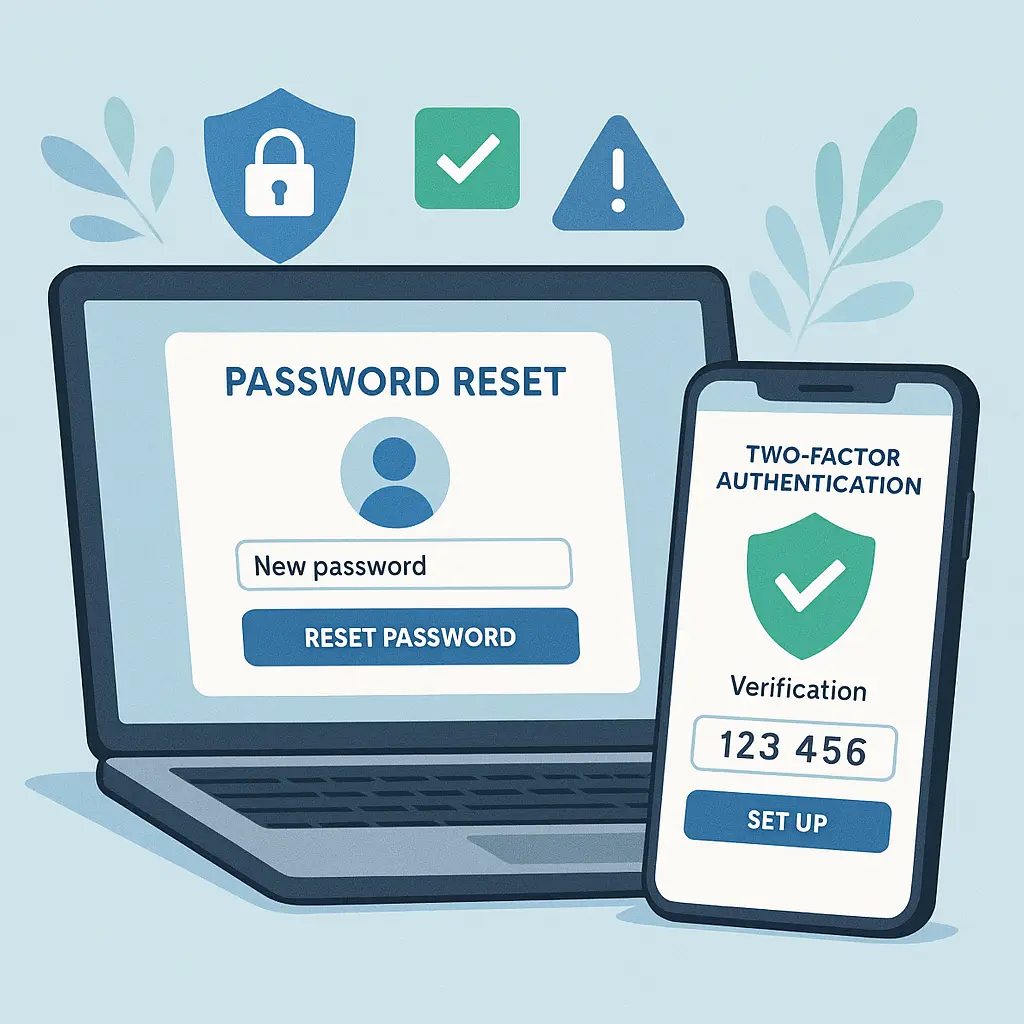
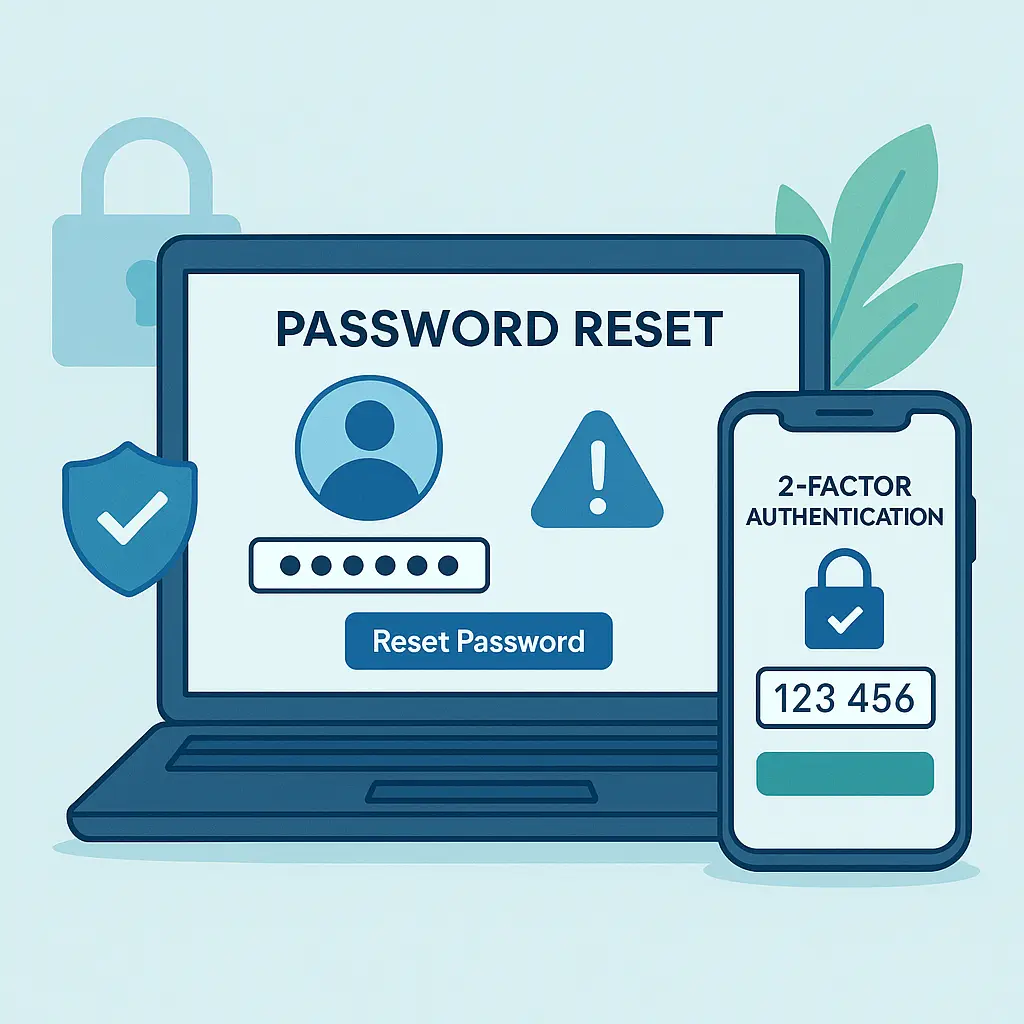
Step 1: Change your password from a different device.
If you're still logged in, change your password immediately. If you've been locked out, use the account recovery process from a device the attacker hasn't touched, your phone, a work computer, a friend's laptop.
Don't use the same password you had before. Don't use a variation of it. Create something completely new. If you're not using a password manager yet, now is the time to start. NordPass generates strong, unique passwords and stores them encrypted so you only need to remember one master password.
Step 2: Enable two-factor authentication.
Two-factor authentication adds a second layer beyond your password. Even if an attacker has your credentials, they can't log in without the second factor, usually a code from an authenticator app or a hardware key.
CISA recommends phishing-resistant authentication methods like hardware security keys or app-based authenticators over SMS codes, which can be intercepted through SIM swapping attacks.
Most major services offer 2FA. Enable it on your email first, it's the master key to everything else. Then enable it on banking, social media, and any account with financial or personal data.
Step 3: Check your recovery settings.
Attackers often change recovery email addresses, phone numbers, and security questions to maintain access even after you change your password. Review these settings immediately:
- Recovery email address
- Recovery phone number
- Security questions
- Trusted devices
- Account recovery contacts
Remove anything you don't recognize. Update everything else to current, secure information you control.
Next Fifteen Minutes: Assess the Damage
Once you've secured the compromised account, figure out what the attacker accessed and changed.
Check recent account activity.
Most services maintain login history and activity logs. Look for:
- Unfamiliar IP addresses or locations
- Devices you don't recognize
- Actions you didn't take (messages sent, settings changed, purchases made)
- Downloads or data exports
Google, Microsoft, Apple, and most major platforms let you review this activity. The exact location varies by service, but it's usually under Security or Account Settings.
Review connected apps and services.
Third-party apps connected to your account can persist even after you change your password. Check which apps have access and revoke anything unfamiliar or unnecessary.
For Google: myaccount.google.com/permissions For Microsoft: account.microsoft.com/privacy For Apple: appleid.apple.com (under Security > Apps Using Apple ID)
Check for forwarding rules and filters.
Email account takeovers often include hidden forwarding rules that silently copy your messages to the attacker. Check your email settings for:
- Forwarding addresses
- Filters that automatically delete or move messages
- Vacation responders or auto-replies you didn't set
If you find anything suspicious, delete it immediately.
First Hour: Contain the Spread
Password reuse turns one compromised account into a skeleton key for everything else. If you used the same password anywhere else, change those accounts immediately.
Identify accounts with the same password.
Think through where else you used that password. Email, banking, shopping, social media, work accounts, anywhere you might have reused credentials.
This is where password managers prove their worth. If you're already using one, you can search for duplicate passwords. If you're not, start now and let the manager audit your existing logins.
Change passwords on reused accounts.
Work through the list methodically. Prioritize:
- Email accounts (they unlock password resets for everything else)
- Banking and financial services
- Work accounts
- Social media
- Shopping sites with saved payment methods
Use unique passwords for each account. A password manager makes this manageable. Without one, you're gambling that you'll remember dozens of distinct credentials, and you won't.
Check for unauthorized access on related accounts.
Even if you changed passwords quickly, attackers may have already accessed related accounts. Check login history and recent activity on anything that shared the compromised password.
First Day: Notify and Document
Alert contacts if the account was used to send messages.
If the attacker sent emails, texts, or social media messages from your account, warn your contacts. Scammers often use compromised accounts to spread phishing links or request money from people who trust you.
A simple message works: "My account was hacked yesterday. If you received any strange messages from me, don't click any links or send money. I've secured the account."
Report the breach to the platform.
Most services have dedicated processes for reporting compromised accounts. Use them. Reporting helps the platform:
- Block the attacker's access
- Investigate how the breach happened
- Protect other users from the same attack vector
For Google: support.google.com/accounts For Microsoft: account.microsoft.com/security For Apple: iforgot.apple.com
Document what happened.
Write down:
- When you first noticed the compromise
- What changes you found (password resets, recovery settings, messages sent)
- What you've done to secure the account
- Any financial losses or fraudulent charges
This documentation matters if you need to dispute charges, report identity theft, or work with law enforcement.
How Account Takeovers Actually Happen
Understanding the mechanism helps you prevent the next one.
Credential stuffing from data breaches.
Most account takeovers start with stolen passwords from data breaches. Attackers take username/password pairs leaked from one site and test them against other services. If you reused that password, they're in.
Check if your email appeared in known breaches at haveibeenpwned.com. If it has, change passwords on any account that might have used the same credentials.
Phishing emails that steal credentials directly.
Phishing emails trick you into entering your password on a fake login page. The page looks legitimate, same logo, same layout, but the URL is slightly off. You type your credentials, and the attacker has them immediately.
Always check the URL before entering a password. Bookmark login pages for important accounts so you're not clicking links in emails. Better yet, use a password manager that only autofills on the legitimate domain.
Password reset exploitation.
If an attacker gains access to your email, they can reset passwords on every account linked to that address. This is why email security matters more than any other account, it's the master key.
Secure your email with a strong unique password and two-factor authentication. Consider using a separate email address solely for password resets and account recovery.
Session hijacking on public networks.
Public WiFi can expose your login session to attackers on the same network. If you're logged into an account over unencrypted HTTP, someone else on that WiFi can potentially hijack your session.
Most major sites use HTTPS now, which encrypts traffic even on public networks. But not all do. When working on public WiFi, use a VPN to encrypt all traffic. NordVPN routes your connection through an encrypted tunnel, protecting your data even on untrusted networks.
The Office Reference That Explains Everything
In The Office, Michael Scott gives everyone the same password: "password." When it inevitably fails, he changes it to "password1." Then "password2." The joke is obvious, predictable patterns don't create security.
But the deeper truth is what happens next. Once that password leaks, everyone in the office is compromised simultaneously. One breach becomes twenty breaches because everyone reused the same credential.
Account takeover works the same way. One leaked password from a shopping site breach becomes access to your email, which becomes access to your bank, which becomes access to everything else. The attacker doesn't need to crack twenty passwords, they need to crack one and exploit your reuse pattern.
The solution isn't Michael's approach of adding numbers to the end. It's using completely unique passwords for every account, stored in a password manager so you're not relying on memory or patterns.
Prevention: What Actually Stops Account Takeovers
You've recovered from this breach. Here's how to prevent the next one.
Use unique passwords for every account.
Password reuse is the single worst security habit. One breach shouldn't cascade into twenty compromised accounts. Unique passwords contain the damage.
A password manager generates random passwords and stores them encrypted. You remember one master password. The manager handles everything else. NIST recommends password managers as the most practical way to maintain unique credentials across dozens of accounts.
Enable two-factor authentication everywhere.
Two-factor authentication stops attackers who have your password but not your second factor. Even if your credentials leak in a breach, they can't log in without that second layer.
Use authenticator apps like Authy, Microsoft Authenticator, or Google Authenticator over SMS codes when possible. Hardware security keys like YubiKey offer even stronger protection for high-value accounts.
The EFF provides detailed guides for enabling 2FA on major services.
Monitor for credential leaks.
Your passwords can leak even if you do everything right. Breaches happen. Third-party services get hacked. Companies you've never heard of expose data.
Check haveibeenpwned.com regularly to see if your email or passwords appeared in known breaches. Set up breach monitoring through NordProtect, which alerts you when your credentials surface in new leaks so you can change passwords before attackers use them.
Use separate email addresses for different purposes.
Consider using one email for financial accounts, another for social media, and a third for shopping and newsletters. This compartmentalization limits damage if one address gets compromised.
Email aliases and forwarding services make this manageable without maintaining multiple inboxes.
Review account security settings quarterly.
Set a recurring reminder to check:
- Connected devices and active sessions
- Third-party app permissions
- Recovery email and phone settings
- Security questions and backup codes
Quarterly reviews catch unauthorized changes before they become permanent lockouts.
What to Do If You're Still Locked Out
Sometimes attackers move fast enough to lock you out completely. You can't log in. Password reset doesn't work because they changed your recovery email. Here's what to do.
Use the platform's account recovery process.
Most services offer identity verification for locked accounts. The process varies by platform:
- Google: support.google.com/accounts/answer/7682439
- Microsoft: account.live.com/acsr
- Apple: iforgot.apple.com
You'll typically need to provide:
- Previous passwords you remember
- Security question answers
- Trusted device access
- Government-issued ID (for some services)
Recovery can take days or weeks. Start the process immediately.
Contact customer support directly.
If automated recovery fails, contact support through official channels:
- Phone numbers listed on the company's official website (not from search results or emails)
- Support forms on the official domain
- Social media accounts verified with blue checkmarks
Explain the situation clearly. Provide any documentation you have: previous passwords, account creation date, payment history, recent activity logs.
Report identity theft if financial accounts were compromised.
If the attacker accessed banking, credit cards, or financial services:
- Contact your bank or credit card issuer immediately to freeze accounts and dispute fraudulent charges
- Place a fraud alert with the credit bureaus (Equifax, Experian, TransUnion)
- File a report at identitytheft.gov
- Consider freezing your credit to prevent new account openings
File a police report if losses exceed small amounts.
For significant financial losses or ongoing harassment, file a police report. While law enforcement rarely investigates individual account takeovers, the report creates documentation useful for:
- Disputing fraudulent charges
- Supporting identity theft claims
- Insurance claims (if applicable)
- Civil litigation (in extreme cases)
Long-Term Security: Building Defenses That Last
Account recovery gets you back in. Long-term security keeps attackers out.
Audit all accounts for password reuse.
Use your password manager's security audit feature to identify duplicate passwords. Change them systematically, prioritizing high-value accounts first.
If you're not using a password manager yet, install one today. The initial setup takes an hour. The ongoing protection is permanent.
Set up account activity alerts.
Enable notifications for:
- Login attempts from new devices or locations
- Password changes
- Recovery setting modifications
- Large purchases or transfers
- Profile changes
These alerts give you early warning when something's wrong, letting you respond before attackers entrench themselves.
Create a recovery plan.
Write down:
- Master passwords (stored securely offline)
- Backup codes for two-factor authentication
- Recovery email addresses and phone numbers
- Answers to security questions (or better yet, random strings stored in your password manager)
Store this information somewhere secure but accessible, a locked file cabinet, a safe deposit box, or an encrypted USB drive in a trusted location.
Review and revoke old app permissions.
Third-party apps you authorized years ago may still have access to your accounts. Review connected apps quarterly and revoke anything you don't actively use.
This reduces your attack surface. Fewer apps mean fewer potential breach points.
When the Damage Goes Beyond One Account
Account takeovers often cascade. An attacker who gains access to your email can reset passwords across every service linked to that address. Here's how to contain the spread.
Prioritize email security above everything else.
Your email account is the skeleton key to your digital life. If an attacker controls your email, they can:
- Reset passwords on every account linked to that address
- Intercept two-factor authentication codes sent via email
- Access private conversations and documents
- Impersonate you to contacts and colleagues
Secure your email first. Strong unique password, two-factor authentication, and regular security audits. Everything else depends on it.
Check financial accounts for unauthorized activity.
If the compromised account had payment information or access to financial services, review:
- Bank account transactions
- Credit card charges
- Investment account activity
- Payment service history (PayPal, Venmo, Cash App)
Dispute fraudulent charges immediately. Most banks and card issuers offer zero-liability protection if you report fraud within 60 days.
Monitor your credit report.
Account takeovers sometimes escalate to identity theft. Attackers use stolen information to open new accounts, apply for credit, or file fraudulent tax returns in your name.
Check your credit report at annualcreditreport.com. You're entitled to one free report per year from each bureau. Look for:
- Accounts you didn't open
- Hard inquiries you didn't authorize
- Addresses you've never lived at
- Employers you've never worked for
If you find suspicious activity, place a fraud alert or credit freeze immediately.
Secure work accounts separately.
If your personal account was compromised, assume attackers will try your work credentials next. Change your work password even if there's no evidence of unauthorized access.
Notify your IT department. They can monitor for suspicious activity and help secure your work accounts before attackers pivot.
The Bottom Line
Account takeover is recoverable. The steps are clear: change your password, enable two-factor authentication, check recovery settings, assess the damage, and secure related accounts. Act fast, the first hour matters most.
But recovery is only half the solution. Prevention is what keeps you safe long-term. Use unique passwords for every account, enable two-factor authentication everywhere, and monitor for credential leaks. These three steps stop most account takeovers before they start.
A password manager makes this manageable. NordPass generates and stores unique passwords for every account, syncs across devices, and alerts you when credentials appear in breaches. You remember one master password. The manager handles everything else.
Add NordProtect for ongoing monitoring, it watches for your credentials in new data leaks and alerts you immediately so you can change passwords before attackers exploit them.
You've been through this once. You know what it feels like. You know what it costs in time, stress, and potential damage. The tools to prevent it from happening again are available, affordable, and effective. Use them.