Why most email is unencrypted in transit — and what that actually means
You send an email. It arrives. You assume it's private.
Here's the reality: most email is unencrypted in transit, and even when it is encrypted, that encryption doesn't protect what you think it does.
This matters because email is where you reset passwords, receive financial statements, communicate with doctors, and handle everything that requires trust. The gap between what people believe about email security and what actually happens creates real exposure.
Here's how email encryption actually works, what "in transit" means, and what you can control.
The fundamental architecture of email
Email predates modern security thinking by decades. The protocol that moves messages between servers , SMTP (Simple Mail Transfer Protocol) , was designed in 1982, when the internet was a research network connecting universities and government labs. Security wasn't a design goal. Interoperability was.
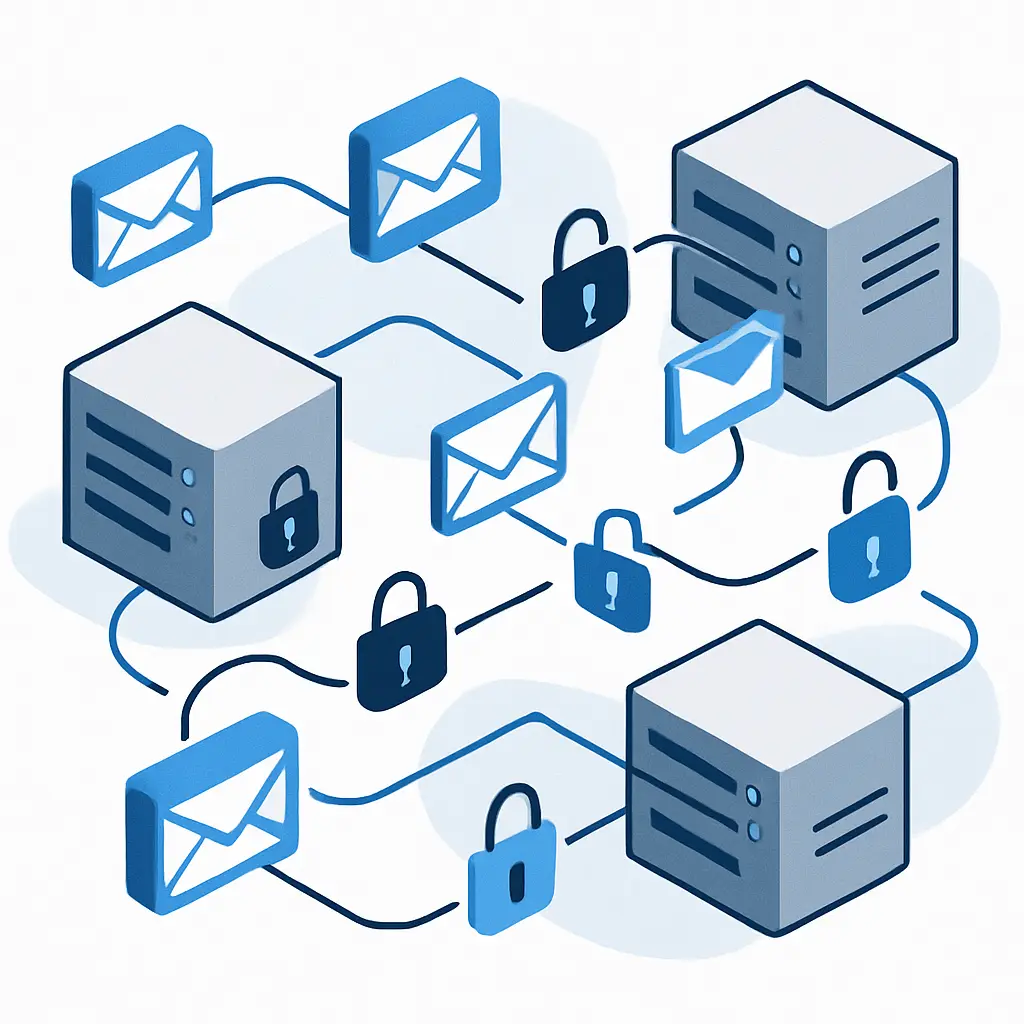
When you send an email, it doesn't travel directly from your device to the recipient's device. It moves through a chain of mail servers:
- Your email client (Gmail, Outlook, Apple Mail) connects to your outgoing mail server
- Your mail server looks up the recipient's mail server using DNS
- Your mail server connects to the recipient's mail server and transfers the message
- The recipient's mail server stores the message
- The recipient's email client connects to their mail server and downloads it
Each connection is a separate transaction. Each transaction can be encrypted or unencrypted, depending on what the servers support and how they're configured.
What "in transit" encryption actually protects
When people talk about email being "encrypted in transit," they're usually referring to TLS (Transport Layer Security). TLS is the same protocol that protects your web browsing when you see https:// in the URL bar.
TLS encrypts the connection between two servers. If your mail server connects to the recipient's mail server using TLS, the message travels through an encrypted tunnel. Someone monitoring the network , your ISP, a government agency, an attacker on public WiFi , can't read the content.
Here's what TLS does:
- Protects the message while it's moving between servers
- Prevents network-level interception
- Verifies that you're connecting to the actual mail server, not an imposter
Here's what TLS doesn't do:
- Protect the message while it sits on your mail server
- Protect the message while it sits on the recipient's mail server
- Prevent your email provider from reading it
- Prevent the recipient's email provider from reading it
- Hide metadata (who sent the message, who received it, when it was sent, subject line)
The Electronic Frontier Foundation's Surveillance Self-Defense guide describes this as "protecting the pipe, not the content." The pipe is encrypted. The content is readable at both ends.
The gap between encryption and privacy
This is where the confusion lives.
Most major email providers , Gmail, Outlook, Yahoo, iCloud Mail , use TLS by default. Around 90% of email between major providers travels over encrypted connections. That number has climbed steadily since 2014, when Google began publishing transparency reports showing which domains support TLS.
So when someone says "my email is encrypted," they're usually right about the connection. But they're wrong about the privacy.
Your email provider can read every message you send and receive. They use this access for:
- Spam filtering
- Malware scanning
- Targeted advertising (in Gmail's case, though Google says they stopped scanning for ads in 2017)
- Compliance with legal requests from law enforcement
- Data analysis to improve features
This isn't a vulnerability. It's how email works. The provider needs to process the message to deliver it, filter spam, and provide search. That processing requires access to the content.
The FTC's guidance on online privacy acknowledges this reality: email providers are data processors, not neutral pipes. They see everything.
The myth of "secure email"
Marketing copy from email providers often uses the word "secure" to describe their service. What they mean is:
- The connection uses TLS
- They scan for malware
- They offer two-factor authentication
- They have security teams monitoring for breaches
What they don't mean is:
- Your messages are private from the provider
- The content is encrypted in a way that prevents them from reading it
- Law enforcement can't access your messages with a warrant
- Your messages are protected if the provider's servers are compromised
In The Good Place, the Judge can rewind time and watch every moment of every person's life unfold. Email providers have similar visibility into your digital communication. They don't have to hack anything. They own the infrastructure. Your messages sit on their servers, readable in plaintext, indexed for search, and accessible to anyone with administrative credentials.
That's not a criticism of email providers. It's a description of the architecture. Email was designed for convenience, not confidentiality.
What end-to-end encryption actually means
End-to-end encryption (E2EE) is different. With E2EE, the message is encrypted on your device before it leaves. Only the recipient's device can decrypt it. The email provider sees encrypted ciphertext. Even if they wanted to read the message, they can't.
Tools that provide E2EE for email include:
- PGP (Pretty Good Privacy) and its open-source implementation, GPG (GNU Privacy Guard)
- S/MIME (Secure/Multipurpose Internet Mail Extensions)
- ProtonMail (encrypts messages between ProtonMail users automatically)
- Tutanota (similar model to ProtonMail)
Here's the problem: E2EE email is hard to use, and it only works when both the sender and recipient use compatible tools.
PGP has existed since 1991. It's mathematically sound. It's free. It's open source. And almost no one uses it, because:
- You have to generate and manage cryptographic keys
- You have to exchange public keys with everyone you want to email securely
- If you lose your private key, you lose access to every encrypted message
- The recipient has to use PGP too, or the encryption doesn't work
- Metadata (who you're emailing, when, subject lines) still leaks
ProtonMail solves some of these problems by handling key management automatically, but only for messages between ProtonMail users. When a ProtonMail user emails a Gmail user, the message travels as regular email, readable by Google.
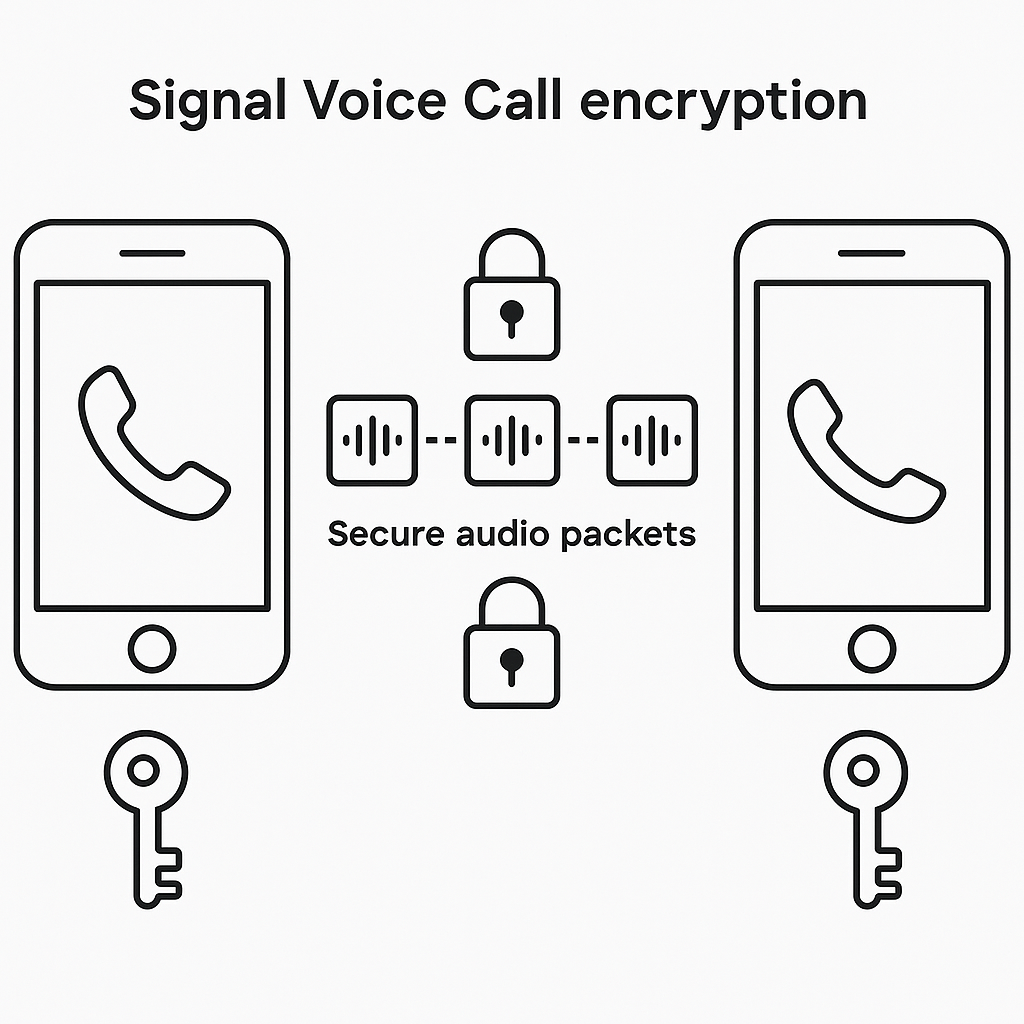
The EFF's guide to choosing encrypted communication tools is blunt about this: email wasn't designed for end-to-end encryption, and retrofitting it is awkward. If you need confidential communication, use a tool designed for it , Signal, Wire, or another E2EE messaging app.
What metadata reveals
Even when the message content is encrypted, metadata leaks.
Metadata includes:
- Sender email address
- Recipient email address(es)
- Date and time sent
- Subject line
- IP address of the sender
- Email client and version
- Message size
- Routing information (which servers handled the message)
Metadata tells a story. Researchers have demonstrated that email metadata alone can reveal:
- Who you communicate with regularly
- Your social network structure
- Your location (via IP address)
- Your schedule (via send times)
- Whether you're traveling (via IP address changes)
- Professional and personal relationships
The CISA guidance on protecting sensitive information notes that metadata can be as revealing as content in many contexts. If you email your oncologist every Tuesday at 9 AM, the content of those emails might be encrypted, but the pattern tells its own story.
The role of your email provider
Your email provider is the weakest link in email privacy, because they have to be.
When you send an email through Gmail, Google's servers:
- Receive the message in plaintext
- Scan it for spam signals
- Scan it for malware
- Index it for search
- Store it on their infrastructure
- Deliver it to the recipient's mail server (hopefully over TLS)
Google can read every word. They have to, to provide the service. The same is true for Microsoft, Yahoo, Apple, and every other email provider.
This creates a trust model: you trust your email provider not to misuse your data, to resist unlawful government requests, to secure their infrastructure against breaches, and to notify you if something goes wrong.
That trust is sometimes well-placed. Major providers have security teams, transparency reports, and legal departments that push back against overbroad data requests. But the trust is also structural. You're trusting them because you have no alternative within the standard email system.
The FTC's data security guidance describes this as "data minimization" , companies should only collect and retain the data they actually need. But email providers need access to message content to deliver the service. Minimization doesn't apply.
What TLS actually protects against
TLS is valuable. It's not theater. But it protects against specific threats, not all threats.
TLS prevents:
- ISP-level monitoring of email content
- Government surveillance at the network level (without a warrant to the email provider)
- Attackers on public WiFi reading your messages
- Man-in-the-middle attacks that intercept and modify messages in transit
TLS doesn't prevent:
- Email provider access to content
- Breaches of email provider infrastructure
- Insider threats (rogue employees at the email provider)
- Legal requests for stored messages
- Phishing attacks that trick you into revealing credentials
- Malware on your device that reads messages locally
If your threat model is "I don't want someone at Starbucks reading my email," TLS solves that problem. If your threat model is "I don't want anyone except the recipient to read this message," TLS doesn't help.
The compliance and legal access layer
Email providers are subject to legal process. If law enforcement presents a valid warrant, subpoena, or national security letter, the provider must turn over the requested data. That data includes message content, metadata, and account information.
In the United States, the Stored Communications Act governs how and when law enforcement can access stored email. The rules differ based on:
- How long the message has been stored (messages older than 180 days have weaker protections)
- Whether the message has been opened
- The type of legal process (warrant, subpoena, emergency request)
Email providers publish transparency reports showing how many government requests they receive and how often they comply. Google, Microsoft, and Apple all publish these reports. The numbers are large. In 2024, Google received over 150,000 government requests for user data globally, according to industry reporting.
This isn't a flaw in TLS. It's the legal reality of stored communication. If the government wants your email, they don't need to break encryption. They go to the provider with a court order.
The practical reality for most people
Here's what this means if you use Gmail, Outlook, Yahoo, or any other standard email provider:
Your messages are probably encrypted in transit. Around 90% of email between major providers uses TLS. That's good. It protects against network-level snooping.
Your messages are not private from your email provider. They can read everything. They use that access for spam filtering, malware detection, and compliance with legal requests. That's the tradeoff for using a free or low-cost service.
Your messages are not private from the recipient's email provider. Even if you use ProtonMail and the recipient uses Gmail, Google can read the message once it arrives.
Your messages are not protected if the email provider is breached. Attackers who compromise the provider's infrastructure can access stored messages. This has happened to Yahoo (3 billion accounts in 2013), Equifax (not an email provider, but a data breach that exposed email addresses), and others.
Metadata leaks, always. Even with end-to-end encryption, someone can see who you're emailing, when, and how often.
What you can actually control
If you need confidential communication, don't use email. Use Signal, Wire, or another end-to-end encrypted messaging app. These tools were designed for privacy. Email wasn't.
If you must use email for sensitive communication, use PGP or ProtonMail. Accept that it's awkward, that most people won't use it, and that metadata still leaks.
If you're using standard email, accept the privacy model: your provider can read everything. Choose a provider you trust. Enable two-factor authentication. Use a strong, unique password. Monitor your account for unauthorized access.
Don't send passwords, credit card numbers, Social Security numbers, or medical information over email. Use a password manager's secure sharing feature, a file-sharing service with encryption, or a phone call.
Check if your email provider supports TLS. Most do. Gmail, Outlook, Yahoo, and iCloud Mail all use TLS by default. If you're using a small or niche provider, verify. The EFF's Surveillance Self-Defense guide has instructions for checking TLS support.
Understand that "secure email" is marketing language. It means the connection is encrypted. It doesn't mean the content is private.
The encryption that actually matters
Email encryption is a spectrum, not a binary.
At one end: no encryption at all. The message travels in cleartext, readable by anyone who can monitor the network. This is rare in 2026, but it still happens with older mail servers or misconfigured systems.
In the middle: TLS encryption. The message travels through an encrypted connection, but the email provider can read it. This is the default for most email.
At the other end: end-to-end encryption. The message is encrypted on your device and only the recipient can decrypt it. This requires specific tools and cooperation from the recipient. It's rare.
Most people live in the middle. That's fine for most communication. It's not fine for anything you'd want to keep confidential if your email account were compromised, subpoenaed, or breached.
The gap between what people believe and what actually happens creates risk. Email feels private. It's not. It's convenient, universal, and mostly protected from network-level snooping. But it's not a secure channel for secrets.
If you need privacy, use a tool designed for it. If you're using email, understand what you're trusting and who can read what you send.
That's the reality. TLS protects the pipe. Your email provider reads the content. Metadata leaks. End-to-end encryption is possible but awkward. And for most people, most of the time, that tradeoff is acceptable , as long as you know what you're accepting.