Dark web monitoring: what it actually does, what it doesn't
Your email showed up on the dark web. Again.
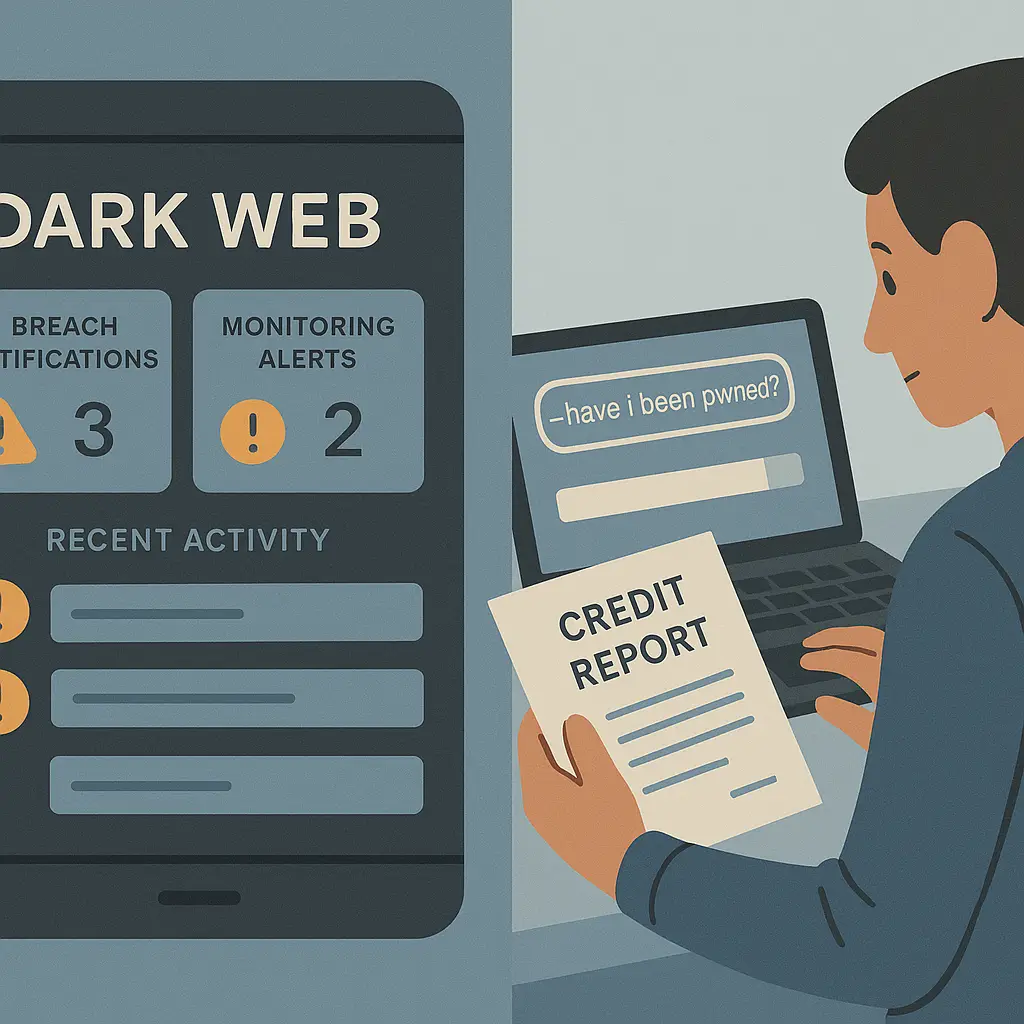
The alert arrives from your credit monitoring service, your password manager, or whatever app promised to scan the shadowy corners of the internet where criminals trade stolen data. The notification is vague but urgent: your information was found in a breach. Change your passwords. Monitor your accounts. Stay vigilant.
What just happened? What did this service actually find? And what, exactly, is it doing that you couldn't do yourself?
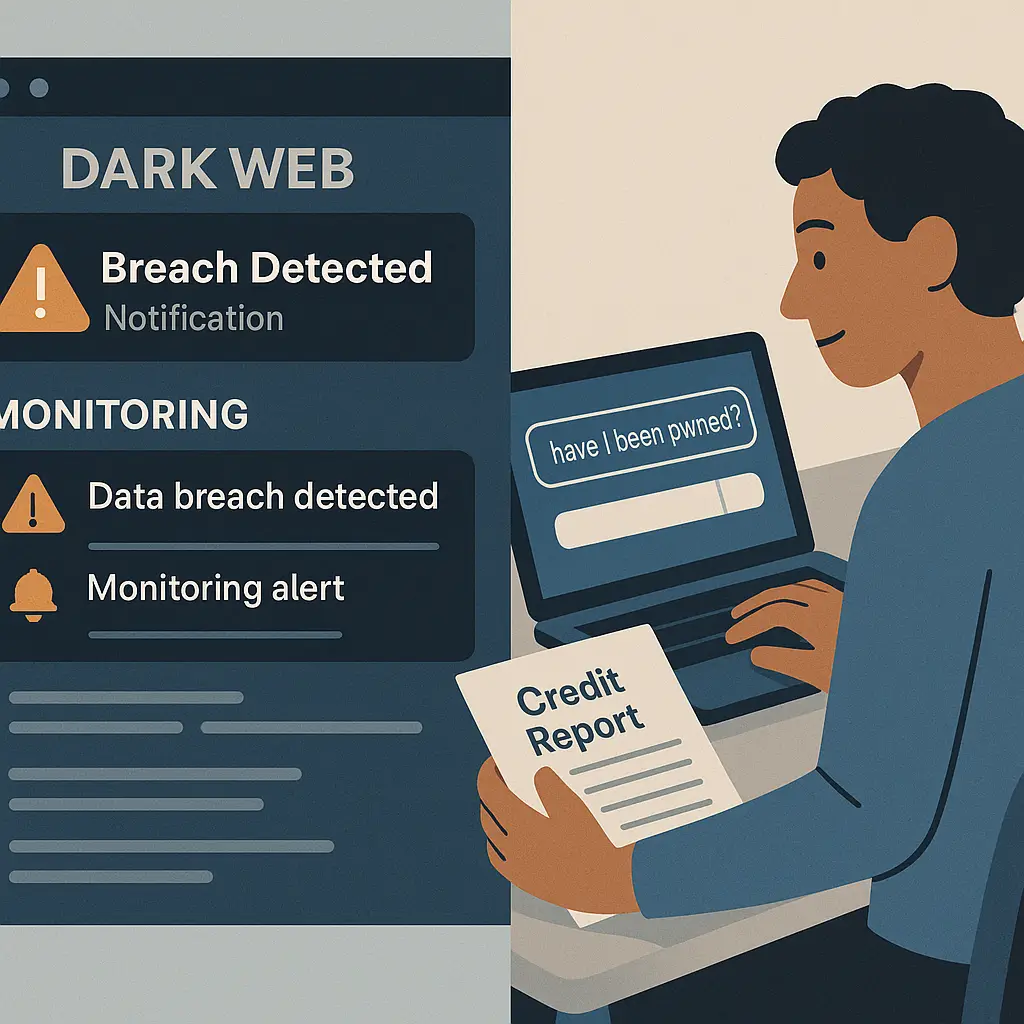
Dark web monitoring is one of those security features that sounds more sophisticated than it is. The name evokes images of hackers in hoodies, encrypted forums, and black-market bazaars selling your identity to the highest bidder. The reality is more mundane: most dark web monitoring services scan the same publicly available breach databases that anyone can check for free. They automate the process, send you alerts, and charge a monthly fee for the convenience.
That doesn't mean the service is useless. It means you need to understand what it actually does, what it misses, and whether the monthly subscription delivers value beyond what free tools already provide.
What dark web monitoring actually scans
Dark web monitoring services search for your personal information across three main categories of sources: breach databases, paste sites, and criminal marketplaces.
Breach databases are the largest source. When a company gets hacked and customer data leaks, that data often ends up on public forums, file-sharing sites, or breach aggregation databases. Services like Have I Been Pwned collect this data and make it searchable. Dark web monitoring tools scan these same databases, looking for your email address, phone number, Social Security number, or credit card details.
Paste sites are the second category. Attackers sometimes dump stolen credentials on sites like Pastebin or GitHub Gists as proof of a breach or as a way to distribute data quickly. Dark web monitoring services scrape these sites for patterns that match your information. The challenge is volume: paste sites host millions of entries daily, most of which are spam, test data, or unrelated content. Filtering signal from noise requires automation, which is where paid services claim to add value.
Criminal marketplaces are the third category, and this is where the "dark web" branding comes from. Some monitoring services claim to scan Tor-based forums and marketplaces where stolen data gets bought and sold. In practice, this coverage is limited. Most criminal marketplaces require membership, vetting, or cryptocurrency payments to access listings. Monitoring services can't browse these sites the way law enforcement might. What they actually scan are public-facing forums, leaked marketplace databases, and secondary sites where criminals advertise their wares. It's a partial view, not comprehensive surveillance.
The data dark web monitoring looks for depends on the service. Email addresses are universal. Most tools also scan for phone numbers, Social Security numbers, and credit card numbers. Some services check for passwords, bank account numbers, driver's license numbers, and medical record identifiers. The broader the scan, the higher the subscription cost.
What these services don't scan is everything else. They don't monitor private messaging apps, encrypted forums, or invite-only marketplaces. They don't detect fraud happening in real time, like someone opening a credit card in your name today. They don't catch breaches that haven't been publicly disclosed yet. Dark web monitoring is reactive, not proactive. It tells you when your data appeared in a known leak, not when it's being actively misused.
The relationship between breaches and the dark web
Here's the part that marketing materials gloss over: most of the data dark web monitoring finds isn't on the dark web at all. It's on the regular internet, indexed by search engines, posted on public forums, or uploaded to file-sharing sites that anyone can access without Tor.
When a company suffers a data breach, the stolen information follows a predictable path. Attackers exfiltrate the data, then decide what to do with it. Sometimes they sell it on criminal marketplaces. Sometimes they post it publicly to build reputation or prove the breach happened. Sometimes they use it for credential stuffing attacks, testing stolen email-password pairs against thousands of websites to find accounts they can take over.
The data that ends up publicly posted is what dark web monitoring services detect. A breach happens. Weeks or months later, the stolen database appears on a forum, a paste site, or a breach aggregation service. Dark web monitoring tools scan these sources, match your information against the leaked data, and send you an alert.
This process introduces delay. You're not getting real-time notification the moment a breach occurs. You're getting notification after the breach has been disclosed, analyzed, and indexed by the services your monitoring tool scans. That gap can be days, weeks, or months.
The term "dark web" in this context is mostly branding. The actual dark web, Tor-based marketplaces, invite-only forums, encrypted chat rooms, accounts for a small fraction of the data these services detect. Most alerts come from breaches that leaked into public view on the regular internet. Calling it "dark web monitoring" sounds more sophisticated than "we scan publicly available breach databases," but the latter description is more accurate.
This isn't to say the dark web doesn't matter. Criminal marketplaces do exist, and stolen data does get traded there. But the data you'll actually be alerted about is almost always from sources anyone can access. The value of dark web monitoring isn't exclusive access to hidden corners of the internet. It's automation. These services check the same public databases you could check yourself, but they do it continuously and notify you when something new appears.
What happens when your data shows up
You get an alert. The specifics vary by service, but the notification usually includes the breach name, the date it occurred, and what data was exposed. Email address and password are the most common. Social Security numbers, credit card numbers, and phone numbers trigger higher-urgency alerts.
What you do next depends on what leaked.
If your email and password appeared in a breach, change your password immediately on the affected site. If you reused that password anywhere else, change it on those sites too. This is why password reuse is the single worst security habit: one breach becomes a skeleton key to every account where you used the same credentials.
If your Social Security number leaked, the response is more involved. A Social Security number unlocks credit applications, tax filings, and government benefits. Once it's out there, it's out there permanently. You can't change your Social Security number the way you change a password. The FTC recommends placing a credit freeze with all three bureaus, Equifax, Experian, and TransUnion, to prevent new accounts from being opened in your name. You should also consider filing for an IRS Identity Protection PIN to block fraudulent tax returns.
If credit card numbers leaked, contact your card issuer. Most banks will cancel the compromised card and issue a new one within days. Credit card fraud liability is capped at fifty dollars under federal law, and most issuers waive that entirely. The bigger risk is the hassle of updating recurring payments and memorizing a new card number.
If phone numbers or physical addresses leaked, there's less you can do. Phone numbers can't be easily changed without disrupting two-factor authentication, contact lists, and service accounts tied to that number. Physical addresses are public record in most states. The exposure creates risk, your phone number might end up on spam lists, your address might fuel targeted phishing, but the mitigation is behavioral, not technical. Be skeptical of unsolicited calls. Don't click links in texts from unknown senders. Review your accounts for unauthorized activity.
The pattern across all of these responses is the same: dark web monitoring tells you what leaked, but it doesn't fix the problem. You still have to take action. The service automates detection. It doesn't automate recovery.
How dark web monitoring compares to credit monitoring
Dark web monitoring and credit monitoring are often bundled together in identity theft protection packages, but they detect different things through different mechanisms.
Credit monitoring watches your credit report for changes. New accounts, hard inquiries, address changes, and delinquencies all trigger alerts. The data source is your credit file at Equifax, Experian, and TransUnion. Credit monitoring catches identity theft after it's already happened, someone opened a credit card in your name, applied for a loan, or changed your billing address. It's reactive, but it's also comprehensive within its domain. If fraud touches your credit report, credit monitoring will catch it.
Dark web monitoring watches breach databases for your personal information. The data source is leaked credentials, stolen records, and compromised accounts. Dark web monitoring catches exposure before it becomes fraud, your email and password leaked in a breach, but no one's used them yet. It's also reactive, but in a different way. You're being alerted to potential risk, not confirmed fraud.
The two services overlap in one area: Social Security numbers. If your Social Security number appears in a breach, dark web monitoring alerts you. If someone uses that Social Security number to open credit, credit monitoring alerts you. Both services are detecting the same underlying threat, identity theft, but at different stages. Dark web monitoring catches the data leak. Credit monitoring catches the fraudulent use.
Which one matters more depends on your threat model. If you're worried about someone opening accounts in your name, credit monitoring is essential. If you're worried about credential stuffing attacks and account takeovers, dark web monitoring adds value. If you're worried about both, you need both.
The complication is that many services bundle the two together, making it hard to evaluate what you're actually paying for. A service might advertise "dark web monitoring and credit monitoring" for fifteen dollars a month, but the dark web monitoring component might be scanning the same free databases you could check yourself. The credit monitoring component might be single-bureau coverage when you need all three bureaus. Read the fine print. Understand what's included and what's extra.
The limits of dark web monitoring
Dark web monitoring can't detect breaches that haven't been disclosed yet. If a company gets hacked today and the breach stays hidden for six months, your monitoring service won't know about it until the data leaks publicly. This is a fundamental limitation: the service scans known breaches, not unknown ones.
Dark web monitoring can't detect fraud that doesn't involve your personal information appearing in a breach database. If someone steals your wallet and uses your credit card at a gas station, that's not a data breach. If someone calls your bank pretending to be you and socially engineers their way into your account, that's not a data breach. Dark web monitoring won't catch these attacks because they don't involve leaked data showing up in the sources the service scans.
Dark web monitoring can't prevent anything. It's a detection tool, not a prevention tool. By the time you get an alert, the breach has already happened, the data has already leaked, and the exposure has already occurred. What you do with that information determines whether the breach becomes fraud. Change your passwords, enable two-factor authentication, freeze your credit if Social Security numbers leaked. Dark web monitoring tells you when to act, but you still have to act.
Dark web monitoring can't scan everything. Criminal marketplaces require access, vetting, and often payment. Monitoring services can't browse these sites the way an undercover investigator might. What they scan are public-facing forums, leaked marketplace dumps, and secondary sites where criminals advertise. It's a partial view. Some stolen data never shows up in the sources these services monitor.
Dark web monitoring can't tell you if your data is being actively used. An alert means your information appeared in a breach database. It doesn't mean someone is using your password right now to log into your accounts. It doesn't mean someone is applying for credit in your name. The alert is a warning, not a confirmation of fraud. What happens next depends on what the criminals do with the data and how quickly you respond.
Do you actually need dark web monitoring?
Maybe. It depends on what you're trying to protect and what you're willing to pay for automation.
If you're already using Have I Been Pwned to check your email addresses periodically, you're getting the core value of dark web monitoring for free. Have I Been Pwned scans the same breach databases that paid services scan. The difference is automation: Have I Been Pwned requires you to visit the site and enter your email manually. Paid services check continuously and send alerts when new breaches appear.
If you're already paying for credit monitoring, check whether dark web monitoring is included. Many credit monitoring services now bundle basic dark web scanning as a feature. You might already have it without realizing it. Log into your account, review the features, and see what's covered.
If you're managing accounts for elderly parents, kids, or anyone who's unlikely to check breach databases themselves, dark web monitoring adds value through automation. You can set up monitoring for their email addresses and Social Security numbers, then receive alerts when their data appears in a breach. The service handles the repetitive checking so you don't have to.
If you're in a high-risk profession, journalist, activist, public figure, executive, dark web monitoring might catch targeted attacks that wouldn't show up in mass breaches. Attackers sometimes post stolen credentials on forums as proof of compromise or as a way to build reputation. Monitoring services scan these forums and alert you when your information appears, even if it's not part of a major breach.
If you're trying to decide between free tools and paid services, the question is whether you'll actually use the free tools consistently. Have I Been Pwned is excellent, but it requires you to remember to check it. Paid services remove that friction. They check for you, send alerts, and handle the repetitive work. The value is convenience, not exclusive access to hidden data.
If you're already overwhelmed by security advice and struggling to keep up with the basics, strong passwords, two-factor authentication, software updates, dark web monitoring won't solve that. It's an additional layer, not a replacement for foundational security. Fix the basics first. Use a password manager. Enable two-factor authentication on your email, banking, and social media accounts. Freeze your credit. Those actions prevent more fraud than any monitoring service can detect.
What to look for in a dark web monitoring service
If you decide to pay for dark web monitoring, here's what actually matters.
Coverage: What data types does the service scan for? Email addresses are standard. Social Security numbers, credit card numbers, phone numbers, and bank account numbers are more valuable. Some services also check for driver's license numbers, passport numbers, and medical record identifiers. The broader the coverage, the more useful the service.
Frequency: How often does the service scan for new breaches? Daily scans are better than weekly. Real-time alerts are better than batch notifications. The faster you're notified, the faster you can respond.
Sources: What databases does the service actually scan? Public breach databases like Have I Been Pwned are the baseline. Paste sites add value. Criminal marketplace scanning is hard to verify, ask the provider what specific sources they monitor and how they access them.
Alerts: How does the service notify you? Email is standard. SMS is better for urgent alerts. Push notifications through a mobile app are even better. Make sure the alert includes enough detail to act on: what data leaked, from which breach, and when.
Remediation: Does the service tell you what to do after an alert? Some providers include step-by-step guidance: change this password, freeze your credit, contact this bank. Others just send the alert and leave the response to you. Guidance adds value, especially if you're monitoring accounts for family members who might not know what to do.
Bundling: Is dark web monitoring sold standalone or bundled with credit monitoring, identity theft insurance, or other services? Bundles can deliver value if you need all the components, but they can also inflate the price if you're paying for features you don't use. Evaluate what's included and whether you'd buy each component separately.
Price: What does the service actually cost? Introductory rates are common, but they expire. Read the fine print to understand what you'll pay after the first year. Compare the ongoing cost to free alternatives like Have I Been Pwned and the dark web scanning included in credit monitoring services you might already have.
The cultural reference that fits
In Ocean's Eleven, Danny Ocean and his crew spend weeks planning the Bellagio heist. They study the casino's security systems, map the vault layout, and rehearse every step. When they finally execute the plan, they know exactly where the cameras are, which guards are on duty, and how long they have before alarms trigger.
Dark web monitoring is the opposite of that. It's not surveillance. It's notification after the fact. The heist already happened. Your data already walked out the door. The monitoring service is the security guard reviewing footage the next morning, telling you what got stolen and when.
That doesn't make the service useless. Knowing what got stolen matters. It tells you which accounts to secure, which passwords to change, which credit bureaus to contact. But it's not prevention. It's damage assessment. You're not stopping the breach. You're responding to it.
The value of dark web monitoring is speed. The faster you know your data leaked, the faster you can respond, and the less time criminals have to exploit the exposure. That speed comes from automation. The service checks continuously, scans new breaches as they appear, and alerts you without requiring you to remember to check manually.
But speed only matters if you act on the alerts. An email notification that sits unread in your inbox for a week delivers no value. A text alert that you dismiss without changing your password doesn't stop credential stuffing. Dark web monitoring is a tool. It doesn't work unless you use it.
Free tools that do most of what paid services do
Have I Been Pwned is the gold standard for free breach checking. Enter your email address, and the site tells you which breaches exposed your data. The database includes billions of compromised accounts from thousands of breaches. You can also subscribe to notifications: when your email appears in a new breach, Have I Been Pwned sends an alert.
The site also offers password checking. Enter a password (or a hash of a password), and Have I Been Pwned tells you whether it appeared in a breach. This is useful for evaluating whether a password you're considering has already been compromised. If it has, choose a different one.
Many password managers now include breach monitoring as a feature. Bitwarden, 1Password, Dashlane, and LastPass all scan your stored credentials against known breach databases and alert you when a saved password appears in a leak. This is dark web monitoring integrated into the tool you're already using to manage passwords. If you're paying for a password manager, check whether breach monitoring is included before paying for a separate dark web monitoring service.
Credit monitoring services increasingly bundle basic dark web scanning. Check your existing credit monitoring provider, Equifax, Experian, TransUnion, Credit Karma, or whoever you're using, and see what's included. You might already have dark web monitoring without realizing it.
Google and Microsoft both offer breach alerts for accounts using their services. If your Gmail or Outlook password appears in a known breach, you'll get a notification prompting you to change it. This is free, automatic, and built into the account security features you're already using.
The limitation of free tools is that they require you to check them. Have I Been Pwned won't scan your email automatically unless you subscribe to notifications. Password managers only alert you about breaches affecting passwords you've saved. Credit monitoring only covers data tied to your credit report. Free tools are excellent, but they're not comprehensive. Paid dark web monitoring services fill the gaps by scanning continuously across more data types and more sources.
What to do when you get an alert
An alert arrives. Your email appeared in a breach. Here's the exact sequence of steps.
First, identify which account was compromised. The alert should name the breached service. If it doesn't, search your email for messages from that company to confirm you have an account there.
Second, change your password on the affected account immediately. Use a strong, unique password, ideally generated by a password manager. If you reused that password on other accounts, change it there too. Password reuse turns one breach into many.
Third, enable two-factor authentication on the affected account if it's not already enabled. Two-factor authentication requires a second form of verification beyond your password, making it much harder for attackers to access your account even if they have your credentials.
Fourth, review recent account activity. Check login history, recent transactions, and any changes to account settings. Look for unfamiliar logins, unauthorized purchases, or changes you didn't make. If you find anything suspicious, contact the service's support team immediately.
Fifth, consider whether the breach exposed information beyond your email and password. If Social Security numbers, credit card numbers, or bank account numbers leaked, take additional steps. For Social Security numbers, place a credit freeze with all three bureaus. For credit cards, contact your issuer and request a replacement card. For bank accounts, monitor transactions closely and consider changing account numbers if fraud appears.
Sixth, evaluate whether the breach affects other accounts. If the compromised service had access to your contacts, calendar, or other personal data, consider what attackers might do with that information. Phishing emails, targeted scams, and social engineering attacks often follow breaches that expose contact lists or personal details.
Seventh, document the breach. Save the alert email, note the date you were notified, and record what actions you took. If fraud occurs later, this documentation will help you prove when the exposure happened and what steps you took to mitigate it.
The response to a dark web monitoring alert is the same response you'd take after any breach notification. The service didn't prevent the breach. It told you about it. What happens next is up to you.
The industry view on dark web monitoring
Security professionals are split on dark web monitoring. Some see it as a useful automation layer that helps non-technical users stay informed about breaches. Others see it as overpriced marketing that repackages free tools and charges a subscription.
The skepticism comes from the gap between the branding and the reality. "Dark web monitoring" sounds like sophisticated intelligence gathering. The actual service is scanning publicly available breach databases. That's useful, but it's not exclusive. Anyone can check Have I Been Pwned. Anyone can subscribe to breach notifications. Paid services automate that process, but they're not accessing hidden sources that free tools can't reach.
The value proposition is convenience. Dark web monitoring removes the friction of manual checking. You don't have to remember to visit Have I Been Pwned every month. You don't have to search for your email across multiple breach databases. The service does it for you, continuously, and sends alerts when something new appears.
That convenience has real value for some users. Elderly parents who wouldn't check breach databases themselves. Busy professionals who forget to review account security. Families managing multiple email addresses and Social Security numbers. For these users, automation justifies the cost.
For technically savvy users who already check breach databases regularly, use password managers with built-in breach alerts, and monitor their credit reports, paid dark web monitoring delivers less incremental value. They're already doing the work the service automates.
The industry trend is toward bundling. Dark web monitoring used to be sold as a standalone service. Now it's increasingly packaged with credit monitoring, identity theft insurance, and VPN access. This makes it harder to evaluate what you're actually paying for. A fifteen-dollar-per-month identity protection package might include dark web monitoring, but if you only need the dark web monitoring component, you're overpaying for features you don't use.
The other trend is integration. Password managers, credit monitoring services, and even email providers now include basic breach alerts as a built-in feature. This commoditizes dark web monitoring. It's no longer a specialized service you pay extra for. It's a standard feature included in tools you're already using.
When dark web monitoring actually helps
Dark web monitoring helps when you wouldn't otherwise check breach databases regularly. If you're the kind of person who sets a calendar reminder to check Have I Been Pwned every month, you probably don't need a paid service. If you're the kind of person who intends to check but never gets around to it, automation adds value.
Dark web monitoring helps when you're managing accounts for people who can't manage them themselves. Elderly parents, young kids, family members with cognitive disabilities, anyone who's unlikely to check breach databases or respond to alerts independently. You can set up monitoring for their information and receive alerts on their behalf.
Dark web monitoring helps when you're in a high-risk profession where targeted attacks are more likely than mass breaches. Journalists, activists, executives, public figures, anyone whose email address might be specifically targeted rather than caught in a broad credential dump. Monitoring services sometimes catch these targeted leaks before they spread widely.
Dark web monitoring helps when you've already experienced identity theft and you're trying to prevent it from happening again. Once your Social Security number has been used fraudulently, you're at higher risk for future fraud. Monitoring services alert you when your information appears in new breaches, giving you a chance to respond before the next round of fraud begins.
Dark web monitoring doesn't help when you're not willing to act on the alerts. If you get a notification that your password leaked and you don't change it, the service delivered no value. If you're alerted that your Social Security number appeared in a breach and you don't freeze your credit, the service didn't prevent fraud. Dark web monitoring is a tool. It only works if you use it.
Dark web monitoring doesn't help when the breach hasn't been disclosed yet. If a company gets hacked today and keeps it quiet for six months, your monitoring service won't know about it. You'll get an alert six months from now, when the breach becomes public. By then, your data might have already been used for fraud.
Dark web monitoring doesn't help when the fraud doesn't involve a breach. Someone steals your wallet and uses your credit card. Someone calls your bank and socially engineers their way into your account. Someone files a fraudulent tax return in your name using information from public records, not a breach. Dark web monitoring won't catch any of these attacks because they don't involve data showing up in breach databases.
What I actually use
I check Have I Been Pwned manually every few months. I also have notifications enabled, so I get an email when my address appears in a new breach. This covers the core value of dark web monitoring without a subscription.
I use a password manager with built-in breach alerts. When a saved password appears in a known breach, I get a notification within the app. This catches credential exposure for accounts I actually use, which is more valuable than generic breach alerts for accounts I opened once and forgot about.
I monitor my credit reports through the free services offered by the three bureaus. This catches fraudulent accounts, hard inquiries, and address changes. It's not dark web monitoring, but it's the downstream detection that matters more: if someone uses my stolen data to open credit, I'll know.
I don't pay for standalone dark web monitoring because the free tools cover what I need. But I understand why someone would. If I were managing accounts for my parents, I'd probably pay for a service that automates the checking and sends me alerts when their information appears in a breach. The value there is time and peace of mind, not access to exclusive data.
The decision comes down to your threat model, your technical comfort, and your willingness to pay for automation. Dark web monitoring doesn't do anything you can't do yourself with free tools. It just does it continuously, without requiring you to remember.