Airline Apps Track More Than Your Flight: Location, Spending, and Everything In Between
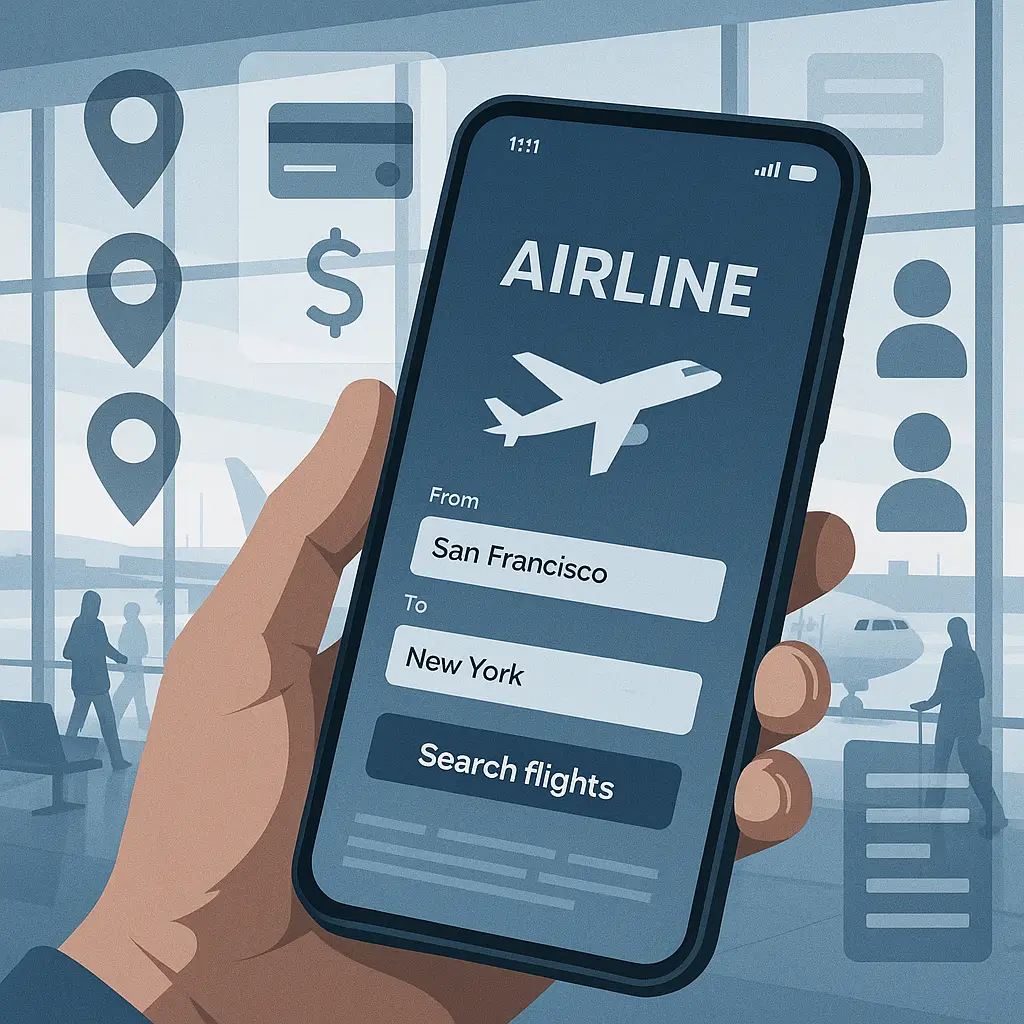
You install the airline app to check in faster. Maybe grab a mobile boarding pass, track your flight status, book a seat upgrade. Feels practical. The app delivers what it promises.
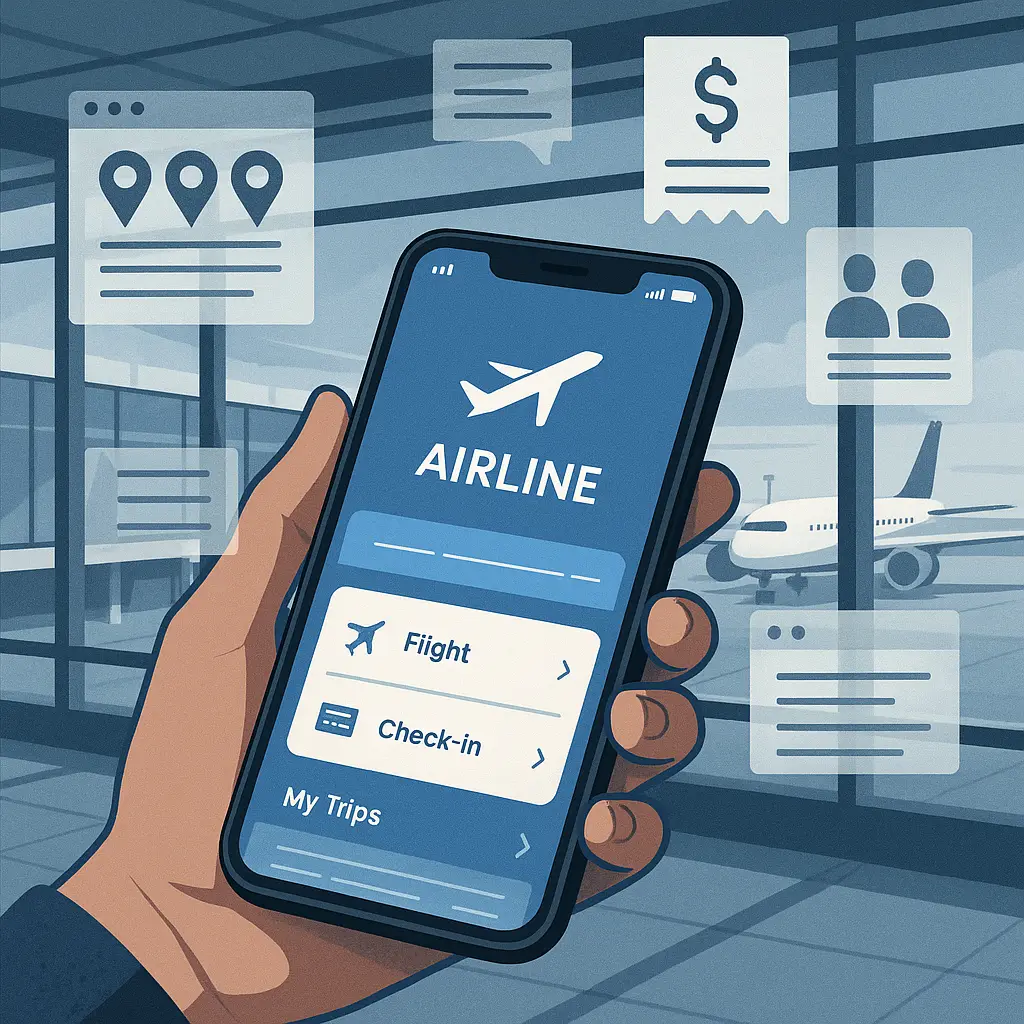
What you don't see is the data collection running behind that clean interface. Your airline app doesn't just track flights. It tracks where you go between flights, what you buy, who you're traveling with, and how you behave across dozens of interactions. That data feeds marketing profiles, gets shared with third parties, and persists long after you've landed.
Here's the technical mechanism behind what airline apps actually track, how the collection works, and what you can control.
Location Tracking: Continuous, Not Just at the Airport
When you grant an airline app location permission, you're probably thinking about airport navigation. Find your gate, get directions to the lounge, receive notifications when boarding starts. Reasonable use cases.
The permission doesn't stop there. Most airline apps request "Always" location access, which means they track you continuously, not just when you open the app. They monitor where you live, where you work, which airports you visit, how often you travel, and what routes you take between destinations.
Airlines use this data to build travel pattern profiles. They can infer your home airport, identify business versus leisure trips, and predict future booking behavior. The data also flows to advertising networks that serve you location-based offers for hotels, rental cars, and activities at your destination.
The mechanism works through GPS when available, WiFi triangulation when you're indoors, and cell tower positioning when neither is precise. Your phone's operating system logs these coordinates and makes them available to any app with location permission. The airline app pulls that data at regular intervals and sends it back to their servers.
You can limit this. In your phone's settings, change the airline app's location permission from "Always" to "While Using the App." The app will still work for check-in and boarding passes. You'll lose some convenience features like automatic flight status updates, but you'll stop the background tracking.
Some apps nag you to restore "Always" permission. Ignore it. Core functionality doesn't require continuous location access.
Purchase Tracking: Beyond Ticket Sales
Airlines track every transaction you make through their app or website. Obvious purchases like tickets, seat upgrades, and baggage fees. Less obvious purchases like in-flight WiFi, meals, duty-free shopping, and hotel bookings made through their travel portal.
Each purchase gets linked to your frequent flyer account and tied to your broader profile. The airline can see your spending patterns, price sensitivity, upgrade frequency, and preferred payment methods. They use this to calibrate dynamic pricing, target promotions, and decide which offers to show you.
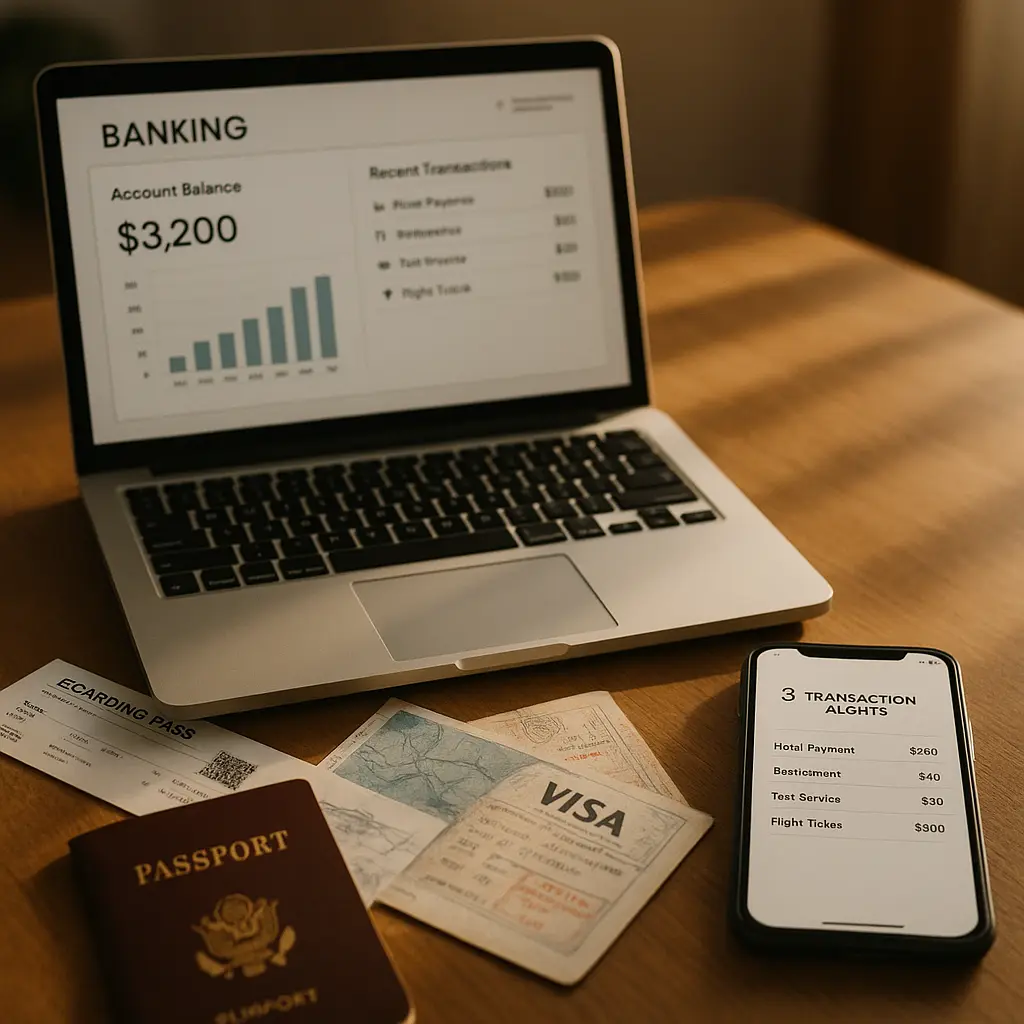
If you've linked a credit card to automatically earn miles on everyday purchases, the airline can see those transactions too. Not the itemized details, but the merchant category, transaction amount, and frequency. That data feeds into the same behavioral profile.
Some airline apps integrate with payment platforms that track purchases across merchants. You authorize this connection when you sign up for mileage-earning programs tied to your credit card. The mechanism works through APIs that let the airline query transaction data from your card issuer or payment processor.
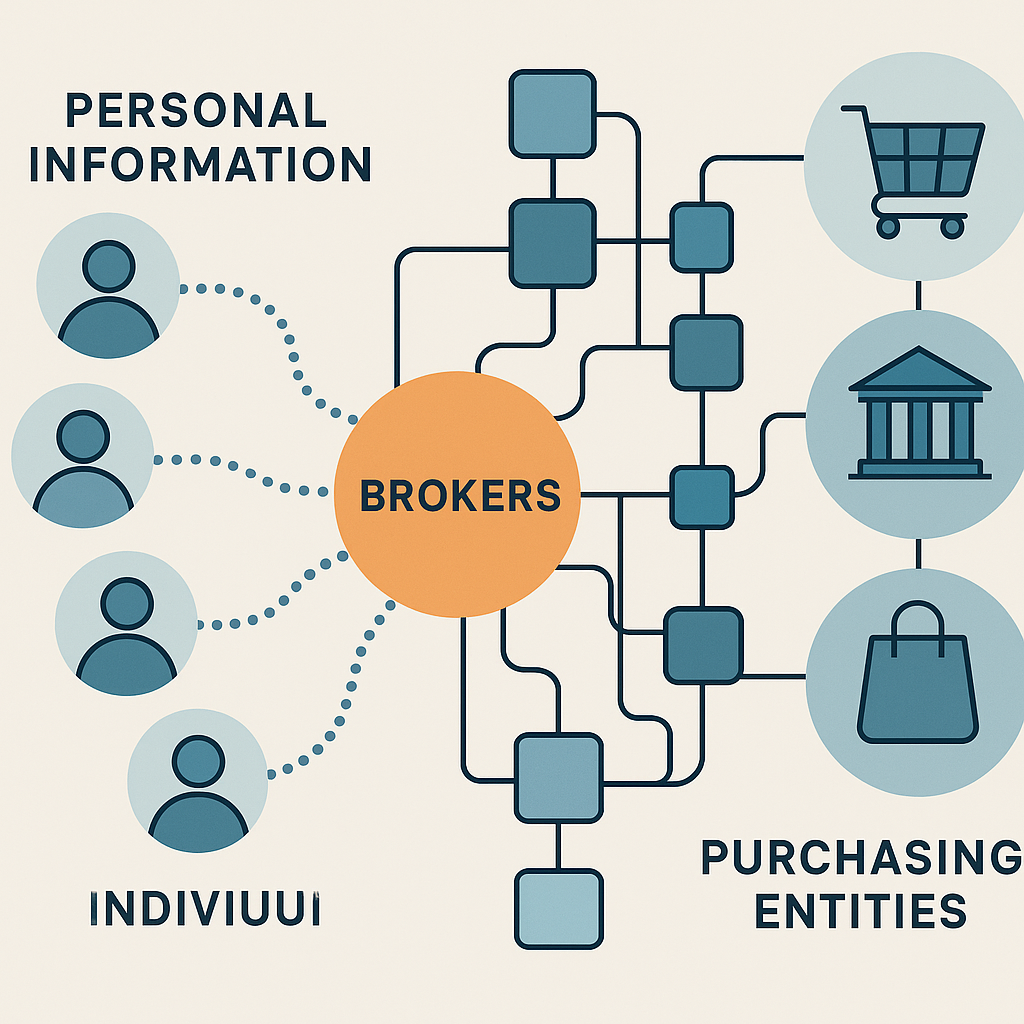
Third-party analytics providers often process this data. The airline shares purchase information with companies that specialize in consumer behavior analysis, fraud detection, or targeted advertising. The privacy policy lists these partners, though usually in vague language about "service providers" and "business partners."
You can reduce purchase tracking by using different payment methods for airline transactions versus other spending. Don't link your primary credit card to mileage-earning programs unless the rewards outweigh the data sharing. Pay for in-flight purchases with cash or a separate card when possible.
Contact and Calendar Access: Who You're Traveling With
Many airline apps request access to your contacts and calendar. The stated reason is convenience: auto-fill passenger information when booking for family members, add flight details to your calendar automatically, share itineraries with travel companions.
The underlying mechanism gives the app access to everyone in your contact list and every event in your calendar. The airline can see names, phone numbers, email addresses, and relationship metadata. They can infer who you travel with frequently, identify family versus business contacts, and build social graphs that map your network.
Calendar access reveals your schedule beyond flights. The app can see work meetings, personal appointments, and other travel plans. This data helps airlines predict when you're likely to book, what destinations align with your calendar, and how flexible your travel dates might be.
Some of this data gets anonymized and aggregated for analytics. Some gets used for targeted marketing. Some flows to third-party advertising networks that use it to serve you ads across other apps and websites.
You don't need to grant these permissions for the app to function. Manually entering passenger details takes an extra minute. Adding flights to your calendar yourself takes thirty seconds. The convenience trade-off isn't worth the data exposure for most people.
Deny contact and calendar access when the app requests it. If you've already granted permission, revoke it in your phone's settings. The app will still work fine.
Browsing and Search Behavior: What You Almost Booked
Airline apps track every search you run, every flight you view, every price you check. Even if you don't book. Especially if you don't book.
The mechanism works through event logging. Every tap, swipe, and search query generates an event that gets sent to the airline's analytics platform. They can see which routes you're considering, what dates you're flexible on, what price points make you hesitate, and how long you spend comparing options.
This data feeds dynamic pricing algorithms. If you search the same route repeatedly, the airline knows you're interested and might raise the price. If you abandon the search, they might send you a promotional email with a discount. If you book immediately, they learn that you're less price-sensitive and adjust future offers accordingly.
Third-party analytics companies process much of this data. Airlines use services like Google Analytics, Adobe Analytics, and specialized travel analytics platforms to track user behavior. These platforms correlate your in-app activity with your behavior across other websites and apps, building a comprehensive profile that extends far beyond airline bookings.
The privacy policy describes this as "improving user experience" and "personalizing offers." The mechanism is surveillance that optimizes revenue extraction.
You can't fully prevent this tracking while using the app, but you can limit its reach. Use the app only for final booking and check-in, not for browsing flights. Do your research on the airline's website in a private browsing window, or use a flight search engine that doesn't link to your frequent flyer account.
Device Information: Hardware, OS, and Installed Apps
When you install an airline app, it collects technical information about your device. Operating system version, phone model, screen resolution, installed apps, and unique device identifiers.
Some of this data supports legitimate functionality. The app needs to know your OS version to deliver compatible features. It uses screen resolution to render the interface correctly. Reasonable.
Other collection serves tracking and profiling. Device identifiers like IDFA (on iPhone) or Advertising ID (on Android) let the airline link your in-app behavior to your activity across other apps and websites. They can see which other travel apps you use, which shopping apps you have installed, and which social media platforms you're active on.
This data gets shared with advertising networks that use it to serve you targeted ads. The airline might partner with a hotel chain or car rental company to show you offers based on your flight bookings. Those partners use your device ID to track whether you clicked their ad, visited their website, and made a purchase.
Some airlines use device fingerprinting, which combines multiple data points (screen size, installed fonts, timezone, language settings, battery level, available sensors) to create a unique identifier even when you've disabled advertising IDs. This technique is harder to block and persists across app reinstalls.
You can limit device tracking by disabling advertising IDs in your phone's privacy settings. On iPhone, go to Settings > Privacy & Security > Tracking and toggle off "Allow Apps to Request to Track." On Android, go to Settings > Privacy > Ads and enable "Opt out of Ads Personalization."
This doesn't stop all tracking, but it prevents the most invasive cross-app surveillance.
Biometric Data: Face Scans and Fingerprints
Some airlines have started integrating biometric authentication into their apps. Face recognition for identity verification, fingerprint scanning for secure login, facial analysis for customer service interactions.
The mechanism varies. Some airlines process biometric data entirely on your device, using your phone's built-in security features without storing face or fingerprint data on their servers. This is relatively safe.
Other airlines upload biometric data to their own systems or third-party identity verification services. This creates a permanent record of your biometric information in databases you don't control. The privacy policy usually describes this as "secure storage" with "encryption," but the data still exists outside your device and becomes a target for breaches.
Facial recognition at airports often links to your frequent flyer account. When you opt into biometric boarding, your face scan gets associated with your profile and stored for future use. The airline can use this data to identify you in airport cameras, personalize digital signage, or track your movement through the terminal.
You can decline biometric features. Use traditional login methods (password or PIN) instead of fingerprint or face unlock. Opt out of biometric boarding programs. The convenience gain is minimal; the privacy cost is permanent.
Third-Party Integrations: Where Your Data Actually Goes
Airline apps don't operate in isolation. They integrate with dozens of third-party services that each collect and process your data.
Analytics platforms track your behavior and generate reports on user engagement, conversion rates, and feature usage. Advertising networks serve targeted ads and track whether you click them. Payment processors handle transactions and store your payment methods. Cloud storage providers host your data. Customer service platforms log your support interactions.
Each integration creates a new copy of your data in a new company's systems. Each company has its own privacy policy, security practices, and data retention policies. Each company might share your data with its own partners, creating a cascade of data sharing that extends far beyond the airline.
The privacy policy lists these third parties, usually in a section called "Information Sharing" or "Third-Party Services." The language is vague. "We may share your information with service providers who help us operate our business." No specifics on which providers, what data they receive, or how long they keep it.
Some airlines let you opt out of certain third-party sharing through privacy settings in the app. Look for options like "Do Not Share My Information for Marketing" or "Opt Out of Third-Party Analytics." These controls are often buried in settings menus or require you to contact customer support.
You can also use your phone's privacy settings to limit what data the app can access in the first place. If the app can't see your location, contacts, or calendar, it can't share that data with third parties.
Data Retention: How Long It Persists
Airlines keep your data for years. Flight history, purchase records, location logs, search behavior, device information, all of it sits in databases long after you've stopped using the app.
The privacy policy usually says something like "We retain your information for as long as necessary to provide services and comply with legal obligations." That's deliberately vague. "Necessary" can mean decades.
Some data never gets deleted. Your frequent flyer account history persists indefinitely. Transaction records stay in financial systems for regulatory compliance. Aggregated analytics data gets stripped of direct identifiers but remains in marketing databases forever.
You can request data deletion under privacy laws like GDPR (if you're in Europe) or CCPA (if you're in California). Many airlines extend these rights to all users regardless of location. The process usually involves submitting a request through the privacy policy's "Your Rights" section or contacting customer support.
Deletion isn't instant or complete. The airline will remove data from active systems but might retain copies in backups, archives, or third-party systems. They'll stop using your data for marketing but keep transaction records for legal compliance. The result is partial deletion that reduces future tracking without erasing your history entirely.
If you delete the app, your data stays in the airline's systems. Deleting the app only removes it from your phone. To stop future collection, you need to delete your frequent flyer account entirely, which means losing your miles and status. For most people, that's not a practical option.
The Cultural Reference: Ted Lasso's Approach to Trust
In Ted Lasso, the titular coach builds relationships through radical transparency and genuine care for the people around him. He doesn't manipulate, doesn't hide his intentions, doesn't optimize for extraction. He tells you what he's doing and why, and he means it.
Airline apps operate on the opposite principle. They collect everything they can, share it with everyone who'll pay, and describe it in language designed to obscure rather than clarify. The relationship isn't built on trust. It's built on the assumption that you won't read the privacy policy, won't check your permissions, and won't notice the tracking running in the background.
Ted would tell you straight: "I'm gonna need to know where you are so I can send you gate updates, and I promise I won't use that for anything else." Airline apps say: "We may collect location data to enhance your experience and share it with partners for legitimate business purposes." One builds trust. The other exploits it.
The mechanism behind airline app tracking isn't hidden because it's necessary. It's hidden because transparency would make you uncomfortable. If the app showed you a real-time log of every data point it collected, every third party it shared with, every behavioral inference it made, you'd probably uninstall it.
That discomfort is the signal. When a company obscures what it's doing, it's because what it's doing wouldn't survive scrutiny.
What You Can Actually Control
You can't use an airline app without some data collection. The app needs your name, flight details, and payment information to function. That's the baseline.
Everything beyond that is negotiable. Location tracking, contact access, calendar integration, browsing surveillance, third-party sharing, all optional. The app will work fine without them.
Start with permissions. Go to your phone's settings, find the airline app, and review what it can access. Disable location unless you're actively using the app. Deny contact and calendar access entirely. Turn off notifications if you don't need real-time updates.
Use the app only for essential tasks: check-in, boarding passes, flight status. Do your flight research elsewhere. Don't browse the app's travel deals, hotel offers, or car rental promotions. Every interaction feeds the profile.
Check the privacy settings inside the app. Look for options to opt out of marketing, analytics, or third-party sharing. These controls are often hidden in account settings under "Privacy" or "Data Preferences." Enable every opt-out you can find.
Consider using the airline's mobile website instead of the app. Websites can't access as much data as apps. You lose some convenience (no offline boarding passes, slower load times), but you gain significant privacy.
If you're willing to give up miles and status, create a separate frequent flyer account for occasional use and keep your primary account offline. Use the throwaway account for app bookings and the primary account for direct website bookings. This limits how much behavioral data gets linked to your main profile.
For international travel, consider deleting the app before you cross borders. Some countries conduct device searches at entry points. An airline app on your phone reveals your travel history, contact list, and stored payment methods. Reinstall it after you've cleared customs.
None of this is perfect. Airlines will still collect data through website tracking, credit card transactions, and airport interactions. But you can reduce the volume significantly by limiting what the app can see.
The Bigger Picture: Surveillance as Service Design
Airline apps aren't uniquely invasive. They're representative. Most commercial apps follow the same pattern: offer a useful service, request broad permissions, collect everything possible, share with third parties, obscure the mechanism in privacy policies written by lawyers.
The surveillance isn't a side effect. It's the business model. The app's core function (mobile boarding passes, flight status) could work with minimal data collection. The extensive tracking exists because airlines monetize your data through targeted advertising, behavioral analytics, and third-party partnerships.
This model depends on your inattention. If you read the privacy policy, checked your permissions, and made informed choices about what to share, the data collection would shrink dramatically. Airlines know most people won't do that. They design the experience to maximize collection while minimizing friction.
The result is a system where the default is surveillance and privacy requires active effort. You have to know which permissions to deny, which settings to change, which features to avoid. The app won't guide you. The airline won't volunteer the information. You have to seek it out.
That's not an accident. It's the design working as intended.
What Happens Next
Airline app tracking will expand, not contract. Face recognition will become standard. Location tracking will get more precise. Behavioral profiling will get more sophisticated. The data will flow to more third parties, feed more advertising networks, and persist in more databases.
Privacy regulations might slow this down. GDPR in Europe, CCPA in California, and similar laws elsewhere create some constraints. Airlines have to offer opt-outs, honor deletion requests, and disclose third-party sharing. But the baseline remains: collect everything, share widely, obscure the details.
The alternative is to treat privacy as a feature worth designing for, not a legal obligation to minimize. Build apps that collect only what's needed, delete data promptly, and explain clearly what's happening. Some companies do this. Most don't.
Until the incentives change, the tracking will continue. Your airline app will keep collecting data you didn't know you were sharing, for purposes you didn't explicitly authorize, with companies you've never heard of.
You can limit it. You can't eliminate it. That's the trade-off for using the app at all.