AI Meeting Summaries: What They Capture and What They Keep
AI meeting assistants promise efficiency. You talk, the bot listens, and minutes later you get a summary, action items, and searchable transcripts. Zoom, Microsoft Teams, Google Meet, and standalone tools like Otter.ai and Fireflies.ai all offer versions of this feature. Millions of professionals use them daily.
What most people don't realize is how much these tools capture, how long they retain it, and who can access it after the meeting ends.
This isn't about whether AI summaries are useful. They are. This is about the underlying mechanism, what gets recorded, where it goes, and what control you actually have over the data once it's out of your mouth.
How AI Meeting Transcription Actually Works
When you join a meeting with AI transcription enabled, the tool captures audio in real time. It doesn't wait for you to finish speaking or filter out irrelevant comments. Everything gets recorded: your words, your colleague's joke, the side conversation while someone's on mute, background noise that includes identifiable voices.
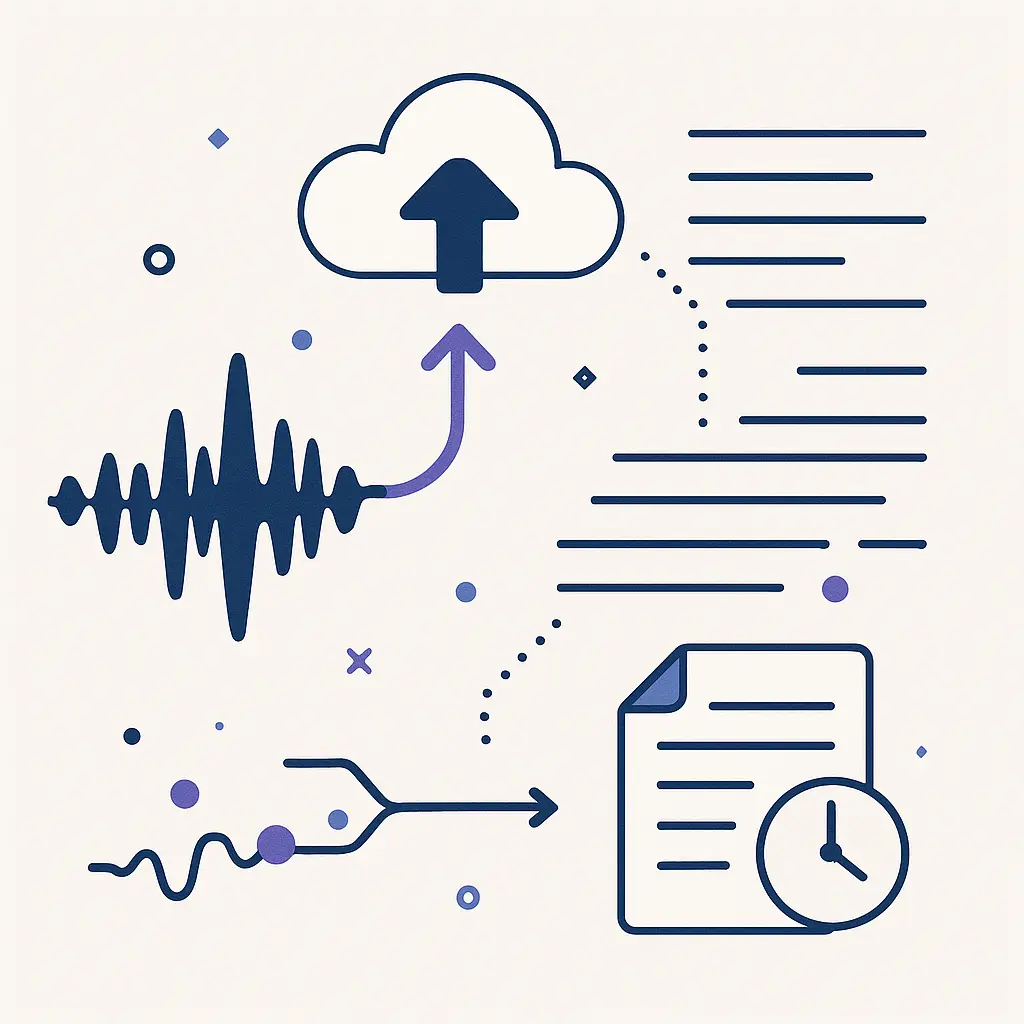
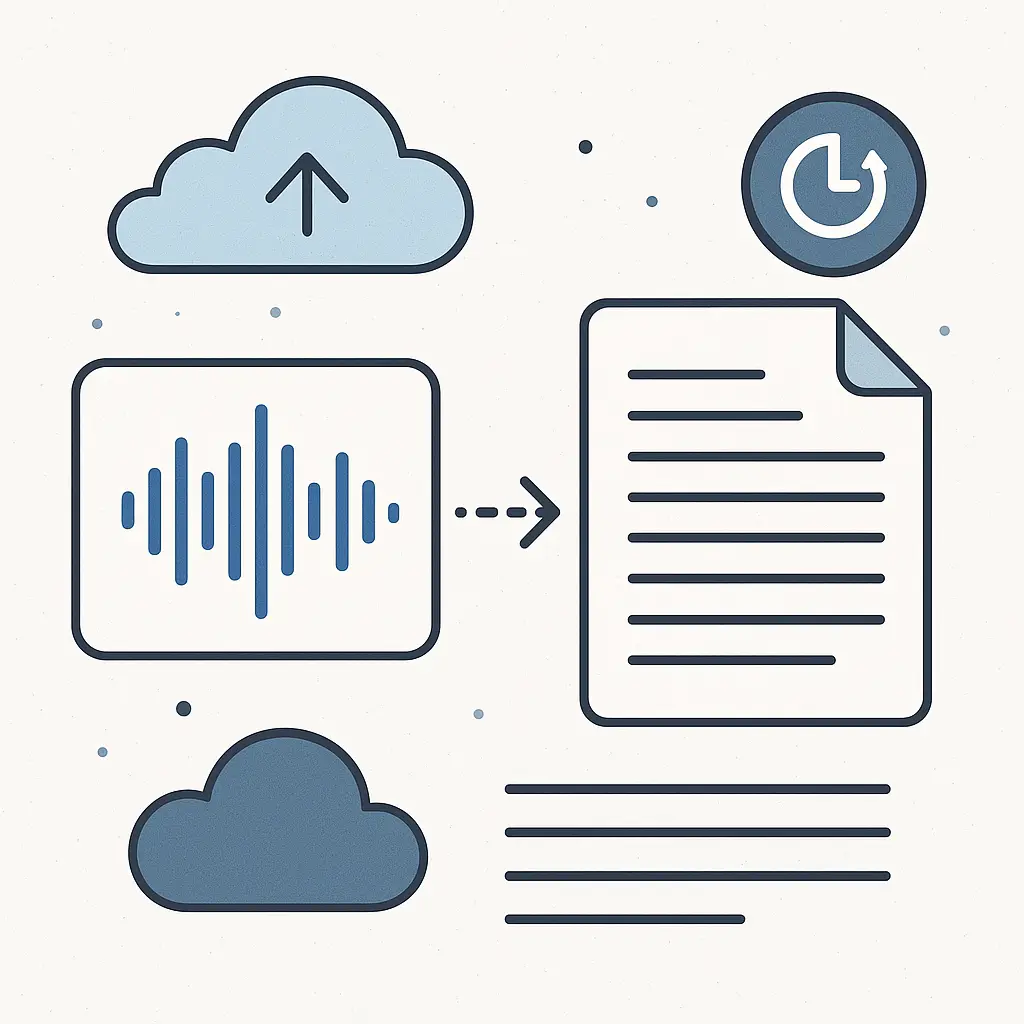
The audio stream feeds into a speech-to-text engine. Some providers use their own models; others license technology from companies like OpenAI, Google, or Amazon. The engine converts spoken words into text, typically with timestamps and speaker labels.
This transcript becomes the raw material for the AI summary. A language model processes the text, identifies key points, extracts action items, and generates a condensed version of the meeting. The summary might be a few paragraphs, a bulleted list, or a structured document with sections for decisions, tasks, and follow-ups.
Both the full transcript and the summary get stored on the provider's servers. Depending on the service, this data might live in the cloud indefinitely, or until someone manually deletes it. Some tools automatically delete transcripts after a set period, 30 days, 90 days, a year, but many default to permanent retention unless you configure otherwise.
The mechanism is efficient and mostly accurate. It's also a continuous data collection pipeline that runs every time you speak in a recorded meeting.
What Gets Captured Beyond Your Words
Transcripts aren't just text. They include metadata: who spoke, when they spoke, how long they spoke, and in some cases, sentiment analysis or tone markers. Some AI tools flag emotional cues, frustration, enthusiasm, hesitation, and embed those observations in the summary.
Speaker identification relies on voice recognition. The system learns to distinguish between participants, often improving accuracy over time by analyzing patterns in your speech. This means the AI builds a voiceprint, a biometric identifier tied to your audio data.
Background conversations get captured too. If you're on a call and someone in your home or office speaks near your microphone, their words enter the transcript. The AI doesn't filter for relevance or privacy. It transcribes everything audible.
Some tools integrate with calendar systems, pulling in meeting titles, participant lists, and scheduled topics. This context helps the AI generate more relevant summaries, but it also means the service now holds a detailed record of your work schedule, who you meet with, and what you discuss.
Screen sharing adds another layer. If the meeting includes shared slides, documents, or browser windows, some AI tools capture that visual content and reference it in the summary. You might see phrases like "as shown in the Q3 budget spreadsheet" or "referring to the product roadmap on slide 7." The AI doesn't just listen, it watches.
Where the Data Goes and Who Sees It
Meeting transcripts and summaries live on the AI provider's servers. If you're using Zoom's built-in AI assistant, the data sits on Zoom's infrastructure. If you're using a third-party tool like Otter.ai, it goes to Otter's servers. If your company uses Microsoft Teams with Copilot, Microsoft holds the data.
Access rules depend on who owns the account. If your employer pays for the service, they typically control the data. That means your manager, HR, compliance teams, or IT administrators might have access to every transcript from every meeting you've attended. Some companies audit these records for performance reviews, policy violations, or legal disputes.
If you use a free or personal account, you control access, until you share a meeting link or invite others to view the transcript. Once shared, copies proliferate. Someone can download the summary, forward it via email, or paste it into another document. You lose control the moment it leaves your account.
Third-party integrations expand access further. Many AI meeting tools connect to project management software, CRM systems, or Slack channels. When you enable these integrations, the transcript data flows into those platforms. A summary generated in Otter.ai might automatically post to a Slack channel, where it becomes searchable by anyone in that workspace.
Some providers use meeting data to train their AI models. This practice varies by service and subscription tier. Free users often agree to broader data usage terms than paying customers. The training process typically involves anonymization, stripping names and identifiable details, but researchers have found that anonymized data can sometimes be re-identified through context clues.
Data retention policies differ widely. Some tools delete transcripts after 30 days by default. Others keep them for years. A few services offer "ephemeral" modes where transcripts vanish after the meeting ends, but these features are rarely enabled by default. Most users never adjust the settings, so their data persists indefinitely.
What AI Summaries Reveal That You Didn't Intend
AI-generated summaries distill hours of conversation into a few bullet points. That compression creates risk. The summary might highlight a comment you made offhand, elevate a tentative idea you weren't ready to commit to, or omit crucial context that changes the meaning of what you said.
Language models interpret tone and intent, but they're not infallible. A sarcastic remark might get summarized as a genuine statement. A hypothetical scenario might appear as a concrete plan. Nuance gets flattened in the compression process, and the summary becomes the official record, even if it misrepresents what actually happened.
Action items extracted by AI often include your name. If you said "I'll look into that" during a meeting, the summary might list "Margot: Research vendor options for Q4." That's accurate, but it also creates a permanent, searchable record of a commitment you might have made casually or conditionally. If you forget or change priorities, the transcript holds you accountable in ways a human note-taker might not.
Some AI tools generate sentiment scores or engagement metrics. They track how much each person spoke, whether they interrupted others, or if they used positive or negative language. Managers sometimes use these metrics to evaluate participation, communication style, or team dynamics. You might not realize you're being scored until someone references the data in a performance review.
Summaries also reveal patterns over time. If you attend dozens of meetings recorded by the same AI tool, the system accumulates a profile of your speech habits, topics of interest, and professional relationships. This longitudinal data can be valuable for productivity analysis, but it's also a detailed behavioral record that you didn't explicitly create.
The Legal and Compliance Landscape
Recording laws vary by jurisdiction. In the U.S., some states require all-party consent for audio recording, while others allow one-party consent. Federal law permits recording if at least one participant consents, but state laws can be stricter. California, for example, requires all parties to agree before recording a conversation.
AI meeting tools typically include a notification when recording starts. Zoom displays a banner; Google Meet shows a red icon; Teams announces "Recording in progress." These notifications satisfy legal requirements in many jurisdictions, but they don't give you much choice. If you object to being recorded, your options are to leave the meeting or ask the host to disable the feature, neither of which is always practical.
Workplace policies complicate consent further. If your employer requires the use of AI meeting tools, you might not have the right to refuse recording. Employment agreements often include clauses that authorize monitoring of work communications. You consented when you signed the contract, even if you didn't realize it applied to AI transcription.
GDPR in Europe gives individuals stronger rights. Under GDPR, you can request access to your data, ask for corrections, or demand deletion. If a meeting tool stores your transcript on EU servers, you can exercise these rights. But enforcement is uneven, and many AI providers operate outside the EU's jurisdiction.
In the U.S., there's no equivalent federal privacy law. Some states have enacted their own regulations, California's CCPA, Virginia's CDPA, Colorado's CPA, but these laws focus on consumer data, not workplace communications. If you're using an AI meeting tool for work, your employer's policies usually override state privacy protections.
Healthcare and finance sectors face stricter rules. HIPAA governs health information; GLBA covers financial data. If your meetings discuss patient records or customer accounts, the AI tool must comply with these regulations. Not all providers meet the required standards, and using a non-compliant tool can create legal liability for your organization.
What You Can Actually Control
You can't stop an AI tool from recording if the meeting host enables it, but you can limit your exposure. Before joining a recorded meeting, ask what tool is being used, who will have access to the transcript, and how long the data will be retained. Most hosts won't have detailed answers, but asking the question signals that you care about the issue.
If you're the meeting host, you control whether to enable AI transcription. Disabling the feature is straightforward in most platforms, usually a checkbox in the meeting settings. If you need a record of the meeting, consider taking notes manually or using a voice recorder under your control instead of a cloud-based AI service.
When you must use AI transcription, configure retention settings to minimize data persistence. Many tools let you set automatic deletion schedules. Thirty days is a reasonable default for most work contexts, long enough to reference the transcript if needed, short enough to limit long-term exposure.
Review access permissions regularly. If you're using a tool like Otter.ai or Fireflies.ai, check who has access to your meeting library. Revoke access for people who no longer need it, and avoid sharing transcripts publicly or via unsecured links.
For sensitive conversations, use a different communication channel. Phone calls without recording, in-person meetings, or encrypted messaging apps like Signal don't generate transcripts. If the topic is confidential, the absence of a record is a feature, not a limitation.
Some AI tools offer "private" or "confidential" modes that limit data usage. These settings typically prevent the provider from using your transcript to train models or share data with third parties. The feature names vary, Zoom calls it "Advanced AI," Otter calls it "Business" tier, but the principle is the same: paying more buys you stronger privacy protections.
If you discover that a meeting was recorded without your knowledge or consent, you can request deletion. Most providers have data deletion workflows, though they're often buried in account settings or require contacting support. GDPR and state privacy laws give you a legal basis for deletion requests, but enforcement depends on the provider's jurisdiction and your willingness to escalate.
The Tradeoff Between Convenience and Privacy
AI meeting summaries save time. They reduce the burden of note-taking, help you catch details you missed, and make meetings searchable. For distributed teams, they create a shared record that keeps everyone aligned.
But the convenience comes with a cost. Every transcript is a potential liability. A casual comment becomes a permanent record. A brainstorming session generates data that might be audited, analyzed, or used in ways you didn't anticipate. The AI doesn't forget, and it doesn't distinguish between important statements and throwaway remarks.
In The Office, Michael Scott's misguided management philosophy often involved recording everything, video confessionals, performance reviews, casual conversations, without understanding the consequences. The joke was that Michael created a paper trail of his own incompetence. AI meeting tools do something similar, except the trail is digital, searchable, and far more detailed than anything Michael could have produced with a camcorder.
The difference is that Michael controlled the camera. With AI meeting tools, the recording happens automatically, often without your active involvement. You might not even know it's running until you see the transcript in your inbox.
The question isn't whether AI summaries are useful. They are. The question is whether the utility justifies the permanent, searchable, potentially accessible-by-others record of everything you say in meetings. For some contexts, the answer is yes. For others, it's not even close.
What Happens When Things Go Wrong
AI transcription errors are common. Speech-to-text engines misinterpret accents, technical jargon, or background noise. A misheard word can change the meaning of a sentence. "We can't approve this budget" becomes "We can approve this budget." The error persists in the transcript and propagates into the summary.
Corrections aren't always possible. Some tools let you edit transcripts after the fact, but others lock the record once the meeting ends. Even when editing is allowed, not everyone has permission to make changes. If your manager or HR reviews the original transcript before you can fix it, the error becomes part of your official record.
Data breaches are another risk. AI meeting tools store vast amounts of sensitive information, business strategy, personnel decisions, financial data, customer details. If the provider's servers get compromised, that data leaks. Breaches have happened at major providers, and the consequences include exposed trade secrets, competitive intelligence, and personal information.
Legal disputes create discovery obligations. If your company gets sued, opposing counsel can subpoena meeting transcripts. Everything you said in recorded meetings becomes evidence. Statements made casually, hypothetically, or in jest get scrutinized in depositions and trials. The AI summary doesn't capture tone or context, so your words get interpreted in the least favorable light.
Misuse by colleagues is harder to detect. If someone with access to your transcripts uses them to undermine you, quoting you out of context, highlighting mistakes, or sharing confidential remarks, you might not know until the damage is done. The data exists, and access controls are often looser than they should be.
The Path Forward
AI meeting summaries aren't going away. The technology is too useful, too embedded in modern work culture, and too profitable for providers to abandon. The question is how to use these tools without creating unmanageable privacy risks.
Start by understanding what your organization uses. Ask IT or your manager which AI meeting tools are deployed, what data they collect, and who has access. Most companies don't have clear policies yet, but asking forces them to think about it.
Push for better defaults. Automatic deletion after 30 days should be standard, not opt-in. Access should be limited to meeting participants, not open to the entire organization. Training on user data should require explicit consent, not be buried in terms of service.
Use AI transcription selectively. Not every meeting needs a transcript. Routine check-ins, casual conversations, and brainstorming sessions often don't benefit from permanent records. Reserve AI tools for meetings where the documentation genuinely adds value, project kickoffs, client calls, decision-making sessions.
When you do use AI transcription, review the output. Check for errors, omissions, or misrepresentations. If the summary doesn't accurately reflect what happened, correct it or delete it. Don't let an imperfect record become the official version by default.
Advocate for transparency. If your employer uses AI meeting tools, they should tell you what data gets collected, how long it's kept, and who can see it. If they can't or won't answer those questions, that's a red flag.
The technology works. The privacy implications are real. The tradeoff is yours to manage, but only if you understand what you're trading away.