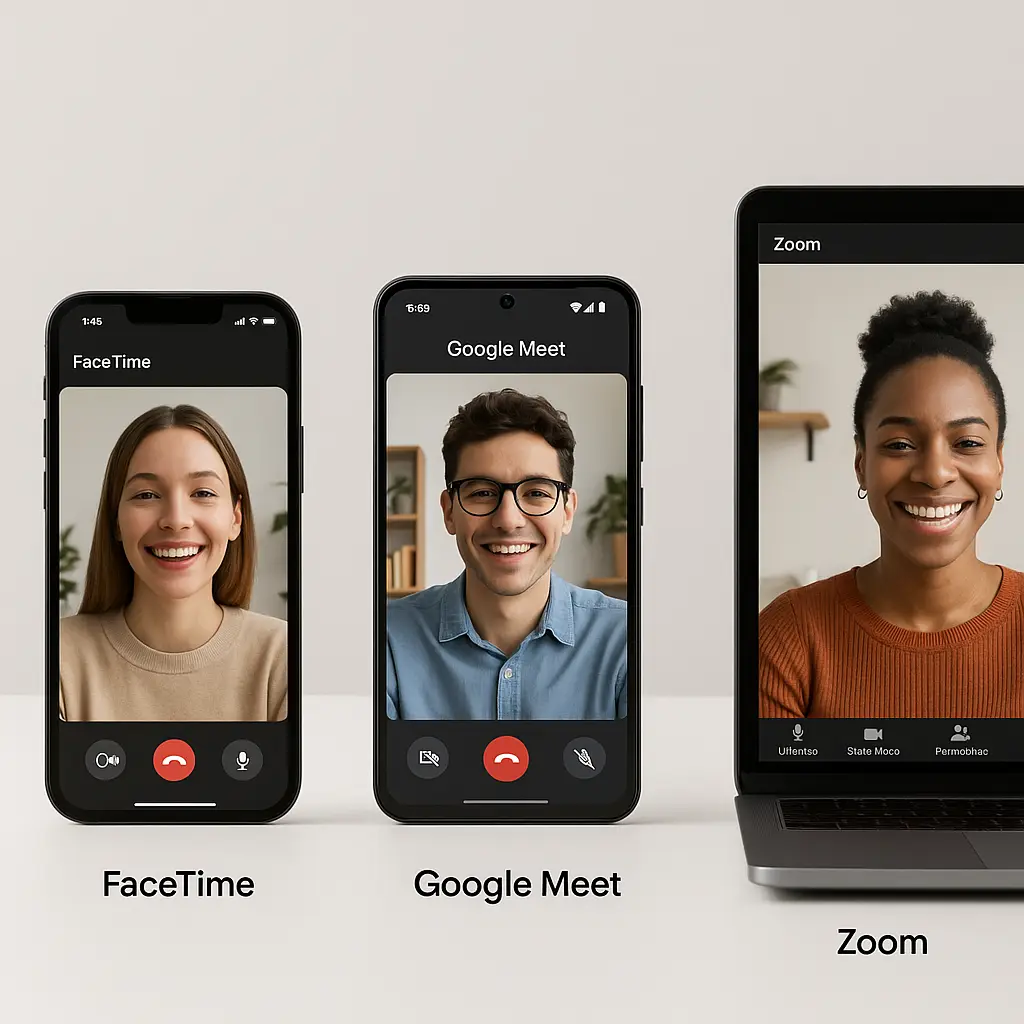
FaceTime vs. Google Meet vs. Zoom: Which Video Call Actually Protects Your Privacy?
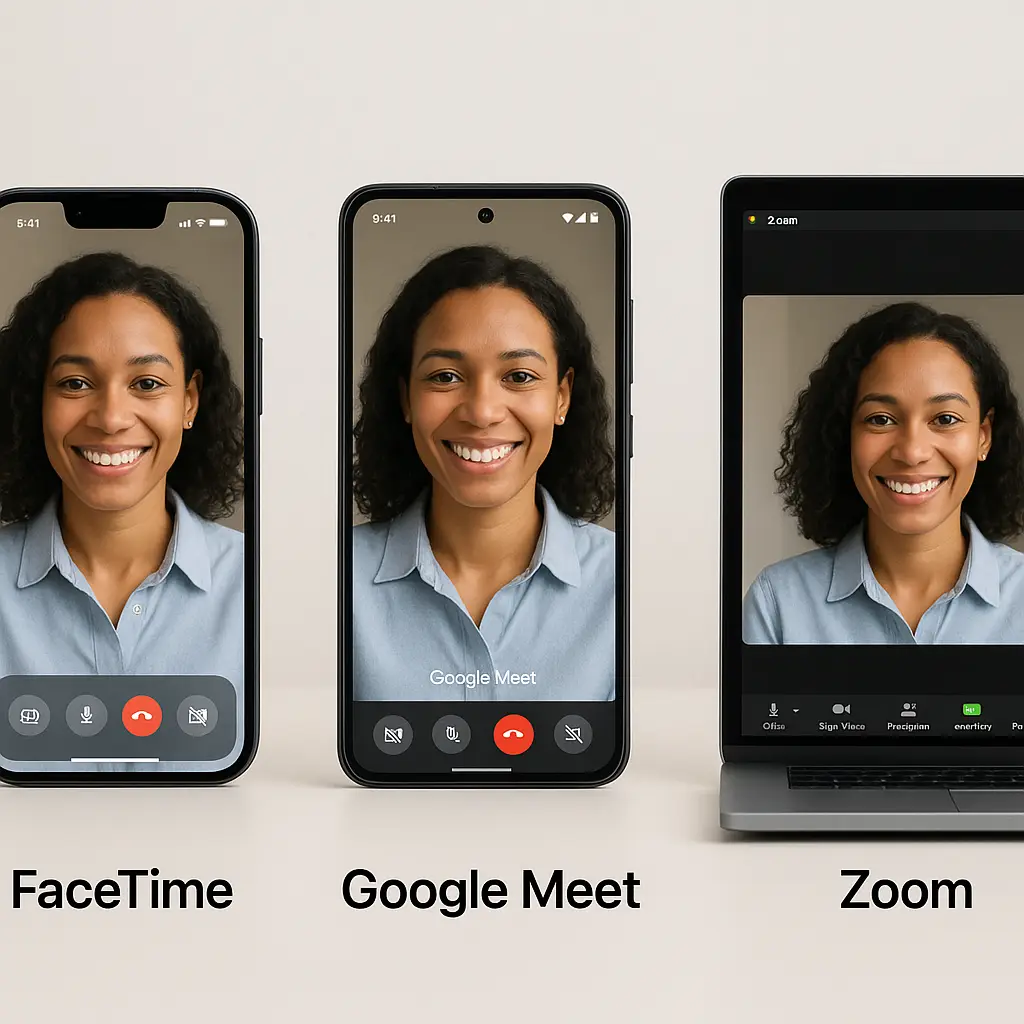
You open your laptop for a video call. FaceTime, Google Meet, or Zoom? The choice feels arbitrary, determined by whoever sent the link. But these platforms handle your privacy differently, and those differences matter.
Here's how FaceTime, Google Meet, and Zoom compare on encryption, data collection, metadata handling, and what actually stays private when you click that camera icon.
Encryption: What Protects Your Call Content
FaceTime uses end-to-end encryption for all calls. When you speak, your device encrypts the audio and video before transmission. Apple's servers relay the encrypted data, but they cannot decrypt it. Only the participants' devices hold the keys. This applies to one-on-one calls and group calls alike.
Google Meet encrypts calls in transit using TLS, the same protocol that protects your web browsing. Your call travels encrypted between your device and Google's servers, where it's decrypted, processed, and re-encrypted before reaching other participants. Google holds the encryption keys. The company can technically access call content, though Google states it doesn't use Meet data for ad targeting.
Zoom offers two encryption modes. Standard encryption works like Google Meet: encrypted in transit, decrypted on Zoom's servers, then re-encrypted for delivery. End-to-end encryption (E2EE) is available for paid accounts and requires all participants to use Zoom's apps (no web browser, no dial-in). When E2EE is enabled, Zoom cannot access call content. Most Zoom calls run in standard encryption mode because E2EE disables features like cloud recording, live transcription, and phone dial-in.
The practical difference: FaceTime encrypts by default with no tradeoffs. Google Meet never offers end-to-end encryption. Zoom offers it as an opt-in feature that breaks compatibility with common use cases.
Data Collection: What Each Platform Knows About You
FaceTime collects minimal data. Apple logs that a call occurred, its duration, and the participants' phone numbers or Apple IDs. It doesn't store call content, doesn't analyze your conversations, and doesn't build advertising profiles from your calls. Apple's privacy policy states it uses call metadata only for system diagnostics and fraud prevention.
Google Meet collects more. Beyond call metadata (participants, duration, time), Google logs device information, IP addresses, browser type, and usage patterns. If you're signed into a Google account, this data links to your broader Google profile, which includes search history, location data, and activity across Google services. Google states it doesn't use Meet content for ad targeting, but the metadata feeds into Google's broader data ecosystem.
Zoom collects the most granular data. The platform logs call metadata, device details, IP addresses, operating system, connection quality, CPU usage, and in-meeting behaviors like when you mute, unmute, or share your screen. Zoom also collects data on how you interact with the app outside of calls: settings changes, feature usage, and navigation patterns. The company's privacy policy states this data informs product development, customer support, and analytics. Zoom does not use call content for advertising, but it shares aggregated usage data with third parties for business intelligence.
The practical difference: FaceTime treats your calls as ephemeral events. Google Meet treats them as data points within a larger advertising ecosystem. Zoom treats them as product telemetry.
Metadata Exposure: What Leaks Even With Encryption
End-to-end encryption protects call content, but metadata still leaks. Metadata is the information about the call: who participated, when it happened, how long it lasted, and where participants connected from.
FaceTime logs participant identifiers (phone numbers or Apple IDs), call start and end times, and approximate location based on IP address. Apple stores this metadata for a limited period to support features like call history and missed call notifications. Because FaceTime is tied to Apple's ecosystem, this metadata doesn't cross-pollinate with third-party services or advertising networks.
Google Meet logs similar metadata but integrates it with Google's broader data collection. If you use Google Calendar to schedule a Meet call, Google links the call metadata to your calendar event, which may include email addresses, meeting titles, and participant lists. If you're signed into Chrome, Google can correlate Meet usage with your browsing activity. This doesn't mean Google is reading your calls, but it does mean your call patterns inform a more complete profile.
Zoom logs metadata and ties it to your Zoom account, which includes your email address, profile information, and usage history. If your employer uses Zoom, the account administrator can access detailed analytics: who joined which calls, when, for how long, and whether they used video or audio only. Zoom's dashboard gives administrators visibility into patterns that might reveal work habits, attendance, or engagement levels.
The practical difference: FaceTime's metadata stays within Apple's ecosystem. Google Meet's metadata feeds a cross-service data graph. Zoom's metadata is visible to account administrators, which matters more in workplace contexts than personal use.
Third-Party Access: Who Else Can See Your Calls
FaceTime's end-to-end encryption means Apple cannot provide call content to third parties, including law enforcement. Apple can provide metadata (who called whom, when) in response to valid legal requests, but the content itself is inaccessible. This is a design constraint, not a policy choice.
Google Meet's encryption model allows Google to access call content if compelled by law enforcement with a valid warrant. Google publishes transparency reports detailing government data requests, but the encryption architecture makes compliance technically possible. In practice, researchers have found that most requests target metadata, not call content, because metadata is easier to obtain and often sufficient for investigative purposes.
Zoom can access call content when standard encryption is enabled, which is the default for most users. The company states it does not proactively monitor calls, but it can access content in response to legal requests or to investigate terms-of-service violations. When end-to-end encryption is enabled, Zoom cannot access content, but this mode is unavailable to most users due to feature limitations.
The practical difference: FaceTime's architecture makes content access impossible. Google and Zoom can access content under standard encryption, though both companies state they do so only when legally required.
Platform Lock-In and Cross-Compatibility
FaceTime works only within Apple's ecosystem. You need an iPhone, iPad, or Mac to initiate or receive FaceTime calls. Apple added a web interface in 2021 that lets non-Apple users join calls via a browser link, but they cannot start calls or use FaceTime outside of an invitation. This creates a natural privacy boundary: FaceTime doesn't integrate with non-Apple services, so your call data doesn't leak into third-party ecosystems. The tradeoff is limited reach.
Google Meet works across devices and platforms. You can join calls from any web browser, Android, iOS, or desktop app. This flexibility comes with integration: Meet ties into Google Calendar, Gmail, Google Drive, and Google Workspace. If you use Google's ecosystem for work or personal life, Meet's cross-service data sharing is unavoidable. The platform knows not just who you called, but why (calendar event), what you discussed (meeting notes in Docs), and who else was involved (email threads).
Zoom offers the broadest compatibility. It works on every major platform, supports dial-in via phone, and integrates with third-party calendar and productivity tools. This openness means Zoom connects to more external services than FaceTime or Meet, which expands the surface area for data sharing. Zoom's API lets companies build custom integrations, and those integrations can access call metadata and, in some cases, content.
The practical difference: FaceTime's walled garden limits data exposure. Google Meet's ecosystem integration amplifies it. Zoom's openness creates the most third-party touchpoints.
Account Requirements and Tracking
FaceTime requires an Apple ID, which ties your calls to your Apple account. Apple doesn't require personal information beyond an email address or phone number, and you can use FaceTime without linking payment methods or providing additional data. Because FaceTime is part of Apple's ecosystem, the company already has your device identifiers and usage patterns, but it doesn't monetize that data through advertising.
Google Meet requires a Google account, which means your calls are linked to a profile that includes search history, location data, YouTube activity, and any other Google services you use. Google's business model is advertising, and while the company states it doesn't use Meet content for ad targeting, the metadata and usage patterns feed into the broader data graph that informs ad delivery across Google's properties.
Zoom requires an account for hosts but not for participants. You can join a Zoom call without signing up, which limits the platform's ability to track you across sessions. However, Zoom still logs your IP address, device information, and in-meeting behavior, even for anonymous participants. If you create a Zoom account, the platform links all your calls to that account and builds a usage profile over time.
The practical difference: FaceTime and Google Meet both require accounts that tie calls to your identity. Zoom lets participants join anonymously, but hosts are always tracked.
Workplace Monitoring and Administrator Access
FaceTime offers no administrative controls. If you use FaceTime for work, your employer cannot access call logs, participant lists, or usage analytics unless they control your Apple ID (which is rare). FaceTime is a consumer tool, not an enterprise platform, so workplace monitoring is effectively impossible.
Google Meet integrates with Google Workspace, which gives administrators extensive visibility. If your employer uses Workspace, admins can see who attended which meetings, when, and for how long. They can access calendar events, meeting recordings stored in Drive, and chat logs from Meet's text chat feature. Google Workspace's admin console provides detailed usage reports, and some organizations use third-party tools to analyze this data for productivity monitoring.
Zoom offers the most granular workplace monitoring. Account administrators can see every call you join, how long you stayed, whether you used video or audio, and whether you shared your screen. Zoom's dashboard tracks engagement metrics, connection quality, and feature usage. Some organizations use Zoom's API to export this data into HR or productivity systems. If your employer records Zoom calls, those recordings are accessible to administrators, and Zoom notifies participants when recording is active (though some users miss the notification).
The practical difference: FaceTime offers no workplace visibility. Google Meet offers moderate visibility through Workspace. Zoom offers the most detailed tracking and is designed for enterprise monitoring.
The Cultural Reference That Fits
In Star Trek: The Next Generation, the Enterprise crew uses the holodeck for recreation, training, and problem-solving. The holodeck creates immersive simulations, but it also logs every session. Starfleet regulations require that holodeck usage data be stored for safety and operational reasons. The crew accepts this tradeoff: the holodeck's utility justifies the surveillance.
Video call platforms operate on the same principle. The features you want, recording, transcription, calendar integration, cross-platform access, require data collection. FaceTime offers the least functionality and the least surveillance. Zoom offers the most functionality and the most surveillance. Google Meet sits in the middle, trading some privacy for ecosystem integration.
The holodeck doesn't let you opt out of logging. Neither do most video call platforms. The question isn't whether the platform collects data, but how much data it collects and who can access it.
What You Can Actually Control
You can choose your platform based on your threat model. If you prioritize content privacy and trust Apple's architecture, FaceTime is the strongest option. If you need cross-platform compatibility and accept metadata exposure, Google Meet is workable. If you need enterprise features and understand that workplace monitoring is the tradeoff, Zoom is the standard.
You can enable end-to-end encryption on Zoom for calls where content privacy matters more than features. This requires a paid account, disables cloud recording and transcription, and restricts participants to Zoom's apps. It's not the default, and most users won't enable it, but it's available.
You can minimize metadata exposure by using video calls sparingly, avoiding calendar integrations, and not linking calls to accounts when possible. Zoom lets participants join without accounts. Google Meet and FaceTime do not.
You can review your platform's privacy settings. Google Meet's settings control whether your activity informs ad personalization across Google services. Zoom's settings control whether the platform collects product analytics and shares data with third parties for business intelligence. FaceTime has no privacy settings because it collects minimal data by design.
You cannot prevent your employer from monitoring calls on their devices or their accounts. If you use a work-managed phone, laptop, or Zoom account, assume your employer can see everything: call logs, recordings, and usage patterns. The platform's encryption doesn't protect you from device-level or account-level monitoring.
You cannot prevent platforms from complying with legal requests. Google and Zoom can access call content under standard encryption if compelled by law enforcement. FaceTime cannot, but Apple can provide metadata. If your threat model includes government surveillance, FaceTime's architecture offers the strongest protection, but no platform is immune to metadata requests.
The Comparison That Matters
FaceTime encrypts by default, collects minimal data, and offers no administrative controls. It works only within Apple's ecosystem, which limits reach but also limits data exposure. If content privacy is your priority and you operate within Apple's devices, FaceTime is the strongest choice.
Google Meet encrypts in transit but not end-to-end, collects metadata that feeds into Google's broader data graph, and integrates with Workspace for workplace monitoring. It works across platforms and ties into Google's ecosystem, which amplifies data exposure. If you need cross-platform compatibility and accept that Google will link your calls to your advertising profile, Meet is workable.
Zoom offers the most features, the most compatibility, and the most data collection. It encrypts in transit by default, with optional end-to-end encryption that disables key features. Workplace administrators can access detailed usage analytics, and Zoom collects granular telemetry on how you use the platform. If you need enterprise features and understand that surveillance is the tradeoff, Zoom is the industry standard.
The choice depends on what you're protecting and who you're protecting it from. FaceTime protects content from everyone, including Apple. Google Meet protects content from most third parties but not from Google or law enforcement. Zoom protects content from most third parties but not from Zoom, your employer, or law enforcement, and only when you enable end-to-end encryption, which most users don't.
Privacy isn't binary. It's a spectrum, and video call platforms sit at different points on that spectrum. The platform you choose reflects the tradeoffs you're willing to accept.